
Is your Beltone hearing aid not working like it used to? You’re not alone.
Even the best hearing aids can face glitches that disrupt your daily life. But before frustration sets in, there’s good news—you can often fix common problems yourself with a few simple steps. In this guide, you’ll discover easy troubleshooting tips that help you quickly restore clear sound and comfort.
Whether it’s weak sound, annoying feedback, or a device that won’t turn on, you’ll learn what to check first and how to get your Beltone hearing aid back to peak performance. Keep reading to take control of your hearing experience and avoid unnecessary visits to the clinic. Your ears will thank you.
No Sound Or Device Off
No sound from your Beltone hearing aid or the device being off can interrupt your daily routine. This issue often relates to power or battery problems. Simple checks can help you restore sound quickly. Follow these steps to troubleshoot and get your hearing aid working again.
Power Cycle Steps
Turn off your hearing aid by opening the battery door. Wait a few seconds. Close the battery door to turn it back on. For rechargeable models, place the device in its charger. Leave it for a few seconds. Remove the hearing aid from the charger to power it on. This quick reset often fixes minor glitches.
Checking Disposable Batteries
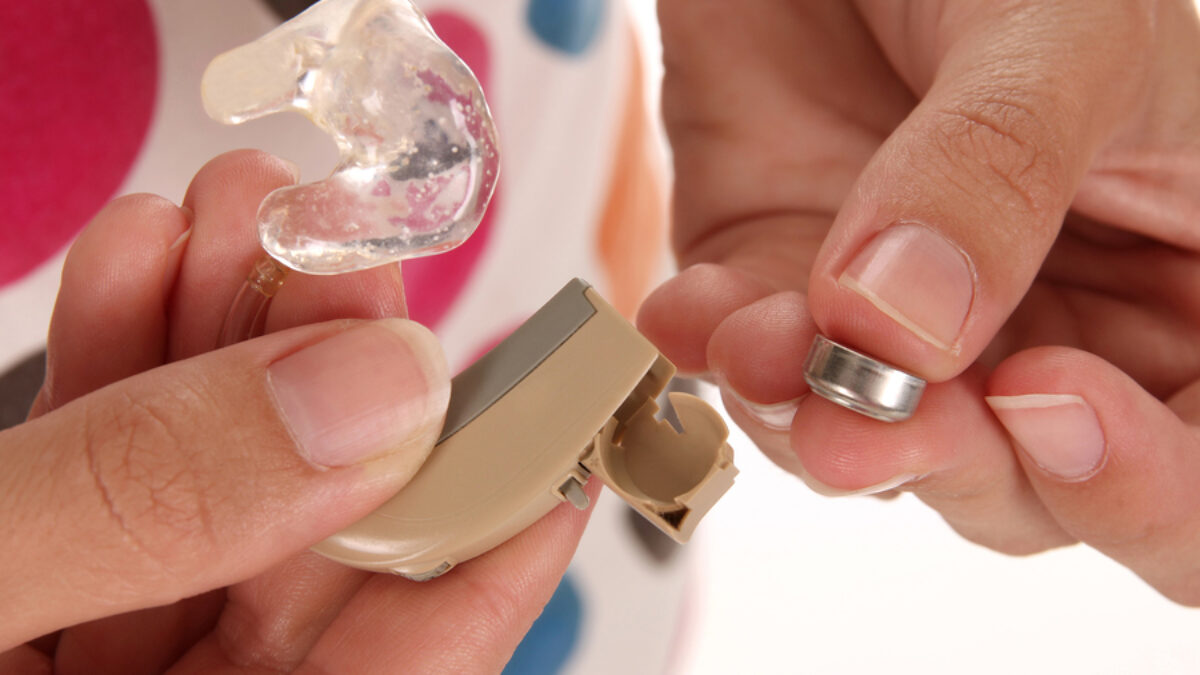
Open the battery compartment carefully. Remove the old battery. Check for dirt or corrosion inside the compartment. Insert a new battery, matching the positive (+) side correctly. Close the battery door firmly. Test the hearing aid to see if sound returns. Always use fresh, high-quality batteries for best results.
Handling Rechargeable Batteries
Place your hearing aid in its charging case. Ensure the charger is plugged in and working. Look for a charging light on the device or case. Let it charge fully, usually a few hours. Remove the hearing aid from the charger and check for sound. If it still does not work, try a reset or contact support.
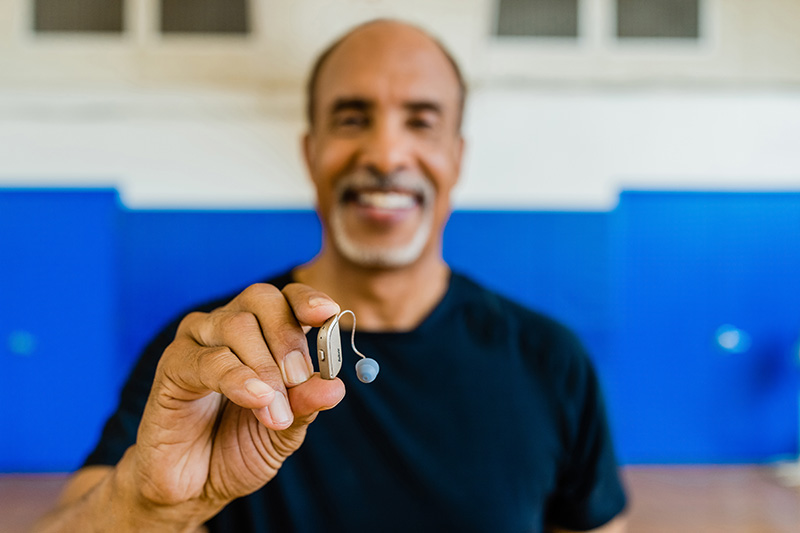
Credit: beltoneskorichearing.com
Sound Quality Issues
Sound quality issues can affect your experience with Beltone hearing aids. These problems often make it hard to hear clearly or cause strange noises. Simple steps can fix most sound problems and improve your hearing aid’s performance quickly.
Cleaning Wax And Debris
Wax and dirt can block the microphone or speaker. This buildup lowers sound quality and causes muffled hearing. Use a soft brush or cloth to clean your hearing aid regularly. Avoid using water or harsh chemicals that may damage the device. Proper cleaning keeps sounds clear and sharp.
Replacing Wax Guards
Wax guards stop earwax from entering the speaker. Over time, they get clogged and reduce sound volume. Change the wax guards as often as the manufacturer suggests. This small part replacement can restore clear sound and prevent further damage. Keep extra wax guards handy for quick swaps.
Adjusting Volume And Settings
Incorrect volume or settings can cause poor sound quality. Check if the volume is too low or too high. Use the hearing aid’s app or buttons to adjust settings for different environments. Customizing sound preferences can improve clarity and comfort. Regularly review settings for the best experience.
Feedback And Whistling
Feedback and whistling are common issues with Beltone hearing aids. These sounds can be annoying and affect your hearing experience. They often happen when sound leaks out and is picked up again by the microphone. Fixing this problem usually involves checking the fit of the device, cleaning key parts, and managing noise around you. Here are simple steps to reduce or stop feedback and whistling.
Checking Device Fit
A poor fit is a frequent cause of feedback. Make sure the hearing aid sits snugly in your ear. If it feels loose, try adjusting it or visit your audiologist for a better fit. A tight seal prevents sound from escaping and reduces whistling. Avoid pushing the device too deep, which can cause discomfort. Proper fitting improves sound quality and comfort.
Cleaning Microphone And Receiver
Dirt and earwax can block microphones and receivers, causing feedback. Clean these parts gently with a soft, dry cloth or a small brush. Avoid using water or harsh chemicals. Regular cleaning keeps the sound clear and prevents whistling noises. Check the user manual for specific cleaning tools and methods for your Beltone model.
Reducing Environmental Noise
Background noise can increase feedback chances. Try to stay in quieter places when using your hearing aid. Turn down the volume in noisy settings to avoid sound looping. Some Beltone models have noise reduction features—use these settings to help. Reducing noise helps your hearing aid work better and lowers unwanted sounds.
Credit: www.captel.com
Resetting Your Hearing Aid
Resetting your Beltone hearing aid can fix many common problems quickly. It helps clear minor glitches and restores normal function. Knowing how to reset your device properly saves time and frustration. Below are easy steps for different reset methods.
Simple Reset (power Cycle)
This method turns your hearing aid off and on again. It often resolves small issues fast.
- For Battery Models: Open the battery door to turn it off. Close the door to turn it back on.
- For Rechargeable Models: Place the hearing aid in its charging case. Remove it after a few seconds to power cycle the device.
Hard Reset Procedure
Use this reset if your hearing aid becomes unresponsive. It fixes glitches without losing your settings.
- Locate the button: Find the rocker or multi-function button on your hearing aid.
- Press and hold: Hold the button as instructed in your manual.
- Charge: Place the device in its charger. Look for a flashing light that shows it is resetting.
- Wait: Let it charge for a few minutes before removing it.
When To Consider Factory Reset
This reset erases all settings and data on your hearing aid. Usually, an audiologist performs this with special software.
- Try basic resets first. Factory reset is for severe or ongoing problems.
- Contact your hearing professional if your device still has issues.
- An expert can also update your device software during this process.
Charging And Battery Care
Proper care of your Beltone hearing aid’s battery and charging system ensures it works well daily. Batteries power the device, so maintaining them is key. Follow clear steps to charge and handle batteries safely. This helps avoid interruptions in hearing aid use.
Proper Charging Practices
Use only the charger made for your Beltone hearing aid. Place the hearing aid correctly in the charging case. Charge it fully before removing to maximize battery life. Avoid overcharging by unplugging once fully charged. Keep the charger and hearing aid dry and clean. Charge in a cool, dry place to protect the battery.
Battery Replacement Tips
Replace batteries as soon as you notice weaker sound or shorter use time. Use the exact battery type recommended for your model. Open the battery door gently to avoid damage. Insert new batteries with the positive side up. Dispose of old batteries safely at a recycling center. Keep spare batteries on hand to avoid sudden power loss.
Signs Of Battery Wear
Notice these signs to know when to change batteries. Hearing aid sounds low or distorted. The device turns off unexpectedly. Charging takes longer than usual. Battery door feels loose or hard to close. Battery leaks or shows corrosion. These signs mean it is time for a battery check or replacement.
Common Blockages And Solutions
Blockages in Beltone hearing aids often cause sound issues. These blockages can stop the device from working properly. Identifying and solving these problems helps restore clear hearing. Simple steps can prevent damage and improve performance.
Detecting Earwax Blockage
Earwax buildup is a common cause of hearing aid blockage. Check for muffled or weak sound. Look for visible wax in the earpiece or tubing. If sound cuts out, wax may be clogging the device. A quick inspection often reveals the problem.
Cleaning Tools And Techniques
Use a soft brush or a wax pick designed for hearing aids. Gently remove wax from the microphone and receiver openings. Avoid sharp objects that can damage the device. Clean regularly to prevent buildup. Follow the manufacturer’s cleaning guide for best results.
Avoiding Moisture Damage
Moisture can harm hearing aids and cause blockages. Remove your hearing aids before showering or swimming. Store them in a dry case overnight. Use a dehumidifier designed for hearing aids. Keeping devices dry extends their lifespan and keeps sound clear.
When To Contact Professionals
Knowing when to contact professionals is key in maintaining your Beltone hearing aid. Some issues need expert help to avoid further damage or discomfort. Quick action ensures your device works well and feels comfortable.
Persistent Sound Problems
Sound issues that do not improve after simple troubleshooting require professional care. Problems like constant static, distorted audio, or no sound at all need expert checks. Professionals can diagnose internal faults or blockages that are hard to fix alone.
Device Pain Or Discomfort
If wearing your hearing aid causes pain or irritation, stop using it and seek help. Poor fit or damage can cause discomfort and affect hearing. Experts can adjust the device to fit your ear shape better and prevent skin problems.
Software Updates And Repairs
Software updates keep your hearing aid running smoothly and add new features. Only professionals can perform these updates safely. Also, if your device needs repairs beyond basic fixes, trained technicians have the right tools and knowledge.

Credit: www.beltone.com
Frequently Asked Questions
How Do You Reboot A Hearing Aid?
To reboot a hearing aid, open and close the battery door for battery models. For rechargeables, place it in the charger, then remove it after a few seconds. For unresponsive aids, press and hold the reset button, then charge briefly.
Contact a professional for a factory reset.
Why Won’t My Beltone Hearing Aid Work?
Check if your Beltone hearing aid is on and fully charged or has fresh batteries. Clean wax or debris from microphones and receivers. Ensure no blockage in the sound pathway. Reset the device by turning it off and on. Contact a hearing professional for persistent issues.
Why Won’t My Hearing Aid Work?
Your hearing aid may not work due to dead batteries, earwax blockage, or being turned off. Clean and replace batteries. Check device settings and recharge if needed. Contact your audiologist if issues persist.
What Are Three Ways In Which A Hearing Aid Can Malfunction?
Hearing aids can malfunction due to battery issues, earwax buildup blocking sound, or damaged microphones and receivers.
Why Is My Beltone Hearing Aid Not Producing Sound?
Check if the battery is dead or inserted incorrectly. Clean the ear mold and microphone for blockages. If issues persist, try a reset or contact support.
Conclusion
Beltone hearing aid issues often have simple solutions. Try resetting or cleaning your device first. Check batteries or recharge to restore power. Clear wax or debris that might block sound. For persistent problems, seek help from a hearing expert. Regular care keeps your hearing aid working well.
Stay patient and follow these easy steps. Your hearing experience can improve with proper troubleshooting.



