
Is your Chamberlain garage door opener’s light blinking and the door won’t close? This flashing light isn’t just a random glitch—it’s your opener’s way of telling you something needs attention.
If you’ve been left wondering what those blinking lights mean or how to fix the problem quickly, you’re in the right place. In this guide, you’ll discover simple, step-by-step troubleshooting tips to decode the blinking light signals and get your garage door working smoothly again.
Keep reading, because understanding these signals could save you time, frustration, and even costly repairs.
Blinking Light Causes
The blinking light on your Chamberlain garage door opener signals an issue. It warns that the opener needs attention before it works correctly. Understanding the causes helps fix the problem fast. Several main reasons trigger the blinking light. Each cause affects the opener in a unique way. Identifying the exact cause helps apply the right fix quickly.
Below are common causes that make the light blink. These include sensor problems, wiring damage, lock mode, and error codes. Learning about each cause makes troubleshooting easier and saves time.
Sensor Blockage And Misalignment
Garage door sensors detect if the path is clear. Dirt, spider webs, or objects can block sensors. Blocked sensors cause the light to blink and stop the door from closing. Sensors must face each other perfectly. Even slight misalignment triggers the blinking light. Cleaning sensor lenses and realigning them usually solves the problem.
Wiring Issues And Damage
Wiring connects sensors to the opener. Loose, pinched, or broken wires cause blinking lights. Staples or nails can accidentally pierce wires. Check wires for damage along the door track. Damaged wiring causes the opener to lose sensor signals. Repairing or replacing wires often stops the blinking light.
Lock Mode Activation
Lock mode blocks remote controls from working. It activates to prevent unwanted door opening. When lock mode is on, the opener’s light blinks steadily. This blinking signals that the system is locked. Disabling lock mode on the wall control or remote ends the blinking. This feature keeps your garage secure.
Error Codes And Flash Patterns
The blinking light can flash in patterns to show error codes. These codes help identify specific problems inside the opener. Count the number of blinks and pauses to read the code. Refer to your model’s manual to decode the signals. Error codes guide you to the right fix faster.

Credit: www.youtube.com
Sensor Inspection
Sensor inspection is a key step in fixing a Chamberlain garage door opener blinking light. Sensors control the door’s safety and operation. Faulty sensors often cause blinking lights and prevent the door from closing. Careful inspection can reveal issues that block or misalign sensors.
Locating Photo-eye Sensors
Photo-eye sensors sit near the bottom of each side of the garage door track. They face each other and create an invisible beam. This beam stops the door from closing if something blocks it. Find the small, rectangular boxes attached to the rails. Each sensor usually has a small LED light.
Checking For Obstructions
Check the sensor area for dirt, spider webs, or objects. Even small items can block the beam and cause blinking lights. Remove any debris in front of the sensors. Make sure nothing hangs near the sensors that might interrupt the signal. Clear paths help sensors work properly.
Cleaning Sensor Lenses
Dirty lenses reduce sensor performance. Use a soft cloth and mild cleaner to wipe the lenses gently. Avoid harsh chemicals or abrasive materials. Clean lenses allow the sensors to detect beams clearly. Regular cleaning helps prevent sensor errors and blinking lights.
Realigning Sensors For Stability
Sensors need perfect alignment to work well. Check that both sensors face each other straight. If one sensor is loose or tilted, loosen its mounting bracket slightly. Adjust the sensor until the LED light stays solid green. Tighten the bracket to keep the sensor stable. Proper alignment stops blinking light issues.
Wiring Troubleshooting
Wiring problems often cause the Chamberlain garage door opener’s blinking light issue. Checking the wiring carefully can solve many troubles. Faulty connections or damaged wires stop the opener from working properly. Follow these simple steps to find and fix wiring problems.
Identifying Loose Connections
Loose wiring connections can disrupt power flow to the opener. Start by unplugging the unit for safety. Inspect all wire terminals and plugs. Wiggle each wire gently to check for movement. Tighten any loose screws or connectors. Secure connections restore proper electrical contact and stop blinking lights.
Detecting Pinched Or Damaged Wires
Look along the wire path for any pinched or crushed wires. These wires cause short circuits or power loss. Check near door tracks, hinges, and entry points. Damaged wires often show exposed copper or frayed insulation. Replace or repair damaged sections to ensure smooth power supply.
Removing Misplaced Staples
Staples keep wires in place but can cause damage if misplaced. Staples that pierce wire insulation lead to shorts and blinking lights. Carefully inspect all stapled areas. Remove any staples that press too tightly or pierce wires. Use insulated clips instead to hold wiring safely.
Repairing Or Replacing Wiring
If wires appear badly damaged, repair or replace them. Cut out broken sections and strip wire ends cleanly. Use wire connectors or electrical tape for secure joins. Replace entire wire runs if damage is extensive. Proper wiring repair prevents blinking light errors and restores opener function.
Resetting The Opener
Resetting your Chamberlain garage door opener can solve many blinking light issues. It clears minor faults and refreshes the system. Resetting also removes error codes that cause the opener to stop working. This process often restores normal function quickly. Follow simple steps to reset and get your door moving again.
Clearing Error Codes
Start by unplugging the opener from power. Wait about 30 seconds to drain any leftover energy. Plug it back in to reset the control board. The blinking light should stop if the error clears. Check the manual for specific error codes. Some models have a button near the light to clear codes. Press and hold it for a few seconds. Release and watch the light to confirm the reset.
Reprogramming Remotes And Keypads
Resetting may erase remote and keypad settings. Reprogramming them is necessary to regain control. Press the “Learn” button on the opener’s motor unit. It usually sits near the blinking light. Within 30 seconds, press a button on the remote or enter the code on the keypad. The opener light will blink or beep to confirm programming. Repeat for each remote and keypad you use.
Performing A Factory Reset
A factory reset restores all settings to original defaults. It removes all custom codes and settings. Locate the “Learn” button on the motor unit. Press and hold it for about 10 seconds. The light will blink rapidly then turn off. Release the button and wait a minute. The opener restarts with factory settings. You must then reprogram all remotes and keypads.
Interpreting Flash Codes
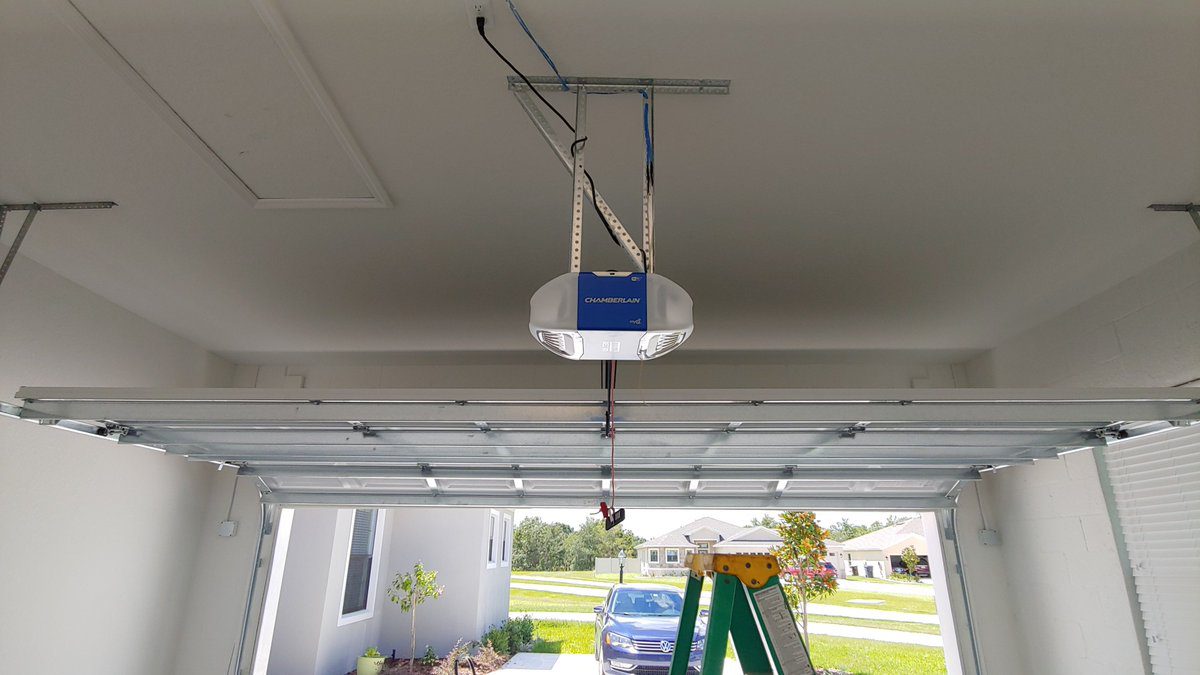
The blinking light on your Chamberlain garage door opener signals specific issues. These flash codes help identify the problem quickly. Understanding these codes saves time and avoids unnecessary repairs. Below are common flash patterns and what they mean.
Three Flashes: Wire Or Control Issues
Three flashes usually point to wiring or control problems. Check the wires connected to the opener and wall control. Look for loose connections or damaged wires. Secure any loose wires and replace damaged ones. Faulty wiring can stop the door from working properly.
Four Flashes: Sensor Problems
Four flashes often mean there is an issue with the safety sensors. Inspect the sensors on each side of the door near the ground. Clean the sensor lenses to remove dust or dirt. Ensure the sensors face each other directly. Misaligned or blocked sensors will prevent the door from closing.
Other Flash Patterns And Meanings
Other flashing patterns indicate different errors. For example, five flashes may signal a problem with the motor. Two flashes could mean a lock mode is active. Always check your model’s manual for exact code meanings. Correctly interpreting codes helps fix your garage door faster.
Credit: gdmedics.com
Preventive Maintenance Tips
Regular care helps keep your Chamberlain garage door opener working well. Preventive maintenance avoids blinking light problems and other issues. Small steps can extend the opener’s life and keep it safe.
Regular Sensor Cleaning
Clean the safety sensors often. Dust and dirt can block the sensor’s view. Use a soft cloth to gently wipe the sensor lenses. Keep them free of spider webs and debris. Clean sensors help the opener detect obstacles correctly.
Routine Wiring Checks
Check the wiring for damage or loose connections. Look along the door tracks and opener unit. Replace frayed wires quickly. Tighten any loose wire ends. Good wiring prevents blinking lights caused by poor contacts.
Keeping The Opener Area Clear
Remove objects near the opener and door tracks. Clutter can block sensors or prevent smooth door movement. Clear space allows the door to open and close freely. It also stops accidental damage to the opener parts.
Updating Firmware If Applicable
Some Chamberlain openers have firmware updates. Check the manual or app for update options. Updated software can fix bugs and improve performance. Follow instructions carefully to avoid errors during updates.
When To Call A Professional
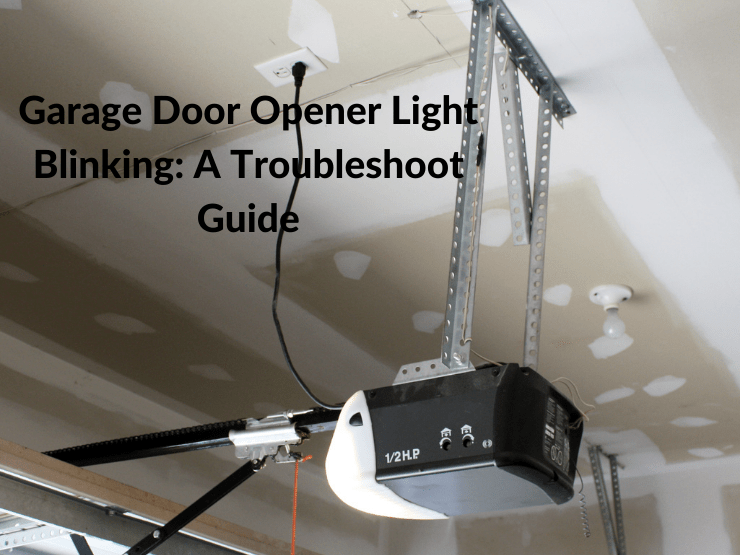
Knowing when to call a professional is important for Chamberlain garage door openers with blinking lights. Some issues need expert skills for safe and effective repairs. Avoid risking damage to your opener or injury by handling complex problems yourself. Below are key signs that show it’s time to get professional help.
Persistent Blinking After Fixes
If the blinking light stays on after you try basic fixes, a deeper problem exists. Repeated sensor cleaning and wiring checks may not solve it. A technician can diagnose hidden faults and reset the system properly. Persistent blinking can signal circuit board or sensor failures needing expert care.
Complex Wiring Repairs
Wiring issues inside your garage door opener require skill and special tools. Damaged or pinched wires can cause safety risks and system errors. Professionals handle rewiring with care to prevent shorts or shocks. Complex wiring repairs are best left to trained technicians to ensure the opener works correctly.
Opener Motor Malfunctions
The motor drives the door and controls its movement. Strange noises or the door not moving at all may point to motor problems. Motor repairs or replacements involve precise work. Experts can test motor parts and fix or replace them safely. Motor malfunctions should not be ignored or fixed without help.
Credit: thriftygaragedoorrepair.ca
Frequently Asked Questions
Why Is The Light Blinking On My Chamberlain Garage Door Opener?
The blinking light on your Chamberlain garage door opener signals sensor issues, wiring problems, or lock mode activation. Check and clean sensors, align them properly, and inspect wiring for damage or loose connections. Consult your model’s manual for specific error codes and troubleshooting steps.
Why Is My Garage Door Blinking And Not Opening?
A blinking garage door light often signals sensor blockage or misalignment. Clean and realign the photo-eye sensors. Check for loose or damaged wiring near the opener and wall button. Correcting these issues usually stops blinking and allows the door to open properly.
How Do I Clear The Error Code On My Chamberlain Garage Door Opener?
To clear the error code on your Chamberlain garage door opener, first unplug the unit. Wait 30 seconds, then plug it back in to reset. Check and realign the safety sensors if the error persists. Consult your manual for specific error code meanings and follow its instructions.
What Do Three Blinks Mean On A Garage Door Opener?
Three blinks on a garage door opener usually indicate a shorted door control or wiring issue. Check sensors, wiring, and connections. Clean and realign sensor lenses if needed. Inspect for damaged or pinched wires near the opener and wall control.
Consult your model’s manual for specific error codes.
What Does A Blinking Light On Chamberlain Opener Mean?
A blinking light usually signals a problem with the safety sensors. It can also mean the opener is in lock mode or has an internal error.
Conclusion
Troubleshooting a blinking light on your Chamberlain garage door opener helps avoid bigger problems. Start by checking the sensors for dirt or misalignment. Inspect the wiring for damage or loose connections. Use the manual to decode specific error flashes. These simple steps often fix common issues quickly.
Staying patient and methodical makes the process easier. Your garage door will work smoothly again with proper care. Keep these tips handy for future reference and safe operation.



