
Is your Crosley washer acting up and leaving you frustrated with unfinished laundry? Whether it’s not spinning, leaking, or refusing to start, these common problems can disrupt your routine and waste your time.
But before you call for expensive repairs, there are simple troubleshooting steps you can try yourself. This guide will walk you through easy fixes and reset methods tailored for your Crosley washer. By understanding what’s going wrong and how to address it, you can get your machine running smoothly again—saving money and hassle.
Keep reading to discover practical solutions that make your laundry day easier and stress-free!
Common Crosley Washer Issues
Crosley washers can face common problems that interrupt laundry routines. These issues range from mechanical faults to simple blockages. Understanding these problems helps solve them quickly. Below are frequent Crosley washer issues with clear explanations.
Not Spinning Or Draining
One common problem is the washer not spinning or draining water. This often happens due to a clogged drain hose or pump. Clothes may stay wet after the cycle ends. Check for blockages in the drain pipe first. Sometimes, the lid switch or drive belt might fail, stopping the spin cycle.
Water Leaks
Leaks are another frequent issue with Crosley washers. Water may leak from the door, hoses, or detergent drawer. Worn-out seals or loose hose connections cause leaks. Inspect hoses for cracks and tighten any loose fittings. Damaged door gaskets also let water escape during washing.
Loud Noises And Vibrations
Loud noises or strong vibrations during wash cycles can indicate problems. Unbalanced loads often cause shaking and banging sounds. Worn motor couplings or shock absorbers may create noise. Make sure the washer is level and evenly loaded to reduce these sounds.
Failure To Start Or Advance Cycles
The washer might fail to start or get stuck during cycles. This can occur due to power supply issues or faulty control boards. A broken lid switch or timer can also stop the machine. Check that the washer is properly plugged in and the door is securely closed.
Bad Odors
Bad smells from the washer suggest mold or mildew growth. This usually results from leftover water or detergent residue. Run a cleaning cycle with hot water and vinegar or use a washer cleaner. Leave the door open after use to let the drum dry and prevent odors.
Basic Troubleshooting Steps
Basic troubleshooting steps can solve many common Crosley washer issues. These steps are simple to follow and require no special tools. They help reset the washer and check key components before calling a technician. Start with these actions to save time and effort.
Power Cycle Reset
Unplug the washer from the power outlet. Wait for at least one minute. This pause lets the machine’s memory clear. Plug the washer back in. Press the power button to turn it on. Check if the washer works normally. This reset often clears minor errors or glitches.
Factory Reset Procedures
Refer to your washer’s manual for exact reset instructions. Some models have a button sequence for factory reset. For touchscreen models, find the “Restore Factory” option in the settings menu. Follow the on-screen prompts carefully. Factory reset returns the washer to original settings. Use this only if power cycle reset does not help.
Checking Power And Door Latch
Ensure the washer is plugged in and the outlet works. Test the outlet with another device if needed. Check the door latch for proper closure. A loose or broken latch can stop the washer from starting. Clean the latch area to remove dirt or debris. Replace the latch if it is damaged. Proper power and latch function are essential for safe washer operation.
Fixing Drain And Spin Problems
Drain and spin issues are common in Crosley washers. These problems often stop your laundry routine. Fixing them saves time and money. Troubleshooting is simple with the right steps. Start by checking filters and hoses. Then inspect the lid switch or door lock. Finally, unjam the drain pump if needed.
Clearing Clogged Filters And Hoses
Clogged filters or hoses block water flow. This prevents draining and spinning. Unplug the washer before starting. Locate the filter and remove it carefully. Clean out lint, debris, or small objects inside. Check the drain hose for kinks or blockages. Clear any clogs with a flexible brush or water. Reassemble the parts and test the washer.
Inspecting Lid Switch And Door Lock
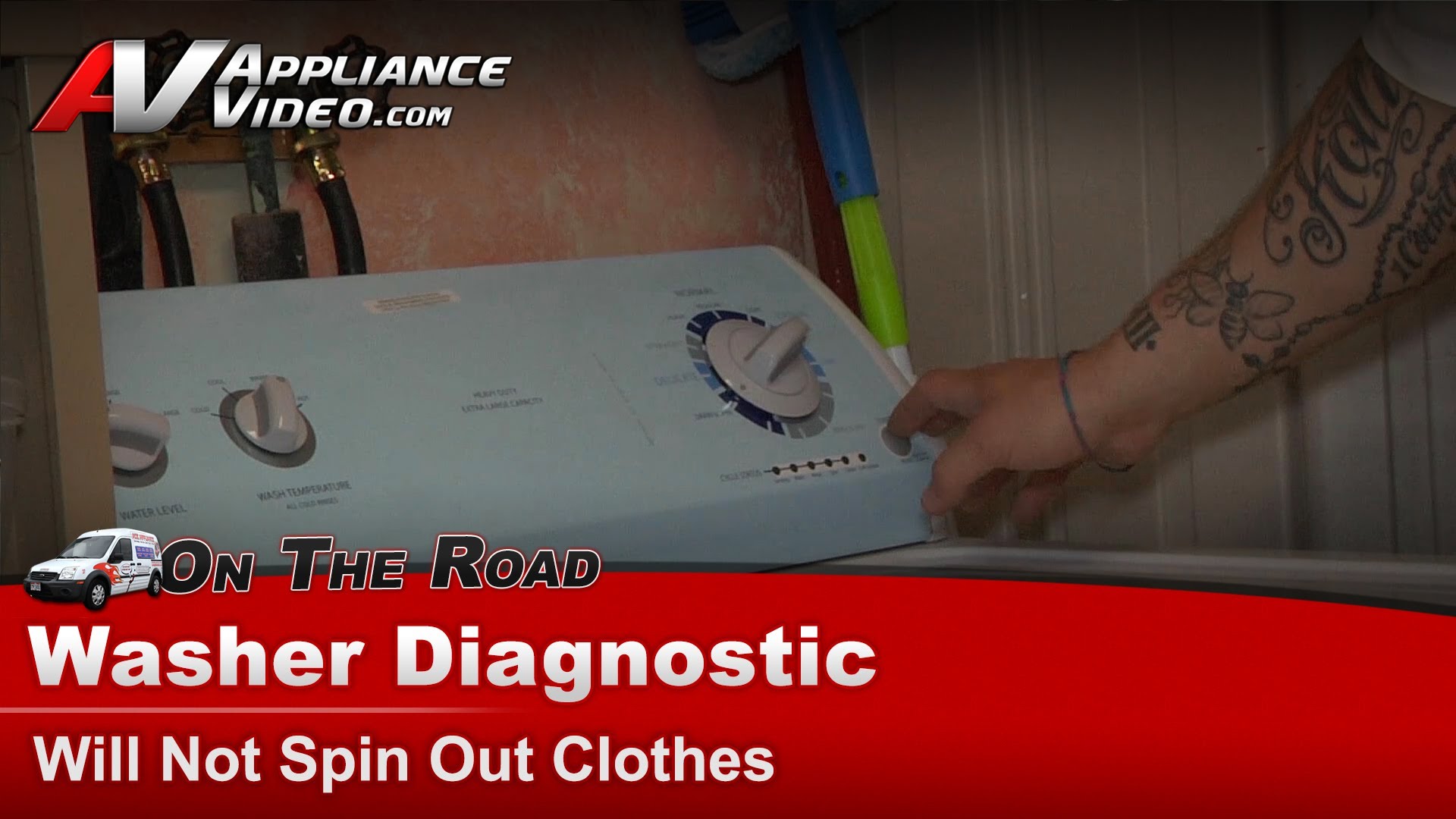
The lid switch or door lock stops the washer from spinning if faulty. Open the lid and listen for a clicking sound when closing it. No click means a broken switch. Use a multimeter to test for continuity. Replace the switch or lock if it fails the test. This step ensures the washer senses the lid is closed and can spin safely.
Unjamming The Drain Pump
The drain pump moves water out of the washer. Small items can jam it, causing drain problems. Unplug the machine first. Remove the pump cover and check for trapped coins, buttons, or fabric pieces. Clear any blockage carefully. Manually turn the pump impeller to ensure it moves freely. Put the cover back and run a drain test.
Stopping Water Leaks
Water leaks in your Crosley washer can cause damage and waste water. Stopping leaks quickly protects your floors and walls. It also keeps your washer working well for longer. Identifying and fixing leaks often takes simple steps. Check hoses, seals, and pumps to find the source of the leak. Follow these tips to stop water leaks and keep your washer safe.
Tightening And Replacing Hoses
Loose or damaged hoses cause many washer leaks. First, unplug your washer and turn off water valves. Check the hoses for cracks or holes. Tighten any loose hose connections with a wrench. If you see damage, replace the hose with a new one. Use hoses made for washing machines to avoid leaks. Secure hoses tightly to avoid water dripping during cycles.
Examining Door Seals And Gaskets
Door seals and gaskets prevent water from leaking out during wash cycles. Look for tears, cracks, or dirt buildup on the rubber seals. Clean seals with a damp cloth to remove soap and grime. Replace the seal if it is torn or hardened. A worn door gasket lets water escape and causes leaks. Properly fitted seals keep water inside the drum.
Pump And Drain Hose Repairs
The pump moves water out of the washer. Check the pump and drain hose for blockages or damage. Remove debris or lint blocking the drain hose or pump filter. Replace a broken pump or cracked drain hose to stop leaks. Make sure the drain hose is securely connected to the pump and drain pipe. Proper pump and hose function prevents water from spilling.
Reducing Noise And Vibration
Noise and vibration issues in a Crosley washer often signal simple problems. Reducing these disturbances helps protect your machine and home. Quiet operation means less wear and longer washer life. Follow these easy steps to calm your washer’s noise and vibrations.
Balancing Loads
Uneven laundry loads cause loud banging and shaking. Distribute clothes evenly around the drum. Avoid overloading or washing a single heavy item alone. Mixing large and small items improves balance. Pause the cycle if you hear loud thuds. Rearrange clothes by hand and restart the washer.
Adjusting Machine Level
A washer that sits unevenly vibrates more. Use a level tool to check if your Crosley washer is flat. Adjust the feet by twisting them to raise or lower each corner. Tighten locking nuts to fix the feet in place. Level machines stay steady during spin cycles. This cuts down on noise and movement.
Checking Shock Absorbers And Belts
Worn shock absorbers let the drum shake too much. Inspect these parts for cracks or damage. Replace any faulty shock absorbers to reduce vibration. Also check the drive belt for wear or looseness. A loose belt can cause noise and poor spinning. Replacing belts is simple and improves smooth operation.
Preventing Odors And Mold
Preventing odors and mold in your Crosley washer keeps clothes fresh and your machine running well. Moisture and detergent residue create a perfect place for mold growth. Regular care stops smells and extends your washer’s life. Simple habits help maintain cleanliness and avoid costly repairs.
Cleaning Door Seals
Door seals trap water and dirt, causing mold buildup. Wipe the seals after each wash with a clean cloth. Use a mixture of water and mild soap to remove grime. Check folds and crevices for hidden mold. Keeping seals dry prevents odors and damage.
Running Maintenance Cycles
Run a maintenance cycle once a month to clear residue. Use hot water and a washing machine cleaner or white vinegar. This cycle removes soap scum, dirt, and bacteria. Maintenance cycles keep the drum fresh and odor-free. Skip this step, and smells can return quickly.
Using The Right Detergent Amount
Too much detergent causes buildup and bad odors. Follow the detergent instructions for your washer model. Use high-efficiency (HE) detergent for best results. Excess soap leaves residue that feeds mold growth. Proper detergent use helps keep your washer clean and fresh.
Maintenance Tips For Longevity
Maintaining your Crosley washer properly helps it last longer and work better. Small daily habits can prevent common problems. Regular care keeps parts clean and machines running smoothly. Follow these simple maintenance tips to extend your washer’s life.
Regular Filter And Hose Cleaning
Clean the washer’s filter every month to avoid blockages. Dirt and lint can clog the filter, reducing water flow and causing errors. Check the hoses for cracks or leaks and clean them as needed. Clear hoses help prevent water damage and improve performance.
Load Distribution Best Practices
Balance your laundry load evenly in the drum. Overloading or uneven loads cause the washer to shake or stop spinning. Sort clothes by weight and size for smooth cycles. Even loads reduce wear on the motor and suspension parts.
Proper Detergent Usage
Use the right amount of detergent for each wash. Too much soap creates extra suds that can harm the washer’s parts. Choose detergents made for high-efficiency washers if your Crosley model requires it. Proper detergent use avoids residue buildup and keeps clothes clean.

Frequently Asked Questions
How Do You Hard Reset Your Washing Machine?
To hard reset your washing machine, unplug it or turn off the breaker. Wait 1-5 minutes to discharge power. Plug it back in and press the power button to restart. Check your manual for model-specific reset instructions or button sequences.
What Is The Most Common Fault On A Washing Machine?
The most common washing machine fault is failure to spin or drain, often caused by clogged filters, faulty lid switches, or unbalanced loads.
How Do I Reset My Crosley Washing Machine?
To reset a Crosley washing machine, unplug it for one minute. Plug it back in and press the power button to restart. This power cycle clears errors and resets the machine. Check the manual for model-specific reset steps if needed.
Why Is My Crosley Auto Sensing Washer Not Spinning?
Your Crosley washer may not spin due to an unbalanced load, clogged drain pump, faulty lid switch, or door lock issue. Check these parts and ensure power supply is stable. Cleaning filters and resetting the machine can also restore spinning function.
How Do I Reset My Crosley Washer Quickly?
Unplug the washer and wait one minute to discharge power. Plug it back in and press the power button. This resets the machine and clears some errors.
Conclusion
Troubleshooting a Crosley washer can save time and money. Start with simple checks like power and water supply. Clean filters and inspect hoses regularly to avoid common issues. Address error codes quickly to keep the machine running smoothly. Small problems often have easy fixes you can do yourself.
Always consult the user manual for model-specific advice. Taking these steps helps maintain your washer’s performance. Keep your laundry routine hassle-free by acting early on signs of trouble. A well-maintained Crosley washer lasts longer and works better.



