
Is your DeWalt battery charger acting up when you need it most? You’re not alone.
A charger that won’t light up, shows strange flashing codes, or just refuses to charge can bring your projects to a halt. But before you rush to buy a new one, there’s good news—you can often fix the problem yourself with a few simple steps.
In this guide, you’ll discover easy and effective troubleshooting tips that help you quickly identify what’s wrong with your DeWalt battery charger. Whether it’s a stubborn error code, a dead battery that won’t wake up, or a charger that seems overheated, you’ll learn how to get back on track without unnecessary expense or frustration. Keep reading, and take control of your power tools again today.

Credit: www.youtube.com
Signs Of Charger Issues
Recognizing signs of charger issues helps maintain your DeWalt tools. Chargers often show clear warning signals before complete failure. Catching these signs early can save time and money. Here are common symptoms that suggest your charger needs attention.
No Lights Or Indicators
If your charger shows no lights when plugged in, it likely has a problem. First, check the power source and cord connections. If the outlet works and connections are secure, the charger may be faulty. No indicator lights mean the charger is not powering on properly.
Error Flash Codes
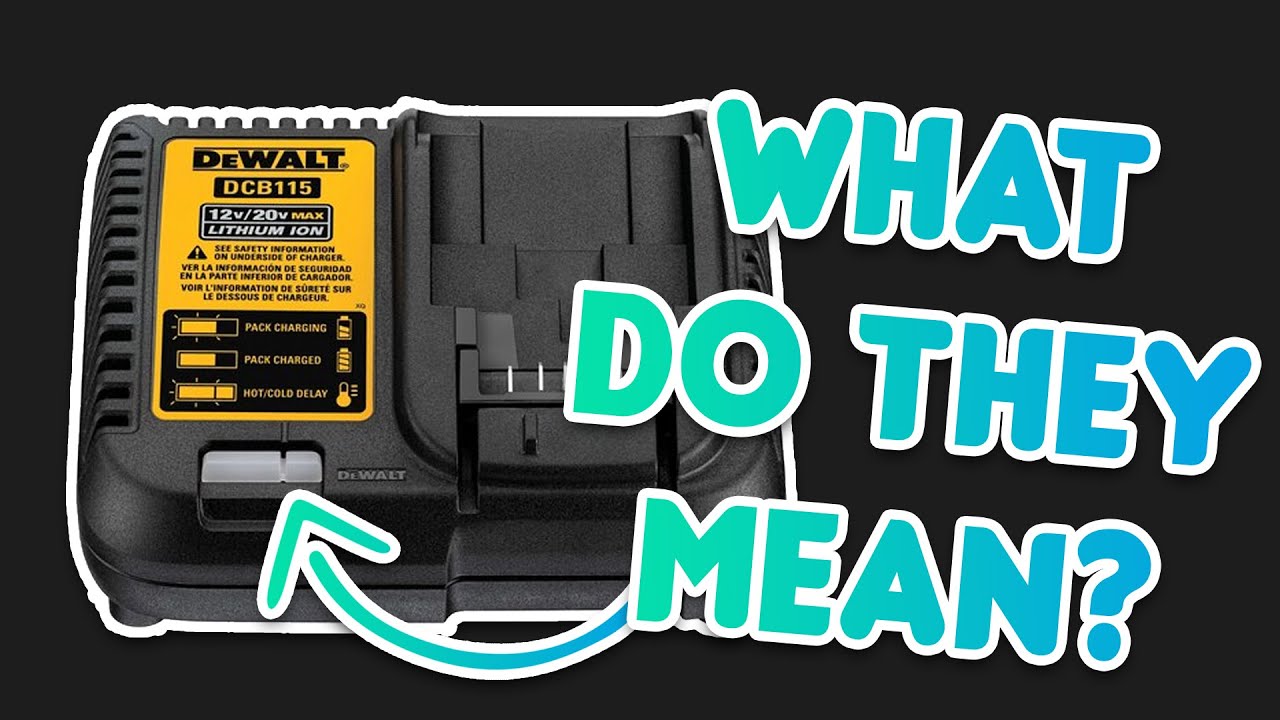
DeWalt chargers use blinking lights to communicate errors. Unusual flash patterns, different from normal red or green cycles, indicate internal faults. These codes warn about battery issues or charger malfunctions. Consult the manual to decode specific flash patterns for accurate troubleshooting.
Overheating And Smells
Excessive heat or burning smells from the charger are serious concerns. Overheating can damage batteries and the charger itself. A burning odor often signals electrical problems or short circuits inside the unit. Stop using the charger immediately if you notice these signs.
Slow Or No Charging
Batteries that take too long to charge or never reach full power may point to charger issues. Confirm the battery condition by testing it with a different charger. If the battery charges fine elsewhere, your charger is likely the cause of slow or no charging.
Physical Damage
Visible damage such as frayed cords, cracks, or loose parts can impair charger function. Sparks or exposed wires are dangerous and require immediate attention. Regularly inspect your charger for physical wear to prevent electrical hazards and ensure safe operation.
Credit: www.youtube.com
Basic Troubleshooting Steps
Troubleshooting a Dewalt battery charger can be simple with the right approach. Basic steps help identify common issues quickly. Follow these clear actions to find the problem and fix it.
Check Power Source And Cord
First, ensure the charger is plugged into a working outlet. Test the outlet with another device. Inspect the charger’s power cord for cuts or frays. A damaged cord can stop charging completely.
Clean Battery And Charger Contacts
Dirty contacts block the charging process. Use a dry cloth to clean the battery terminals and the charger contacts. Remove any dust, dirt, or corrosion. Clean contacts help maintain a good connection.
Test With Known Good Battery
Try charging a battery that works well. If it charges, the problem is likely the original battery. If the charger does not work with a good battery, the charger itself may be faulty.
Temperature And Charging Status
Check if the battery or charger feels too hot. Dewalt chargers may pause charging to cool down. Make sure the battery is at room temperature before charging. Watch the charger lights for status codes.
Isolate The Problem
Test different batteries and outlets one by one. This helps find whether the issue is with the charger, battery, or power source. Narrowing down the cause saves time and effort in repairs.
Resetting The Charger
Resetting the Dewalt battery charger can solve many common issues. This process clears minor faults and prepares the charger for normal use. It involves simple steps anyone can do at home. Follow these easy methods to reset your charger and get your tools powered up again.
Unplug And Wait
First, unplug the charger from the power outlet. Let it sit disconnected for at least 10 minutes. This pause allows the charger’s internal electronics to reset. After waiting, plug the charger back in and check if it works.
Clean Charging Contacts
Dirt or corrosion on contacts can stop charging. Use a dry cloth or a soft brush to clean the metal contacts on both the charger and battery. Make sure all surfaces are free from dust and grime. Clean contacts help the charger reset and connect properly.
Verify Outlet Function
Check the outlet power by plugging in another device. If the outlet does not work, the charger won’t receive power. Try a different outlet to ensure the charger has a steady power supply. A good outlet is key for charger reset success.
Reset Circuit Breaker
Some chargers have built-in circuit breakers for protection. If the charger overheats or faces a power surge, the breaker may trip. Locate the breaker switch on the charger or at your fuse box. Flip it off, wait a moment, then turn it back on to reset the charger’s safety system.
Jump-starting A Dead Battery
Jump-starting a dead Dewalt battery can save time and avoid buying a new battery. This process helps restore power to a battery that shows no charge. It requires careful handling and following clear steps. The goal is to safely connect the battery to the charger and bring it back to life. Below are simple instructions to guide you through jump-starting your Dewalt battery.
Gather Required Supplies
Prepare your workspace with these items: the Dewalt battery, the Dewalt charger, and jumper cables or a compatible jump-start tool. Make sure the charger is unplugged before starting. Wear safety gloves to protect your hands from sparks or battery acid. Check that all items are clean and in good condition. Clear space helps avoid accidents during the process.
Connect Positive Terminals
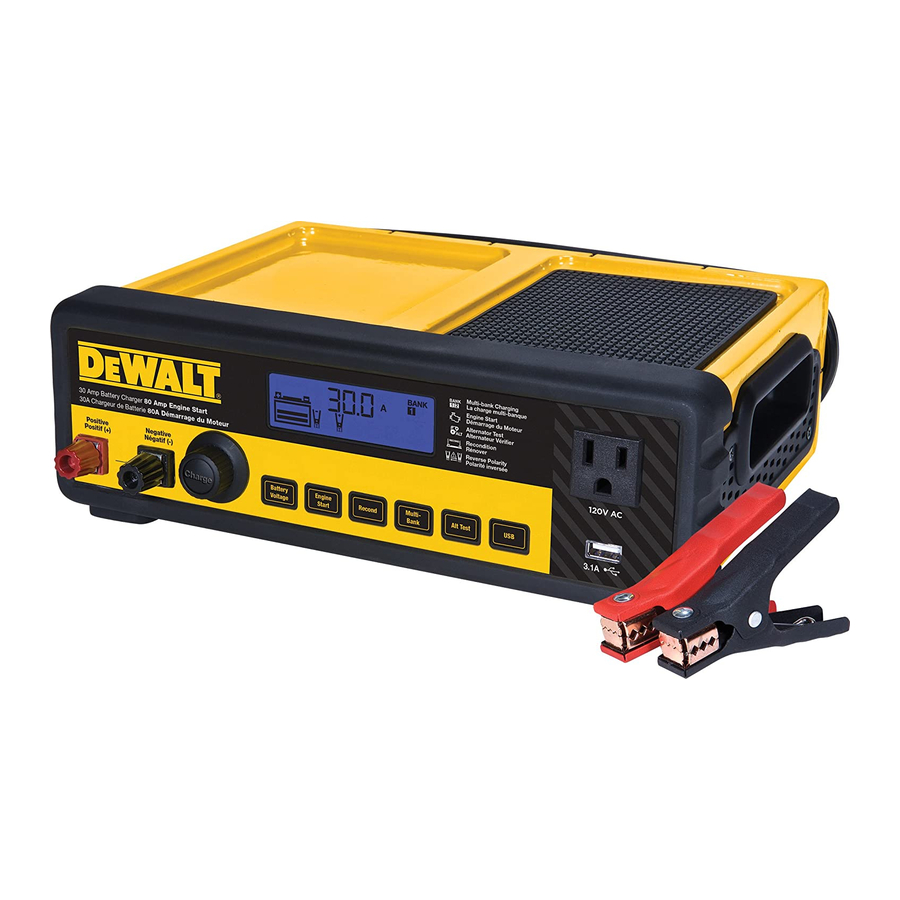
Locate the positive (+) terminal on the dead battery and the positive terminal on the charger or jump-start tool. Attach the red jumper cable clamp to the battery’s positive terminal firmly. Next, connect the other end of the red clamp to the charger’s positive terminal. Ensure the connections are tight and secure. Loose contacts can cause sparks or prevent charging.
Connect Negative Terminals
Find the negative (–) terminal on the battery and the charger or jump-start tool. Attach the black jumper cable clamp to the battery’s negative terminal. Connect the other end of the black clamp to the charger’s negative terminal or a grounded metal part on the charger. Double-check that all clamps are properly attached before powering on. This step completes the circuit for charging.
Place Battery On Charger
Place the battery securely on the charger base, aligning the contacts properly. Plug in the charger to a power outlet. The charger lights should indicate the battery is charging. Leave the battery undisturbed until it shows a full charge. Remove the clamps carefully after charging is complete. This method helps bring a dead Dewalt battery back to working order.
When To Replace The Charger
Knowing when to replace your Dewalt battery charger can save you time and prevent frustration. Chargers may stop working properly due to wear or internal faults. Identifying the right moment to switch to a new charger helps keep your tools ready for use. Below are key signs that point to replacement rather than repair.
Persistent Issues After Troubleshooting
Some problems continue even after basic troubleshooting steps. If cleaning the contacts and testing different batteries does not fix charging issues, the charger may be failing. Continuous error lights or no lights at all show it struggles to function. Persistent faults suggest the charger cannot reliably power your batteries anymore.
Signs Of Internal Faults
Internal faults often reveal themselves through unusual behavior. Flashing error codes that differ from normal patterns warn of circuit problems. A burning smell or excessive heat signals electrical faults inside the charger. These signs indicate damage that cannot be fixed by simple cleaning or resetting. Internal faults call for immediate replacement to avoid safety risks.
Damage Beyond Repair
Physical damage is a clear reason to replace your charger. Frayed cords, exposed wires, or broken parts create hazards. Sparks or unusual noises during use confirm serious damage. Repairing such damage is often costly and unreliable. Safety and performance improve by choosing a new charger over attempting fixes.
Credit: www.manualslib.com
Preventive Maintenance Tips
Preventive maintenance helps extend the life of your Dewalt battery charger. Small, regular actions keep the charger working well. These tips reduce the chance of faults and ensure safe use. Follow these simple steps to protect your charger and batteries.
Regular Cleaning
Keep the charger free from dust and dirt. Use a dry cloth to wipe the surface often. Clean the charging contacts gently to remove any buildup. Avoid using water or cleaners that can damage the charger. Regular cleaning prevents poor connections and charging issues.
Proper Storage
Store the charger in a dry, clean place. Avoid areas with high humidity or dust. Keep the charger away from direct sunlight and strong chemicals. Proper storage helps maintain its condition and prevents damage. Always unplug the charger when not in use for long periods.
Avoiding Extreme Temperatures
Do not expose the charger to very hot or cold temperatures. Extreme heat can cause overheating and damage internal parts. Cold temperatures may reduce charging efficiency and harm the battery. Store and use the charger in a temperature range of 50°F to 104°F (10°C to 40°C) for best results.
Frequently Asked Questions
How To Tell If A Dewalt Battery Charger Is Bad?
A bad DeWalt charger shows no lights, unusual error flashes, overheating, burning smell, or fails to charge good batteries. Check outlets and clean contacts first. Persistent issues with multiple batteries confirm charger failure.
How Do I Reset A Dewalt Battery Charger?
To reset a DeWalt battery charger, connect a fully charged battery to a dead one using jumper wires. Then, place the dead battery on the charger immediately. This jump-starts deeply discharged batteries and helps the charger recognize them for normal charging.
Why Won’t My Dewalt Charger Charge The Battery?
Your DeWalt charger may not charge if the outlet or cord is faulty, contacts are dirty, or the battery is damaged. Overheating, error lights, or physical damage also cause issues. Test with another battery and outlet; if problems persist, replace the charger.
How To Diagnose A Faulty Battery Charger?
Diagnose a faulty battery charger by checking for no lights, unusual error flashes, overheating, burning smell, or failure to charge multiple good batteries. Test the outlet, inspect the cord, clean contacts, and try another battery. Persistent issues indicate charger replacement.
How Do I Know If My Dewalt Charger Is Faulty?
A faulty charger shows no lights, unusual flashing, or a burning smell. It may overheat or fail to charge good batteries. Test outlets and batteries first to confirm.
Conclusion
Troubleshooting your Dewalt battery charger saves time and money. Simple checks often solve common issues quickly. Clean contacts and test different outlets first. Watch charger lights for helpful error signals. Overheating or no lights usually mean replacement is needed. Always use batteries in good condition for testing.
Following these steps keeps your tools ready to work. Stay patient and methodical during troubleshooting. This approach ensures longer charger life and better performance.



