
Is your First Alert smoke detector beeping nonstop, even after changing the battery? It’s frustrating when your alarm won’t stop chirping or goes off for no reason.
But don’t worry—you’re not alone, and most issues are easier to fix than you think. In this guide, you’ll discover clear, simple steps to troubleshoot your First Alert smoke detector. Whether it’s a low battery alert, false alarms, or wiring problems, you’ll learn exactly what to do to get your alarm working properly again.
Keep reading to protect your home and regain peace of mind with quick fixes you can handle yourself.
Battery Issues
Battery issues are a common cause of First Alert smoke detector problems. Low or dead batteries often trigger frequent beeping or chirping sounds. These alerts warn users to replace the batteries to keep the alarm working properly. Understanding how to handle battery problems helps maintain safety in your home.
Replacing Batteries
To replace batteries, first remove the smoke detector from its mounting bracket. Open the battery compartment and take out the old batteries. Insert new batteries, matching the correct orientation. Close the compartment and reattach the detector to the bracket. Test the alarm by pressing the test button until it sounds.
Battery Compatibility
Use batteries recommended by First Alert for best performance. Common options include Duracell, Energizer, and Eveready. Avoid cheap or unbranded batteries, as they may cause false alarms or fail quickly. Check the battery type specified in the user manual before buying replacements.
Clearing Residual Charge
Sometimes, the smoke detector keeps beeping even after battery replacement. This happens due to residual charge in the device. To clear it, remove the batteries and press the test button for 15-20 seconds. This drains leftover power. After that, insert fresh batteries and test the alarm again.
False Alarms
False alarms from First Alert smoke detectors can be frustrating. They cause unnecessary noise and worry. Understanding common causes helps reduce these false alerts. Many false alarms result from environmental factors or sensor issues. Proper maintenance keeps your detector reliable and quiet.
Dust And Debris Cleaning
Dust buildup inside the detector triggers false alarms. Dust blocks the sensor, making it think smoke is present. Clean the sensor chamber regularly using a soft brush or vacuum. Avoid using water or cleaning sprays. Keep the detector free from cobwebs and dirt. Regular cleaning ensures accurate smoke detection.
Avoiding Steam And Humidity
Steam and high humidity confuse smoke detectors. Steam from showers or cooking mimics smoke particles. Place detectors away from bathrooms and kitchens. Ensure good ventilation in these areas to reduce moisture. Use exhaust fans to clear steam quickly. Proper placement prevents alarms caused by humidity.
Sensor Aging
Sensors wear out over time and cause false alarms. Most smoke detectors last about 8-10 years. Check the manufacture date on your device. Replace the detector if it is older than recommended. Aging sensors become less reliable and may beep randomly. Timely replacement keeps your home safe and alarm-free.
Hardwired Smoke Alarms
Hardwired smoke alarms connect directly to your home’s electrical system. They offer reliable power and often link to other alarms. This interconnection means if one alarm sounds, all alarms alert you. Troubleshooting these alarms requires checking both power and wiring carefully. Proper inspection helps keep your home safe from fire risks.
Power Indicator Check
Start by looking for the power indicator light. A green light means the alarm has power and works properly. If there is no light, the alarm might not be receiving electricity. Check your circuit breaker or fuse box to ensure power is on. Sometimes, a loose connection can cause the light to go out.
Wiring Inspection
Turn off power before inspecting wiring. Look for any loose or damaged wires. The black wire is usually hot, the white wire is neutral, and the green or bare wire is ground. Make sure all wires connect firmly to the alarm terminals. Damaged wires can cause alarms to malfunction or beep continuously.
Interconnect Wire Handling
The interconnect wire is often orange or red. If your alarm does not use interconnection, cap this wire with a wire nut. If connected, ensure the wire is not grounded or touching metal parts. A shorted or loose interconnect wire can cause false alarms or stop alarms from sounding together.

Credit: forums.thefirepanel.com
Alarm Lights And Signals
First Alert smoke detectors use different alarm lights and signals to communicate their status. These lights help you understand if the detector works properly or needs attention. Knowing what each light means can prevent false alarms and keep your home safe.
Each light color has a specific meaning. Watching these signals closely allows quick troubleshooting. This section explains the red flashing light, green standby light, and amber warning light.
Red Flashing Light
The red flashing light signals an active alarm. It blinks fast when smoke or carbon monoxide is detected. If you see this light, evacuate immediately and call emergency services.
If the alarm flashes red but no danger exists, check for dust or debris. Clean the detector gently with a vacuum. Replace old batteries to stop false alarms.
Green Standby Light
The green light shows the detector is working well. It stays steady or blinks slowly to indicate normal operation. This light means the smoke detector is ready to alert you if needed.
No action is required when the green light is on. If this light turns off, check the power source or replace batteries to restore function.
Amber Warning Light
The amber light warns of a problem with the detector. It may flash or glow steadily. Common issues include low battery, sensor faults, or the detector reaching its end of life.
To fix this, replace the battery with a fresh one from trusted brands like Duracell or Energizer. Clean the sensor to remove dust. If problems persist, consider replacing the entire unit.
Smart Alarm Troubleshooting
Smart smoke alarms offer advanced features that improve home safety. Troubleshooting these devices requires using their smart capabilities. Understanding how to manage your smart alarm can stop false alarms and ensure it works correctly.
Using The Mobile App
The mobile app connects to your First Alert smart alarm. It shows real-time status and alerts. Open the app to check for any error messages. Use it to silence false alarms remotely. Update the alarm’s firmware through the app to fix bugs. The app also guides you through troubleshooting steps.
Checking Battery Status
Battery issues cause most smart alarm problems. The mobile app displays the battery level clearly. Replace the battery if it is low or empty. Use high-quality batteries recommended by First Alert. Ensure the battery is inserted correctly for proper contact. Regular battery checks prevent unexpected beeping or failures.
Reviewing Activity Logs
The smart alarm records all events in its activity log. Access the log in the mobile app anytime. It shows when alarms triggered and why. Reviewing logs helps identify repeated false alarms. Logs also reveal if the alarm missed any events. Use this information to adjust alarm placement or settings.
Credit: www.reddit.com
Resetting The Alarm
Resetting your First Alert smoke detector can solve many common problems. A reset clears errors and stops false alarms. It helps the alarm return to normal function quickly. Follow simple steps to reset your device safely.
Manual Reset Steps
First, locate the test/reset button on the smoke detector. Press and hold this button for 15 seconds. Release the button once the alarm sounds. The alarm will stop chirping and reset itself. If the alarm does not reset, try removing the battery. Wait for 30 seconds, then reinsert the battery. Press the test/reset button again to complete the reset.
Clearing False Chirps
False chirps often occur due to low battery or dust inside the unit. Replace the battery with a fresh one if chirping continues. Clean the smoke detector by vacuuming the sensor chamber gently. Make sure the detector is firmly attached to its mounting bracket. Avoid placing alarms near kitchens or bathrooms to reduce steam-triggered false alarms. Reset the alarm after cleaning to ensure it stops chirping.
Mounting And Installation
Proper mounting and installation of your First Alert smoke detector are essential for reliable performance. Incorrect setup can cause false alarms or failure to detect smoke. Follow guidelines carefully to ensure safety.
Securing The Detector
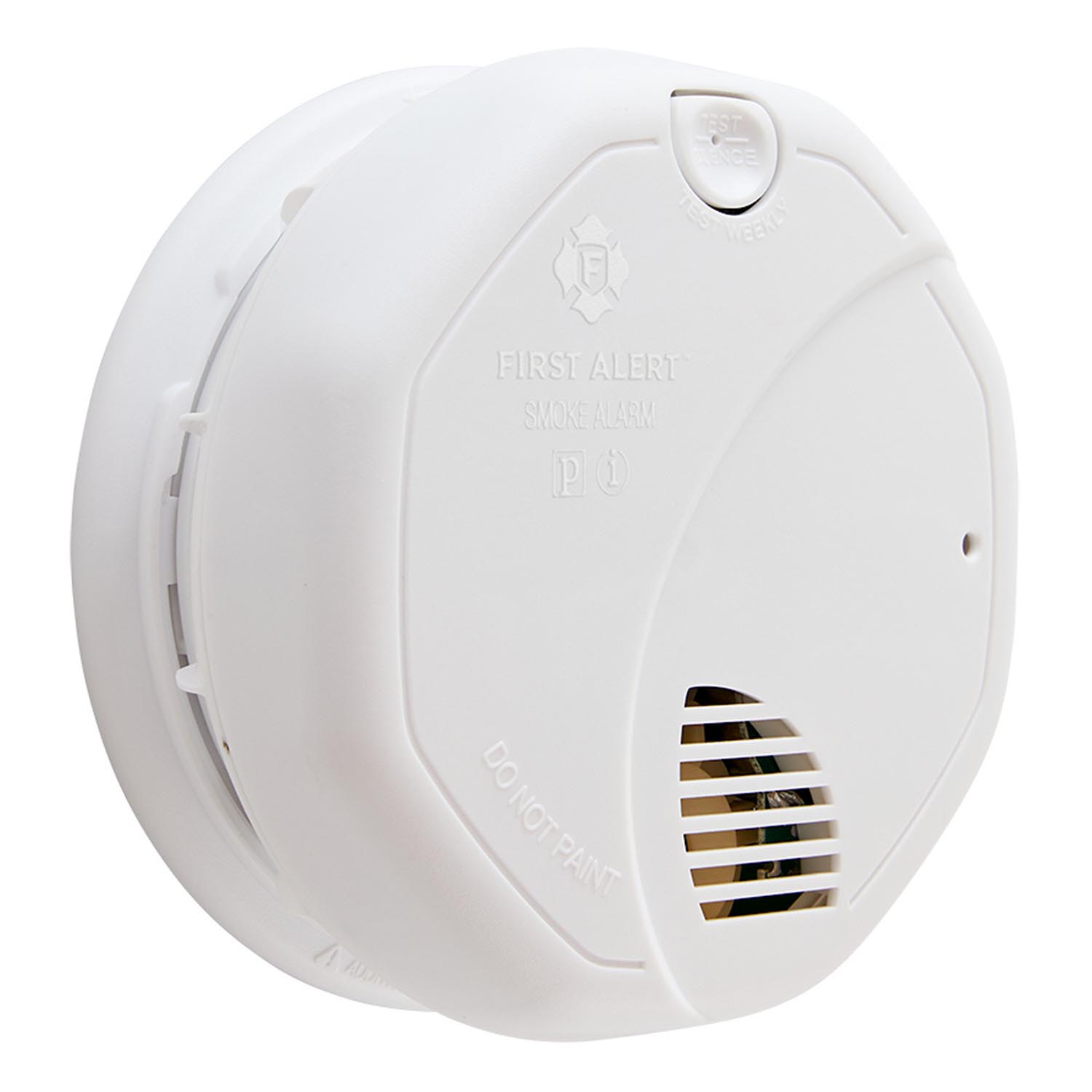
Start by choosing the mounting bracket that comes with the detector. Attach it firmly to the ceiling or wall using screws. The bracket must hold the alarm tightly without wobbling. Twist the smoke detector onto the bracket until it clicks into place. This secures the unit and ensures a stable connection. Loose mounting can cause the alarm to beep or malfunction.
Proper Placement Tips
Place smoke detectors at least 10 feet from cooking appliances. This prevents false alarms from steam or smoke during cooking. Install detectors on the ceiling or high on the wall, as smoke rises. Avoid corners and areas near windows or vents. These spots can interfere with smoke detection. Install alarms in every bedroom, outside each sleeping area, and on every level of your home. Proper placement increases your safety and alarm effectiveness.
Credit: www.firstalertstore.com
Frequently Asked Questions
Why Is My Wired First Alert Smoke Alarm Beeping?
Your wired First Alert smoke alarm beeps due to low battery, end-of-life, dust buildup, or wiring issues. Replace batteries, clean sensors, and check wiring connections to stop beeping.
Why Is My First Alert Smoke Alarm Going Off For No Reason?
Your First Alert smoke alarm may sound without smoke due to low battery, dust buildup, electrical issues, or sensor aging. Replace batteries, clean the sensor, and check wiring to fix false alarms.
How To Fix A Malfunctioning First Alert Smoke Detector?
Replace the battery with a fresh one, clean dust from the sensor, and ensure secure mounting. For hardwired models, check wiring and power. Use the app for smart alarms. Reset the detector if it still malfunctions.
What Does A Red Blinking Light Mean On A First Alert Smoke Detector?
A red blinking light on a First Alert smoke detector signals an active alarm detecting smoke or carbon monoxide. Check immediately.
Why Is My First Alert Smoke Detector Beeping Constantly?
Constant beeping usually means low battery or a faulty sensor. Replace the battery first, then clean the detector. If it still beeps, consider replacing the unit.
Conclusion
Troubleshooting your First Alert smoke detector helps keep your home safe. Regular checks stop false alarms and loud beeping. Replace old batteries and clean dust often. Make sure the alarm is firmly mounted. For hardwired models, check wiring and power lights.
Use the app for smart alarms to monitor status easily. Staying alert means your detector works when needed most. Keep your family protected with simple maintenance steps. Safety starts with a properly working smoke detector every day.



