
Is your Samsung fridge acting up and leaving you frustrated? Whether it’s not cooling properly, making strange noises, or leaking water, these common problems can disrupt your daily routine and risk spoiling your food.
But don’t worry—you don’t have to call a technician right away. With a few simple troubleshooting steps, you can often fix these issues yourself and get your fridge back to perfect working order. In this guide, you’ll discover easy-to-follow tips and tricks to tackle the most frequent Samsung fridge problems.
Keep reading to save time, avoid costly repairs, and enjoy a smoothly running refrigerator once again. Your fridge—and your peace of mind—are just a few clicks away from being restored!
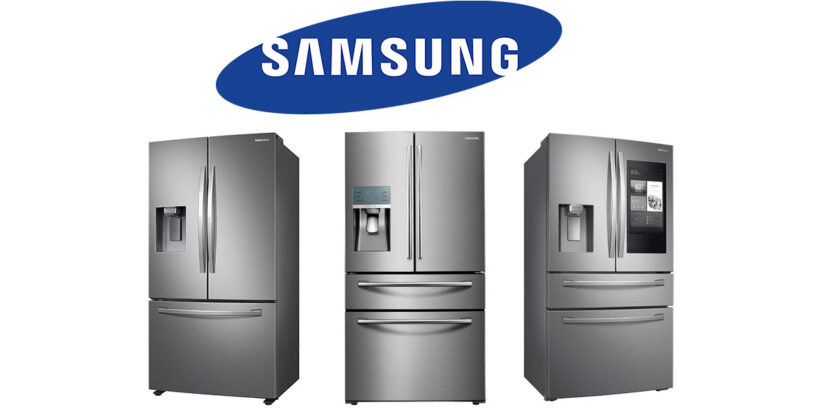
Credit: pegasusappliancerepair.ca
Common Cooling Issues
Samsung refrigerators may face several common cooling issues that affect performance. These problems can cause uneven cooling or warm spots inside the fridge. Understanding these issues helps in quick troubleshooting and better maintenance.
Evaporator Fan Problems
The evaporator fan moves cold air throughout the fridge. If it stops working, cooling stops too. A faulty fan can cause warm air inside. Listen for unusual noises or no sound at all. Check if the fan blades are blocked or damaged. Replacing a broken fan restores proper airflow and cooling.
Blocked Airflow Vents
Air vents allow cold air to circulate inside the fridge. Sometimes, vents get blocked by food items or ice buildup. Blocked vents reduce cold air flow and cause uneven cooling. Clear any items blocking the vents carefully. Defrost the fridge if ice is blocking vents. Proper airflow keeps all areas cold and fresh.
Defrost System Failures
The defrost system melts ice that builds on the evaporator coils. If it fails, ice accumulates and blocks airflow. This causes the fridge to warm up. Check for thick ice buildup inside the freezer. Listen for the defrost timer or heater not working. Repairing or replacing the defrost parts fixes cooling issues.
Ice Maker Troubles
Ice makers in Samsung refrigerators bring convenience but can face issues. Troubles with ice production cause frustration and disrupt daily use. Understanding common problems helps in fixing them quickly. Below are typical ice maker troubles and ways to address them.
Frozen Fill Tubes
Frozen fill tubes block water flow to the ice maker. Low freezer temperatures cause water inside the tube to freeze solid. This stops ice production entirely. To fix, turn off the ice maker and thaw the tubes. Use a hairdryer on low heat or let the fridge sit unplugged for a few hours. Avoid sharp tools to prevent damage.
Sensor Malfunctions
Ice makers rely on sensors to detect ice levels and water supply. Faulty sensors may cause the ice maker to stop working or overfill. Dirt and frost buildup often cause sensor errors. Clean sensors gently with a soft cloth. Reset the refrigerator by unplugging it for a few minutes. Replace sensors if problems persist.
Ice Maker Jams
Ice jams happen when ice cubes stick together or block the dispenser. This stops new ice from dropping into the tray. Warm freezer temperatures or poor ice shape cause jams. Remove ice blockages carefully by hand. Regularly check ice cube size and shape. Adjust freezer temperature to recommended settings for smooth operation.
Water Leak Causes
Water leaks in Samsung refrigerators cause inconvenience and potential damage. Identifying the cause helps fix the leak quickly. Common water leak causes include clogged drains, cracked tubing, and frozen water lines. Each issue affects the fridge differently but leads to leaking water inside or outside the unit. Understanding these causes allows proper troubleshooting.
Clogged Defrost Drains
Defrost drains carry melted water from the freezer to a drain pan. Dirt, food, or ice can block these drains. Blockages cause water to build up and leak inside the fridge. Regular cleaning keeps the drain clear and prevents leaks. Use warm water and a soft brush to clear clogs gently.
Cracked Tubing
Tubing carries water to the ice maker and water dispenser. Over time, tubes can crack or break due to wear or pressure. Cracked tubing leaks water inside the fridge or on the floor. Inspect tubes for visible damage regularly. Replace damaged tubes quickly to stop leaks and avoid water damage.
Frozen Water Lines
Water lines can freeze if the fridge temperature is too low or if airflow is blocked. Frozen lines stop water flow and may burst, causing leaks. Defrost the fridge to thaw frozen lines. Check door seals and vents to ensure proper airflow. Keep the fridge at the right temperature to avoid freezing.
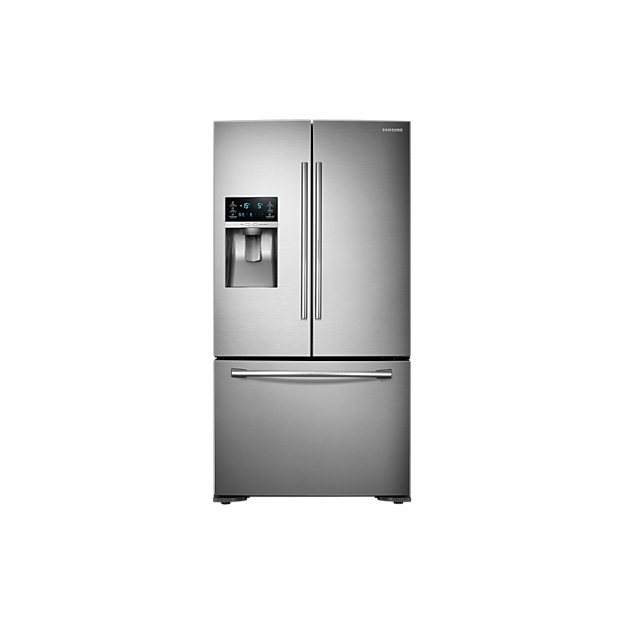
Credit: www.samsung.com
Error Codes And Alerts
Samsung refrigerators display error codes and alerts to signal specific problems. These codes help identify issues quickly and guide troubleshooting steps. Understanding these alerts can save time and avoid unnecessary repairs. Many errors relate to sensors, temperature, or ice maker malfunctions. Addressing error codes early keeps your fridge running smoothly.
Common Samsung Error Codes
Samsung fridges show codes like 1E, 22E, and 88E. Code 1E means a defrost sensor error. Code 22E signals a freezer temperature problem. Code 88E usually points to a fan error. These alerts appear on the control panel screen. Knowing what each code means helps you fix issues faster.
Resetting Control Panel
Resetting the control panel can clear many errors. To reset, unplug your fridge or switch off the breaker. Wait about five minutes before plugging it back in. The control panel may flash or beep during reset. Release all buttons after the panel restarts. This step often resolves temporary glitches or false alerts.
Filter Light Reset
The filter light blinks when the water filter needs changing. After replacing the filter, reset the light to stop blinking. Press and hold the filter reset button for three seconds. The light will turn off, confirming the reset. Lock the control panel again to avoid accidental changes. Resetting the filter light keeps your fridge’s water clean and fresh.
Noise Troubleshooting
Noise issues in Samsung refrigerators can be unsettling and may indicate underlying problems. Addressing these noises quickly helps maintain your fridge’s performance and avoids further damage. This section covers common noises and simple steps to troubleshoot them.
Buzzing And Humming Sounds
Buzzing or humming noises often come from the compressor or the fan motors. These sounds are normal at times but can grow louder due to dirt buildup or loose parts. Clean the coils and check for any loose components. If the noise persists, the compressor might need professional inspection.
Clicking Noises
Clicking sounds usually occur when the fridge starts or stops running. This noise can be caused by the start relay or thermostat issues. Inspect the start relay for damage or wear. Replacing a faulty relay often stops the clicking. Also, test the thermostat settings to ensure they are correct.
Fan Blade Obstructions
Fan blades inside the fridge or freezer can get blocked by ice or debris. This blockage causes rattling or scraping sounds. Defrost the fridge if ice buildup is visible. Remove any objects touching the fan blades. Make sure the blades spin freely to keep the noise down and airflow steady.
Resetting Your Samsung Fridge
Resetting your Samsung fridge often solves common problems quickly. It helps clear minor glitches and restores normal operation. Different reset methods suit various issues and fridge models. Follow the correct reset steps for best results.
Soft Reset Steps
Unplug the fridge from the wall outlet or switch off the breaker. Wait about five minutes to let the fridge power down fully. Plug it back in and wait a few minutes for it to restart. This simple step often fixes minor errors and sensor issues.
Control Panel Reset
Locate the control panel on the fridge’s front. Press and hold the “Power Freeze” and “Power Cool” buttons together for 10 seconds. The display may blink or beep during this process. Release the buttons once the panel resets. This fixes control panel errors or after power flickers.
Screen Reset For Family Hub Models
Open the right-side refrigerator door. Find the small red reset switch at the top inside edge. Press the reset switch once to reboot the touchscreen display. This reset helps if the screen freezes or does not respond.
Factory Data Reset
Use this reset only as a last option. On the Family Hub screen, go to Settings. Tap “About Family Hub” and select “Factory data reset.” Confirm by tapping “RESET.” This erases all data and restores default settings. Use this to fix serious software problems.
Maintenance Tips
Proper maintenance keeps your Samsung fridge working well for years. Simple care steps prevent common problems and improve efficiency. Follow these easy tips regularly to avoid breakdowns and costly repairs.
Regular Filter Changes
Change the water filter every six months. A clean filter ensures fresh water and ice. Replace it sooner if water flow slows or tastes odd. Follow your model’s instructions for easy filter swaps.
Cleaning Defrost Drains
Clogged defrost drains cause water leaks and frost buildup. Clear the drain hole and tube with warm water monthly. Use a soft brush or pipe cleaner to remove debris gently. This keeps the fridge dry and cool.
Checking Door Seals
Inspect door seals for cracks or dirt every month. Clean seals with warm, soapy water to keep them flexible. Replace seals that do not close tightly to stop cold air leaks. Proper sealing saves energy and keeps food fresh.
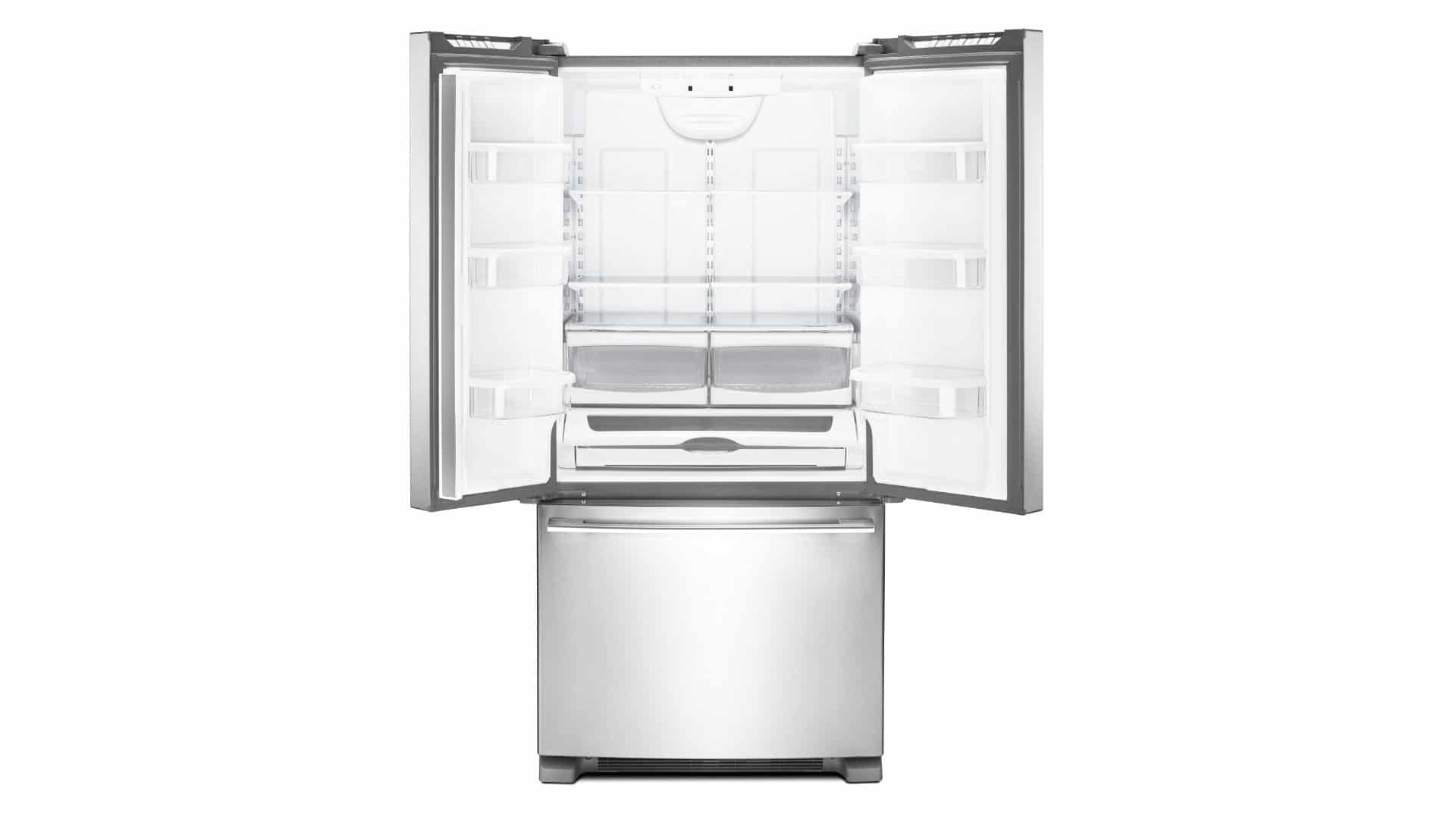
Credit: oceanapplianceservice.com
Frequently Asked Questions
How Do You Reset A Samsung Fridge?
To reset a Samsung fridge, unplug it or turn off the breaker. Wait a few minutes, then plug it back in. For control panel errors, press and hold the control buttons until it resets. For Family Hub screens, press the red reset switch inside the door or perform a factory reset via settings.
What Is The Most Common Problem With Samsung Refrigerators?
The most common Samsung refrigerator problems are cooling failures, ice maker malfunctions, and water leaks caused by fan or defrost system issues.
Why Is My Samsung Fridge Running But Not Cooling?
Your Samsung fridge may run but not cool due to a faulty evaporator fan, blocked airflow vents, or a defrost system failure. Ice buildup or sensor issues can also cause cooling problems. Check for ice blockages and ensure all vents and fans work properly to restore cooling.
How Do You Do A Diagnostic On A Samsung Refrigerator?
To diagnose a Samsung refrigerator, press and hold the Power Freeze and Power Cool buttons for 8 seconds. The fridge enters self-test mode. Check error codes on the display to identify issues. Refer to the user manual for specific code meanings and troubleshooting steps.
How Do I Reset My Samsung Fridge Control Panel?
Unplug the fridge or turn off power at the breaker. Wait a few minutes, then plug it back in. Press and hold the control panel buttons until it resets.
Conclusion
Samsung fridge troubleshooting can save time and money. Simple resets often fix control panel or display errors. Check filters and clean drains to avoid leaks and smells. Listen for unusual noises; they hint at deeper issues. Keep the fridge level and door seals clean for best results.
Regular maintenance helps prevent common problems like cooling failure. Know when to call a professional if issues persist. Your fridge will run smoothly with proper care and quick fixes. Stay calm and tackle problems step-by-step.



