
Are you struggling with your VPN connection right now? Whether your VPN won’t connect, keeps dropping, or runs painfully slow, these issues can be frustrating and disrupt your online activities.
But don’t worry—fixing VPN problems is easier than you might think. In this guide, you’ll discover simple, step-by-step troubleshooting tips that anyone can follow to get their VPN back on track quickly. Keep reading to regain your secure, private internet access without the headaches.
Your VPN should work for you, not against you!

Credit: www.kaspersky.com
Common Vpn Problems
Advanced fixes help solve VPN issues that basic steps cannot. These methods dig deeper into system and software settings. They require careful attention but often restore your VPN’s function.
Start with running the VPN with higher permissions. Adjusting network settings can clear hidden blocks. Checking VPN logs reveals errors not visible otherwise. If these steps fail, contacting VPN support is the next best option.
Run Vpn As Administrator
Running your VPN as administrator gives it full access to system resources. This can fix permission errors that block connections. Right-click the VPN app icon and select “Run as administrator”. This simple step often resolves many access-related issues quickly.
Reset Network Settings
Resetting network settings clears corrupt or conflicting data. It restores default network configurations on your device. On Windows, open Command Prompt and run commands like ipconfig /release and netsh winsock reset. Restart your computer after this reset to apply changes.
Examine Vpn Logs
VPN logs record all connection activity and errors. Reviewing these logs helps identify specific problems. Most VPN apps have a log or diagnostics section. Look for error codes or repeated failures. Share these details with support if needed.
Contact Vpn Support
VPN providers offer expert help for unresolved issues. Contact support with details of your problem and any error messages. Provide system info and steps already tried. Support teams can offer tailored advice or fixes to restore your VPN service.
Credit: thebestvpn.com
Credit: www.security.org
Frequently Asked Questions
How Do I Reset My Vpn?
To reset your VPN, close and reopen the VPN app or browser. Restart your device if needed. Reinstall the VPN software for a full reset. Verify your credentials and update the app to fix connection issues quickly.
How Would You Troubleshoot Issues With A User’s Vpn Connection?
Restart the VPN app and device. Verify internet stability and login credentials. Update or reinstall VPN software. Switch servers or protocols. Temporarily disable firewall or antivirus to check blocks. Try a different network. Review logs or contact support if issues persist.
How To Solve Vpn Detected Problem?
Restart your device and VPN app to clear glitches. Verify login details and update software. Switch servers or protocols. Temporarily disable firewall or antivirus blocking VPN. Clear browser cache and disable conflicting extensions. Try a different network. Contact support if the problem persists.
Why Is My Internet Blocking Vpn?
Your internet may block VPNs due to network restrictions, firewall rules, or ISP policies. Try changing servers, disabling firewalls, or using different protocols.
What Are The Common Causes Of Vpn Connection Failures?
VPN failures often happen due to wrong login details, poor internet, or firewall blocks. Outdated VPN software can also cause connection issues.
Conclusion
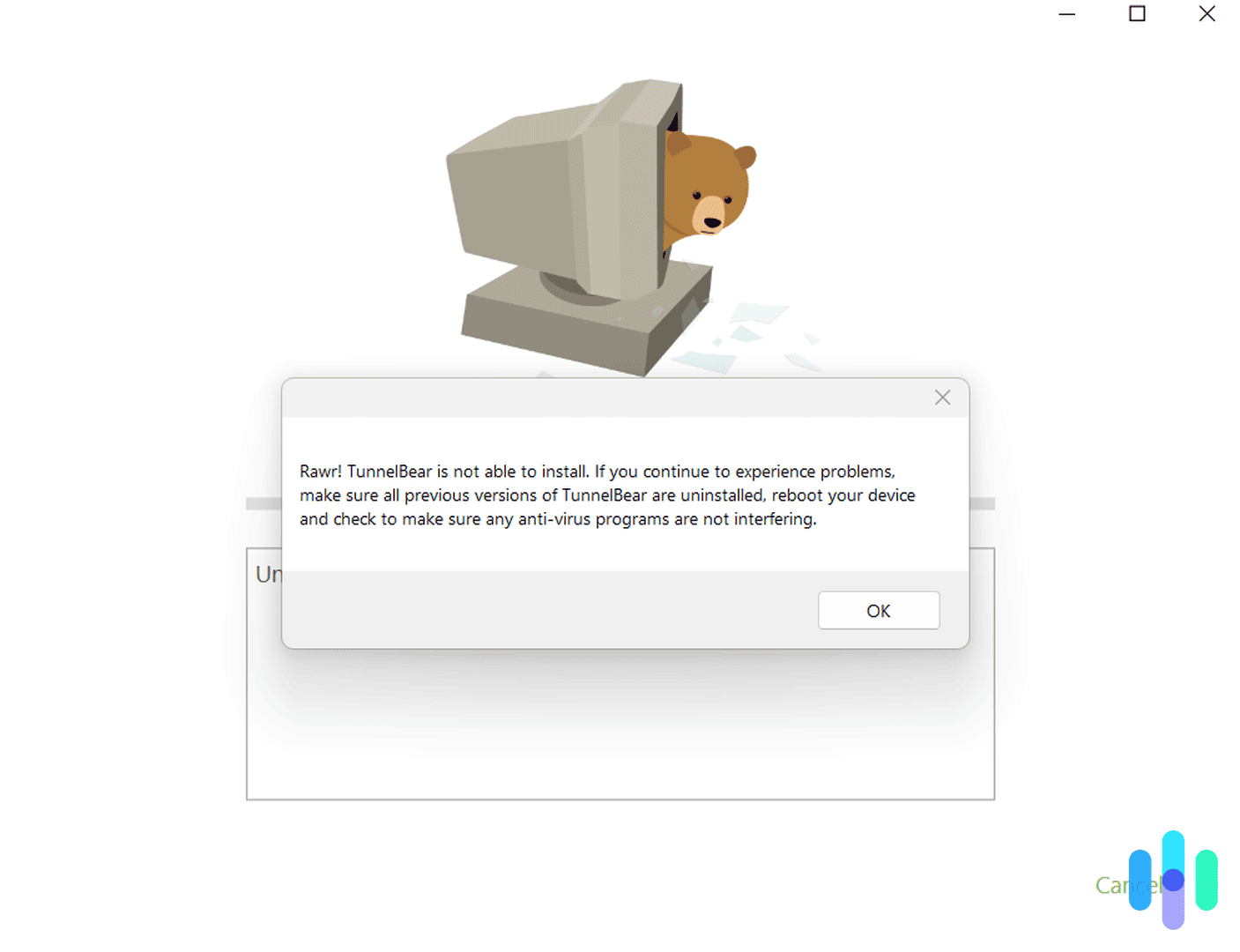
Troubleshooting VPN issues can feel tricky but starts with simple steps. Restart your device and VPN app first. Check your internet connection to ensure it works well. Verify your login details carefully. Try switching VPN servers or changing connection protocols.
Temporarily disable firewalls or antivirus to spot blocks. Keep your VPN software updated. Test a different network if possible. If problems continue, review VPN logs or reach out to support. These steps help fix most VPN problems quickly and safely.



