Is your air conditioner not cooling like it used to? The problem might be your condenser fan motor.
When this small but vital part stops working properly, your whole system can struggle. You might feel frustrated, especially when the heat is on. But don’t worry—understanding how to troubleshoot your condenser fan motor can save you time, money, and stress.
You’ll discover simple steps to identify common issues and get your cooling system back on track quickly. Keep reading, and you’ll gain the confidence to handle this problem like a pro.
Common Condenser Fan Motor Issues

Condenser fan motors are vital for cooling systems. They help move air across the condenser coils. This keeps the system running smoothly and prevents overheating. Many common problems can stop the fan motor from working well. Knowing these issues helps you fix them faster and keep your system cool.
Fan Not Running
The fan may stop running due to power issues. A blown fuse or tripped breaker can cut power to the motor. Sometimes, the motor itself is burned out and needs replacement. Wiring problems can also prevent the fan from starting. Checking these parts can reveal why the fan is not running.
Noisy Operation
Strange noises often mean something is wrong inside the motor. Loose or damaged fan blades can cause rattling sounds. Bearings that wear out create grinding or squealing noises. Dirt buildup on blades also makes the fan noisy. Cleaning and tightening parts often solve these issues.
Overheating Problems
Overheating can damage the fan motor quickly. Dust and dirt block airflow and make the motor work harder. A stuck fan blade or bad capacitor may cause the motor to overheat. Regular cleaning and checking electrical parts help prevent this problem. Overheating needs quick attention to avoid bigger failures.
Intermittent Functioning
Sometimes the fan runs only part of the time. Loose wiring connections can cause this issue. A failing capacitor may make the motor start and stop randomly. Temperature switches or sensors might also fail. Testing these components helps find the cause of intermittent fan operation.
Diagnosing Motor Problems
Diagnosing motor problems in a condenser fan motor requires careful inspection and simple tests. Identifying the issue early can prevent bigger damage and save repair costs. Follow clear steps to check different motor components. Each step reveals clues about the motor’s health and function.
Checking Power Supply
Start by verifying the power supply to the motor. Use a multimeter to measure voltage at the motor terminals. Confirm the voltage matches the motor’s rated voltage. No power or low voltage can cause the motor not to run. Check for loose wires or blown fuses in the power circuit.
Inspecting Capacitors
Capacitors help the motor start and run smoothly. Look for bulging or leaking capacitors on the motor. Test capacitors with a capacitance meter. A bad capacitor may cause the motor to hum but not spin. Replace faulty capacitors to restore motor function.
Testing Motor Windings
Motor windings control the magnetic field inside the motor. Use an ohmmeter to check the resistance of the windings. Look for open circuits or short circuits. Normal resistance values vary by motor type. Damaged windings need professional repair or replacement.
Examining Fan Blades
Fan blades must spin freely without obstruction. Inspect blades for dirt, damage, or bending. Clean blades to remove dust and debris. Bent or broken blades affect airflow and motor balance. Replace damaged blades to ensure smooth operation.
Quick Fixes For Fan Motor Issues

Condenser fan motors can stop working properly. Some fixes are simple and quick. These steps often solve common problems fast. No need to wait for a technician in many cases. Try these easy checks first to get the fan running again.
Tightening Loose Connections
Loose wires cause the motor to lose power. Check all electrical connections carefully. Tighten screws and terminals with a screwdriver. Secure connections help the motor get full power. This step often restores normal function quickly.
Replacing Faulty Capacitors
A bad capacitor can prevent the fan motor from starting. Capacitors store and release electricity to help the motor run. Test the capacitor with a multimeter. Replace it if readings are low or zero. New capacitors are inexpensive and easy to install.
Lubricating Motor Bearings
Dry bearings make the motor noisy or slow. Apply a few drops of oil to the bearings. Use light machine oil or a lubricant made for motors. Lubrication reduces friction and helps the motor spin smoothly. Avoid over-oiling, which can attract dirt.
Cleaning Debris And Dirt
Dirt buildup blocks airflow and strains the motor. Turn off power before cleaning. Use a brush or cloth to remove dust and debris. Keep the fan blades and motor area clear. Clean parts improve cooling and extend motor life.
When To Replace The Motor
Knowing when to replace a condenser fan motor saves time and money. A motor that is damaged or worn out can cause cooling problems. Early replacement prevents bigger issues and keeps your system running well. Below are key points to help decide the right time to change the motor.
Signs Of Motor Failure
The motor may show unusual noises like buzzing or grinding. It might also stop running or run inconsistently. Overheating and burning smells are clear signs of trouble. If the fan blades do not spin smoothly, the motor could be failing. Check for these symptoms to avoid a full system breakdown.
Cost Vs. Repair Considerations
Repairing a motor can be cheaper but might not last long. Sometimes, parts cost more than a new motor. New motors come with warranties for peace of mind. Consider the motor’s age and repair frequency before deciding. Replacing the motor is often a better investment.
Choosing The Right Replacement Motor
Match the new motor to the original specifications. Check the voltage, speed, and size carefully. Use motors from trusted brands to ensure quality and durability. Proper installation is vital for the motor’s performance. A well-chosen motor improves the system’s efficiency and lifespan.
Preventive Maintenance Tips
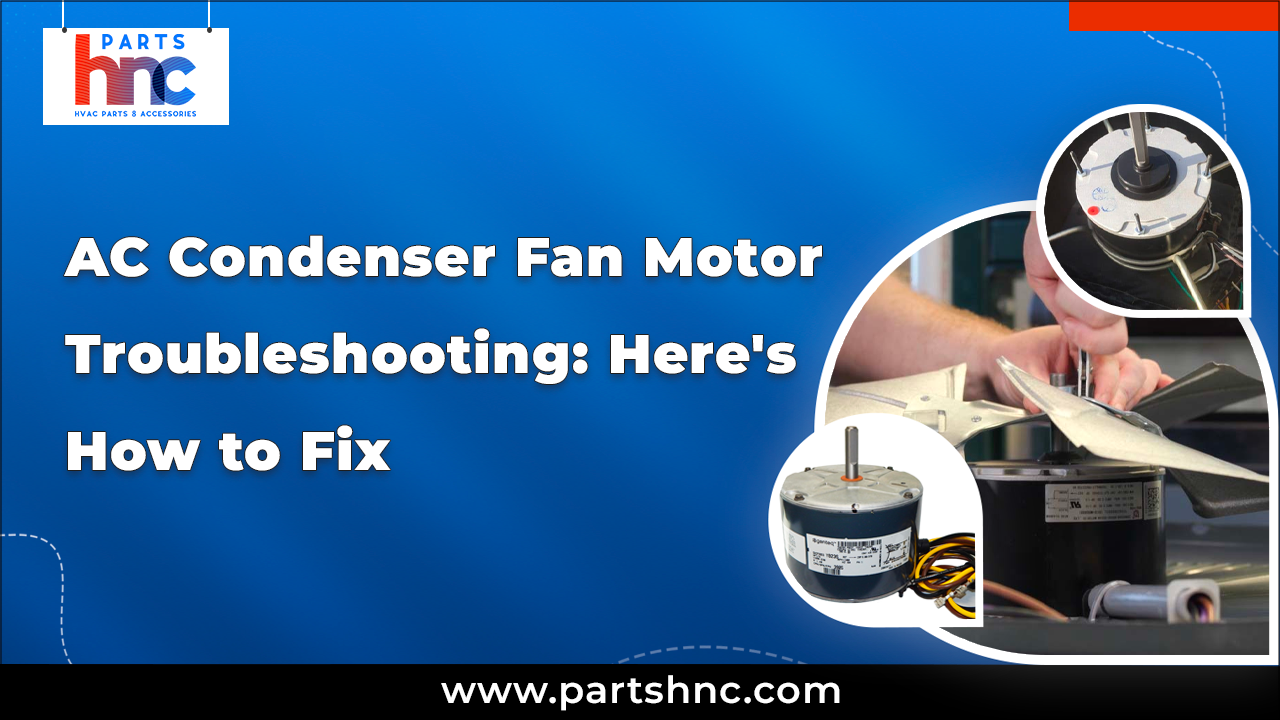
Preventive maintenance helps keep condenser fan motors working well. It reduces the chance of sudden breakdowns. Regular care saves money and extends the motor’s life. Follow easy steps to maintain your fan motor in top shape.
Regular Cleaning Schedule
Dirt and dust block air flow and cause motor strain. Clean the fan blades and motor housing often. Use a soft brush or cloth to remove debris. Keep the area around the motor free of leaves and dirt.
Routine Electrical Checks
Check wiring and connections for signs of wear or damage. Loose wires can cause short circuits or power loss. Use a tester to ensure voltage levels are stable. Replace worn parts to avoid electrical problems.
Proper Lubrication Practices
Lubricate motor bearings to reduce friction and heat. Use the right type of oil or grease as per the motor’s manual. Avoid over-lubricating, which can attract dust. Regular lubrication helps the motor run smoothly.
Seasonal Inspections
Inspect the fan motor before and after heavy use seasons. Look for unusual noises, vibrations, or overheating signs. Tighten loose bolts and clean cooling fins. Early checks catch issues before they become serious problems.
Safety Precautions During Repairs
Working on condenser fan motors can be risky without the right safety steps. Taking proper precautions protects you from injuries and damage. Always prepare well before starting any repair work. This keeps you safe and ensures the job goes smoothly.
Power Shutdown Procedures
Turn off the power supply before touching any motor parts. Find the main breaker or switch and switch it off. Use a voltage tester to confirm there is no electricity flowing. Never assume the power is off without checking. This step prevents electric shocks and accidents.
Using Protective Gear
Wear safety gloves to protect your hands from sharp edges and electrical shocks. Use safety goggles to guard your eyes from dust and debris. Wear long sleeves and closed shoes to avoid cuts or burns. Protective gear helps you stay safe during repairs.
Handling Electrical Components Safely
Handle wires and connections with care. Avoid touching metal parts with bare hands. Use insulated tools designed for electrical work. Keep your workspace dry to reduce shock risk. Proper handling prevents injuries and keeps the motor safe.
Frequently Asked Questions
What Causes A Condenser Fan Motor To Stop Working?
A condenser fan motor can stop due to electrical issues or worn-out parts. Dirt buildup and overheating also cause failure. Regular cleaning and checks help prevent motor stops.
How To Test If A Condenser Fan Motor Is Faulty?
Use a multimeter to check the motor’s electrical continuity and resistance. Listen for unusual noises and check if the fan blade spins freely. These signs often show a faulty motor.
Can A Dirty Condenser Fan Motor Cause Cooling Problems?
Yes, dirt blocks airflow and makes the motor work harder. This reduces cooling efficiency and can damage the motor. Cleaning the fan regularly keeps it running smoothly.
How Do I Reset A Condenser Fan Motor Safely?
Turn off power to the unit before resetting the motor. Wait a few minutes, then restore power to see if the motor restarts. This simple step can fix minor electrical glitches.
When Should I Replace My Condenser Fan Motor?
Replace the motor if it makes loud noises, won’t start, or overheats often. Frequent repairs are also a sign to get a new motor. Timely replacement saves energy and prevents bigger issues.
Conclusion
Troubleshooting condenser fan motors helps keep your system running well. Check the motor and wiring for any signs of damage. Clean the fan blades to avoid dirt buildup. Test the motor with a multimeter to find faults. Regular care can prevent bigger problems later.
Small fixes save time and money. Stay aware of unusual noises or heat. Taking quick action keeps your cooling system efficient and safe. Simple steps make a big difference in performance.