Is your Wii game console acting up right when you want to play? You’re not alone.
Whether your screen goes blank, the controller won’t connect, or the system won’t start, these problems can be frustrating. But don’t worry—fixing your Wii is easier than you think. In this guide, you’ll find simple, step-by-step solutions to get your console running smoothly again.
Keep reading, and you’ll be back to your favorite games in no time.
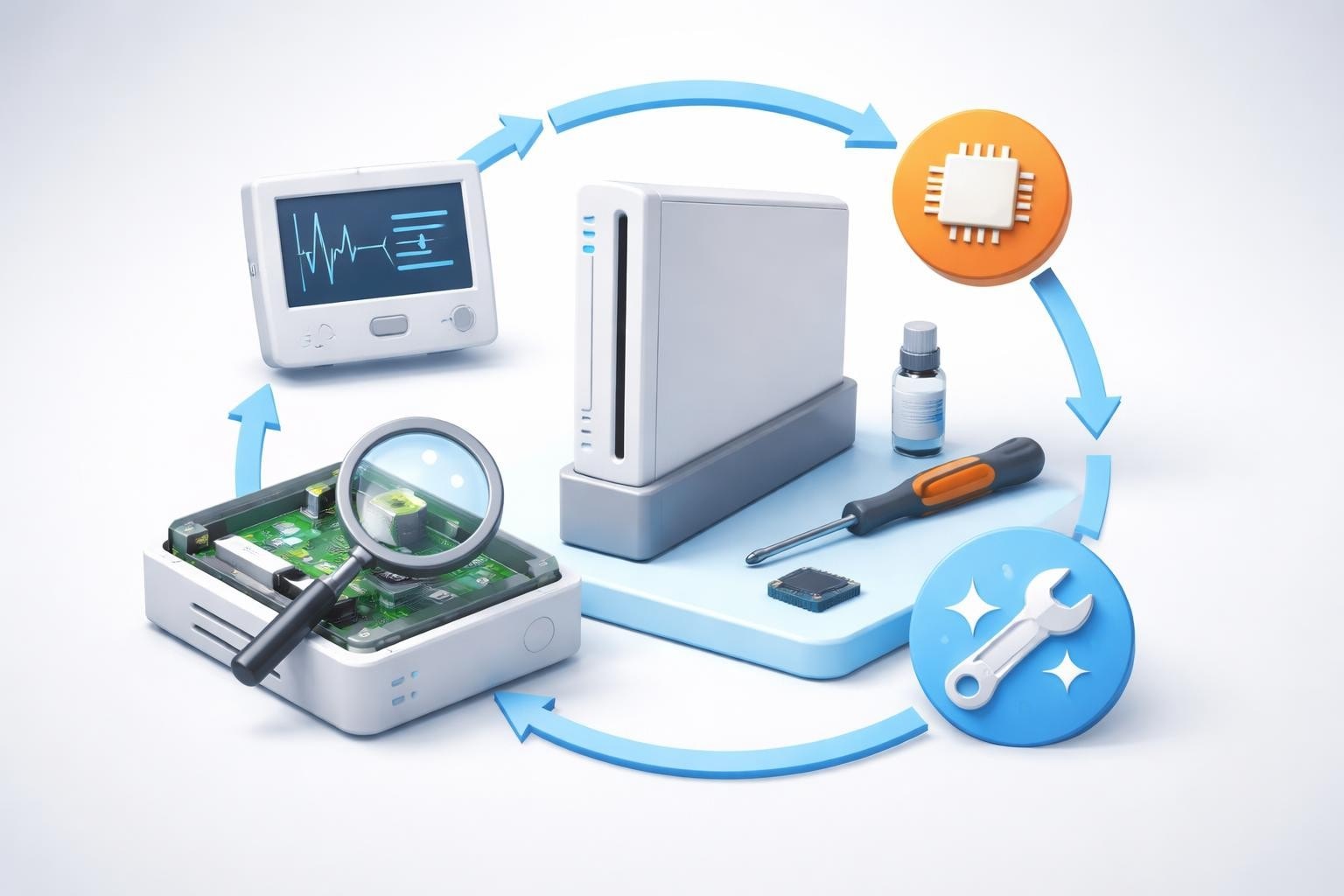
Power Issues
Power issues can stop your Wii console from working properly. These problems affect how your console turns on and stays on. Understanding common power issues helps you fix them fast. Below are common power problems and easy steps to troubleshoot them.
Console Won’t Turn On
First, check the power cable connection. Make sure it is plugged in tightly. Try a different outlet to see if the socket is the problem. If the power light does not come on, the power supply might be faulty. Test the power adapter with another Wii console if possible. Resetting the power button by holding it for a few seconds can help too.
Unexpected Shutdowns
Your Wii may turn off suddenly during use. This can happen if the console overheats. Keep it in a cool, ventilated place. Dust buildup inside the console can block air vents. Clean the vents gently with a soft brush or compressed air. Loose power cables also cause shutdowns. Check all connections and secure them firmly.
Power Supply Problems
The power supply unit may stop working over time. Look for damage or frayed wires on the adapter. A broken power supply can cause no power or shutdowns. Replace the power supply with an official Nintendo adapter. Using third-party adapters may cause issues or damage. Always use the right power source for your Wii console.
Disc Read Errors
Disc read errors on the Wii console can stop your game from starting or cause it to freeze. These errors happen when the Wii cannot read the game disc properly. It can be frustrating but many times the problem is simple to fix. Understanding common disc read issues helps you enjoy your games without long interruptions.
Disc Not Recognized
The Wii may show a message that the disc is not recognized. This means the console cannot find the game data on the disc. Dirt or scratches on the disc surface often cause this issue. Sometimes, the disc might not be inserted correctly. Check the disc for damage and try reinserting it gently. Using a different disc can help identify if the problem is with the disc or the Wii itself.
Skipping Or Freezing
Games that skip or freeze during play often point to disc read errors. The Wii might have trouble reading certain parts of the disc. This can happen if the disc is scratched or dirty. Freezing can also occur if the console lens is dusty. Skipping makes the game jump or stop suddenly, ruining the experience. Keeping discs clean and using the console in a dust-free area helps reduce skipping.
Cleaning The Disc And Lens
Cleaning the disc is the easiest way to fix read errors. Use a soft cloth and wipe from the center outwards. Avoid circular motions that can cause more scratches. For the console lens, use a lens cleaning disc made for gaming consoles. This helps remove dust and dirt gently. Regular cleaning keeps your Wii running smoothly and your games playing well.
Controller Problems
Controller problems are common with the Wii console. They can stop your game or make playing hard. Fixing these issues helps keep your fun going. This section covers common problems and easy solutions.
Syncing Issues
Controllers must connect to the Wii to work. Sometimes they lose connection. Press the red sync button on the Wii console. Then press the sync button inside the controller’s battery cover. This should reconnect them quickly.
Keep the controller close to the console. Too much distance can cause syncing problems. Remove any objects between the controller and console. These can block the signal and cause disconnects.
Unresponsive Buttons
Buttons may stop working or get stuck. Dirt or dust can cause this. Clean the buttons gently with a soft, dry cloth. Avoid using water or chemicals.
If a button stays stuck, press it several times. This may free it up. Also, check for physical damage. Broken buttons might need replacement.
Battery And Charging Tips
Controllers need good batteries to work well. Use fresh AA batteries or recharge batteries fully. Weak batteries cause slow response or no power.
Remove batteries if you won’t use the controller for a long time. This prevents battery leaks that can damage the controller.
Audio And Video Glitches
Audio and video glitches can spoil your Wii gaming fun. These issues often stop the sound or blur the picture. Fixing them quickly helps you enjoy games again. Check simple steps to solve these common problems.
No Sound Output
First, check the Wii volume settings. Make sure the TV volume is up too. Confirm the audio cables connect firmly to the Wii and TV. Try unplugging and plugging cables again. Test with another TV if sound still fails. This helps find if the problem is the console or TV.
Poor Video Quality
Blurry or flickering images reduce game enjoyment. Clean the video cables and ports gently. Check if the cables match your TV input type. Use standard Wii cables or a compatible adapter. Adjust the TV picture settings for brightness and contrast. Replace old or damaged cables to improve clarity.
Connection Troubleshooting
Loose or broken cables cause many audio and video glitches. Turn off the Wii and TV before checking connections. Firmly reconnect all cables to the right ports. Avoid bending cables sharply or stretching them. Test all connections with different cables if possible. Ensure the Wii sensor bar is placed correctly for better performance.
Software And System Errors
Software and system errors can disrupt your Wii gaming experience. These issues may cause the console to freeze, display error codes, or fail to update properly. Understanding these problems helps you fix them quickly and get back to playing.
System Freezing
The Wii console may freeze during gameplay or while navigating menus. This happens if the software encounters a bug or runs out of memory. Restart the console by holding the power button until it turns off. Then, turn it back on and check if the problem continues. Avoid running too many games or apps at the same time.
Error Codes
Wii error codes appear as numbers or letters on the screen. Each code points to a specific problem with the system or software. Write down the code and check the Wii support page for its meaning. Common errors include disc read issues and internet connection problems. Fixing these often involves cleaning the disc or resetting your network settings.
Updating Firmware
Firmware updates improve system stability and add new features. The Wii needs the latest firmware to run smoothly. Connect the console to the internet and select System Settings. Choose “Update” to download and install the latest version. Avoid turning off the console during updates to prevent errors.
Network Connection Issues
Network connection issues can stop your Wii from playing online games or accessing updates. These problems affect your gaming experience and can cause frustration. Fixing network problems helps you enjoy smooth and fun gameplay.
Wi-fi Setup Problems
Setting up Wi-Fi on the Wii can be tricky. Check your router is on and working. Make sure your Wii is in range of the Wi-Fi signal. Enter the correct network password carefully. Restart your Wii and router to refresh the connection.
Slow Or Unstable Connection
Slow or unstable Wi-Fi causes lag and disconnections. Move your Wii closer to the router for better signal. Avoid walls or objects blocking the signal. Limit devices using the same network. Restart the router to clear network issues.
Troubleshooting Online Features
Online features may fail due to network errors. Verify your Wii’s internet settings are correct. Test the connection through the Wii’s settings menu. Update your Wii system to the latest version. Reset your network settings if problems continue.
Storage And Memory Concerns
Storage and memory issues can cause problems for your Wii console. These problems affect game saves, downloads, and overall performance. Understanding these concerns helps keep your Wii running smoothly.
Full Memory Warnings
Your Wii may show a full memory warning during use. This means there is no space left for new game saves or downloads. The console stops saving progress until memory is freed. Regularly check memory status to avoid interruptions.
Managing Saved Data
Deleting old or unused saved data clears memory space. You can manage saved data in the Wii settings menu. Back up important saves to a USB device before deleting. This frees space for new games and updates.
Expanding Storage Options
The Wii supports external storage devices like SD cards. Adding an SD card expands your console’s storage capacity. Use an SD card to store downloaded games and saves. This reduces full memory warnings and improves game experience.

Frequently Asked Questions
Why Won’t My Wii Console Turn On?
Check if the power cable is plugged in firmly. Try a different power outlet to rule out socket issues. Ensure the power button is pressed correctly.
How To Fix Wii Disc Read Errors?
Clean the disc gently with a soft cloth from center to edge. Make sure the disc is not scratched or damaged. Restart the console and try again.
What To Do If Wii Remote Won’t Sync?
Replace the remote’s batteries with fresh ones. Press the red sync button on the console and remote simultaneously. Keep them close until syncing completes.
How Can I Improve Wii Game Loading Speed?
Clear the Wii’s cache by turning it off and on again. Remove unused data from the memory to free up space. Avoid playing from scratched discs.
Why Is The Wii Screen Showing No Signal?
Verify the AV or HDMI cable is connected properly. Select the correct input on your TV settings. Try using a different cable or port if needed.
Conclusion
Troubleshooting your Wii console can be simple with the right steps. Check connections and settings first. Restart the console to fix many common problems. Use the Wii’s built-in menus to run tests. Replace batteries or sensors if needed. Keep your system updated for best performance.
Small fixes often solve big issues. Enjoy your gaming time without hassle. Stay patient and follow each step carefully. Your Wii will be ready to play again soon.