Three main things stop a BenQ projector from working right. A dead or dying lamp is the first one. Projector lamps have a set lifespan, usually between 2,000 and 5,000 hours depending on the mode you use. When the lamp fails, the screen stays dark but the fan might still run. You’ll see a red “Lamp” LED blinking on the control panel.
Overheating is the second cause. Dust builds up in the air filter and vents over time. The projector shuts itself off to protect the internal parts when it gets too hot. You’ll notice the “Temp” warning light glowing solid red just before it powers down. This isn’t a broken machine; it’s a safety feature doing its job.
The third cause is a bad connection. HDMI cables fail more often than people think, especially if they’re bent sharply behind the unit. A damaged pin inside the port or a frayed wire means no signal reaches the lens. The projector turns on fine, but the screen says “No Signal.”
If your projector makes a loud grinding noise or smells like burning plastic, unplug it immediately. That stops being a do-it-yourself job at that point. Take it to an authorized BenQ service center instead. You can find your model’s exact warning light codes in the BenQ projector user manuals on their official support page.
Check the lamp and replace it
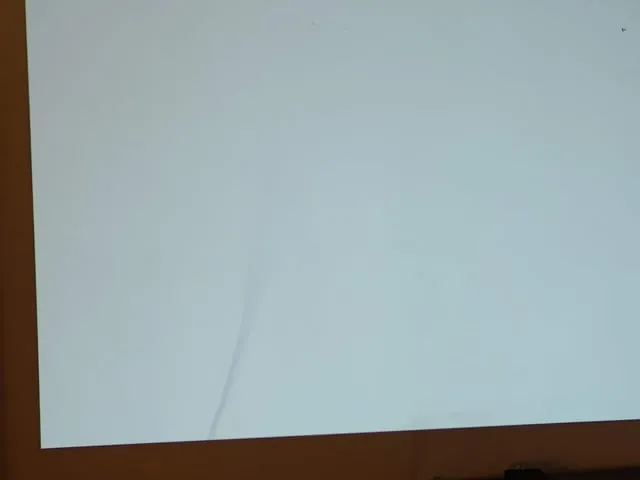
This fix is for you if the projector turns on but the screen stays completely dark, or if the red Lamp LED blinks. A dying lamp doesn’t always fail all at once. Sometimes the image gets very dim first, or colors look washed out before the bulb quits entirely.
Turn off the projector and unplug it from the wall. Wait at least 45 minutes for the lamp to cool down. Touching a hot lamp can shatter the glass or burn your skin. Once it’s cool, find the lamp cover on the bottom or side of the unit. Remove the single screw holding it in place with a standard Phillips screwdriver.
Pull the old lamp module straight out by its wire handle. Don’t twist it. Slide the new replacement lamp in until it clicks firmly into place. Put the cover back and tighten the screw. Plug the power cord in and turn it on. If the image is bright and the red light is gone, it worked.
You must reset the lamp timer after installing a new bulb. If you skip this step, the projector will still act like the old lamp is dying. Go into the menu, find “System Setup,” then “Lamp Settings,” and select “Reset Lamp Timer.”
Only buy OEM or certified compatible lamps made for your exact model number. Cheap knockoff bulbs can melt the housing or blow the projector’s power board. If replacing the lamp doesn’t bring the picture back, the ballast inside needs repair. That requires a trained technician, so contact BenQ support directly.
Clean the air filter and vents
Use this method if your projector runs for 10 or 20 minutes and then shuts off by itself, especially when the red Temp light comes on first. Overheating forces the machine to cut power to save the expensive optical parts inside.
Unplug the projector from the outlet before you touch anything. Locate the air filter cover, which is usually on the side or bottom near the fan intake. Most BenQ models let you slide this cover off without any tools. Pull the foam or mesh filter out gently.
Wash a reusable foam filter under lukewarm tap water. Don’t use soap, as residue blocks airflow when it dries. Squeeze the water out instead of wringing it, which tears the foam. Let it dry completely flat for 24 hours before putting it back. Running the projector with a wet filter pushes moisture into the electronics.
While the filter dries, use a can of compressed air to blow dust out of the vent grilles. Hold the can upright and use short bursts from about 3 inches away. Point the nozzle so the dust blows out of the machine, not deeper inside.
Put the dry filter back and snap the cover into place. Turn the projector on and let it run. If the fan sounds quieter and the unit stays on past the 30-minute mark, you’ve fixed the problem. How often you need to clean the filter depends on use, so consult your owner’s manual for guidance.
Reset the projector to factory settings
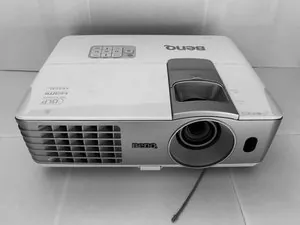
This is the fix for harder cases where the image looks wrong, menus freeze, or the projector won’t connect to your laptop even though the cables are good. It’s worth the extra five minutes when basic checks fail, but it’s not for a machine that won’t power on at all.
Turn the projector on using the physical buttons, not the remote, in case the remote is the actual problem. Press the “Menu” button. Navigate to “System Setup” using the arrow keys, then scroll down to “Factory Default” or “Reset All.” Select it and confirm yes.
The projector will restart on its own. Every setting goes back to how it was when you took it out of the box. You’ll need to pick your language again and adjust the keystone if your image looks like a trapezoid.
If the frozen menus or color issues disappear after the reset, a corrupted setting was the cause. If the problem returns exactly as it was, the issue is hardware. At that point, repairing a budget projector costs nearly as much as buying a new one.
Replacement is usually the smarter trade-off because it’s inexpensive relative to the alternative. Only send high-end models in for board-level repair. Don’t open the casing yourself to poke around inside. High-voltage capacitors hold a charge long after you unplug it, creating a real shock risk. Leave internal diagnostics to professionals.
Bad fixes that make projector problems worse
People share advice online that sounds helpful but actually damages the hardware or wastes your time. Here are the mistakes that cost users money and working machines.
- Vacuuming the inside through the vents. A regular vacuum builds up static electricity. That static discharges onto the mainboard and fries the chips. Always use compressed air held upright instead.
- Shaking the projector to fix a dim lamp. The bulb contains pressurized gas and fragile filaments. Shaking it can shatter the glass envelope inside the housing, ruining the lamp completely and sending shards into the optical path.
- Taping over the temperature sensor. Blocking the sensor stops the auto-shutoff feature. The projector will keep running while overheating until the internal boards melt or catch fire.
- Using a higher-wattage replacement bulb. A bulb rated for a different model draws more power than the ballast can handle. It trips the internal fuse or burns out the power supply permanently.
- Spraying liquid cleaner directly on the lens. Liquid seeps behind the glass element. It leaves permanent spots on the inside that you can’t wipe away, forcing a full lens assembly replacement.
How to keep your BenQ projector running
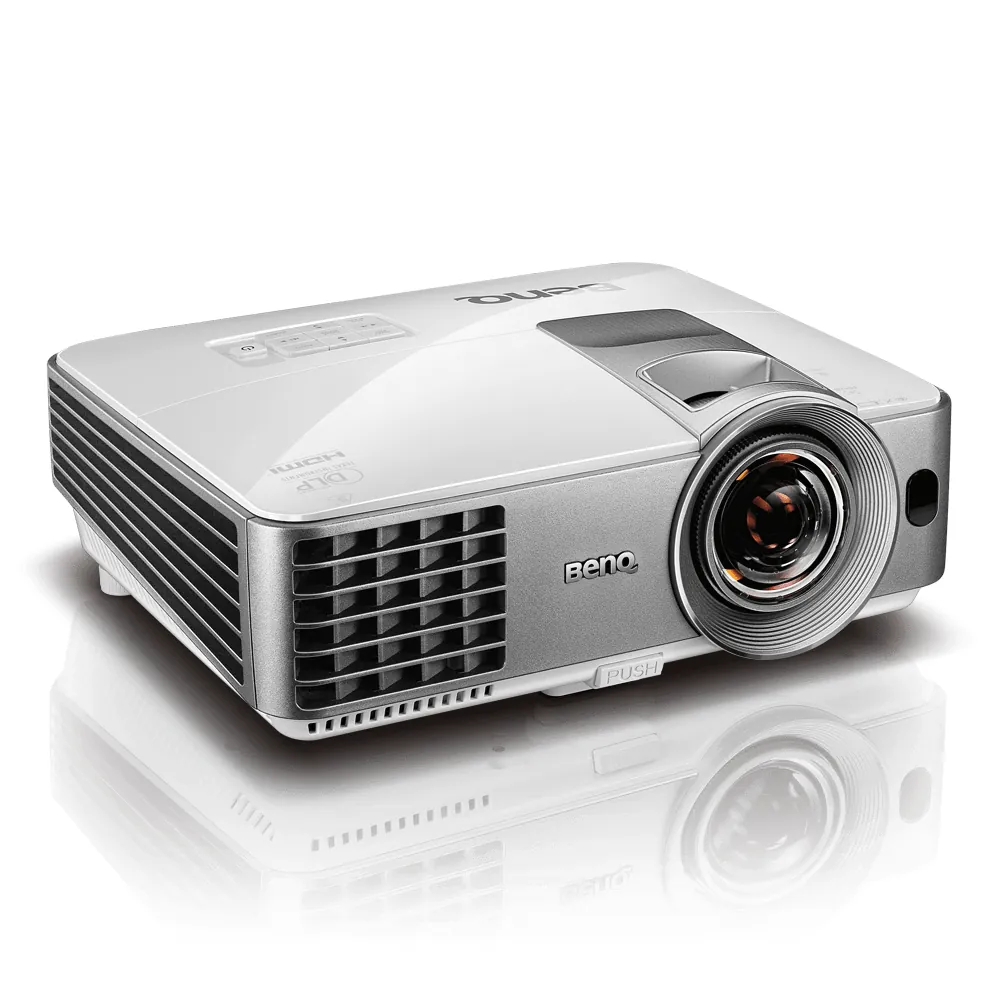
Small habits decide how long your projector lasts. The table below shows what causes wear and what protects the machine instead.
| If you’re doing this | Do this instead | Why |
|---|---|---|
| Unplugging it right after turning it off | Let the fan run until it stops on its own | The bulb stays extremely hot after shutdown, and the fan cools it safely to prevent cracking. |
| Putting it on a soft carpet or bed | Placing it on a hard, flat table | Soft surfaces block the bottom intake vents and trap heat inside the chassis. |
| Coiling the HDMI cable tightly | Looping it loosely in wide circles | Tight bends break the tiny copper wires inside, causing random signal drops. |
| Ignoring the filter warning light | Cleaning the filter the same week | A clogged filter causes internal temperatures to rise, which can trigger an emergency shutdown or shorten the life of internal components. |
Frequently asked questions
Why is my BenQ projector screen black but the power is on?
A black screen with a green power light usually means a dead lamp or disconnected video cable. If the red Lamp LED blinks, the bulb has failed and needs replacement. If it isn’t blinking, unplug and reseat your HDMI cable at both ends.
How long does a BenQ projector lamp last?
A BenQ projector lamp lasts between 2,000 and 5,000 hours, assuming you use it in Normal brightness mode. Switching to Eco mode extends that range up to 10,000 hours on newer models. The exact limit depends on your specific model number. You can read your own lamp’s used hours by going into the menu and selecting “Information” or “System Setup” to check the timer.
Can I use a generic replacement lamp in my BenQ projector?
Yes, you can use a third-party lamp, but it carries risks. Generic bulbs often lack the exact voltage rating your projector’s ballast expects. This mismatch dims the image faster or blows the power fuse. If you buy third-party, choose one that uses an original Philips or Osram bulb inside a compatible housing. Avoid the cheapest unbranded options entirely.
Why does my BenQ projector keep shutting off by itself?
It shuts off automatically because the internal temperature hit the safety limit. Dust blocking the air filter is the most common trigger. Clean the filter and ensure the exhaust vent has at least 12 inches of clear space around it. If it still shuts down after cleaning, the cooling fan motor might be failing. A failing fan doesn’t push enough air, requiring professional repair.
Is it safe to leave a projector on standby overnight?
Yes, leaving it plugged in on standby is safe. Standby mode only powers a small circuit that listens for the remote control signal. It generates almost no heat. However, unplugging it during thunderstorms protects the power board from electrical surges. If you won’t use it for several weeks, unplug it to save a small amount of electricity.
What happens if the BenQ projector fan makes a loud grinding noise?
A grinding noise means the fan bearing is worn out or debris is hitting the blades. Stop using the projector immediately. Running it with a broken fan destroys the lamp and optical engine within hours due to trapped heat. This isn’t something you can oil or fix safely at home. Contact an authorized service center to have the fan assembly replaced.
How do I get sound from my BenQ projector speakers?
Check the audio output setting on your source device first. If you’re using HDMI, go into your laptop or media player settings and select the BenQ projector as the default audio playback device. If you’re using a VGA cable, VGA doesn’t carry sound. You’ll need a separate 3.5mm audio cable running from your computer’s headphone jack to the projector’s Audio In port.
Conclusion
Every projector behaves slightly differently based on its age, model, and environment. The exact hours on your lamp timer tell you where you stand, and you can read that value directly in your system menu. Start with the cables and the filter before spending money on new parts. Keeping the vents clear and letting the fan finish its cool-down cycle prevents the vast majority of sudden failures.