
A Breville Oracle Touch that won’t brew, leaks, or shows an error usually needs a descale cycle, a clean group head, or a simple reset. That’s the short version of breville oracle touch troubleshooting for home users. The single most common cause is mineral scale building up inside the water path over weeks of use. You don’t need tools to fix it. Run the built-in cleaning program first, check the water tank seating next, and you’ll solve the problem right now.
Why the Breville Oracle Touch Stops Working
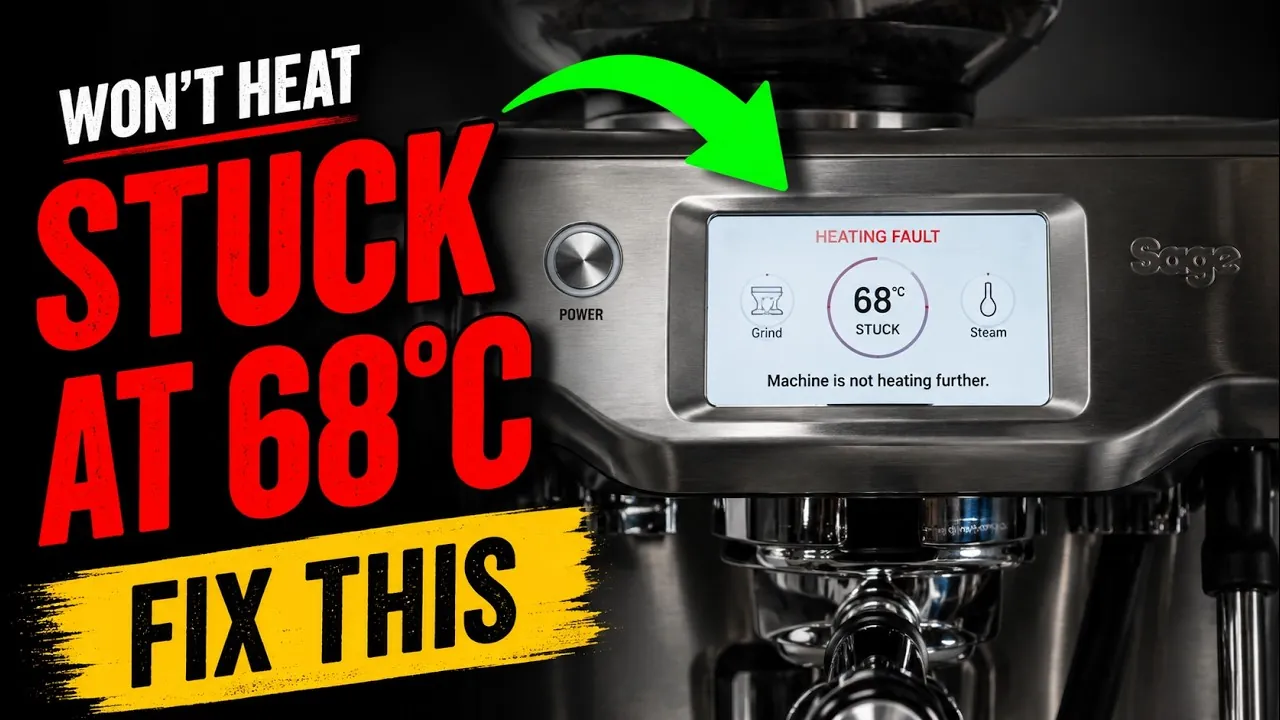
Three things cause almost every failure on this machine: scale blocking the pipes, coffee oils clogging the group head, or a sensor reading bad data because a part isn’t seated right.
Scale is the biggest one. Hard water leaves calcium deposits inside the heating element and tubes. When that layer gets thick enough, water can’t flow through. The touchscreen might show a “descale needed” alert, or the pump just sounds louder than normal while pushing out nothing.
Coffee oils are the second cause. Every shot you pull leaves residue on the metal screen inside the group head. Over time, that residue hardens. It blocks water from spreading evenly over your coffee puck, which makes the machine think there’s a pressure fault.
The third cause is simpler. The water tank has a small valve at the bottom. If the tank isn’t pushed down all the way, or if a coffee bean gets stuck under it, air enters the system. The pump runs dry, and the machine stops mid-cycle to protect itself.
You can check all three safely at home. Don’t open the metal casing. There’s no user-safe repair past the drip tray and group head. Check Breville’s Oracle Touch support page for official manuals and warranty terms before trying anything else.
Run the automated clean cycle
This fix is for machines showing weak flow, bitter-tasting coffee, or a flashing clean light on the display. You’re clearing out hardened coffee oils from the brewing path.
You need one Breville cleaning tablet (the ones made for their espresso machines) and the rubber cleaning disc that came in the box. If you’ve lost the disc, you’ll need to order a replacement before starting.
Insert the portafilter with the rubber disc into the group head. Place the cleaning tablet into the small hole in the center of the disc. Put a large container under the spout to catch the dirty water.
Go to the touchscreen menu. Select “Clean Me,” then follow the prompts. The machine will run for about 7 minutes. It pushes hot water back and forth through the group head to dissolve the oils.
When it finishes, remove the portafilter. Rinse the rubber disc thoroughly. Pull a blank shot (just water, no coffee) into a cup and throw it away. This clears any leftover soap taste.
If your flow rate goes back to normal and the alert disappears, you’re done. If the machine still struggles after two full cycles, the blockage isn’t coffee oil. Move to the next fix.
Don’t force the cycle if the screen is frozen. A frozen screen means you need a power reset first. Unplug the machine, wait 60 seconds, and plug it back in before running any cleaning programs.
Descale the internal water path
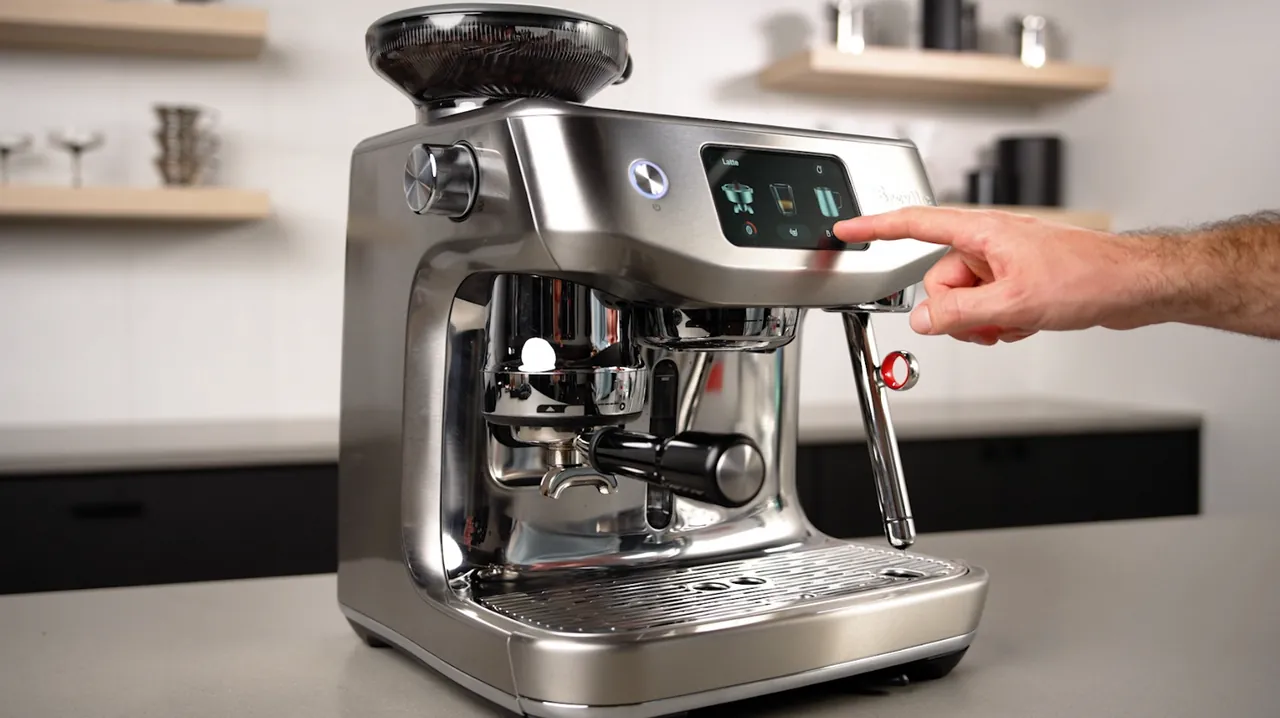
Use this fix when the machine pumps loudly but delivers very little water, or when the screen specifically asks you to descale. This targets mineral buildup, not coffee oils.
You’ll need a descaling solution rated for espresso machines. Never use vinegar; its smell lingers in the silicone seals and ruins your next dozen shots.
Empty the water tank. Fill it with your prepared descaling solution up to the max line. Place a large jug under both the steam wand and the group head.
Start the descale program from the maintenance menu on the touchscreen. The machine will pause between bursts to let the acid break down the calcium. This whole process takes roughly 20 to 30 minutes depending on how much scale is inside.
Once the tank empties, rinse it out completely. Refill it with fresh cold water. Run the descale program again with just water to flush the pipes. Do this rinse step twice.
Your flow should return to normal after flushing. If the pump still sounds strained with fresh water in the tank, the scale damage might be permanent. That’s the point where a home fix ends. You’ll need to contact Breville support or a certified appliance repair technician.
Reset the machine and check sensors
This is the fix for screens that freeze, machines that won’t start, or errors that pop up right after you refill the water tank. It’s worth the effort when the other two fixes don’t match your symptoms.
First, unplug the machine from the wall. Leave it off for at least 60 seconds. This drains the capacitors and forces the computer board to restart fresh. Plug it back in and turn it on.
While it heats up, check the water tank. Pull it out and look at the bottom. There’s a spring-loaded valve. Press it with your finger—it should move freely and snap back. Wipe the tank seat on the machine with a damp cloth. Even a tiny coffee ground stuck here keeps the tank from sealing.
Next, empty the drip tray completely. The machine has a sensor that counts drips. If the tray is full, or if the metal contacts at the back of the tray are wet, the screen locks you out of brewing. Dry those contacts with a paper towel.
If the screen stays black after a reset, the issue isn’t something you can safely diagnose. Opening the housing exposes you to high voltage components. Stop here and call a professional.
Mistakes that damage the Oracle Touch
- Using white vinegar to descale. Vinegar is prohibited because its odor lingers in silicone seals and can corrode metal components inside the thermocoil heater. Replacing those seals costs more than buying proper descaling powder, and the sour smell stays in your espresso for weeks.
- Running the grinder without beans to clear a jam. The burrs spin fast. Without beans to slow them down, they can chip each other or strip the plastic drive gear underneath. Always remove the hopper and vacuum out stuck beans by hand.
- Ignoring the “empty drip tray” message and forcing a brew. The machine detects the drip tray’s position electronically. Bypassing this floods the sensor board behind the tray, which causes random shutdowns you can’t fix with a reset.
- Tamping manually when using the automatic mode. The Oracle Touch tamps for you. Pushing down on the tamper yourself while the motor is engaged fights the gears. This bends the tamper shaft, and the machine won’t lock the portafilter in place anymore.
- Leaving water in the tank for weeks. Stagnant water grows bacteria and speeds up scale formation. If you don’t use the machine daily, empty the tank and leave the lid open so it dries out.
Daily habits that prevent failures
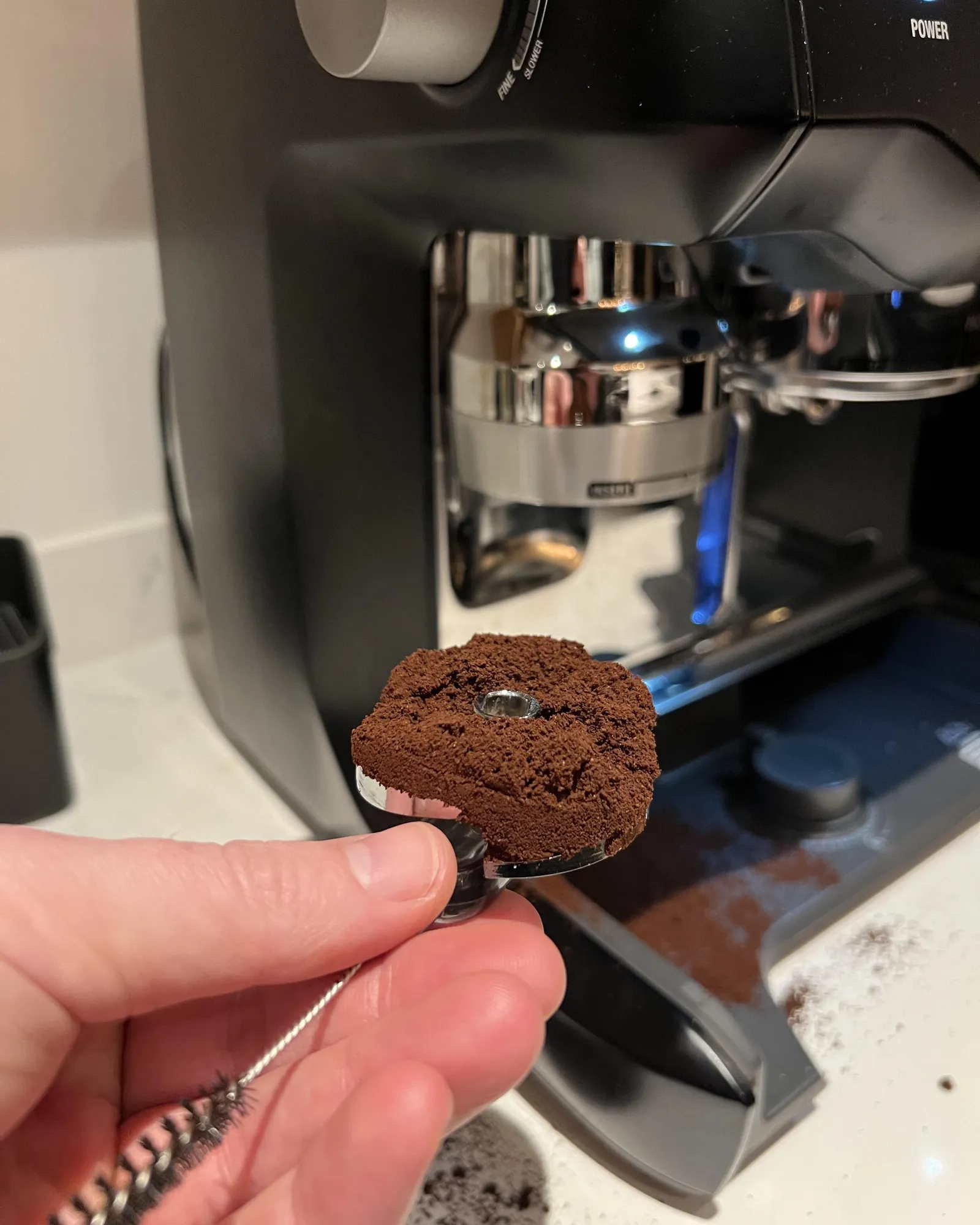
Small changes in how you use the machine stop these problems from coming back. Here’s what to swap out.
| If you’re doing this | Do this instead | Why |
|---|---|---|
| Tapping the portafilter hard on the knock box edge | Press the release lever gently | Hitting it bends the ears that lock into the group head, causing leaks. |
| Using tap water straight from the sink | Use filtered water with low mineral content | Tap water adds calcium faster, meaning you’ll descale every month instead of every three. |
| Leaving old coffee grounds in the basket overnight | Knock out pucks immediately after brewing | Wet grounds rust the steel mesh screen and breed mold in a warm machine. |
| Wiping the steam wand hours later | Purge and wipe the wand right after steaming milk | Dried milk bakes onto the metal and blocks the steam holes permanently. |
| Pushing the water tank down quickly | Slide it in slowly until it clicks | Slamming it traps air bubbles under the valve, making the pump run dry. |
The exact time between descaling cycles depends entirely on your local water hardness level. You can read your own number off the test strip included in the box, or check your city’s annual water quality report online.
Frequently asked questions
Why is my Breville Oracle Touch not grinding?
The grinder usually stops because beans are jammed between the burrs or the hopper isn’t locked in place. Take the hopper off and twist it counter-clockwise to unlock it. Look inside for a stuck bean wedged against the steel teeth. Remove it with tweezers. If the hopper wasn’t clicked fully clockwise, the safety switch cuts power to the motor. Lock it firmly and try again.
How long does the clean cycle take on the Oracle Touch?
The automated cleaning cycle runs for about 7 minutes from start to finish. This assumes you’re using one official cleaning tablet and the rubber cleaning disc is inserted correctly. If you skip the final rinse shot afterward, you’ll taste soap in your next espresso. Add another 30 seconds to pull that blank shot through the group head.
Is it safe to use vinegar to descale this machine?
No, you shouldn’t use vinegar in the Oracle Touch. Acetic acid breaks down the silicone seals inside the heating system faster than citric acid does. Once those seals fail, water leaks into the electronics below. Stick to the branded descaling powder or pure food-grade citric acid mixed with warm water to keep the warranty valid.
What happens if I ignore the descale notification?
The machine will eventually restrict water flow to protect the heater. You’ll notice the pump getting louder while less coffee comes out. If you keep ignoring it, the thermocoil overheats and trips the thermal fuse. That’s a hardware failure requiring a paid repair. Don’t wait past the first warning on your screen.
Can I fix a frozen touchscreen myself?
Yes, a hard reset fixes a frozen screen in most cases. Unplug the power cord from the wall outlet. Wait a full 60 seconds so the internal memory clears completely. If the screen stays black or freezes again immediately, the control board has failed. That requires professional service.
Why does my espresso taste sour even after dialing in?
Sour espresso means the water passed through the coffee too fast. On the Oracle Touch, check your grind size first—move it finer by two steps. If that doesn’t work, your dose might be too low. Increase the grind amount setting on the touchscreen by 1 gram. Also verify you aren’t using stale beans roasted more than a month ago.