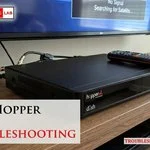
You can fix most issues with your remote by replacing the batteries or resetting the connection to your receiver. Performing directv remote troubleshooting usually solves the problem when buttons stop responding or the volume control fails to sync. The most common cause is simply a low battery charge, which prevents the infrared or radio frequency signal from reaching the receiver. If the remote still doesn’t work after a battery swap, follow the steps below to reset the device or update your system settings.
Why your DIRECTV remote is failing
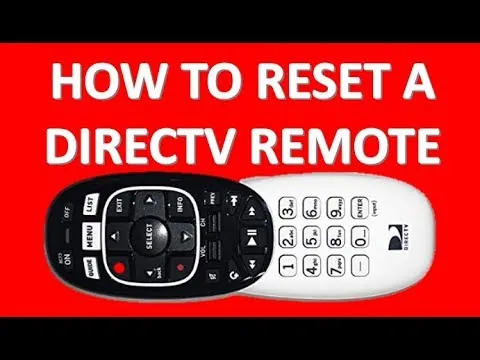
Most remote issues come from a loss of synchronization between the handheld unit and the set-top box. When the receiver stops “seeing” the remote, your button presses are ignored even if the remote has power. This often happens after a power outage or if the receiver was moved, which disrupts the handshake protocol between the two devices.
Another frequent cause is physical blockage or interference. Infrared remotes require a clear line of sight to the front panel of the receiver. If a cabinet door, a stack of books, or a decorative item sits in front of the infrared sensor, the signal can’t travel. You should also check for other electronics, like plasma televisions or fluorescent lights, which can sometimes emit light frequencies that overwhelm the receiver’s sensor.
Finally, internal software glitches occur when the receiver’s menu system hangs. Just like a computer, the set-top box can get stuck in a state where it stops processing incoming remote commands. A simple reboot of the receiver often clears this cache and restores functionality.
You can find specific guidance on managing your equipment through the official DirecTV equipment support portal. If you suspect a hardware failure, check if the remote’s mode switch is set to the correct position, as an accidental toggle to “AV” or “TV” mode will stop it from controlling the satellite box.
Replace the batteries and check power
This fix is for users whose remote buttons show no light or a very dim light when pressed. Start by removing the battery cover on the back of the remote and pulling out the old batteries. Replace them with fresh, high-quality alkaline batteries of the same size. If your remote uses a sliding back cover, ensure it’s firmly locked into place, as some models have a safety switch that disconnects power if the cover is loose.
Once the new batteries are inside, press the “PWR” or “ON” button to see if the remote indicator light blinks. If it blinks, try controlling the receiver. If the light doesn’t blink, check the battery orientation. It’s a common mistake to put both batteries in the same direction; ensure the positive and negative ends match the diagram inside the battery compartment.
If the remote still shows no light after this, the unit itself may be damaged. Note that this doesn’t apply to rechargeable remotes; if you have a newer, rechargeable model, check the charging port for debris and use the provided cable for at least 30 minutes before testing again.
Reset the remote system connection
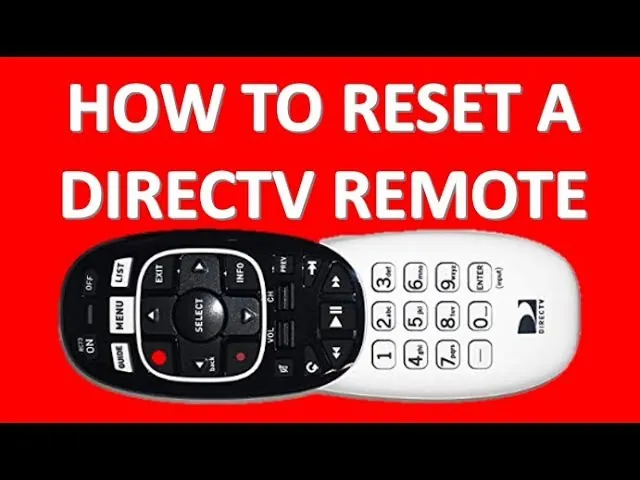
This fix is for users who have power to the remote but can’t change channels or access the guide. Point the remote directly at the front of your receiver. Press and hold the “MUTE” and “SELECT” buttons at the same time until the green light at the top of the remote flashes twice. Once you see the double flash, enter the code “961” using the number pad.
After entering the code, press “CHANNEL UP” once, then press “ENTER.” If the receiver responds, the remote is now programmed to communicate with the box again. If it doesn’t respond, press “CHANNEL UP” again and press “ENTER” to try the next code in the remote’s database.
Repeat this process until you find a code that works. This method requires patience, as there are many codes for different receiver models. If you have a newer Genie remote, simply hold the “MUTE” and “ENTER” buttons simultaneously until the screen says “Applying IR/RF setup,” which automatically handles the sync process for you.
Reboot the receiver unit
Use this method when the remote is verified as functional but the receiver ignores every command. Locate the red reset button on your receiver; on most models, it’s hidden behind a small door on the front panel or located on the side of the unit. Press the red button once and wait for the receiver to restart. This process can take 5 to 10 minutes to complete as the device reloads its software.
Don’t unplug the receiver from the wall unless the red button fails to trigger a restart. Unplugging the device while it’s writing data to its hard drive can lead to permanent software corruption or lost recordings. If the reboot finishes and the remote still fails to work, you may be dealing with a faulty infrared sensor on the receiver itself.
If you require a replacement remote or suspect the receiver hardware is broken, contact DirecTV customer service to request a technician visit. This isn’t for users who are comfortable with electronics repair; don’t attempt to open the receiver casing, as this voids your service agreement and carries a risk of electrical shock.
Things to avoid during troubleshooting
Don’t use rechargeable batteries unless your specific remote model explicitly supports them. Standard alkaline cells provide the necessary power, while most rechargeables deliver a lower voltage. This discrepancy often causes the remote to register phantom button presses or fail to pair, so consult a technician if you have power issues.
Avoid pressing buttons repeatedly when the receiver is frozen. Each click adds a command to the internal buffer. If you press a button ten times while the system is locked, the device will execute all ten commands in rapid succession once it reboots, often leading to unintended menu navigation or system crashes.
Never use abrasive cleaners on the keypad. Harsh solvents strip the conductive carbon coating from the underside of the buttons. Once this layer is gone, the remote is permanently broken. Use only a dry microfiber cloth or a cotton swab lightly dampened with 70% isopropyl alcohol.
Don’t store the remote in areas with high humidity. Moisture leads to oxidation on the circuit board traces. If the remote feels “sticky” or sluggish, move it to a dry environment immediately to prevent permanent short-circuiting.
Better ways to manage your remote
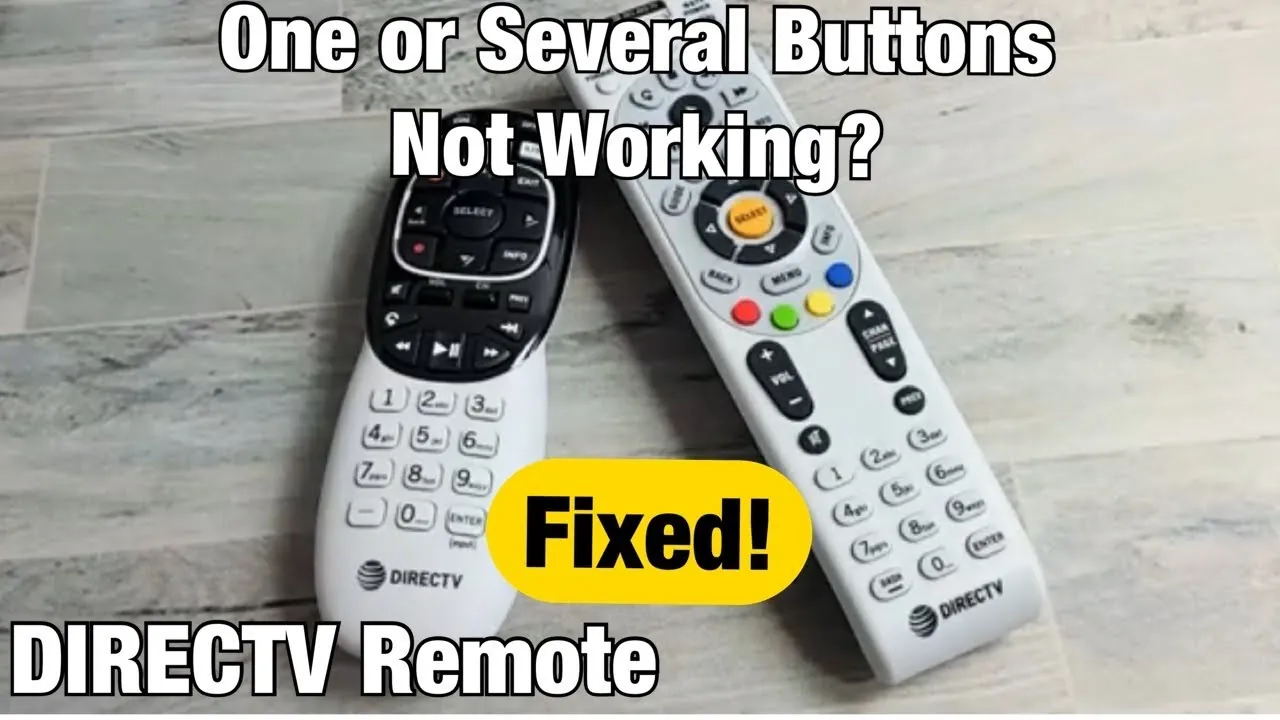
If you find yourself constantly struggling with connection issues, look at how you use your equipment daily. The following table helps you compare common habits with more reliable methods.
| If you’re doing this | Do this instead | Why |
|---|---|---|
| Leaving the remote in the couch | Keep it on a flat table | Protects buttons from pressure |
| Using old, mixed batteries | Use fresh, matching batteries | Prevents voltage drops and leaks |
| Blocking the sensor | Clear the line of sight | Ensures infrared signals reach box |
| Forcing unresponsive buttons | Reboot the receiver first | Clears software hangs and errors |
Most users mistake a dead remote for a hardware failure. If your remote is unresponsive, check the infrared emitter using your smartphone camera. Point the remote at the lens and press a button. If you see a faint purple or white flicker on your screen, the remote is sending a signal. If you see nothing, the issue is the remote; if you see the light but the TV doesn’t react, the receiver is the culprit.
Never mix alkaline and rechargeable batteries. They have different voltage discharge curves, which can cause the remote to glitch or the battery casing to corrode. If you suspect a leak, clean the contacts with a cotton swab dipped in high-percentage isopropyl alcohol. This simple step often restores a “broken” remote to full functionality in minutes.
Frequently asked questions
Can I use a universal remote with my receiver?
You can use most universal remotes if they support your specific satellite receiver model. Check the manufacturer’s website for a compatibility list before purchasing. Note that some advanced features, such as the “On Demand” menu, may not function with third-party devices.
How long do batteries last in the remote?
Batteries typically last 6 to 12 months with normal daily use. This lifespan depends on the quality of the batteries and how frequently you use the backlight feature. Replace them immediately if the remote becomes unresponsive or the indicator light appears dim.
Why does the volume button not work?
The volume button often fails because the remote is programmed to control the TV instead of the receiver. Re-sync the volume control through the receiver’s settings menu to fix this. You may need to reprogram the remote if you recently changed your television set.
Is it safe to open the remote housing?
Don’t open the remote housing to repair internal components. The plastic clips are designed for factory assembly and will likely break if pried apart. If the remote fails after a battery change and system reset, it’s likely a hardware failure requiring replacement.
What happens if I lose the remote?
You can control basic functions using the buttons on the receiver or the official mobile app. The app turns your smartphone into a fully functional remote when connected to the same Wi-Fi network. Order a replacement remote through the DirecTV website for a permanent solution.
How often should I reset the receiver?
Only reset the receiver when you experience consistent freezing or remote unresponsiveness. A monthly reboot is unnecessary and can interrupt scheduled recordings or background updates. Contact customer support if you need to reset the box more than once a week.
Conclusion
If you have tried all these steps and the remote still fails to control your equipment, the issue likely lies with the receiver’s internal sensor or the remote’s transmitter board. In these cases, a replacement is the only reliable path forward. Contact your service provider to verify your equipment warranty and request a replacement, as they can often send a new remote at no additional cost if your hardware is covered under your current service agreement.
Related guides