
When Bumble won’t load, match or send messages, the fix is usually clearing the app’s cache or checking your network. That’s where bumble app troubleshooting starts for almost every user. The single most common cause is stale data stuck in your phone’s temporary storage. If the screen freezes, force-close the app and reopen it. You don’t need special tools to do this, just your phone’s settings menu.
When Bumble troubleshooting starts because of crashes
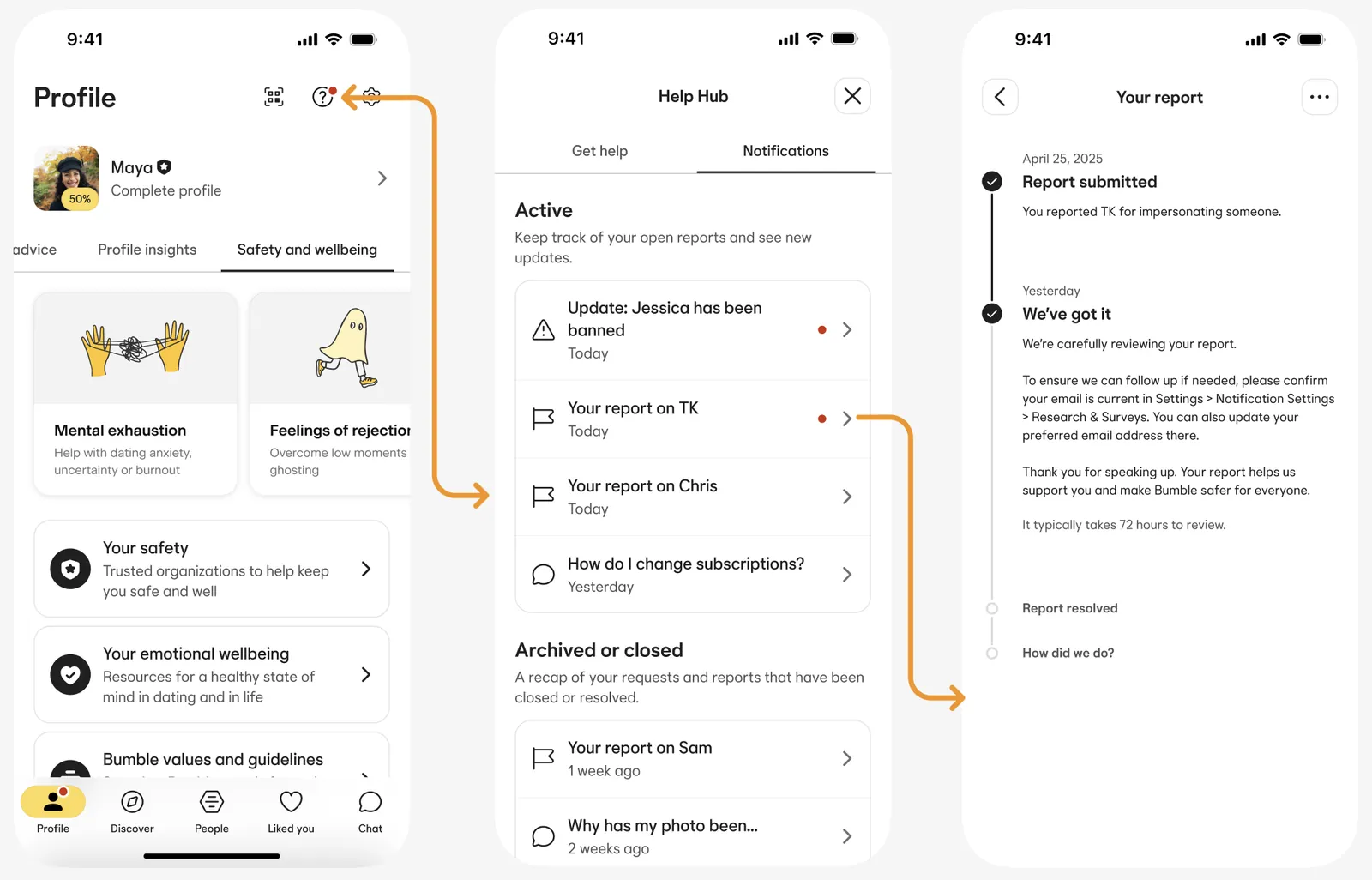
A dating app that stops working mid-swipe usually has one of three causes. The first is corrupted cache files sitting on your phone. Every time you open Bumble, it saves small pieces of data so the next load is faster. When those files get damaged, the app reads bad instructions and crashes. This isn’t a bug in the software itself; it’s leftover junk from an older session.
The second cause is a weak or unstable internet connection. Bumble needs a steady stream of data to load profiles and deliver messages. If your Wi-Fi drops packets or your cellular signal fluctuates, the app hangs while waiting for a response that never arrives. Switching between Wi-Fi and mobile data without fully disconnecting the first one often triggers this.
The third cause is an outdated app version running against new server rules. Bumble updates its backend frequently. If your phone hasn’t downloaded the latest release, the old code tries to talk to a system that no longer answers the same way. The result is blank screens or infinite loading circles.
You can check if the problem is on their end by visiting Bumble’s official status page before changing any settings on your device.
Clear the Bumble cache on your phone
This fix is for anyone whose app opens but freezes, lags or shows a blank screen. It doesn’t delete your account, matches or messages. It only removes temporary files stored locally on your device.
On Android, open Settings and tap Apps. Find Bumble in the list and select Storage. Tap “Clear cache” at the bottom. Don’t tap “Clear data” unless you want to log back in with your password, because that resets your local preferences too.
On an iPhone, iOS doesn’t offer a direct cache button. You’ll need to offload the app instead. Go to Settings, then General, then iPhone Storage. Find Bumble, tap it and choose Offload App. This deletes the cached files but keeps your documents. Tap Reinstall right after.
How do you know it worked? Open Bumble again. The first load might take 3-5 seconds longer than usual because it’s rebuilding fresh cache files. After that, swiping should feel smooth and images should appear instantly. If the app still crashes after doing this, the issue isn’t in your temporary storage.
If your phone is managed by a company or school with strict security profiles, you might not have permission to clear app storage yourself. In that case, ask your IT administrator to lift the restriction.
Update Bumble or reinstall the app

Use this method when clearing the cache didn’t help. It also applies when features like video chat and voice notes simply refuse to work. An update replaces broken code with fixed files directly from the developer.
Open the App Store on iOS or the Play Store on Android. Search for Bumble. If you see an “Update” button instead of “Open,” tap it. Wait for the download to finish completely before opening the app. A partial update leaves mismatched files behind. That causes worse errors than the original bug.
If there’s no update available and the app is still broken, delete it entirely. Press and hold the icon, select Remove App, then confirm deletion. Restart your phone before downloading it again. That restart clears out background processes holding onto old connections.
Once reinstalled, log in with your phone number or Facebook account. Your profile, photos and matches live on Bumble’s servers, not your phone. Nothing gets lost during a reinstall. People often panic here and back up screenshots of their chats first. That effort is wasted because message history syncs automatically upon login.
This assumes you’re using a supported operating system. For phones running very old software—like iOS 14 or Android 9—the newest version might not install at all. Check your device’s software update settings first.
A quick way to tell which fix you need: if the app crashes immediately on launch, try updating first. If it opens but freezes mid-swipe, jump straight to reinstalling.
Reset your network settings
This is the fix for harder cases where Bumble works fine on Wi-Fi but fails on cellular data, or vice versa. It’s worth the extra effort only when you’ve already tried clearing the cache and updating the app without success.
Resetting network settings wipes saved Wi-Fi passwords, Bluetooth pairings and cellular configurations. You’ll need to reconnect to your home router afterward. On an iPhone, go to Settings, General, Transfer or Reset iPhone, then Reset, and finally Reset Network Settings. On Android, navigate to Settings, System, Reset options, and tap Reset Wi-Fi, mobile & Bluetooth.
After the phone restarts, connect to your network and try Bumble again. If the app now loads profiles quickly, a hidden proxy setting or a corrupted DNS entry was blocking the connection.
There’s a trade-off here: you lose every saved Wi-Fi password on the device. If you rely on auto-connecting to dozens of networks at work or coffee shops, typing them all back in takes real time. If resetting the network doesn’t fix the app, the problem likely sits on Bumble’s servers or involves a banned account. At that point, stop trying phone fixes and contact Bumble support through their website.
Bad advice that makes Bumble problems worse
People share quick fixes online that actually break things further. Here are the ones to avoid when dealing with Bumble issues.
- Making a new account to bypass a glitch. Bumble links accounts to your phone number and device ID. Creating a second profile to escape a bug often triggers their anti-fraud system, resulting in a permanent ban on both accounts.
- Using third-party GPS spoofers to change location. Fake location apps violate Bumble’s terms of service. The app detects conflicting sensor data and will shadowban your profile, meaning you swipe endlessly but nobody sees you.
- Installing APK files from random websites on Android. Unofficial app files bypass security checks. They often contain malware that steals login credentials, and they won’t receive automatic updates to fix bugs.
- Turning off your firewall or antivirus completely. Disabling security software doesn’t make a dating app load faster. It just exposes your personal messages and payment details to anything else on the network.
- Factory resetting your entire phone as a first step. Wiping everything to fix one app is extreme overkill. You lose all personal data, photos and setups for a problem that usually lives in a 50-megabyte cache folder.
How to keep Bumble running smoothly
Small habits prevent the glitches that force you into repair mode later. Change how you handle the app and your phone’s storage.
| If you’re doing this | Do this instead | Why |
|---|---|---|
| Force-closing Bumble after every use | Leave it in the recent apps tray | Modern phones freeze background apps automatically; force-closing forces a full reload each time, stressing the cache |
| Ignoring system update notifications | Install OS updates within a few days | App developers build new versions assuming you have the latest security patches and frameworks |
| Letting phone storage hit 99% full | Keep at least 2 GB free | Bumble needs empty space to write temporary image files while you swipe |
| Swiping on weak public Wi-Fi | Switch to cellular data in crowded places | Public networks throttle traffic and drop connections, causing message sync failures |
| Never restarting your phone | Power down once a week | A restart flushes out memory leaks and kills stuck background processes |
Storage space varies by device model, and you can read your own available capacity inside your phone’s main settings menu.
Frequently asked questions
Why is my Bumble not loading profiles?
No profiles usually means a network timeout or a server outage. First, toggle airplane mode on for 10 seconds, then turn it off to reset your connection. If that fails, check Bumble’s status page. If their servers are up, clear your app cache. The app downloads profile images one by one; if the first request times out, the whole queue stalls.
Can I use Bumble on a web browser instead?
Yes, you can log in at bumble.com from any desktop or mobile browser. This is useful when the mobile app refuses to open despite multiple reinstalls. Your matches and conversations sync perfectly between the app and the website. However, some features like video calls work better natively inside the mobile application.
How long does a Bumble shadowban last?
During this time, your profile remains invisible to other users. There’s no countdown timer inside the app. You’ll know it’s lifted when you start receiving new matches again. Contacting support rarely speeds this up, as bans are automated.
Is it safe to reinstall Bumble to fix bugs?
Yes, reinstalling is completely safe for your account data. Your profile, photos, matches and chat history are stored on Bumble’s cloud servers, not locally on your phone. Deleting the app only removes the interface and temporary files. When you log back in, everything downloads exactly as you left it. Just remember your login credentials.
What happens if Bumble says my account is restricted?
A restricted account means Bumble’s moderation team flagged your profile for violating community guidelines. You won’t be able to swipe or message. Sometimes this happens by mistake due to automated photo scanning. You must appeal directly through the app’s help center or their website. Creating a new account to dodge a restriction leads to a permanent ban of the new account and potentially your device.
Why does Bumble drain my battery so fast?
Bumble uses your GPS continuously to calculate distances between you and potential matches. Constant location polling prevents your phone’s processor from entering deep sleep mode. To reduce the drain, switch your phone’s location permission for Bumble from “Always” to “While Using the App.” This stops the tracking when the app runs in the background.
How often should I update the Bumble app?
Update Bumble whenever your app store shows a new version available. The app releases updates periodically to patch security holes and fix bugs, so leaving it outdated means running code that may no longer match their servers.
Conclusion
If your screen still won’t cooperate after trying these fixes, reach out to Bumble’s support team directly through their website. They’ll look into your account and help you get back to chatting. Don’t wait too long—your matches might be wondering where you went!
Related guides