If you’re currently dealing with a device that has stopped tracking your progress or is making an unusual noise, performing cubii troubleshooting is likely the first step to restoring your workout routine. These under-desk ellipticals are designed for low-impact movement, but like any mechanical fitness equipment, they occasionally require minor adjustments or maintenance to keep the internal resistance mechanisms and digital tracking systems functioning at peak performance. Whether your display is blank, the pedals feel loose, or you hear a rhythmic squeak during your sessions, most issues can be resolved with basic household tools and a bit of patience.
Key Takeaways
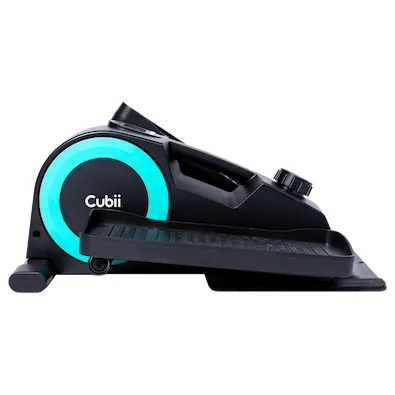
- Ensure all cable connections are secure before assuming a hardware failure.
- Check the battery compartment for corrosion or improper contact alignment.
- Tighten pedal bolts regularly to prevent vibration and structural fatigue.
- Use a dry or lightly dampened cloth to clean sensors and surfaces.
- Reset the console if the display becomes unresponsive or freezes.
Is Your Display Not Showing Data?
The digital console is the primary way users track their activity, so a blank screen can be frustrating. Most display issues stem from a simple lack of power or a loose connection within the wiring harness. First, verify that the batteries are fresh and inserted with the correct polarity. If you’re using a model that requires a power adapter, inspect the cord for any fraying or bends that might interrupt the electrical flow.
| Issue Type | Common Cause | Recommended Action |
|---|---|---|
| Blank Console | Dead batteries | Replace with fresh alkaline batteries |
| No Data | Loose sensor cable | Check port connection under unit |
| Erratic Numbers | Electromagnetic interference | Move device away from other electronics |
| Frozen Screen | Software glitch | Remove batteries for sixty seconds |
How to Fix Squeaky Pedals
A rhythmic squeaking sound is one of the most common complaints for under-desk ellipticals. Usually, this sound is caused by friction between the pedal arm and the central frame or a bolt that has slightly loosened over time. To address this, first identify exactly where the sound originates. If it’s coming from the pedal bolt, use the provided Allen wrench to ensure it’s tightened securely.
Warning: Never use heavy-duty industrial lubricants or oil-based sprays on the internal resistance components, as these can attract dust and debris that may permanently damage the internal bearings.
If tightening the bolt doesn’t resolve the squeak, you may need to apply a small amount of silicone-based lubricant to the pivot points. Ensure the area is wiped clean of any existing dust before applying a new lubricant. If the sound persists, inspect the pedal arm for any signs of misalignment or bent metal that might be rubbing against the plastic casing of the main unit.
Cubii Resistance Level Troubleshooting
When the resistance dial feels loose or fails to change the tension during your workout, the issue is typically related to the internal tension cable. This cable connects the adjustment knob to the magnetic resistance system. If the cable has slipped from its guide, the dial will spin without providing any feedback.
- Check the tension knob for visible cracks or damage.
- Listen for a “click” when turning the knob to ensure the internal mechanism is engaging.
- Ensure the resistance adjustment cable isn’t pinched or kinked inside the housing.
If you find that the resistance doesn’t change even when the knob appears functional, the internal magnet may be stuck. Gently rocking the pedal back and forth while adjusting the dial can sometimes help re-seat the internal components.
Managing Pedal Slip and Stability
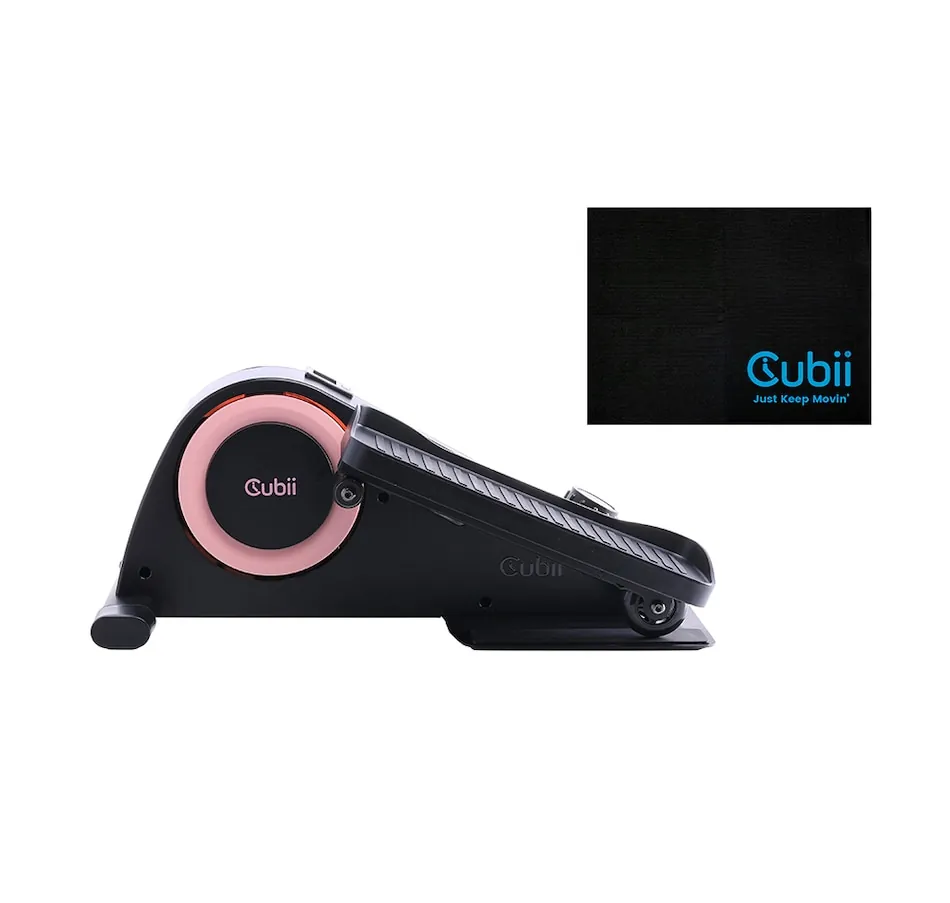
If your feet feel like they’re sliding off the pedals or the unit itself is shifting on the floor, the issue is likely environmental rather than mechanical. Under-desk ellipticals rely on friction between the rubber feet and the floor surface to remain stationary. If your floor is highly polished or made of slick tile, the unit may struggle to maintain its position.
Using a non-slip mat is the most effective way to improve stability. Not only does this prevent the device from sliding, but it also protects your flooring from potential scratches caused by the weight of the unit during intense sessions. If the pedal surface itself is the problem, ensure that your footwear is clean and free of debris that might reduce traction on the textured pedal surface.
Routine Maintenance for Longevity
Performing regular maintenance is the best way to prevent the need for extensive repairs later. A clean machine is a functional machine. Weekly, you should wipe down the exterior surfaces with a soft, microfiber cloth to remove sweat and dust. These substances can work their way into the crevices of the pedal arm and the display console, eventually causing performance issues.
| Maintenance Task | Frequency | Purpose |
|---|---|---|
| Wipe down exterior | Weekly | Prevents sweat corrosion |
| Check bolt tension | Monthly | Stops squeaks and vibration |
| Replace batteries | Every 3-6 months | Ensures accurate tracking |
| Inspect power cord | Quarterly | Prevents electrical hazards |
Pro Tip: If you notice a buildup of hair or carpet fibers around the pedal axle, use a pair of tweezers or a thin plastic tool to carefully remove the debris before it gets pulled into the internal bearing system.
Resolving Tracking and Sensor Errors
If the console is on but the numbers aren’t increasing while you pedal, the issue is likely with the reed switch sensor. This sensor is responsible for detecting the rotation of the flywheel. If the magnet attached to the flywheel has shifted or if the sensor wire has become disconnected, the console won’t receive the signal needed to count your strides.
To fix this, look for the sensor wire located near the pedal axle. Ensure that the connector is pushed firmly into the port. If the connection is secure but the unit still doesn’t track, the sensor may be misaligned. In many cases, simply ensuring the pedal arm is tightened correctly will bring the magnet back into the required proximity of the sensor.
Addressing Unusual Vibrations
Vibrations are often a sign of uneven weight distribution or a loose internal component. If you feel a shaking sensation while pedaling, check that the unit is on a level surface. A slight wobble in the floor can be magnified by the circular motion of the pedals, leading to an unstable workout experience.
If the floor is level and the unit still vibrates, inspect the pedal arms for any structural damage. Even a small bend in the metal can cause the rotation to become unbalanced. In some cases, the internal flywheel may have become slightly off-center. If you suspect an internal balance issue, avoid forcing the pedals, as this could cause further damage to the drive belt or the internal bearings.
Handling Console Power Failures
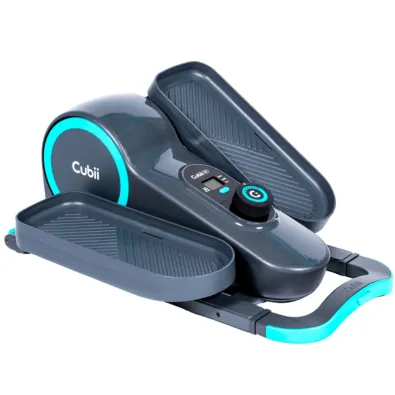
When the screen fails to turn on entirely, start with the most basic power troubleshooting. Even if you believe the batteries are good, try a brand-new set from a different package. Battery quality varies, and a partially drained battery might have enough power to show a dim screen but not enough to process the sensor data correctly.
If you have a model with a rechargeable battery, ensure the charging port is clear of any dust or lint. A blocked port will prevent the charger from making a solid connection. If the console remains dead after a full charge cycle, inspect the battery compartment for signs of leakage, such as a white powdery residue. If you find this, clean it carefully with a cotton swab dipped in a small amount of white vinegar before inserting new batteries.
Frequently Asked Questions
Why is my display not tracking distance?
The most common cause for a non-tracking display is a disconnected sensor wire or a misaligned magnet near the flywheel. Ensure that the cable connecting the console to the base is firmly plugged in. If the connections are secure, check that the pedal arm is tight, as the magnet needs to be in close proximity to the internal sensor to register each rotation.
How do I stop the unit from sliding?
To prevent sliding, place the device on a high-friction rubber mat designed for fitness equipment. Avoid using the unit on high-pile carpets or rugs, as these surfaces provide an unstable base. If the rubber feet on the bottom of the unit have become worn or smooth, cleaning them with a damp cloth to remove dust can often restore their natural grip on hard flooring.
Why does the resistance feel inconsistent?
Inconsistent resistance usually points to a tension cable that has become loose or frayed. Inspect the cable path from the tension knob to the internal magnet. If the cable is intact, ensure the dial is fully engaging with the gear mechanism. If the resistance fluctuates while you pedal, the internal drive belt may be slipping, which often requires professional inspection or internal adjustments.
Can I fix a broken pedal arm?
A broken or severely bent pedal arm is a structural issue that generally can’t be fixed with standard troubleshooting. If the metal is cracked or the threads for the bolt have been stripped, the pedal arm will need to be replaced entirely. Attempting to weld or glue the metal isn’t recommended, as it will likely fail under the pressure of repeated physical exercise.
How often should I tighten the bolts?
You should check and tighten the pedal bolts at least once a month. Because the device is subjected to constant circular motion and pressure, vibrations can naturally loosen bolts over time. Using the provided Allen wrench, apply firm, consistent pressure to ensure the pedals are flush against the crank arm, which will prevent both annoying squeaks and potential long-term damage to the hardware.
Conclusion
Maintaining your under-desk elliptical through consistent care and minor adjustments will significantly extend its functional lifespan. By addressing loose bolts, checking sensor connections, and keeping the unit clean, you ensure that your investment remains a reliable tool for your daily movement goals. If these steps don’t resolve your specific problem, consult the official manufacturer manual for model-specific guidance on deeper maintenance.