You can often resolve issues with your machine by checking the power cord and console cables before you attempt any complex cybex arc trainer troubleshooting. Most problems stem from loose connections or a lack of power, which prevent the console from lighting up or the resistance from engaging correctly. If you find your equipment is unresponsive, start by verifying that the wall outlet is providing power and that the plug is pushed firmly into the base of the machine.
Common Cybex Arc Trainer issues
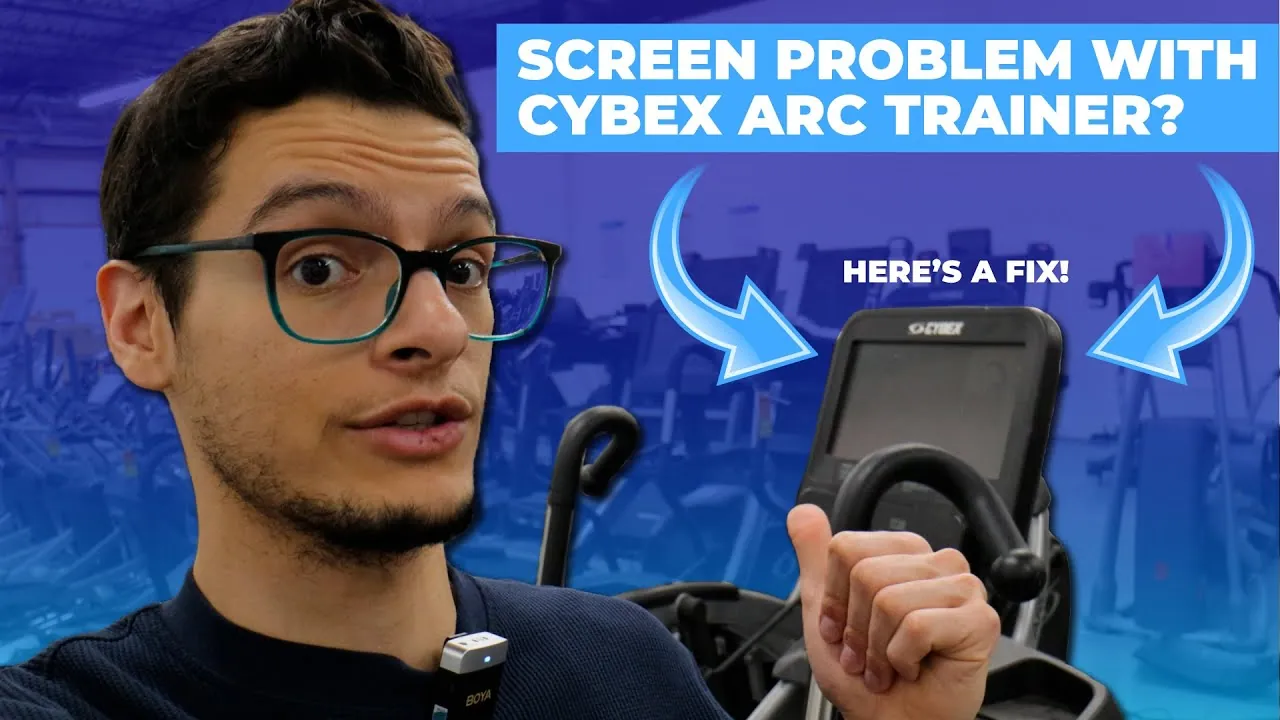
The most common reason for performance issues is a simple disruption in the power supply or a loose data cable. Because these machines rely on a steady flow of electricity to control the electromagnetic resistance system, any interruption will cause the unit to feel stiff or the display to go blank. If the console turns on but the resistance doesn’t change when you press the buttons, the issue is likely a communication error between the computer and the drive motor.
Another frequent cause involves the accumulation of sweat or dust inside the console housing. Over time, moisture can corrode the delicate pins on the internal ribbon cables, which leads to intermittent button failure or frozen screens. While you should never open the internal motor housing or handle high-voltage components yourself, checking for visible debris around the console buttons is a safe and effective way to rule out simple contact interference.
Finally, environmental factors play a large role in how well the machine functions. If the floor is uneven or the leveling feet aren’t adjusted to match the surface, the frame may twist slightly. This puts unnecessary pressure on the internal linkage arms. You can find the official maintenance guidelines for these machines by visiting the Cybex gym equipment support page to ensure your setup meets the manufacturer’s requirements.
Safety: Inside a mains-powered machine, the parts behind the outer cover can hold a dangerous electrical charge even after it has been unplugged — that’s why they sit behind a cover. Opening the housing, or testing or replacing anything behind it, is a job for a qualified technician, never a home repair.
Check the power and data connections
This fix is for users whose console is completely dark or flickering. Begin by unplugging the machine from the wall outlet and waiting 60 seconds to allow the internal capacitors to discharge fully. While the unit is powered down, inspect the power cord for any signs of fraying or damage. If the cord is damaged, don’t use the machine, as this presents a fire risk.
Next, check the data cable that runs from the console down through the mast to the base. You can usually access this connection by removing the small access panel on the back of the console mast. Ensure the connector is clicked firmly into place. If you see bent pins or corrosion on the metal connectors, stop immediately and contact a certified fitness equipment technician. Don’t attempt to straighten these pins yourself, as they’re fragile and easily broken.
If the power returns after you reseat the cables, test the console by starting a manual program. If the display stays on but the resistance is missing, the problem is likely in the drive system, which requires professional calibration.
If you’re comfortable using basic tools, you can ensure the machine is level by rotating the feet at each corner. If you notice a smell of burning rubber or hear grinding noises, turn off the power and call a professional, as these indicate mechanical failure.
Reset the console and resistance levels
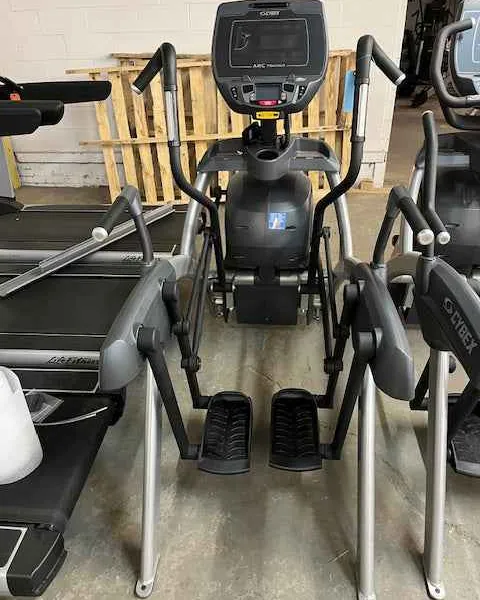
This approach works best when the machine turns on but refuses to track your speed or resistance correctly. Start by turning off the power switch located at the base of the unit. Leave it off for at least five minutes. This allows the onboard computer to clear its temporary memory and reset the sensors that track the stride distance and resistance levels.
Once you turn the power back on, don’t touch the buttons for at least 30 seconds. Allow the console to complete its self-test sequence. Many models will display a version number or a series of dashes while they calibrate the resistance motor. If the screen shows an error code, note the specific letters or numbers provided. This information is vital for a technician, as it tells them exactly which internal sensor is failing to report back to the main board.
If the resistance feels stuck at a high or low level, try starting a workout and manually adjusting the resistance in small increments. If the machine doesn’t respond to these inputs, the internal motor is likely seized or disconnected from the control board. If you have to force the pedals to move, stop immediately. Attempting to force a stuck mechanical system can damage the drive belt or the internal bearings, leading to expensive repairs that go beyond simple software issues.
Calibrate the console for accurate feedback
This final method is for when the machine is powered on but the data on the screen doesn’t match your effort. This often happens if the console settings have been changed or if the unit is set to the wrong display units. You can usually access the service menu by holding down specific buttons while turning the power on, but you should only do this if you have the original owner’s manual for your specific serial number.
If you can’t find your manual, don’t guess the button combinations. Entering the wrong service mode can wipe the machine’s calibration settings, which makes the resistance feel incorrect even if the hardware is fine. If you feel the machine is inaccurate, use an external heart rate monitor or a fitness watch to track your own data instead of relying on the built-in sensors.
This fix isn’t for those who are uncomfortable with complex menus. If you don’t have the manual, it’s better to accept slightly inaccurate readings than to risk locking the console software. If the machine’s performance is significantly impacting your training, call a professional. They have the proprietary software tools required to re-flash the console firmware and reset the factory calibration without damaging the internal electronics.
Troubleshooting mistakes to avoid
- Using electrical cleaner on electronics: Spraying liquid cleaner directly into the console buttons often seeps into the circuit board and causes a permanent short circuit.
- Forcing the pedals when stuck: Attempting to push past a mechanical jam can snap the internal drive belt or damage the gear teeth, which is a major repair.
- Replacing parts based on guesses: Buying expensive parts like the control board without a proper diagnostic test often results in wasted money because the issue was just a loose wire.
- Ignoring error codes on screen: Clearing an error code by restarting the machine doesn’t fix the underlying fault and can lead to secondary damage to the drive motor.
Maintaining your equipment performance
| If you’re doing this | Do this instead | Why |
|---|---|---|
| Leaving it plugged in | Use a surge protector | Protects the computer from voltage spikes |
| Using a damp cloth | Use a dry, soft cloth | Prevents moisture from entering the console |
| Ignoring squeaky noises | Tighten the external bolts | Stops vibrations from loosening internal parts |
| Placing on thick carpet | Place on a hard mat | Ensures the frame stays level and stable |
Most users assume a surge protector is only for lightning storms. In reality, small, invisible power fluctuations occur daily. These micro-spikes degrade sensitive internal capacitors over time, leading to sudden, unexplained system failures.
If you hear a rhythmic clicking or grinding, stop immediately. Tighten every external bolt using the appropriate wrench or socket. If the noise persists after tightening, the issue is likely a failing internal bearing. Continuing to run the machine in this state will cause permanent motor damage.
Finally, check your floor surface. If your equipment sits on carpet, the fibers block the primary intake vents. This forces the cooling fans to spin at maximum capacity constantly. If your unit feels hot to the touch after only thirty minutes of use, move it to a hard surface immediately to prevent thermal throttling and hardware degradation.
Frequently asked questions
Why is my console screen blank?
A blank screen is usually caused by a disconnected power cable or a tripped circuit breaker. Check that the power switch is on and the cord is fully plugged into a working outlet. If the screen remains dark, the internal power supply or console cable may be faulty.
How long does a drive belt last?
The drive belt typically lasts between 5 to 7 years depending on usage. If you notice a slipping feeling or rhythmic thumping, the belt may be worn or stretched. If the belt appears frayed or cracked, it must be replaced by a professional to ensure safe operation.
Is it safe to use if it makes a grinding noise?
No, it isn’t safe to continue using the machine if you hear a grinding noise. This sound usually indicates that a bearing has failed or that the drive mechanism is misaligned. Continuing to use the machine in this state will cause metal-on-metal wear that can destroy the internal drive assembly. Turn off the power immediately and contact a certified repair technician to inspect the internal components before you attempt another workout.
How do I fix an error code on the display?
Consult your owner’s manual to identify the specific error code shown on your screen. Most codes, such as “E1” or “E2,” indicate a communication failure between the console and the drive motor. Don’t repeatedly reset the machine, as this can cause the motor to overheat and fail.
Why does the resistance feel different every day?
Resistance issues often occur if the machine isn’t level or the drive motor is struggling to calibrate. Ensure all four leveling feet are firmly touching the floor so the machine doesn’t rock.
Can I move the machine by myself?
You can move the machine, but it requires two people to avoid injury or damage. Use the built-in transport wheels by lifting the rear of the frame. Never tilt the machine by pulling on the console mast or handle arms, as these parts can’t support the weight.
Conclusion
If these basic checks don’t get your machine running smoothly, don’t hesitate to reach out to a certified technician. They’ll have the right tools to diagnose deeper mechanical faults quickly. It’s better to call for professional help early so you can get back to your fitness routine without any further delay.