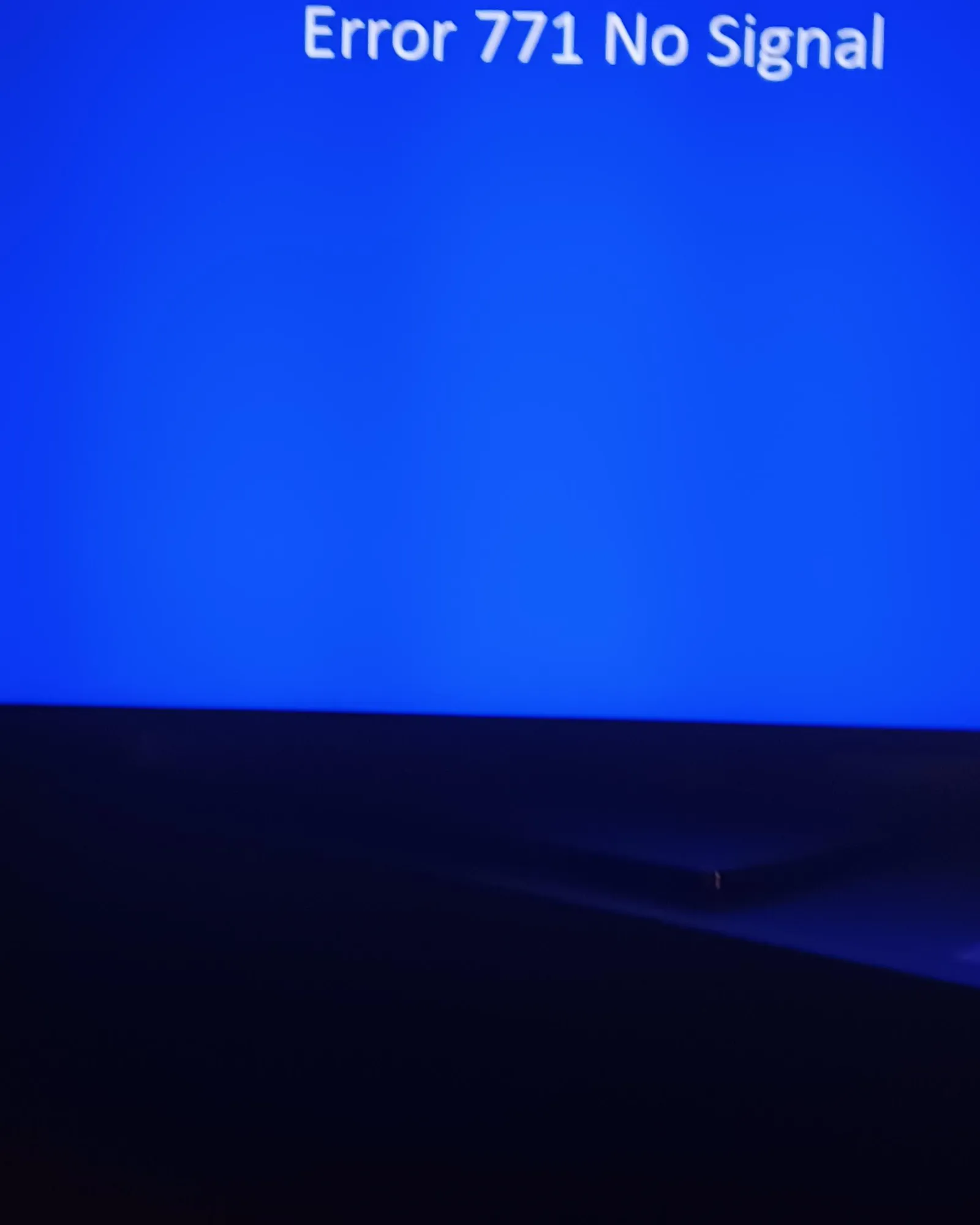
To fix a signal loss error on your television, performing directv troubleshooting 771 requires you to clear physical obstructions from your satellite dish and reset your receiver. This error code means your receiver can’t talk to the satellite, usually because something is blocking the line of sight. The most common cause is severe weather, but debris like branches or heavy snow on the dish often creates the same result. You can check the current status of your equipment and service by visiting the official DirecTV support page.
Troubleshooting DirecTV error 771
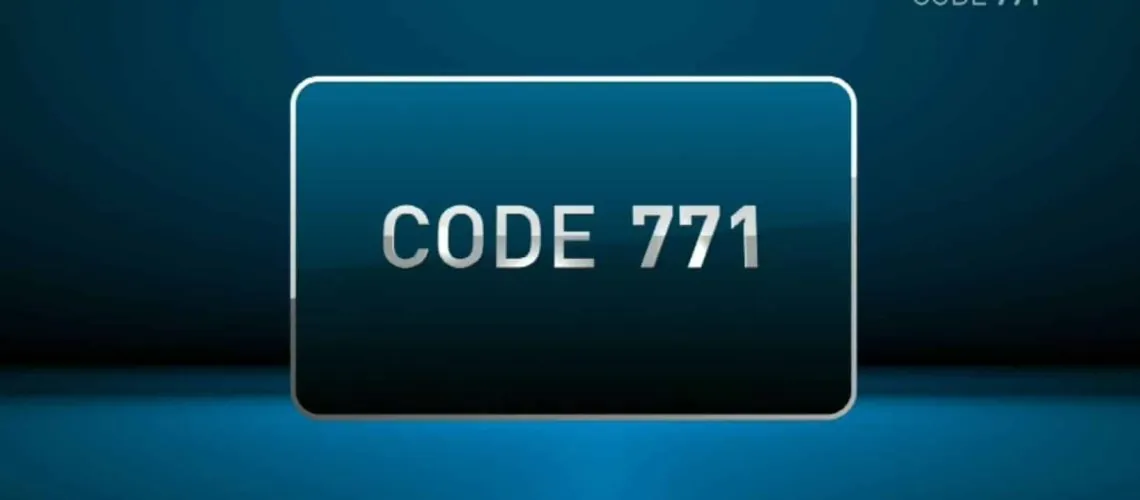
The 771 error code appears when the signal path between your dish and the satellite in orbit is broken. Think of your dish as a flashlight shining at a specific point in the sky. If you place a hand in front of that light, the beam stops. In the same way, anything that gets between your home dish and the satellite prevents the data from reaching your receiver.
Weather is the most frequent culprit for this issue. Heavy rain, thick clouds, or falling snow can absorb or scatter the signal before it hits the dish. This is known as “rain fade.” In most cases, the signal will return on its own once the weather clears up. If you’re experiencing clear skies and still see the error, the problem is likely physical.
Another common cause is a shift in the alignment of the dish. Even a tiny movement caused by high winds or loose mounting bolts can throw the dish off target.
Because the satellite is thousands of miles away, a movement of just a fraction of an inch at your house makes the dish point toward empty space. If you suspect the dish has moved, don’t attempt to adjust the brackets yourself, as this requires precision tools and specific angles for your location.
Clear obstructions from the dish
If you can safely reach your dish, look for branches, leaves, or heavy snow buildup that might be blocking the face of the unit. You should only clear these items if the dish is at ground level or on a very low, easily accessible surface. If the dish is mounted on your roof, don’t climb up to check it.
Use a soft brush or a dry cloth to gently sweep away debris or snow. Never use water, soap, or harsh chemicals, as these can damage the sensitive coating on the dish surface. If you see a thick layer of ice, let it melt naturally. Attempting to chip away ice often causes micro-cracks in the reflective coating, which permanently degrades your signal quality.
If your signal returns after you clear the area, you have successfully solved the problem. If the error remains, the blockage might be further away, such as a tree limb that has grown into the path of the signal since the dish was first installed.
To test this, check your signal strength during the day versus at night; if the signal drops specifically when the wind moves nearby trees, you’re dealing with an obstruction beyond your reach. In that case, you must hire a professional to trim the branches or relocate the dish mount.
Reset the receiver hardware
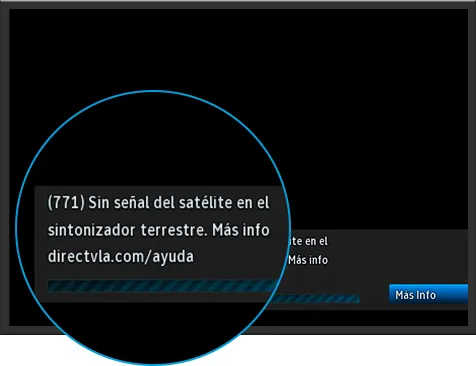
A simple power cycle often clears temporary software glitches that prevent the receiver from recognizing the signal. Locate the red reset button on your box, which is usually hidden behind a small door on the front panel or located on the side. Press and hold this button for about 10 seconds.
If you can’t find a red button, unplug the power cord from the wall outlet. Wait at least 60 seconds before plugging it back in. This delay allows the internal capacitors to discharge fully and forces the system to perform a fresh boot.
Don’t rely on the standby button on your remote for this. That only puts the unit into a low-power state rather than clearing the memory cache. If you unplug the device and the lights remain on, you’re likely disconnected from the wrong outlet.
Once the receiver powers back up, it will take a few minutes to re-acquire the satellite signal. You’ll know it worked if the picture returns to your screen. This process is safe for all standard equipment and won’t delete your recorded programs or personal settings. If the signal remains absent after ten minutes, check your cable connections for loose pins.
Check your cable connections
Loose or damaged cables are a common reason for signal failure. Follow the coaxial cable from the back of your receiver to the wall outlet. Ensure the connector is screwed on tightly and that the cable isn’t bent, crimped, or cut. If you have a multi-room setup, check the connections at the wall plate as well.
If you find a loose cable, tighten it by hand. Don’t use pliers, as these can easily overtighten the nut and snap the internal pin of the connector. This mistake often results in a permanent hardware failure that requires a full cable replacement.
If the cable looks frayed or the metal shielding is exposed, the cable itself must be replaced. Check for a sharp 90-degree bend near the connector; if the internal copper wire is kinked, the signal will degrade significantly.
If the damage is on the exterior line leading to the dish, call a professional technician. A damaged exterior line exposes your system to moisture, which causes internal corrosion. If you see white or green oxidation on the exposed copper, the cable is corroded and must be replaced to restore signal integrity.
Avoid these common mistakes
Some people try to fix this error by performing actions that don’t help or that could cause damage to your equipment. Avoiding these mistakes will save you time and prevent unnecessary repair costs.
Don’t move the satellite dish: Attempting to manually realign the dish without a signal meter almost always makes the signal worse. You’ll likely lose the precise orbital lock, turning a minor obstruction into a multi-hour service call.
Avoid using water to clean the dish: Spraying water to wash off dirt can force moisture into the sensitive electronics, leading to permanent hardware failure. If you see debris, use a dry, soft-bristled brush instead.
Don’t disconnect the “SWM” cable: If your setup uses a power inserter, don’t unplug it from the wall. This box provides the necessary voltage for the dish to operate. Without it, the entire system goes dark immediately.
Don’t assume the receiver is broken: Most 771 errors are signal-related, not hardware-related. Replacing the box before checking the dish is usually a waste of money. If your neighbor’s service is also out, the issue is likely a regional outage or a storm, not your personal equipment.
Prevent future signal loss
You can avoid many future issues by keeping the area around your dish clear and ensuring your hardware is secure. If you’re experiencing this error during every light rain, it’s a sign that your dish alignment isn’t perfect and may need a professional tune-up.
| If you’re doing this | Do this instead | Why |
|---|---|---|
| Ignoring tree growth | Trim branches near the path | Trees grow and block the signal |
| Using a ladder for height | Call a professional technician | Falling is a major safety risk |
| Tightening cables with tools | Hand-tighten all connections | Pliers can break the connector pin |
| Ignoring weather reports | Wait for the storm to pass | Rain fade is a natural limitation |
Most users mistake signal degradation for equipment failure. If your signal drops only during heavy downpours, the issue is atmospheric “rain fade,” not your hardware. However, if the signal fails in clear weather, check for physical obstructions like new bird nests or debris.
A common mistake is over-tightening coaxial connections. Use your fingers only. If you use pliers, you risk overtightening the connector and damaging the threads or the internal pin. If you must adjust the dish angle, mark the current position with a grease pencil first. This allows you to revert to the original setting if your adjustments make the reception worse.
Frequently asked questions
How long does it take for the signal to return?
The signal usually returns within minutes once weather clears or obstructions are removed. If you reset your receiver, allow 10 minutes for the reboot cycle to complete. If the error persists after 15 minutes, a technician must investigate potential dish alignment or cabling issues.
Is it safe to climb on the roof to fix the dish?
No, you should never climb on your roof to perform maintenance on your satellite dish. The risk of a fall is high, and you could also damage the mounting hardware, which would result in a more expensive repair. If you suspect the dish is blocked or misaligned on your roof, contact your service provider to schedule a professional visit. They have the proper safety gear and training to handle roof-mounted equipment safely.
Why does my signal drop when it rains?
Your signal drops because water droplets absorb and scatter the satellite’s radio frequency waves before they can reach your dish. This is a physical phenomenon known as rain fade. While modern satellite technology is designed to minimize this, very heavy storms will always cause a temporary loss of signal. Once the rain stops and the clouds thin out, the signal will automatically restore itself without any action needed on your part.
Can I fix a 771 error if the dish is misaligned?
No, you can’t accurately realign a satellite dish without specialized equipment. The process requires precise angles and a signal strength meter to hit the exact satellite coordinate. If the dish is loose or misaligned, you must contact a professional technician to perform the repair.
What happens if I keep seeing the error after a reset?
This error indicates a failure in the signal path, such as a damaged cable, faulty LNB, or misalignment. Because these components are located outside the receiver, they can’t be repaired by the user. You should contact your provider to dispatch a technician for these hardware issues.
Conclusion
If you have tried the steps above and the error remains, the problem likely lies in the exterior wiring or the dish alignment itself. These components are delicate and require professional tools to diagnose. Contacting your service provider’s customer support is the final step to ensure your equipment is serviced by a qualified technician who can restore your service safely.