If your training device is failing to deliver a signal or responding inconsistently, performing a thorough dogtra collar troubleshooting process will often resolve the issue without needing professional repair. Modern electronic training systems are built to withstand rugged outdoor conditions, but they rely on specific electrical connections and battery health to function correctly. By isolating the transmitter, the receiver, and the physical fit on your dog, you can quickly identify whether you’re dealing with a simple user error, a dead battery, or a technical fault.
Key Takeaways
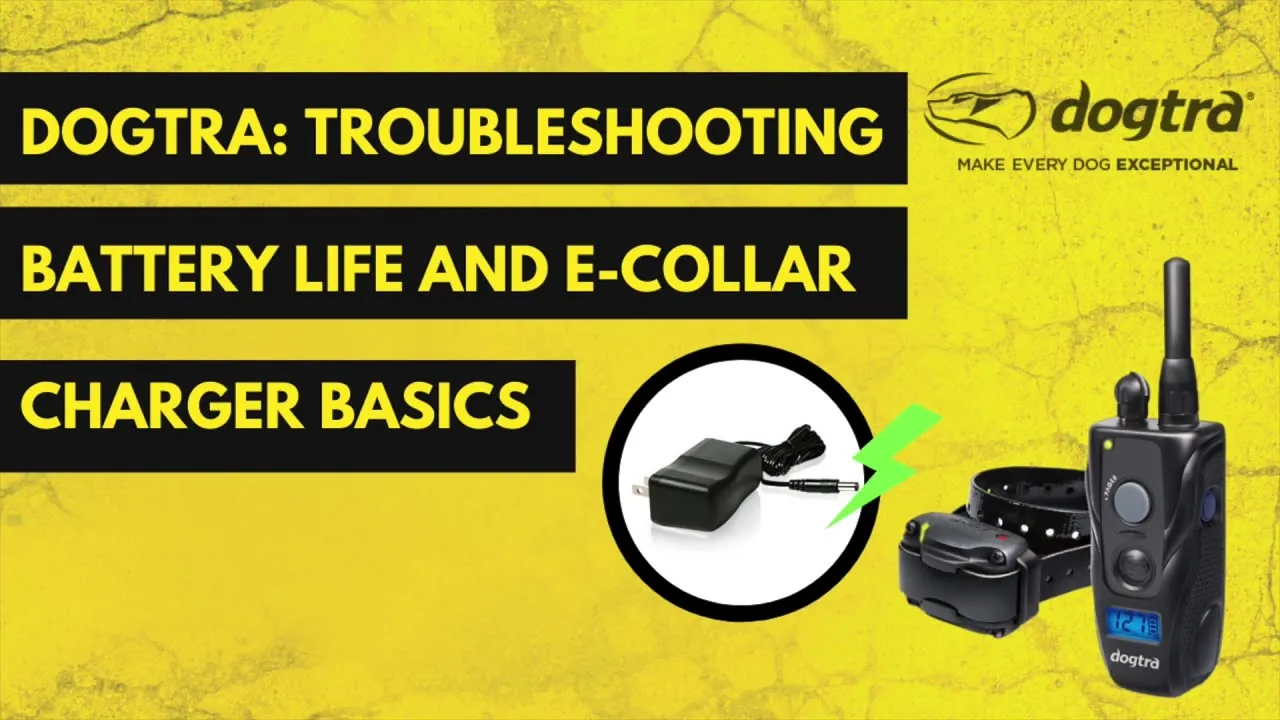
- Check that both the transmitter and receiver are fully charged using the provided wall charger or cable.
- Verify the contact points are making direct skin contact, as fur prevents the stimulation from reaching the dog.
- Perform a test light session to determine if the receiver is actually outputting electrical stimulation.
- Ensure the transmitter is properly paired with the receiver by following the specific model’s synchronization steps.
- Clean the contact points and charging ports regularly to prevent oxidation and debris buildup.
Troubleshooting Dogtra Collar Components
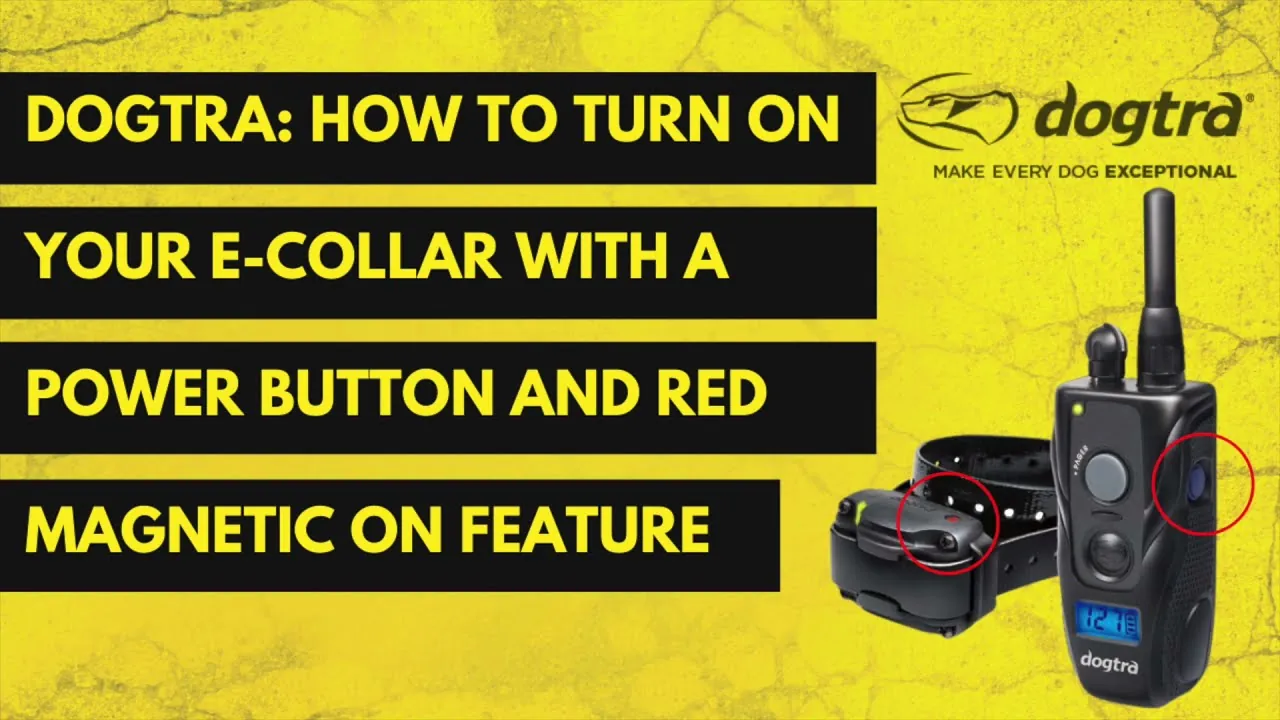
The most frequent cause of a non-responsive device is a loss of synchronization or a depleted battery. Before assuming the hardware is broken, verify that the LED indicators on both units are active when buttons are pressed. If the transmitter LED doesn’t light up, the battery is likely dead or the internal fuse has been tripped. For models with replaceable batteries, ensure the compartment is sealed tightly against moisture.
Understanding Syncing Problems
If the units were previously working but have suddenly stopped communicating, they may have lost their pairing. Consult your manual to find the specific button sequence required to re-sync. Typically, this involves holding the power button on the receiver while pressing a specific combination on the transmitter.
| Component | Common Issue | Quick Fix |
|---|---|---|
| Transmitter | No LED light | Charge for 2 hours |
| Receiver | No response | Re-sync to transmitter |
| Contact Points | Loose screws | Tighten with a wrench |
| Charging Port | Dirt buildup | Clean with cotton swab |
How to use the test light?
The test light tool is the definitive way to verify if your device is functioning. Place the metal wires of the test light across the two contact points on the receiver. Set your transmitter to a mid-range level and press the stimulation button. If the light glows, the receiver is working correctly. If it does not, you should check the battery level or verify that the contact points aren’t loose or damaged.
Pro Tip: Always test the device at a low intensity first to avoid damaging the test light bulb or causing unnecessary discomfort if the receiver is accidentally placed on your skin.
Dealing with Battery Charging Issues
Electronic collars often sit for long periods between uses, which can lead to deep discharge of the lithium polymer or nickel-metal hydride batteries. If your collar hasn’t been used in months, it may require an extended charging cycle of up to 24 hours to wake the battery cells. Avoid using generic third-party chargers, as these can cause voltage irregularities that damage the internal circuitry.
Battery Maintenance Best Practices
- Charge your devices at least once every three months if they’re stored in a cool, dry place.
- Avoid leaving the units in extreme heat, such as inside a locked car during summer.
- Use the Dogtra product support page to find the specific voltage requirements for your model.
- Replace internal batteries if they fail to hold a charge for more than 30 minutes of active use.
Why is stimulation inconsistent?
Inconsistent stimulation is rarely a sign of a faulty unit. More often, it’s a matter of physical placement. If your dog has a thick undercoat, the contact points may be resting on hair rather than skin, creating high electrical resistance. You may need to use the longer contact points provided with your kit or ensure the collar is snug enough to stay in one place while the dog moves.
Is the collar fit correct?
The collar must be tight enough to maintain contact but loose enough to allow two fingers to fit between the strap and your dog’s neck. If the collar is too loose, it will slide around, causing intermittent contact. If it’s too tight, it can cause skin irritation or pressure necrosis over long periods. Always rotate the collar position slightly every few hours to ensure the skin underneath remains healthy.
Cleaning and Maintenance Steps
Debris, mud, and salt water can corrode the charging ports and the contact point threads. After every outing in wet or muddy conditions, wipe the unit down with a damp cloth and dry it thoroughly. If you notice a white, crusty buildup on the contact points, use a soft toothbrush and a mild soap solution to gently scrub the area, then rinse and dry.
| Maintenance Task | Frequency | Purpose |
|---|---|---|
| Wipe down unit | Every use | Remove dirt/salt |
| Inspect strap | Weekly | Check for fraying |
| Clean contacts | Monthly | Ensure conductivity |
| Charge battery | Quarterly | Prevent deep discharge |
When to seek professional repair?
If you have tried re-syncing, fully charged the batteries, tested with the light tool, and verified the collar fit, yet the unit remains unresponsive, there may be an internal component failure. Signs of a permanent fault include a transmitter that won’t hold a charge despite a new battery or a receiver that shows no LED activity even after a full charge cycle. Don’t attempt to open the sealed housing yourself, as this voids the warranty and compromises the waterproof seal.
What causes signal range loss?
Signal range can be significantly reduced by environmental factors. Thick foliage, heavy rain, metal buildings, and power lines can all interfere with the radio frequency signal. If you find your range is shorter than advertised, try moving to an open field to test the distance. If the range is consistently poor regardless of the environment, the antenna inside the transmitter may be damaged or loose.
Are there common hardware failures?
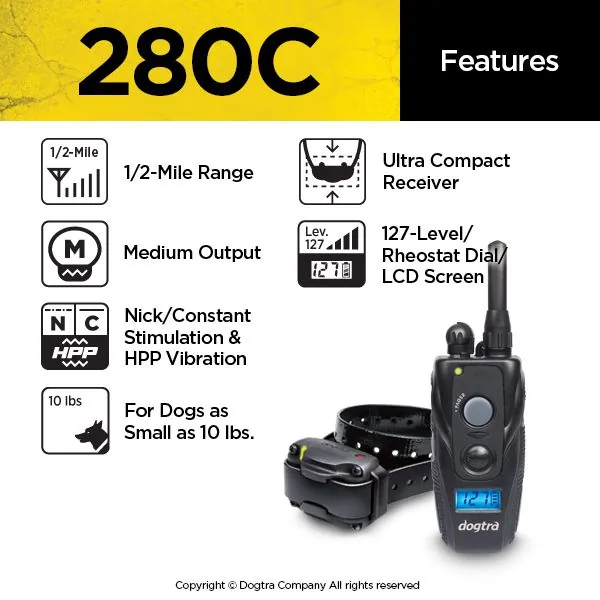
While these units are durable, certain parts are considered “consumables” and will wear out over time. The collar strap may fray, the rubber charging port cover may tear, and the contact points may wear down from friction. Keep a small kit of these spare parts on hand to avoid downtime. If the transmitter buttons become “mushy” or unresponsive, it may indicate that the internal membrane has been compromised by moisture.
Warning: Never attempt to bypass the internal battery or bridge the charging pins with metal objects, as this creates a significant fire hazard and will destroy the sensitive internal electronics instantly.
Frequently Asked Questions
How long do these batteries last?
Most lithium polymer batteries in these systems last between 3 and 5 years with proper care. You’ll notice the battery life gradually decreasing over time. If your device requires charging after every single session, it’s likely time to contact the manufacturer for a battery replacement service. Always avoid letting the battery drain to zero percent regularly, as this accelerates chemical degradation.
Can I replace the strap myself?
Yes, you can easily replace the collar strap. Most models use a standard buckle system that allows you to slide the receiver off the old strap and onto a new one. Ensure the replacement strap is the same width as the original to maintain a secure fit for the receiver. Never use a metal chain collar or a choke chain as a substitute for the manufacturer’s provided strap.
Is the unit actually waterproof?
Most modern electronic collars are rated for full submersion, meaning they can handle rain, mud, and even swimming. However, you must ensure the rubber charging port cover is pressed firmly into place before the unit gets wet. If the cover is missing or loose, water will enter the charging port and cause an immediate short circuit, which is rarely covered under standard manufacturer warranties.
Why does my dog not react?
If your dog isn’t reacting, it’s usually due to one of three reasons: the stimulation level is set too low for the distraction level, the contact points aren’t touching the skin, or the dog is experiencing “habituation.” If the dog is distracted, they may not feel the stimulation at lower levels. Always verify the contact points are touching skin before increasing the intensity level.
How do I reset the transmitter?
Resetting the transmitter depends on your specific model. Generally, you can perform a hard reset by turning the unit off, holding the power button for 10 seconds, or removing the battery (if the model allows). Check your specific user manual, as some models require a specific button-pressing sequence to clear the memory and restore factory default settings for the stimulation levels and pairing channels.
Can I use this in the rain?
Electronic training collars are designed for outdoor use in various weather conditions. You can safely use your device in the rain, provided that the charging port cover is securely sealed. After you finish your training session in the rain, wipe the receiver down with a dry cloth and ensure the unit is completely dry before placing it on the charger, as moisture in the port can damage the pins.
Consistent maintenance is the most effective way to keep your training system operational for years. If you have followed these steps and the device still fails to respond, consult the manufacturer’s official documentation for your specific model to initiate a formal warranty claim or repair request. Regularly checking your equipment ensures that you and your dog remain safe and productive during your daily training exercises.