When your robotic pool cleaner stops performing as expected, you need a reliable dolphin t35 troubleshooting guide to identify whether the issue is mechanical, electrical, or related to debris buildup. These units are sophisticated pieces of equipment designed to automate pool maintenance, but like any electromechanical device submerged in chemically treated water, they require periodic attention. Most operational failures stem from simple blockages or power supply connectivity errors rather than catastrophic motor failure. By methodically checking your power source, impeller, and drive system, you can often restore full functionality without needing to visit a service center or wait for a technician.
Key Takeaways
- Ensure the power supply is connected to a GFCI-protected outlet and receiving consistent voltage.
- Check the impeller housing for trapped debris, as this is the most common cause of motor stalling.
- Inspect the drive tracks and rollers for wear, debris, or misalignment that inhibits movement.
- Clean or replace the filter cartridges regularly to prevent excessive strain on the pump motor.
- Verify that the power cable is free of kinks, knots, or physical damage that could disrupt signals.
Diagnosing Power Supply Issues
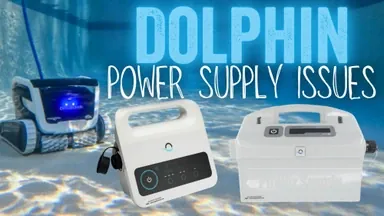
The power supply is the brain of your cleaner. If the unit doesn’t turn on, the issue is rarely the robot itself but rather the electrical delivery system. First, confirm that the power supply is plugged into a functional Ground Fault Circuit Interrupter outlet.
These outlets are designed to trip if they detect a ground fault, which is a common safety feature in wet environments. If the outlet is working, check the cable connection between the power supply and the robot. Ensure the connector is free of salt buildup or corrosion, as these deposits often impede electrical conductivity.
| Component | Common Issue | Quick Fix |
|---|---|---|
| Power Cable | Kinks or knots | Unwind and lay flat in sun |
| Power Supply | No indicator light | Reset GFCI or change outlet |
| Connector Plug | Corrosion | Clean with soft, dry brush |
| Control Box | Overheating | Move to shaded, ventilated area |
Warning: Always unplug the power supply from the wall outlet before performing any inspection or cleaning of the electrical pins or the robot chassis to prevent electric shock.
Why Won’t My Robot Move?
If your cleaner is receiving power but remains stationary on the pool floor, the drive system is the primary suspect. Often, small pebbles, hair, or twigs become wedged between the tracks and the drive wheels, causing the system to seize. Start by manually rotating the tracks to feel for resistance. If the tracks move freely but the robot still fails to navigate, the internal drive motor may be struggling against an obstruction in the intake.
Inspecting the Drive Tracks
The drive tracks rely on proper tension to maintain contact with the pool surface. If the tracks have stretched over time, they may slip off the drive wheels. Inspect the teeth on the inside of the tracks for signs of crumbling rubber or excessive stretching. If the tracks appear loose, remove them, clean the wheels, and reinstall them. Ensure they’re seated correctly in the center of the wheels.
Checking the Impeller
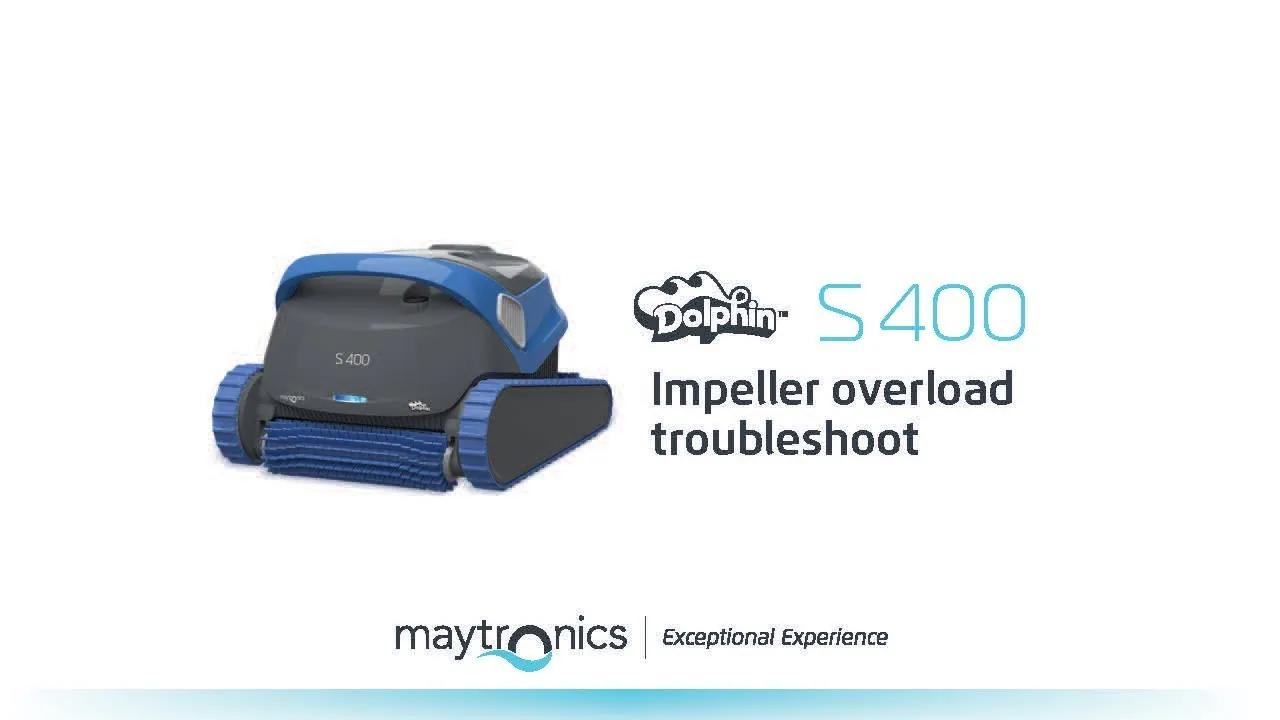
The impeller is located behind the filter basket. If debris makes its way past the filter, it can jam the impeller, forcing the motor to stop as a safety precaution. Remove the filter basket and look into the intake housing. Use a long-handled tool or your fingers to check if the impeller spins freely. If you feel resistance, clear the debris.
Solving Dolphin T35 Troubleshooting Problems
When the robot runs but fails to climb walls or clean effectively, the issue is often related to suction loss or buoyancy. A robot that’s too heavy will struggle to climb, while one that’s too light will lose contact with the surface. Check the filter basket first; a heavily clogged filter severely restricts water flow, which reduces the suction force required for the unit to adhere to vertical surfaces.
Pro Tip: If your filter basket is clean but the robot still struggles to climb, check the intake valves on the bottom. These flaps must move freely to allow debris in while maintaining internal suction pressure.
Cleaning the Filter Cartridges
Debris buildup is the most frequent cause of diminished performance. Depending on your pool’s environment, you should rinse the filter cartridges after every cycle. If you notice algae or fine silt, use a mild detergent and a soft-bristled brush to deep clean the pleats. Allow the cartridges to dry completely before reinserting them into the basket.
Balancing the Robot
If the unit is tilting or failing to turn, ensure the handle is locked in the diagonal position. The handle position dictates the flow of water and the orientation of the robot. If the handle is loose or set to the wrong angle, the water flow won’t provide enough thrust to guide the robot across the floor or up the walls.
Managing Cable Tangling Issues
Cable tangling is a common frustration for owners of automatic pool cleaners. This usually happens when the cleaning cycle is too short, or the cable isn’t laid out correctly before starting. To minimize tangling, ensure the cable is fully unspooled and laid out in the sun to remove any memory kinks before you place the robot in the water.
- Always uncoil the entire length of the cable before starting.
- Avoid leaving excess cable in the water, as this creates loops that lead to knots.
- Check the swivel connector on the cable for smooth rotation.
- Ensure the robot is placed in the center of the pool, not near the wall, at the start of the cycle.
Addressing Unusual Noises
A grinding or clicking noise usually indicates a mechanical interference. If you hear a repetitive clicking, check the drive gears for broken teeth or trapped debris. If the noise is more of a high-pitched whine, the motor bearings or the impeller might be failing.
In either case, stop the unit immediately and inspect the underside for physical obstructions. If no debris is found and the noise persists, the drive belt may be slipping, which requires a deeper inspection of the internal gear assembly.
Is My Robot Moving Too Slowly?
A slow robot often indicates a lack of electrical current or a heavy load on the motor. If the power supply is functioning correctly, check for a buildup of grit inside the motor housing. Over time, fine sand can penetrate the seals and create friction within the drivetrain. You can also check if the rollers are spinning smoothly; if they feel “tight,” the bearings may need lubrication or the roller assembly may need to be replaced.
Seasonal Maintenance and Storage
Proper storage is the best way to prevent future issues. During the off-season, remove the robot from the pool, rinse it with fresh water to remove chlorine, and store it in a cool, dry location. Never leave the robot in the pool year-round, as the chemicals will degrade the plastic housing, seals, and cable insulation. Use a storage caddy to keep the cable organized and prevent it from being crushed or kinked during the winter months.
Frequently Asked Questions
Why does my robot stop after a few minutes?
This is typically caused by an internal safety sensor detecting an obstruction. If the impeller is jammed or the filter is completely clogged, the motor will shut down to prevent overheating. Clear all debris from the intake and filter, ensure the impeller spins freely, and restart the cycle. If it continues to stop, the motor may be drawing excessive current due to an internal fault.
Can I fix a broken power cable?
You should never attempt to splice or tape a broken power cable. These cables carry high voltage and are submerged in water, making them a significant safety hazard if compromised. If the cable insulation is cracked or the wires are exposed, you must replace the entire cable assembly or the power supply unit to ensure the safety of swimmers and the integrity of the equipment.
How often should I replace the tracks?
Tracks should be replaced when they show signs of significant cracking, stretching, or loss of tread depth. Generally, if the robot struggles to grip the pool surface or if the tracks frequently slip off the wheels, it’s time for a replacement. Depending on the frequency of use and the texture of your pool finish, this is typically necessary every two to three years.
Why is the robot not picking up fine silt?
If the robot is moving but leaving fine silt behind, your filter cartridges are likely too porous for the particle size. Consider upgrading to ultra-fine filter panels, which are specifically designed to trap sand, algae, and microscopic particles. Additionally, ensure the intake flaps aren’t stuck in the open position, as this allows debris to escape back into the pool as the cleaner moves.
Is it normal for the robot to float?
The robot should never float during operation. If it does, there’s likely air trapped inside the housing or the filter basket. Submerge the robot and tilt it from side to side underwater to release any trapped air bubbles. If the unit still floats, ensure the filter basket is properly seated and that the unit’s internal buoyancy foam isn’t waterlogged or damaged.
Conclusion
Before you consider replacing your unit, perform a thorough inspection of the filter system and the impeller housing, as these two areas account for the vast majority of operational problems. If you have cleared all debris and confirmed the power supply is stable, yet the cleaner still fails to function, contact the manufacturer’s support line to discuss potential warranty repairs or professional service options for your specific serial number.