T Mobile Hotspot Troubleshooting: Quick Fixes!
November 4, 2024

To troubleshoot a T-Mobile hotspot, first check your network settings and restart the device. Ensure your plan includes hotspot use...
Read moreRing Video Doorbell Troubleshooting: Quick Fixes & Tips
June 24, 2024
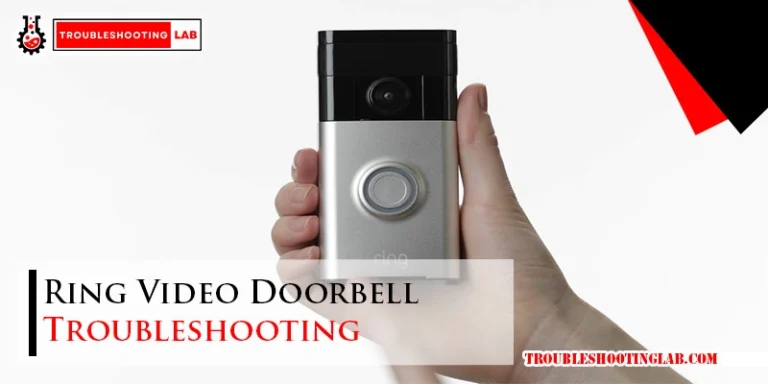
Ring Video Doorbell troubleshooting involves checking the power source, Wi-Fi connection, and device settings. To ensure proper functionality, it’s important...
Read moreWyze Cam Troubleshooting: Quick Fixes for Common Issues
June 23, 2024
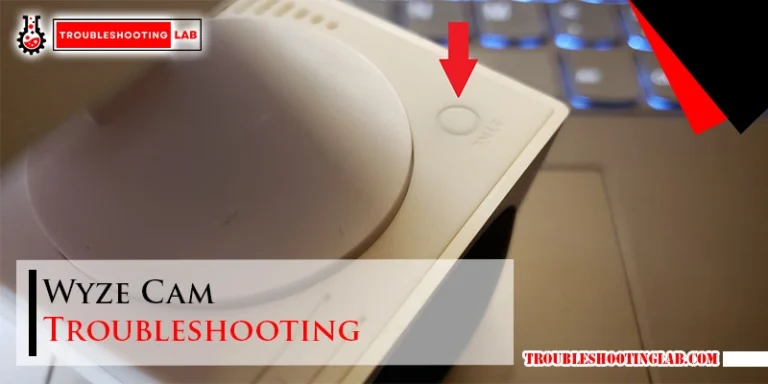
To troubleshoot Wyze Cam, ensure the camera is properly powered and connected to the internet. If the issue persists, try...
Read moreSpectrum Wifi Troubleshooting: Quick Fixes for Fast Connectivity
June 21, 2024
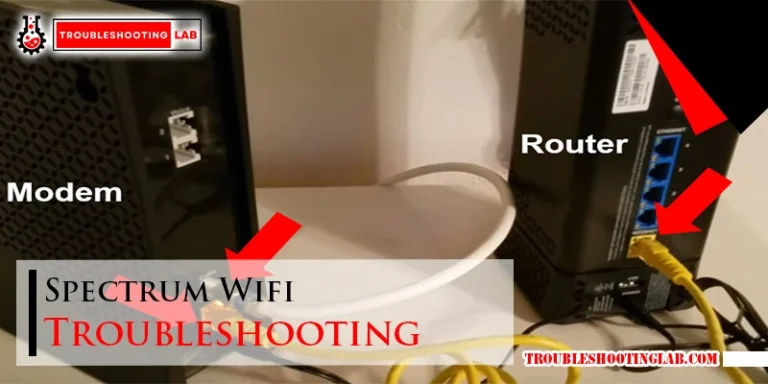
To troubleshoot Spectrum Wifi issues, try resetting your modem and router. If that doesn’t work, contact Spectrum customer support for...
Read moreClover Flex Troubleshooting: Quick Fix Guide
May 19, 2024

To troubleshoot a non-responsive Clover Flex, try a hard reboot by removing it from the charging cradle or unplugging it,...
Read moreJitterbug Flip 2 Troubleshooting: Quick Fix Essentials
May 15, 2024
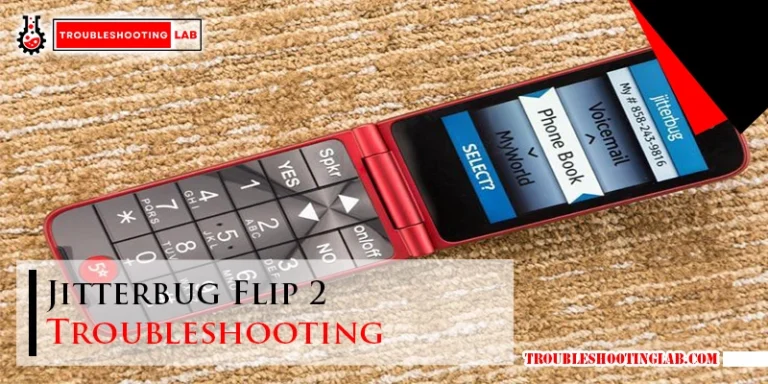
To troubleshoot Jitterbug Flip 2 issues, try resetting the phone by following the manufacturer’s instructions. If the phone won’t turn...
Read moreCaptioncall Phone Troubleshooting: Quick Fixes & Tips
May 14, 2024
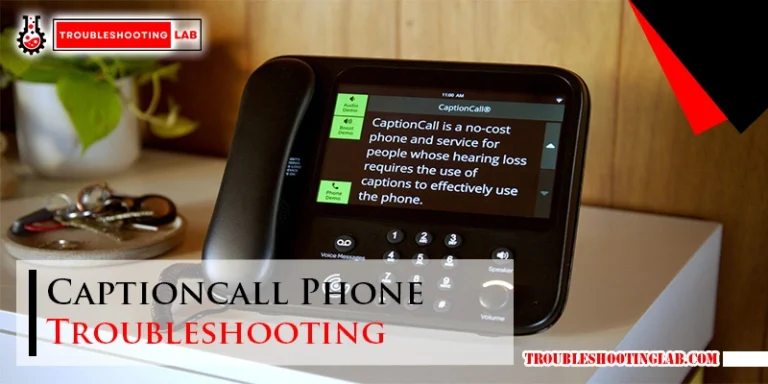
For CaptionCall phone troubleshooting, ensure Wi-Fi is connected and reset the phone if needed. Contact customer service for assistance. CaptionCall...
Read morePrestige A3+ Dtf Printer: Fix Common Glitches with Ease
May 14, 2024

If you are experiencing issues with your Prestige A3+ DTF printer, it may be due to incorrect curing temperature, inadequate...
Read moreGaraventa Lift Troubleshooting: Quick & Easy Fixes
May 14, 2024
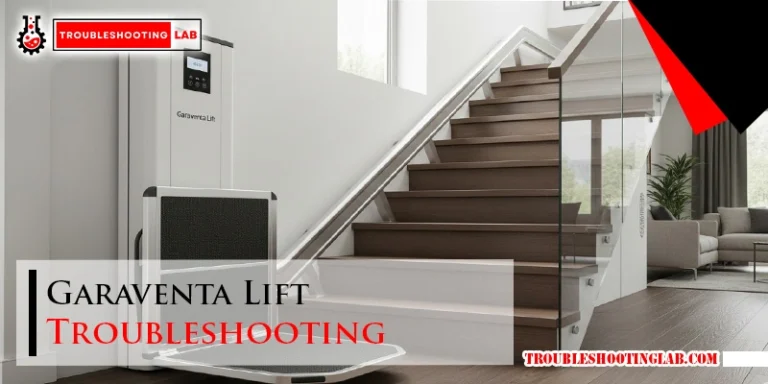
For Garaventa Lift troubleshooting, check the power cord, circuit breaker, safety gate, safety stop, and reset process. Review error codes...
Read moreBabysense Video Monitor Troubleshooting: Quick Fixes
May 13, 2024
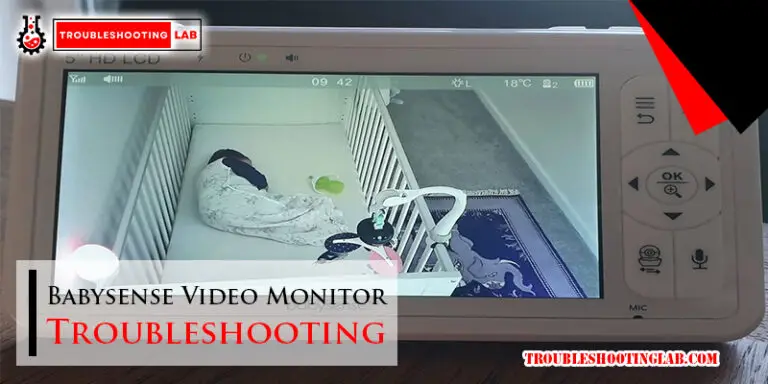
To troubleshoot Babysense video monitor issues, reset the monitor using a sharp pin in the reset hole. Pair the camera...
Read more