The most effective way to start defiant door locks troubleshooting is to verify the alignment of your deadbolt with the strike plate, as this is the most common cause of a stuck or unresponsive lock. If your door is sagging or the bolt hits the frame, the internal mechanism can’t complete its full cycle, which often leads to the appearance of a broken handle or keypad. Always check for physical obstructions first before looking at electronic settings.
Troubleshooting common Defiant lock failures
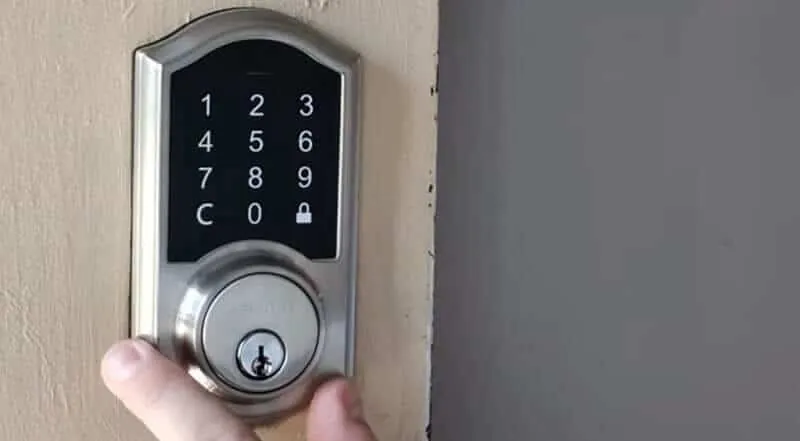
Most lock issues stem from simple physical misalignment or low power levels rather than complex mechanical failure. When a door sags over time, the strike plate shifts, forcing the bolt to rub against the frame. This friction prevents the motor inside the lock from moving the bolt into its fully extended or retracted position, causing the device to jam or flash an error code.
To test for misalignment, try locking the deadbolt while the door is open. If the bolt moves freely without the door closed, the issue is your strike plate alignment, not the lock. You must widen the strike plate hole with a metal file to accommodate the shift.
Another frequent cause involves the power supply. If you’re using standard alkaline batteries, the voltage may drop during the high-drain action of moving the bolt. When the voltage falls below the threshold required by the Defiant electronic lock specifications, the keypad might light up, but the motor will fail to turn. Always replace all batteries at once with high-quality, fresh alkaline cells, as mixing old and new ones causes uneven power delivery.
Environmental factors also play a role, especially in extreme heat or cold. Metal components expand and contract based on the temperature, which can tighten the fit of the bolt within the strike plate.
If your lock works perfectly in mild weather but sticks during a heatwave, the issue is almost certainly the physical fit of the door, not the electronic board. If the bolt is difficult to turn manually with a key, the door frame is the culprit. If the key turns easily but the motor struggles, the battery voltage is your primary suspect.
Adjust the strike plate alignment
If your deadbolt doesn’t extend fully, you must adjust the strike plate to give the bolt more room. This fix is for users who notice the bolt hitting the edge of the hole in the door frame rather than sliding into it smoothly. You’ll need a standard screwdriver to loosen the screws on the strike plate.
First, identify if the bolt is rubbing against the top or bottom of the hole. If it is, use a metal file to remove a small amount of material from the strike plate opening. Don’t remove too much at once, as the bolt needs a snug fit to keep the door secure. If the plate itself is misaligned, loosen the screws, shift the plate slightly to match the bolt’s path, and tighten them again.
Test the lock manually by turning the thumb-turn from the inside with the door open. If it moves freely with the door open but jams when closed, the issue is definitely the strike plate.
If you find the wood frame is damaged or the screws won’t hold, you may need a wood filler or a longer screw to secure the plate. If you feel uncomfortable using power tools or working with door hardware, contact a professional locksmith to avoid damaging your door frame.
Replace the battery pack
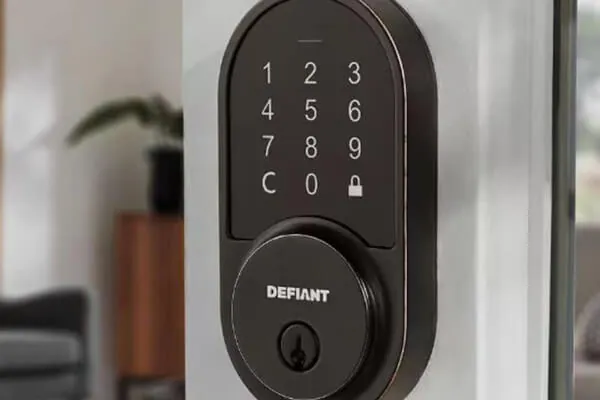
When your keypad is unresponsive or the lock makes a weak, grinding sound, it’s time to replace the batteries. You’ll need four AA alkaline batteries for most models, but check your specific manual to confirm the count.
To perform this, remove the battery cover on the interior side of the door. Slide the old batteries out and inspect the contacts for any signs of corrosion, which looks like a white or blue powder. If you see corrosion, gently wipe it away with a dry cloth before inserting the fresh batteries. Once the new ones are in, listen for a beep or watch for the keypad lights to confirm the system is rebooting.
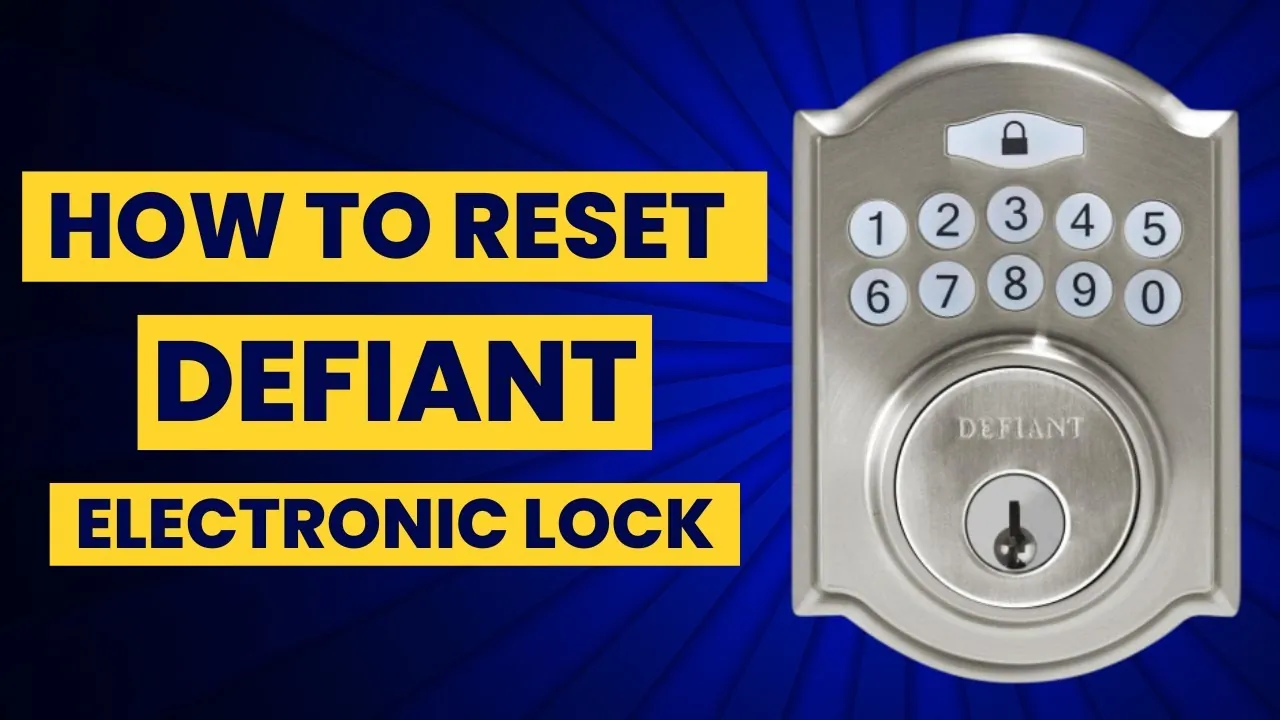
If the lock still doesn’t respond after the battery change, the internal controller may be stuck. Perform a manual reset by pressing the reset button inside the battery compartment for five seconds. This restores the factory settings, but remember that you’ll need to re-program your user codes afterward.
Re-align the internal mounting plate
For locks that feel loose or rattle when you push the door, the internal mounting plate may have shifted. This fix is for users who have ruled out battery issues and strike plate alignment. You’ll need a Phillips-head screwdriver to tighten the main mounting screws that connect the interior assembly to the exterior keypad.
Check the two long screws located behind the battery cover. If these are loose, the entire lock body will wobble, which prevents the internal spindle from turning the bolt correctly. Tighten these screws until the lock feels firm against the door, but don’t overtighten them, as this can strip the plastic housing or bind the motor.
A common mistake is tightening one screw fully before the other. This creates a diagonal tension that leaves the lock slightly tilted. Instead, turn each screw two full rotations at a time, alternating sides until the plate is flush.
If the lock is still crooked after tightening, you may need to loosen the screws and adjust the exterior keypad so it sits level with the door edge. A crooked installation puts unnecessary stress on the internal motor, which can lead to premature failure.
If the mounting holes in your door are too large or stripped, you should seek a professional carpenter to reinforce the wood. A loose lock is a major security risk, as it allows the deadbolt to bypass the strike plate during an attempted forced entry. If the bolt doesn’t extend fully into the frame, the lock is effectively useless.
Things to avoid with locks
Don’t use WD-40 or similar penetrating oils inside the electronic lock. These lubricants attract dust and grit, which eventually gum up the delicate motor gears. If you need to lubricate a sticky keyway, use a dry graphite powder or a dedicated Teflon-based spray instead.
Avoid using rechargeable batteries unless the manufacturer explicitly states they’re compatible. These cells often provide lower voltage than standard alkaline batteries, which causes the lock to report a “low battery” error prematurely or fail to retract the bolt entirely.
Don’t force the thumb-turn if you feel resistance. This resistance usually indicates a misalignment between the bolt and the strike plate. Forcing it can snap the internal spindle, turning a simple adjustment into a total replacement. If the door binds, check your strike plate alignment first.
Never use a power drill to tighten mounting screws. The high torque can easily crack the plastic housing or strip the internal threads. Always use a manual screwdriver to ensure a snug, safe fit.
Prevent future lock issues
If your door is heavy or shifts with the seasons, you’ll need to adjust the strike plate more often than someone with a stable, light door.
| If you’re doing this | Do this instead | Why |
|---|---|---|
| Using old batteries | Use fresh alkaline cells | Consistent voltage is required for the motor |
| Forcing a jammed lock | Manually adjust the strike plate | Forcing it breaks the internal spindle |
| Cleaning with oil | Use a dry graphite lubricant | Oil traps debris and ruins the motor |
| Ignoring a loose handle | Tighten the mounting screws | A loose lock puts stress on the motor |
Frequently Asked Questions
How do I reset my defiant lock?
You can reset your lock by holding the small button inside the battery compartment for five seconds until it beeps. This process restores factory settings and clears all existing user and master codes. Note that you’ll need to reconfigure your primary code following the original installation manual.
Why is my lock beeping at me?
A constant or repeating beep usually indicates that your battery voltage is low. Most models provide an audible warning when the batteries reach about 15% of their total capacity. Replace all four batteries immediately to stop the warning and ensure the lock has enough power to retract the bolt in an emergency. If the beeping persists after the battery change, check that the battery connector is fully seated and not loose.
Can I use a key if the keypad dies?
Yes, every electronic deadbolt comes with a physical key override for situations where the power fails or the electronics stop working. Always keep one physical key in a secure location outside your home, such as with a trusted neighbor or in a lockbox. If you lose your keys, you’ll need to call a professional locksmith to gain entry, as the electronic keypad won’t function without power or a programmed code.
How long should the batteries last?
Batteries typically last between 6 and 12 months, depending on your daily usage frequency. High-traffic households will drain the power significantly faster than single users. Be aware that extreme cold temperatures can also shorten the expected lifespan by reducing overall battery output.
Is it safe to leave the lock if it sticks?
No, it isn’t safe to use a lock that fails to fully engage the strike plate. An unextended bolt means the door remains unlocked and vulnerable to being pushed open. If you can’t align the strike plate yourself, contact a professional locksmith to ensure your home remains secure.
Conclusion
If you find that the internal motor is making a loud grinding noise, this is a sign of internal mechanical failure. At this point, the device is likely at the end of its life, and you should consider a full replacement to maintain the security of your home.