
You can fix most power problems when performing dewalt lawn mower troubleshooting by checking the safety key and battery connections first. If your mower won’t start, the most common cause is a loose battery pack or a safety key that isn’t fully pushed into the slot. These two simple components break the electrical circuit to keep you safe. Always remove the battery before you try to clear any grass or inspect the blade area for debris.
Troubleshooting your dewalt lawn mower power issues
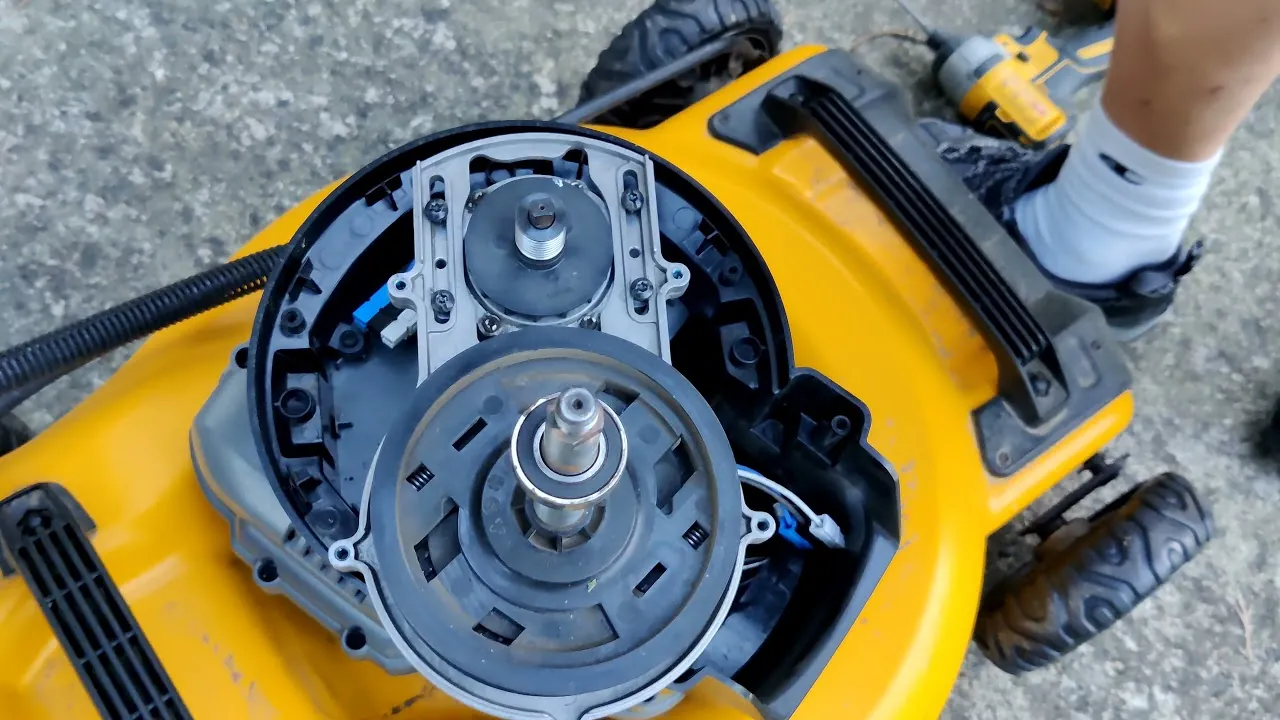
The primary reason for a sudden stop or a failure to start is often a tripped safety mechanism or a simple power interruption. These mowers use a physical safety key to prevent accidental startup; if this key is even slightly loose, the motor won’t receive power. You should check that the key is pushed all the way in until you feel a firm click.
Another common cause is thermal protection. If you’re mowing tall, thick, or wet grass, the motor works much harder than usual. This draws high current, which can cause the internal thermal sensor to cut power to protect the motor from damage. When this happens, the mower will simply stop. You must wait for the unit to cool down for at least 15 minutes before you try to start it again.
Battery charge levels also play a large role. Lithium-ion batteries have internal management circuits that shut down if the voltage drops too low or if the battery gets too hot during operation. If you notice the mower losing power gradually before it quits, the battery likely needs a full charge or a cooling period. You can find the official battery care guidelines on the manufacturer’s website to ensure your power cells are maintained correctly.
Check the battery and safety key
If your machine isn’t responding, start by inspecting the power source. First, remove the battery pack from the mower and check the terminals on both the battery and the mower housing. Look for any buildup of dirt, grass clippings, or debris that might block the electrical contact. Use a dry, clean cloth to wipe these areas down; never use water or liquid cleaners on the terminals.
Next, reseat the battery pack firmly. You should hear an audible click when the battery locks into place. If the battery feels loose or wobbles, check the locking tabs for damage. If you have a second battery, try swapping it to see if the problem is with the specific battery or the mower itself. If the mower runs with the second battery, the first one may be faulty or completely drained.
Check the safety key next. Pull it out completely and look into the slot for any small sticks or packed grass. If the slot is clear, reinsert the key with a firm push. Ensure it’s oriented correctly according to the markings on the housing. If the mower starts after these steps, the issue was simply a poor connection. If it still doesn’t start, the internal switch may be damaged and requires a professional service center inspection.
Clear the cutting deck of debris
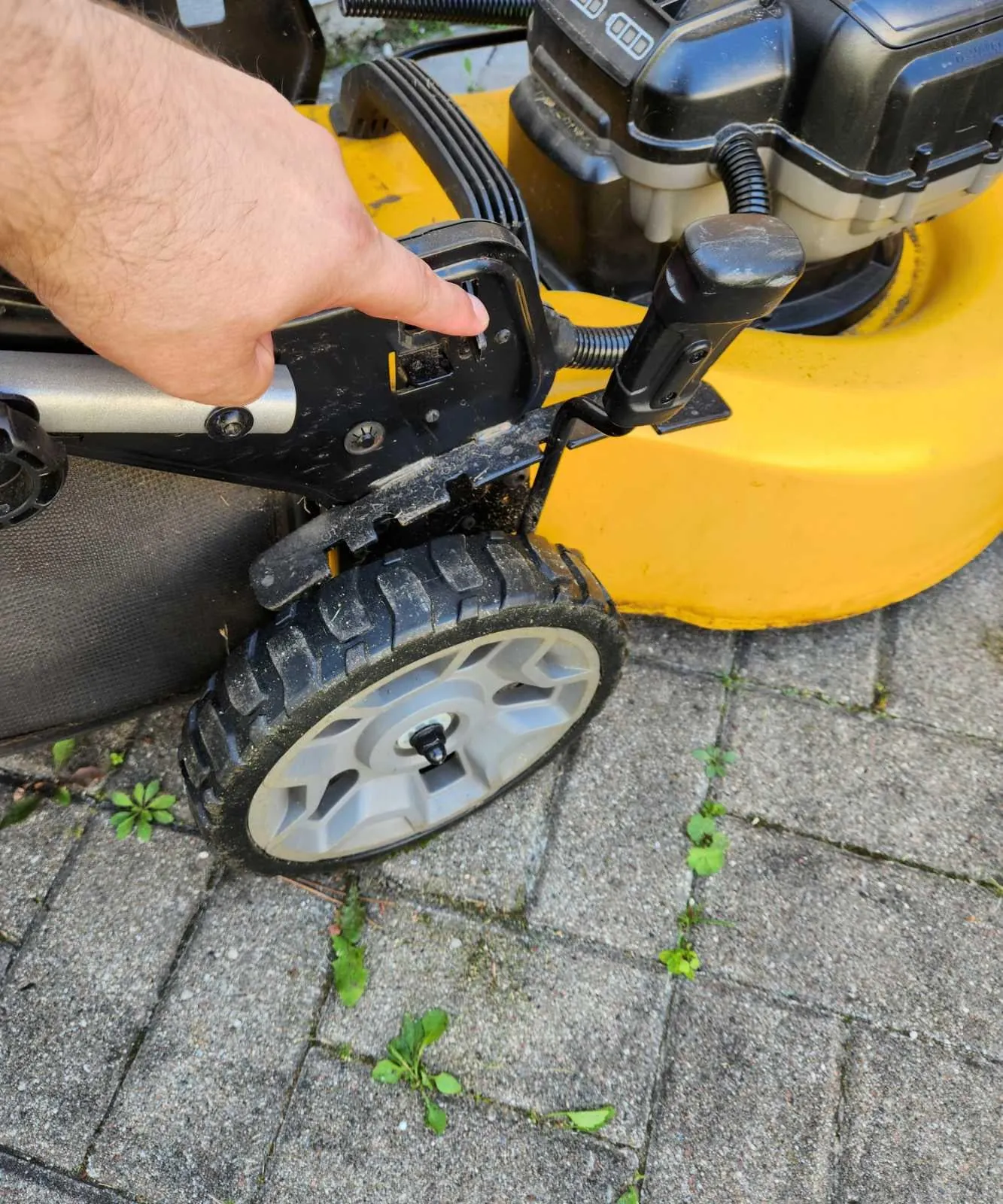
A clogged deck is a frequent issue that prevents the blade from spinning, which triggers the mower’s safety shutoff. When grass clippings pack tightly around the blade, the motor can’t overcome the resistance. Turn the mower off, remove the battery, and place the unit on a flat, stable surface. Use a plastic scraper or a thick stick to remove the packed grass from the underside.
Avoid using your hands to clear the deck, as the blade edges are sharp even when the mower is off. If you need to tilt the mower, always tilt it toward the side specified in your manual to prevent debris from leaking into the battery compartment. This varies by model, so check your owner’s manual for the correct orientation.
Once the area is clear, verify that the blade rotates freely by hand. If it feels stuck or grinds, there may be a foreign object like a rock or wire wrapped around the shaft. If you can’t clear the obstruction safely, or if the blade remains stuck after removing all visible debris, stop immediately. Don’t force the blade to turn, as this can damage the motor housing or the drive spindle.
Inspect the handle and bail switch
The bail handle is the lever you hold down to keep the mower running. If the safety cable that connects this handle to the mower is stretched, frayed, or disconnected, the motor won’t engage. Inspect the cable running along the handle frame for any visible kinks or signs that it has popped out of its guide. If the cable is clearly damaged, you shouldn’t attempt a DIY repair.
This is a job for a qualified service technician. The internal switches are sealed for your safety and aren’t intended to be opened by the user. If you’re still under warranty, contact the manufacturer to find an authorized repair center. Attempting to bypass the bail switch or open the handle housing can be dangerous and will void your warranty.
If the handle is loose, tighten the mounting knobs or bolts at the base where the handle connects to the deck. A wobbly handle can prevent the safety sensors from engaging properly. Always ensure the handle is fully extended and locked into the operating position before you attempt to start the mower. If the mower only starts when you hold the handle in a specific, awkward position, the internal safety switch is likely failing.
Common mistakes to avoid
- Using water to clean the deck: Never spray the mower with a hose, as water can enter the sealed motor and battery compartments, causing permanent electrical failure.
- Forcing a restart: Don’t repeatedly click the start button if the motor doesn’t turn; this can overheat the electronics and cause permanent damage to the motor controller.
- Ignoring the blade balance: Never attempt to sharpen the blade yourself if you lack the equipment to balance it, as an unbalanced blade causes vibrations that destroy the motor bearings.
- Leaving batteries in storage: Don’t leave the battery inside the mower in a cold garage over the winter, as extreme temperatures reduce the total lifespan of the cells.
Prevent future performance issues
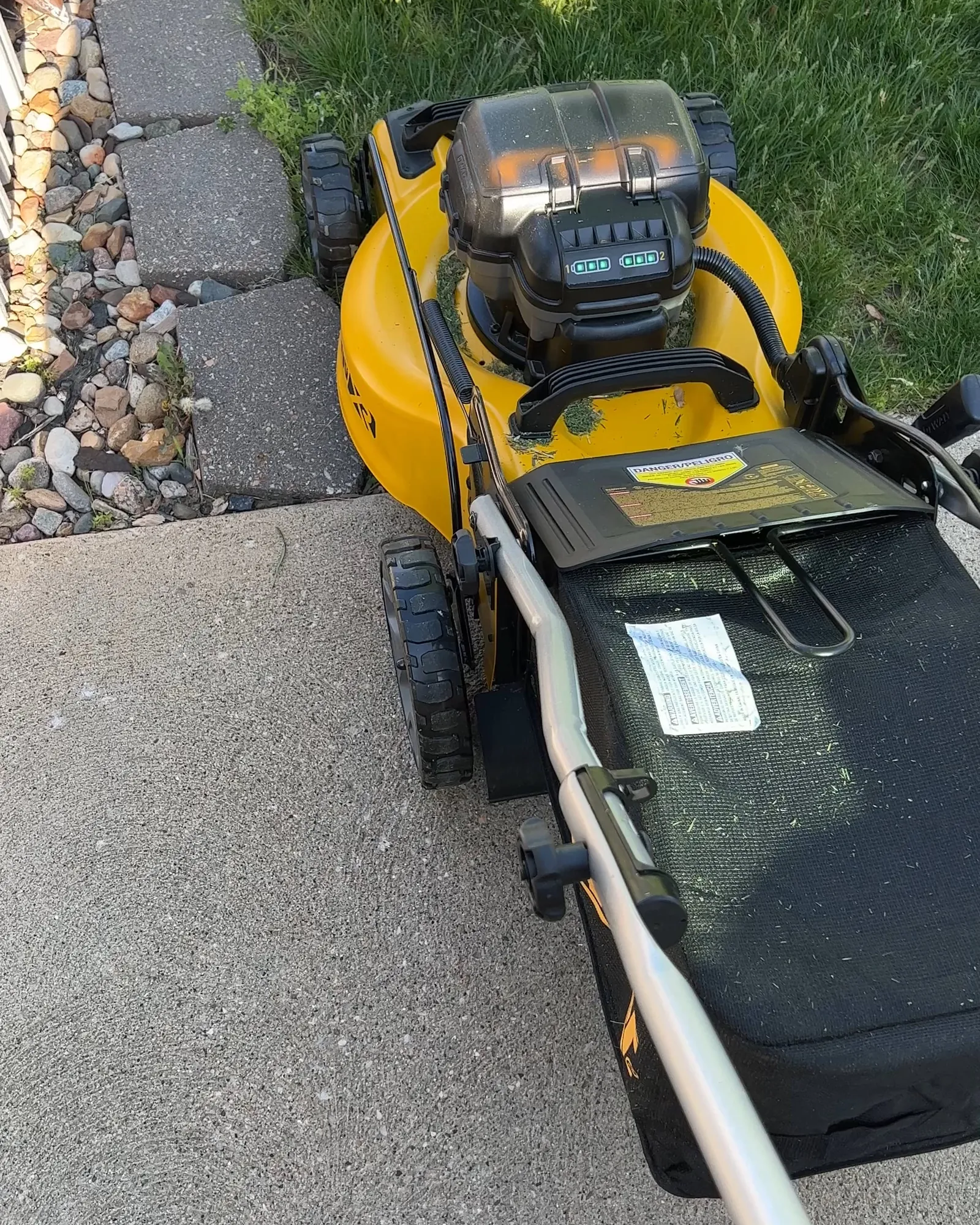
To keep your mower running well, you must adjust your habits based on the grass conditions. If you’re mowing tall grass, don’t try to cut it all in one pass. Instead, raise the deck height to its highest setting and make a first pass, then lower it for a second pass if needed.
| If you’re doing this | Do this instead | Why |
|---|---|---|
| Mowing wet grass | Wait for grass to dry | Wet grass packs and triggers the overload sensor |
| Cutting too low | Use a higher deck setting | Lower settings put more strain on the motor |
| Storing in a shed | Store in a climate-controlled room | Extreme heat or cold degrades lithium battery life |
| Leaving grass on deck | Scrape the deck after use | Dried grass creates friction and causes motor drag |
Frequently asked questions
How long should the battery last?
The battery lasts between 30 and 60 minutes depending on grass height and thickness. Mowing thick, damp grass will result in runtime at the lower end of that range. Always check the battery’s charge status indicator before starting.
Is it safe to use the mower in light rain?
You should never use your mower in rain or on wet grass because moisture can enter the electrical housing and cause a short circuit. Using the mower in wet conditions also causes grass to clump, which forces the motor to work harder.
Why does the mower make a loud grinding noise?
A loud grinding noise usually means a foreign object is caught between the blade and the deck. Stop the mower immediately, remove the battery, and inspect the underside for debris. If the blade is clear, the motor bearings may be failing.
How often should I clean the underside of the deck?
You should clean the underside of the deck after every use to prevent grass buildup from hardening. Dried grass creates significant drag on the motor, reducing efficiency. Use a plastic scraper to remove clippings while the battery is removed.
What happens if I force the mower to run when it’s hot?
Forcing the mower to run after the thermal protection sensor has tripped risks permanent damage to the motor and control board. The mower shuts down to prevent internal components from melting due to excessive heat. Allow the unit 15 minutes to cool.
Can I sharpen the blade myself?
You can sharpen the blade yourself if you have the proper tools, but you must ensure the blade remains perfectly balanced. An unbalanced blade creates vibrations that will destroy the motor bearings. If you lack a balancer, purchase a pre-balanced replacement.
Conclusion
Always keep your work area clear of bystanders and pets while you’re troubleshooting, as the blade can rotate unexpectedly if a loose connection is suddenly restored. If you suspect an internal electrical fault, don’t attempt a repair yourself; contact the manufacturer’s support line to locate an authorized repair center in your area. Following these steps ensures your machine remains in good working order for many seasons to come.
Related guides