You can resolve most connection issues when you perform drone mobile troubleshooting by checking your active subscription status and ensuring your vehicle’s cellular module has a clear signal. If the system stops responding to your smartphone app, the most frequent cause is a loss of network communication between the car and the cellular towers. You should verify your account is current and restart your phone’s app to re-establish the handshake between your device and the vehicle’s hardware.
Fixing drone mobile connection issues
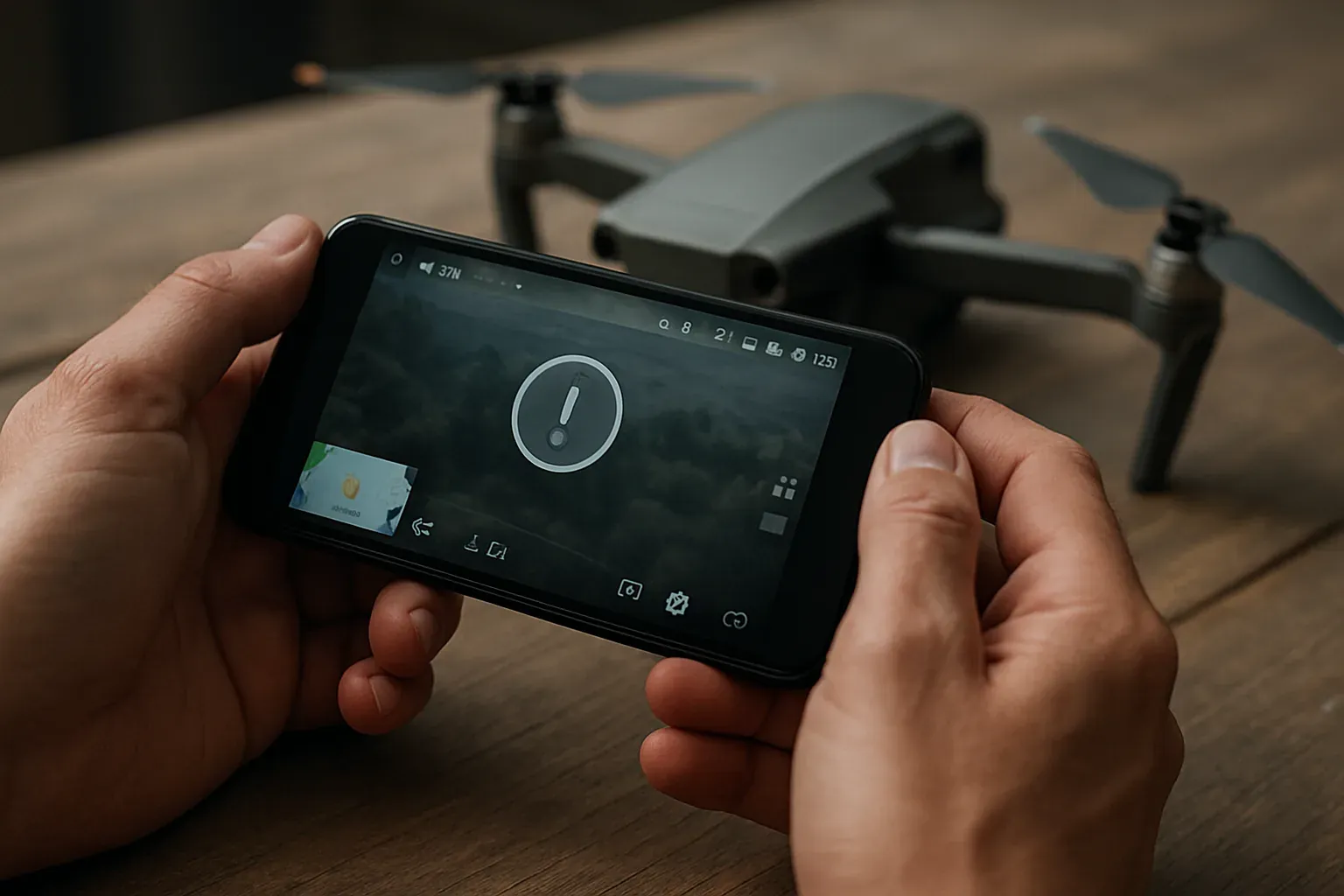
The primary reason for connection failure is an expired subscription or a lapse in cellular service coverage. Because these systems rely on a cellular data connection to send commands from your phone to your car, any disruption in the network prevents the signal from reaching the vehicle. If you recently moved to a new area or parked in a structure with thick concrete walls, the signal might be blocked.
Another common cause is a software mismatch between your phone and the vehicle interface. If your app hasn’t been updated in a long time, it may no longer be able to “talk” to the server properly. You should check the App Store or Google Play Store to see if a newer version is available. Always verify that your phone’s own data or Wi-Fi is active, as the app requires an internet connection to send your request to the cloud.
Finally, the vehicle’s internal hardware may experience a temporary “hang.” Electronic control modules sometimes need a power cycle to clear minor errors that occur during normal operation. This is similar to restarting a frozen computer. These outages happen occasionally when network providers update their local infrastructure, and they’re usually resolved within a few hours without any action on your part.
Refresh the app and phone settings
The first step in fixing a non-responsive system is to force-close the DroneMobile app entirely and reopen it. On most modern smartphones, you do this by swiping up from the bottom of the screen and swiping the app away. Once you reopen it, the app will attempt a fresh login and re-establish its connection to the server.
If the app still shows a “disconnected” status, toggle your phone’s Airplane Mode on for ten seconds and then off again. This forces your phone to seek a new connection to the cellular network, which often clears up local data bottlenecks.
If you’re using a cellular plan for your phone, ensure you haven’t exceeded your data limit for the month. If your phone has no data, it can’t send commands to your car, even if your car has a perfect signal. This fix is for users who have a working car battery but can’t see their vehicle status on the screen.
If you have recently changed your phone or updated your operating system, you may need to log out of the app and log back in to refresh your security tokens. This confirms your identity with the server and often resolves persistent “command failed” errors. If you can’t log in, contact your cellular provider to ensure your phone’s data access isn’t restricted.
Verify the vehicle subscription status
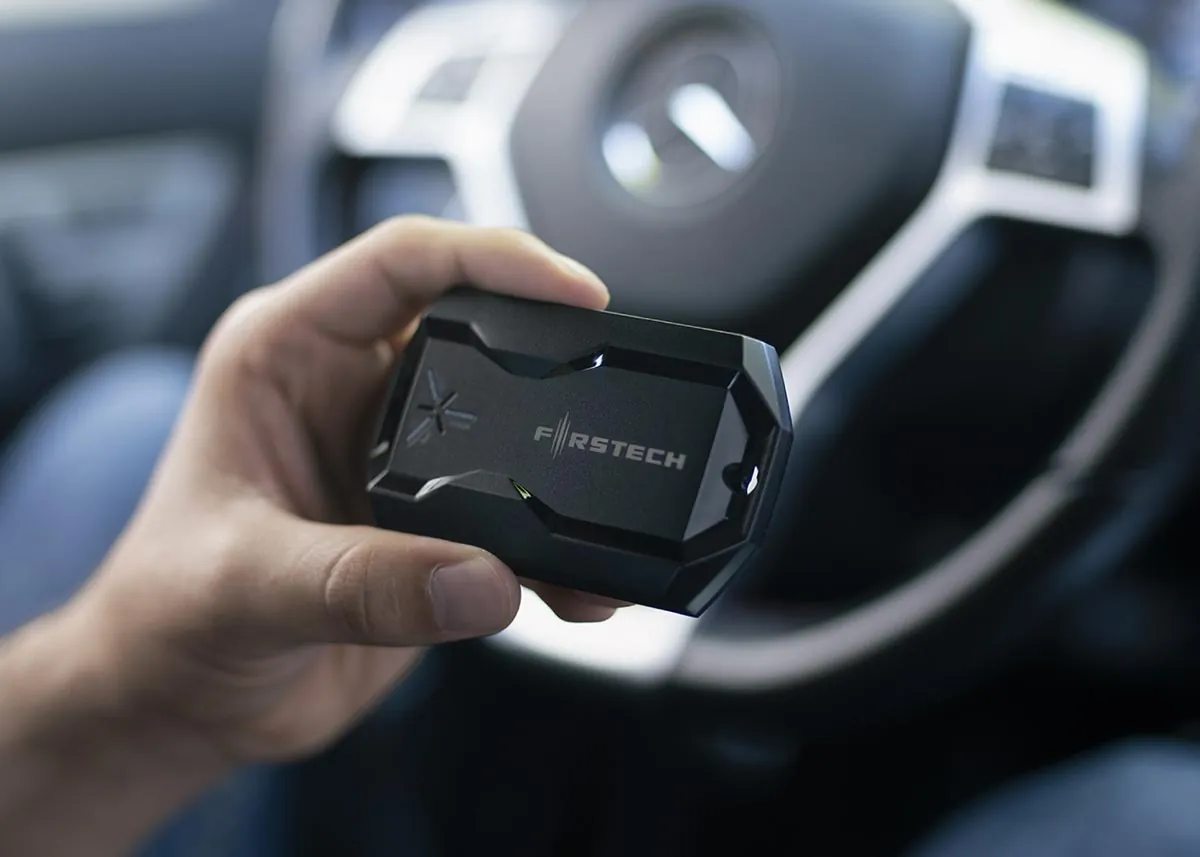
Your vehicle subscription is the bridge between your smartphone and your car’s remote start hardware. If this subscription has lapsed, the cellular module in your car will stop responding to commands immediately. You can check your account status by logging into the DroneMobile website on a desktop computer.
Look for the “Subscription” or “Billing” tab to confirm that your account is marked as “Active.” If the status shows “Expired,” you must renew the plan before the hardware will receive any remote commands.
This fix is intended for those who have confirmed their phone is working but still can’t start their engine or lock their doors. If you have multiple vehicles on one account, check that you have selected the correct vehicle in the app’s menu. It’s common for users to accidentally try to send a command to an old or inactive vehicle profile.
If the subscription is active but the vehicle still shows as “Offline,” the cellular module may be stuck. You should consult a professional installer to inspect the physical wiring and the module’s antenna placement. Don’t attempt to open the vehicle’s dashboard or handle the wiring yourself, as you could damage the vehicle’s electrical system or void your warranty. Professional technicians have the tools to reset the module safely without causing electrical shorts.
Check the vehicle battery voltage
A low vehicle battery is a frequent cause of unresponsive telematics units. When the battery voltage drops, the security system may enter a power-save mode to protect the engine’s ability to start, which powers down the cellular module. If you suspect a low battery, have a technician test the system.
This fix is for users who suspect their battery might be drained. If the voltage is low, drive the vehicle for at least 30 minutes to allow the alternator to recharge the battery. If the car doesn’t start, use a jump starter or battery charger. If the battery is aged, it may no longer hold a charge and might need replacement by a professional.
Avoid these common troubleshooting mistakes
- Don’t disconnect your car battery to “reset” the system, as this can trigger anti-theft alarms or require a radio code to unlock your infotainment screen.
- Avoid uninstalling and reinstalling the app unless you have your login credentials written down, as you might lose access to your saved settings and vehicle history.
- Don’t attempt to modify the wiring of the cellular module, as this can permanently damage the unit and will likely void any manufacturer warranties you currently have.
- Never assume the problem is the app if your car’s dashboard lights are dim or flickering, as this indicates a serious electrical issue that needs a mechanic.
- Don’t try to force a remote start command repeatedly, as this can cause the system to lock you out for security reasons if it detects too many failed attempts.
Improve your connection reliability
The way you use your cellular interface determines how often you run into connection issues. While it’s tempting to send multiple commands in a row, the system needs time to process each request and send a confirmation back.
| If you’re doing this | Do this instead | Why |
|---|---|---|
| Sending multiple commands | Wait for the first to finish | Prevents command queue errors |
| Keeping the app open | Refresh the status page | Ensures data is current |
| Parking in deep basements | Park in open areas | Improves cellular signal strength |
| Ignoring low battery warnings | Test your battery health | Low voltage kills connections |
Frequently asked questions
Why does my app say the vehicle is offline?
Your vehicle is offline because the cellular module can’t reach the network or your subscription is inactive. Check your account status on the official website to ensure your plan is active. If the subscription is active, the vehicle may be parked in a cellular dead zone.
How long does a remote start command take to process?
A command typically takes 10 to 30 seconds to reach the vehicle and return a confirmation. This duration depends on the cellular signal strength at your phone and vehicle locations. Avoid sending multiple commands at once, as stacking them can cause system errors.
Is it safe to leave my car parked for weeks?
It’s safe for the car, but the cellular module will eventually drain the battery if it isn’t driven. Prolonged inactivity will lead to a loss of charge that disables the telematics module. If you plan to leave your car for a long time, use a trickle charger.
What happens if I change my phone?
Download the app on your new device and log in with your existing credentials to sync your vehicle profile automatically. You don’t need to modify the car’s hardware when switching phones. Ensure you have access to your registered contact method if using two-factor authentication.
Can I fix a “command failed” error myself?
You can often fix connection errors by toggling your phone’s network or restarting the app. If these steps fail, verify that your vehicle battery isn’t low from sitting for a long period. If issues persist, contact the professional installer who performed the original setup.
How often should I update the app?
You should check for app updates at least once a month to ensure you have the latest security patches and communication protocols. Developers frequently release updates to fix bugs that occur when phone operating systems change. Keeping the app updated is the easiest way to prevent connection issues before they start.
Why does the remote start work sometimes but not others?
This usually happens due to fluctuating cellular coverage in the area where the vehicle is parked. Signals can be blocked by buildings or metal structures, creating inconsistent connectivity. If the system works elsewhere, the issue is likely the signal strength at your current parking location.
Conclusion
If your system still won’t connect after these checks, don’t worry. It’s best to contact your local authorized dealer for a quick diagnostic test. They’ve got the right tools to inspect your hardware and get everything running smoothly again, so you’ll be back in control of your vehicle in no time.