
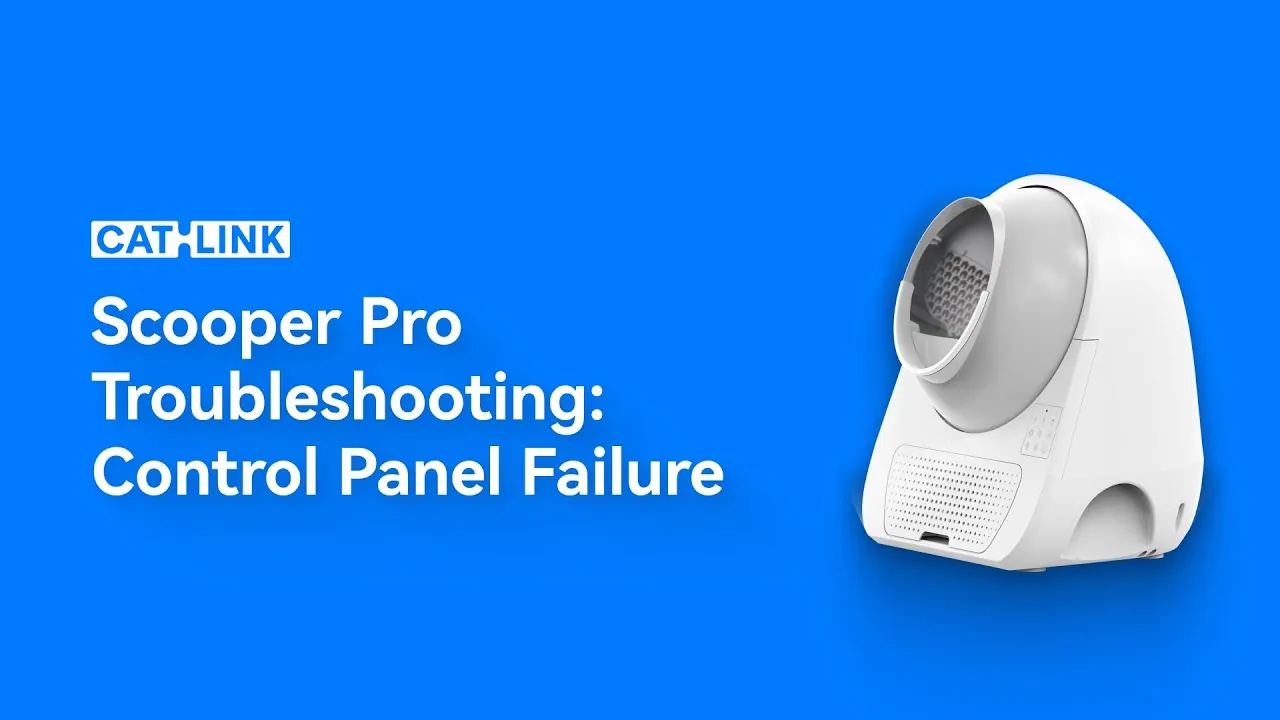
A catlink litter box that won’t cycle, shows an error, or smells bad usually needs a sensor wipe, a Wi-Fi reconnection, or a waste drawer reset. When you start catlink litter box troubleshooting, check the infrared sensors first because dust and litter block them more than any other fault. The app will often tell you which part failed, but the physical checks are what actually fix it. If the unit won’t turn on at all, look at your wall outlet before touching the machine.
Why is my Catlink not working?

Three things cause almost every failure in these automatic boxes: blocked sensors, a full waste drawer the machine still thinks is empty, or a dropped Wi-Fi signal. The sensors sit near the entry and inside the drum. They use infrared light to see your cat. When litter dust coats them, they can’t tell if the space is safe to rotate.
A full waste drawer stops the cycle too. The box uses built-in weight sensors to monitor the drawer. If clumps pile up unevenly, the sensor might read the wrong weight. It then thinks there’s still room, or it refuses to move because it thinks it’s dangerously heavy. Either way, the drum stays locked.
Wi-Fi drops break the app controls. The box keeps running its basic timer, but you lose alerts and manual buttons. Routers that switch between 2.4 GHz and 5 GHz bands confuse the box, since it only connects to the slower 2.4 GHz network.
If your cat stopped using the box entirely, the problem might be behavioral rather than mechanical. Cats avoid dirty or noisy machines.
Wipe the infrared sensors clean
This fix is for units that beep, flash red lights, or refuse to rotate after a cat leaves. You don’t need tools, just a dry microfiber cloth. Don’t use wet wipes, because moisture damages the sensor lenses over time.
Unplug the machine from the wall first. Locate the small, dark plastic windows near the entrance hole and inside the globe. These are your infrared eyes. Wipe each one gently with the dry cloth until no dust remains.
Next, check the anti-pinch sensors along the rim where the drum meets the base. Litter granules get stuck here. Pick them out by hand. If you leave them, the box thinks a cat is trapped and locks the motor to prevent injury.
Plug the unit back in. Press the manual cycle button on the control panel. Watch the drum make one full rotation without stopping. If it spins smoothly and returns to the starting position, the sensors are clear. If it stops halfway again, the issue isn’t dust.
Don’t open the motor housing to look for broken wires. That voids your warranty and risks electric shock. If wiping the sensors doesn’t work, the sensor board itself is dead, and you’ll need a professional repair service or a replacement unit from the manufacturer.
Reset the Wi-Fi and reconnect the app

Use this when the box cycles fine on its own but the app shows “offline” or misses notifications. This pulls a different lever than cleaning sensors; it fixes the communication layer instead of the safety layer.
Press and hold the Wi-Fi button on the control panel for about five seconds. The indicator light should blink rapidly. That means it’s ready to pair. Open the Catlink app on your phone while standing within three feet of the box.
Select your device and enter your home network password. Make sure your phone is connected to your router’s 2.4 GHz band during setup. The box can’t see 5 GHz networks, so trying to pair on that band fails silently every time.
Once paired, trigger a manual cleaning cycle from the app. If the status updates to “cleaning” and then “idle,” the connection holds. If it drops offline again within an hour, your router might be kicking older smart devices off to save bandwidth.
Moving the router closer helps, but walls block signals fast. A cheap Wi-Fi extender placed halfway between the router and the litter box solves this trade-off: you keep your router in the living room while giving the basement unit a stable link.
Empty and recalibrate the waste drawer
This is the fix for stubborn cases where the box says the drawer is full right after you emptied it, or runs when it shouldn’t. It takes more effort than wiping a sensor, so only do it if the first two steps didn’t stop the errors.
Pull the waste drawer completely out. Remove the bag and throw it away. Wash the plastic drawer with warm water and mild soap. Dry it fully before putting a new bag in. Water left inside adds phantom weight to the scale.
Slide the empty drawer back in. On most Catlink models, you must press and hold the reset button for three seconds to zero out the scale. If you skip this, the box remembers the old weight and acts like it’s still full.
Who this is NOT for: anyone whose unit makes grinding noises or smells like burning plastic. Those signs point to a seized motor or damaged gears. Stop immediately. Repairing motors requires technical training and carries electrical risks. Contact an authorized service center instead of forcing the drum to turn.
Bad advice that breaks Catlink boxes
People share quick fixes online that actually damage automatic litter boxes. Here are the ones to ignore.
- Spraying water directly on the sensors to clean them. Liquid seeps behind the plastic lens and shorts the circuit board. Always use a dry cloth.
- Using clay litter that isn’t labeled for automatic boxes. Heavy, large-clump clay jams the sifting screen. The motor strains against the blockage and burns out. Stick to fine, lightweight clumping litter.
- Taping over the anti-pinch sensor to stop false alarms. The sensor exists to halt the drum if a cat gets caught. Taping it shut removes the safety brake entirely.
- Plugging the box into a shared power strip with vacuums or heaters. Power surges from heavy appliances fry the delicate control boards inside smart litter boxes. Give it a dedicated wall outlet.
- Ignoring a flashing error code and just unplugging it daily. The code tells you exactly what’s failing. Unplugging it hides the symptom while the broken part keeps degrading.
The mistake people actually make is taping over the safety sensors to force the box to run, which costs them their warranty and risks injuring their pet.
Steps for Catlink Litter Box Troubleshooting
Small habits prevent almost every error these boxes throw. Change what you do daily, and you won’t need to fix things monthly.
| If you’re doing this | Do this instead | Why |
|---|---|---|
| Using heavy clay clumping litter | Switch to fine-grain, low-dust clumping litter | Large clumps jam the rake mechanism and stall the motor. |
| Wiping sensors with wet paper towels | Use a dry microfiber cloth once a week | Moisture corrodes the sensor contacts over time. |
| Connecting to a dual-band router automatically | Force your phone to the 2.4 GHz band during setup | The box’s antenna only speaks the slower frequency. |
| Waiting for the app to say “full” | Empty the drawer every three days for one cat | Odors build up quickly even before the scale registers the drawer as full. |
| Placing the box on thick carpet | Put it on a hard floor or a thin mat | Soft surfaces tilt the base, misaligning the weight sensors. |
| Leaving the waste bag loose | Tuck the edges firmly under the rim | Loose bags catch the rotating drum and tear. |
You don’t need to deep-clean the whole machine weekly. Just focus on the sensors, the drawer, and the litter type. Those three things cause nearly all the downtime.
Frequently asked questions
Why is my Catlink litter box flashing red?
A solid or blinking red light means a safety sensor is triggered. Usually, it’s the anti-pinch sensor detecting debris, or the infrared eye seeing an obstruction. Unplug the box, clear any litter around the rim, wipe the sensors, and plug it back in. If the red light stays on after cleaning, a sensor has failed internally.
Can I use regular cat litter in a Catlink?
No, standard heavy clay litter causes problems. You need fine-grain, low-dust clumping litter designed for automatic boxes. Regular litter forms clumps too large for the sifting screen. They jam the gears and force the motor to overheat. Check your specific model’s manual for approved litter brands.
How long does a Catlink litter box last?
With proper sensor cleaning and litter, the main unit’s lifespan depends on usage frequency and the owner’s manual is the authority; the waste drawer and silicone liners wear out faster depending on use, and two cats cut the expected life roughly in half compared to one.
Is it safe to leave the Catlink plugged in all day?
Yes, it’s designed to stay powered continuously. The sensors keep it locked while a cat is inside. Never tape over or disable those sensors. Ensure the power cord isn’t chewed or frayed. Plug it directly into a wall outlet, not a crowded power strip, to prevent electrical surges.
What happens if the Wi-Fi goes out?
The box keeps working on its internal timer. It will still cycle after your cat uses it. You just lose app notifications, remote manual controls, and usage tracking. Once your router comes back online, the box reconnects automatically. You don’t need to redo the pairing process unless you changed your network password.
How often should I empty the waste drawer?
For one cat, empty it every three to four days. For two cats, do it every two days. The app sends a notification, but humidity makes clumps absorb moisture and gain weight fast. Don’t wait for the alert if your house is humid, because odors build up faster.
Why does my Catlink smell even after cycling?
The drum rotated, but the waste drawer seal might be failing. Check the rubber gasket around the drawer opening. If it’s warped or covered in dried litter, odors escape. Also, ensure you’re using carbon filter pads if your model requires them. Changing the pad as needed based on usage keeps the smell contained, and the owner’s manual is the authority for replacement timing.
Conclusion
A smart litter box saves time only when it’s set up correctly from the start. Keep the sensors dry, use the right litter, and give the machine a stable internet connection. When something goes wrong, the app’s error code points you to the exact part that needs attention. Fix that one thing instead of resetting the whole system blindly. Your cat wants a quiet, clean space, and the machine just needs clear eyes to do its job.