If your device won’t power on or loses sound, performing fusion marine radio troubleshooting starts with checking your boat’s battery voltage and the condition of the inline fuse. Most connection issues come from loose wiring or low power levels, which prevent the unit from initializing correctly. If you have confirmed that the power supply is stable, the next step involves checking the NMEA 2000 network or the specific wired remote connections for signs of corrosion or moisture damage.
Troubleshoot fusion marine radio power and signal issues
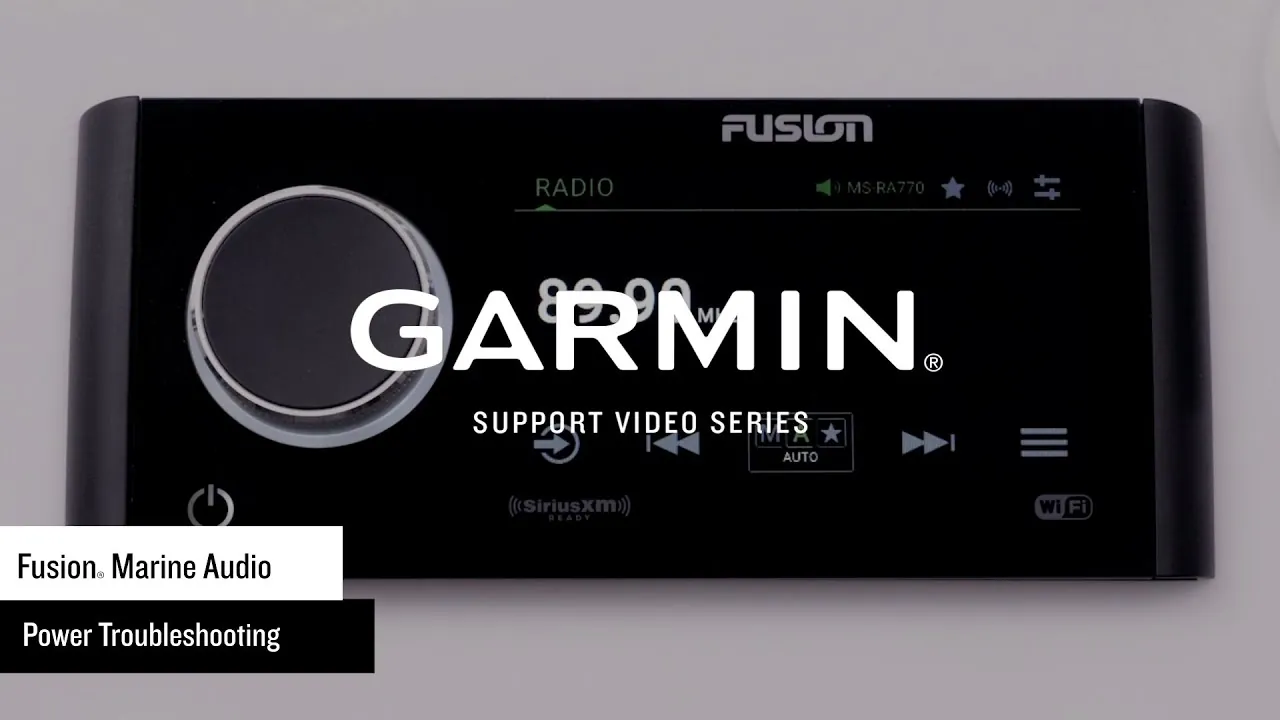
The most common reason these units fail to operate is a drop in voltage. These radios require a consistent power supply, and if your house battery drops below the minimum operating range, the internal processor won’t boot up. You should check the battery voltage levels using the display on your helm or a voltmeter to ensure you’re within the official Fusion product specifications for your specific head unit model.
Another frequent cause is damaged cabling. Marine environments are harsh, and vibration can cause spade connectors or butt splices to loosen over time. Even if a wire looks connected, internal oxidation can block the electrical current. If your radio is part of a larger network, a faulty NMEA 2000 drop cable or a bad T-connector can stop the radio from communicating with other devices, leading to frozen screens or missing source options.
Finally, moisture ingress is a real threat to marine electronics. While these units are built to be water-resistant, seals can degrade after years of sun exposure and salt air. If you notice fog inside the display or flickering lights, the internal circuit board may have suffered from salt air corrosion. This is often irreversible and usually requires professional inspection or replacement of the head unit to restore function.
Check the power supply connections
This fix is for boaters who have a unit that’s completely dead or keeps restarting unexpectedly. Start by locating the red and yellow power wires behind the radio. If you suspect a power issue, contact a professional technician to test the wiring and verify the voltage.
If you suspect a power issue, the battery or the wiring path is likely the problem. Inspect the fuse holder on the red power lead for moisture or corrosion. If you see green or white crusty buildup, contact a professional technician to replace the fuse holder entirely.
If you aren’t comfortable working with electrical wiring or if the unit continues to fail after you have verified the power, stop immediately. Improper wiring can lead to a fire hazard or damage to your boat’s main electrical bus. Contact a certified marine electrician to handle the repair, as they have the tools to test the full circuit without risking your vessel’s warranty or safety.
Reset the head unit software
If the radio turns on but the screen is frozen or the Bluetooth keeps dropping, a system reset often fixes the logic errors. This is the best approach for software-related glitches that appear after a power surge or a failed firmware update. To perform a reset, navigate to the settings menu on your display. Look for the “About” or “System” tab, where you’ll find an option to restore factory settings.
If the unit is too frozen to navigate the menu, you can force a power cycle. Turn off the main battery switch for the boat and wait at least 60 seconds. This allows the internal capacitors to drain completely. After you flip the switch back on, the radio will perform a cold boot. This process clears the temporary cache and reloads the firmware from the internal memory.
Keep in mind that a factory reset will delete your saved Bluetooth devices and custom audio equalizer settings. You’ll need to re-pair your phone and re-adjust your bass, mid, and treble levels once the unit restarts. If the radio remains unresponsive after three attempts at a power cycle, the issue is likely a hardware failure in the main processor. At this point, you shouldn’t attempt to open the casing, as the internals aren’t user-serviceable.
Verify the network connections
Use this method when your remote controls or multi-function displays (MFD) aren’t seeing the radio. The NMEA 2000 network requires every device to have a unique address, and a duplicate address or a broken backbone will cause the radio to disappear from your screen. Inspect the T-connectors behind your dashboard to ensure every plug is pushed in until you hear a distinct click.
If the radio is linked to a remote, check the remote’s extension cable. These cables are often run through tight conduits where they can get pinched or stretched. Look for any exposed copper or kinked sections of the cable. If you have a spare extension cable, try swapping it out to see if the remote starts working. If the remote works with a different cable, the original wire is faulty.
If the entire network is down, the most common mistake is a missing terminator at the end of the NMEA 2000 backbone. You need a 120-ohm terminator at each end of the network backbone to properly terminate the bus and prevent signal reflection. If you have recently moved equipment or added a new device, check that these terminators are still in place. Without them, the data signals will bounce back and create interference that prevents the radio from communicating.
Avoid common repair mistakes
- Don’t use standard automotive butt splices because they aren’t waterproof and will corrode within one season in a salt environment.
- Avoid spraying the radio face with high-pressure water while cleaning the deck, as this can force water past the rubber seals and destroy the display.
- Don’t bridge the fuse with foil or wire because the fuse is the only thing protecting your boat from an electrical fire during a short circuit.
- Avoid using aggressive chemical cleaners on the screen, as these can strip the anti-glare coating and make the display difficult to read in direct sunlight.
Manage your marine audio system
| If you’re doing this | Do this instead | Why |
|---|---|---|
| Using standard electrical tape | Use heat-shrink butt connectors | It creates a waterproof, airtight seal |
| Forcing the volume knob | Use the remote or app | It prevents physical damage to the dial |
| Leaving the radio on at dock | Use a battery charger | It keeps the voltage stable for startup |
| Ignoring loose wires | Secure them with cable ties | It prevents vibration-induced connection failure |
Most boaters make the mistake of using standard electrical tape for marine wiring. Salt air corrodes exposed copper within weeks, leading to intermittent signal loss. If you see green oxidation on a wire end, cut it back to clean copper before applying heat-shrink tubing.
When anchoring for the day, monitor your battery voltage on the head unit display. If the power level drops too low, shut the system down immediately to avoid a dead engine battery. If you’re unsure how to monitor this, contact a professional technician for assistance.
If your speakers sound distorted at high volumes, don’t simply turn the dial down. Instead, check the amplifier gain settings. If the gain is set too high, you’re clipping the signal and risk burning out your voice coils. A properly tuned system should play clearly at 75% volume without audible strain. If you hear crackling, back the gain off until the distortion vanishes.
Frequently asked questions
Can I fix a screen that has water inside?
You can’t fix a screen with water inside because the seals are factory-applied to maintain an IPX-rated environment. If you see fog or droplets behind the glass, the internal electronics are already at risk of short-circuiting. Contact a professional to assess if the unit can be resealed or replaced.
How long does a marine radio last?
A marine radio typically lasts between 5 and 10 years, depending on exposure to sunlight and salt spray. Units kept under a helm cover or inside a cabin last longer than those in open cockpits. Check your model’s age via the serial number sticker or the system menu.
Is it safe to replace the fuse myself?
It’s safe to replace the fuse yourself if you use the exact same amperage rating as the original. You can find the required rating on the fuse or in the owner’s manual. Never use a higher rating, as it could lead to melted wires or a fire.
What happens if I update the firmware wrong?
Interrupting a firmware update may cause the radio to enter a “brick” state where it won’t respond. Ensure your battery voltage remains stable for the entire duration of the process. If the radio is stuck, try performing a hard power cycle by disconnecting the battery switch for 60 seconds.
Why does my radio keep forgetting my Bluetooth devices?
Your radio forgets devices because the internal memory battery or the constant power line is failing to maintain the save state. If the radio resets when you turn off the battery switch, it’s losing its constant power supply, which is required to maintain memory. Ensure your yellow wire connects to a constant source that remains active.
How do I know if my NMEA 2000 network is active?
You know the network is active if you see a green light on the NMEA 2000 power T-connector or if other devices show data. If your MFD displays a “No Data” error, the network is likely unpowered or terminated incorrectly. Check that your network power lead is connected and the fuse is intact.
Conclusion
If these quick checks don’t get your music playing again, don’t hesitate to reach out to a certified marine technician. They’ll have the right tools to diagnose hidden hardware faults. You’ll be back on the water with your favorite soundtrack in no time, so keep your system dry and well-maintained.