Is your KitchenAid dishwasher acting up and leaving you wondering what’s wrong? You’re not alone.
Dishwashers can suddenly stop working, refuse to drain, or fail to fill with water, turning a simple chore into a frustrating puzzle. But before you call a repair technician or consider buying a new machine, there’s a better way. This KitchenAid Dishwasher Troubleshooting Manual puts the power back in your hands.
You’ll learn easy, step-by-step solutions to common problems, how to reset your control panel, and tips to diagnose issues quickly. Whether your dishwasher won’t start, won’t drain, or shows error lights, this guide helps you fix it fast and get back to sparkling clean dishes. Ready to take control and solve the problem yourself? Keep reading to discover how simple troubleshooting can save you time, money, and hassle.
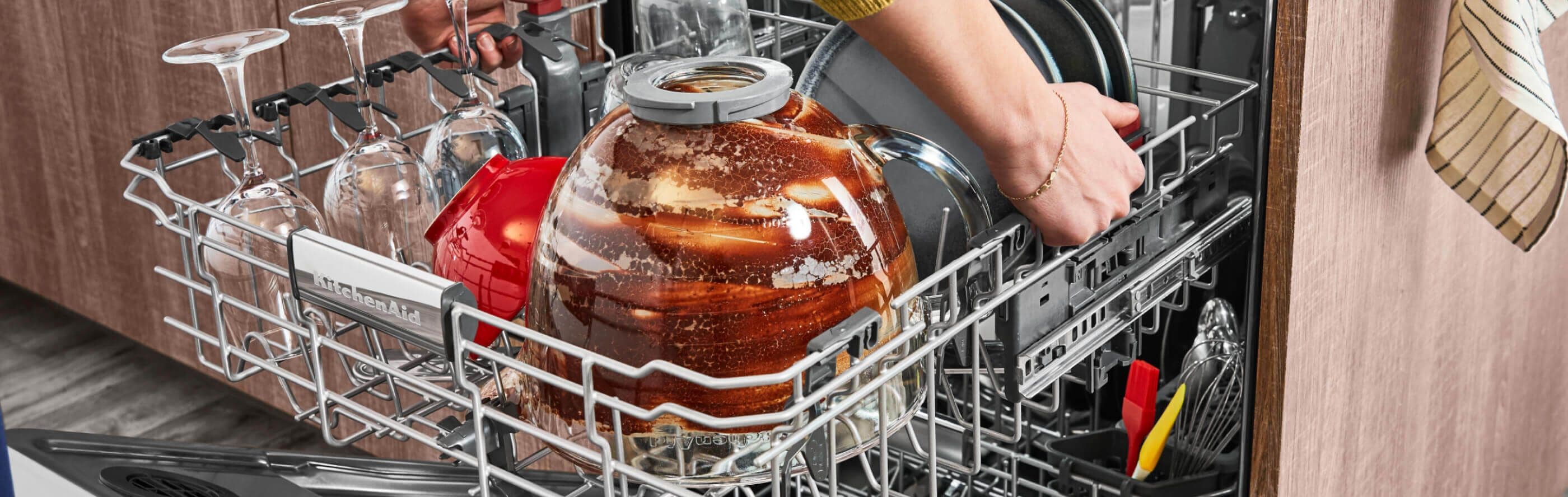
Common Dishwasher Issues
KitchenAid dishwashers are reliable but can face common problems. Understanding these issues helps fix them quickly. This guide covers frequent troubles and simple fixes.
Dishwasher Won’t Start
Check if the door is closed tightly. The dishwasher won’t start if the latch is loose. Look at your home’s circuit breaker. A tripped breaker can stop power to the dishwasher. Also, ensure the control lock is off. This feature stops the dishwasher from starting accidentally.
Water Not Draining
Food debris can block the filter at the tub’s bottom. Clean the filter regularly to avoid drainage problems. Inspect the drain hose for bends or kinks. A blocked hose stops water from draining out.
Dishwasher Not Filling
Make sure the water supply valve under the sink is open. A closed valve blocks water from entering the dishwasher. Check the inlet hose for any clogs or damage. Replace the hose if needed to allow proper water flow.
Control Panel Beeping Or Unresponsive
The control panel may beep if buttons get stuck or if there is a system error. Press the Cancel button to reset the dishwasher. Sometimes power cycling the unit fixes unresponsive controls. If the problem continues, the control board may need inspection.
Cleaning Cycle Problems
Dishes may not come out clean due to clogged spray arms. Remove and clean spray arms to ensure water sprays properly. Use the right detergent and avoid overloading the dishwasher. Check the filter for food particles and clean it often.

Basic Troubleshooting Steps
Finding model-specific guides helps fix your KitchenAid dishwasher quickly. Each model has unique features and troubleshooting steps. Using the correct guide saves time and effort. Follow simple steps to locate your model number and access the right resources.
Locating Your Kitchenaid Model Number
The model number is on a sticker inside the dishwasher door. Open the door fully to see it. It usually starts with letters and has numbers. Write down this number for later use. This helps find exact manuals and parts for your dishwasher.
Accessing Kitchenaid Owners Center
The KitchenAid Owners Center website offers manuals and troubleshooting guides. Enter your model number on the site’s search bar. Download the PDF manual for detailed instructions. The site also provides tips on maintenance and repairs. It is the best place to get official information.
Using Online Resources And Videos
Online videos show step-by-step repair processes for many KitchenAid models. Search YouTube with your model number and problem description. Videos give clear visual help for common dishwasher issues. Forums and blogs also share user experiences and fixes. These resources support learning and solving problems faster.

Frequently Asked Questions
What Button Do I Push To Reset My Kitchenaid Dishwasher?
Press the Cancel button to stop the current cycle and reset your KitchenAid dishwasher. This clears errors and restarts the control panel.
How Do I Run Diagnostics On My Kitchenaid Dishwasher?
To run diagnostics on your KitchenAid dishwasher, close the door firmly. Press and hold the “Heated Dry” and “Normal” buttons simultaneously for 5 seconds. The dishwasher enters diagnostic mode, displaying error codes. Check your model’s manual for specific code meanings and troubleshooting steps.
What Is The Most Common Problem With Kitchenaid Dishwashers?
The most common problem with KitchenAid dishwashers is failure to start. This usually results from a door latch issue, tripped circuit breaker, or active control lock. Checking these can quickly resolve startup problems and restore normal operation.
What Is The Most Common Failure On A Dishwasher?
The most common dishwasher failure is a clogged filter or drain, causing poor drainage or no water flow.
How Do I Reset My Kitchenaid Dishwasher Control Panel?
Press the Cancel button to stop any active cycle. This clears error codes and resets the control board. It usually takes a few seconds to complete.
Conclusion
Troubleshooting your KitchenAid dishwasher can save time and money. Start with simple checks like power, door latch, and filters. Resetting the control panel often clears errors quickly. Always consult the KitchenAid Owners Center for model-specific help. Small fixes solve most common dishwasher problems.
Keep your dishwasher running smoothly with regular maintenance. Don’t ignore warning signs or error codes. A little care goes a long way in dishwasher care. Stay patient and follow step-by-step guides for best results. Your dishwasher will be back to work before you know it.