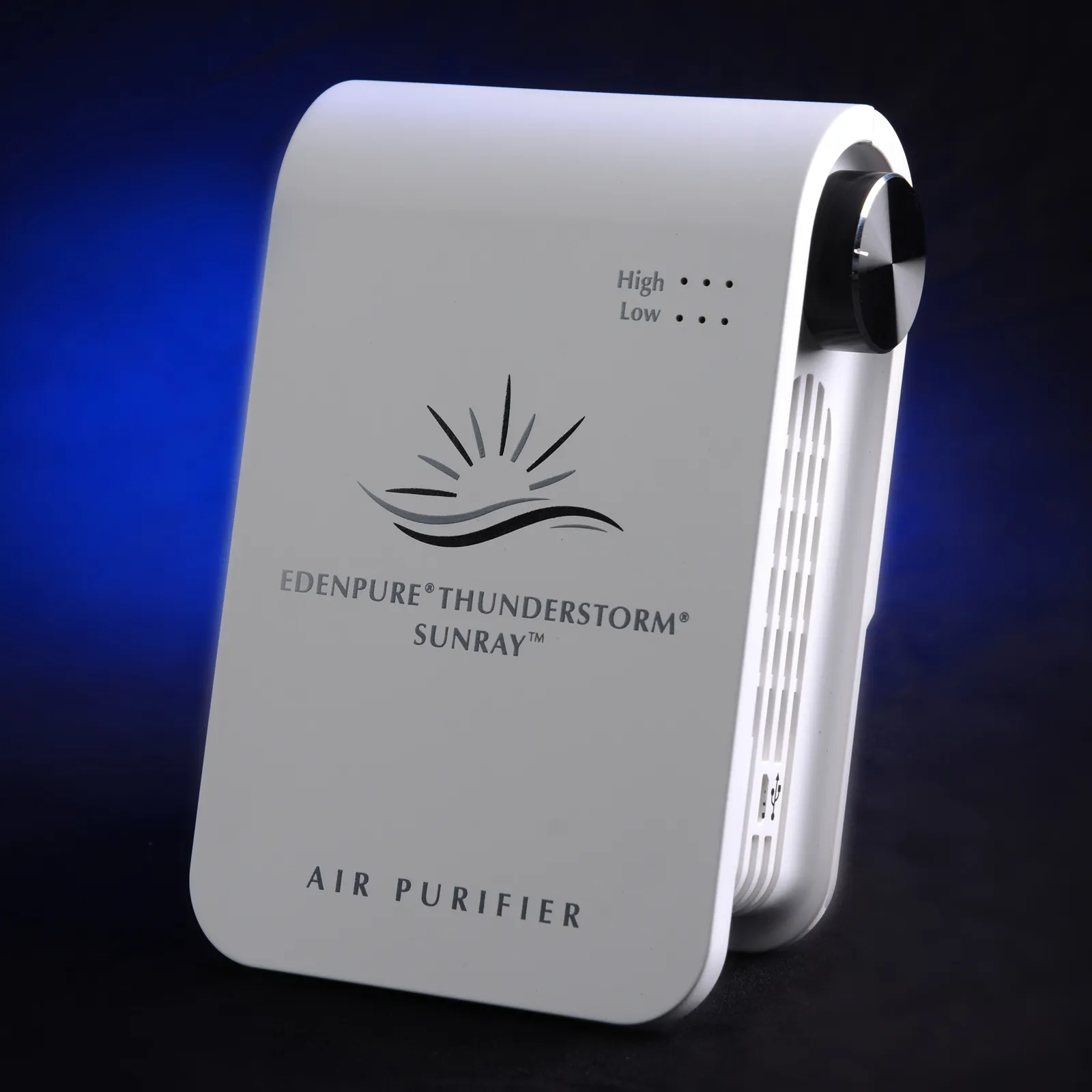
You can resolve most performance issues by cleaning the collection plates and checking the power connection during edenpure thunderstorm troubleshooting. These air purifiers often stop working because dust builds up on the internal blades, triggering a safety shut-off. If your unit has no lights or air movement, check your wall outlet first by plugging in a lamp to ensure the circuit is live. Never open the internal housing or touch electrical components, as this can lead to serious injury or void your warranty.
Troubleshooting EdenPure Thunderstorm performance
The most frequent cause for a malfunctioning air purifier is a build-up of particulate matter on the internal ionizing wires or collection plates. These components need a clear path to create the electrical field required for air cleaning. When dust, pet hair, or grease coats these parts, the system detects a short circuit or an overload and shuts down to prevent overheating. This is a deliberate safety design, not a permanent failure of the machine.
Another common issue involves the power cord and the contact points. If the unit doesn’t turn on at all, the issue is usually external to the device. Inspect the power cable for any visible frays or damage before checking your home’s circuit breaker. If the breaker has tripped, you may have too many high-wattage appliances running on the same line. Always consult the Consumer Product Safety Commission for general guidance on identifying and preventing household electrical hazards.
Finally, consider the environment where you place the unit. If the air purifier sits too close to a wall, furniture, or curtains, the airflow becomes restricted. This causes the internal sensors to register a lack of air movement, which can lead to intermittent operation or the unit cycling on and off. Ensure the device has at least 12 inches of clearance on all sides to allow for proper intake and exhaust.
Clean the collection plates thoroughly
If the unit is running but you hear a clicking sound or feel no airflow, the collection plates are likely dirty. To clean them, first turn off the power and unplug the unit from the wall. Wait at least 60 seconds to ensure any residual charge has dissipated. Slide the collection plates out of the back of the unit. You can wash these plates with warm water and a mild dish soap.
Use a soft sponge to wipe away all debris, but never use harsh chemicals or abrasive scrubbers, as these can scratch the metal coating and ruin the ionization process. Once the plates are clean, rinse them thoroughly with fresh water. If you reinsert damp plates, you risk an electrical short that could permanently damage the internal sensors.
This fix is for users who notice a drop in air quality or hear noise from the unit. If the plates are free of debris and the unit still clicks, the internal wiring may have a fault. In this case, stop using the device immediately. Don’t attempt to clean internal parts beyond the removable plates or the ionizing wires. If the problem persists after a deep clean, the unit likely requires professional service or replacement.
Verify the power and connections
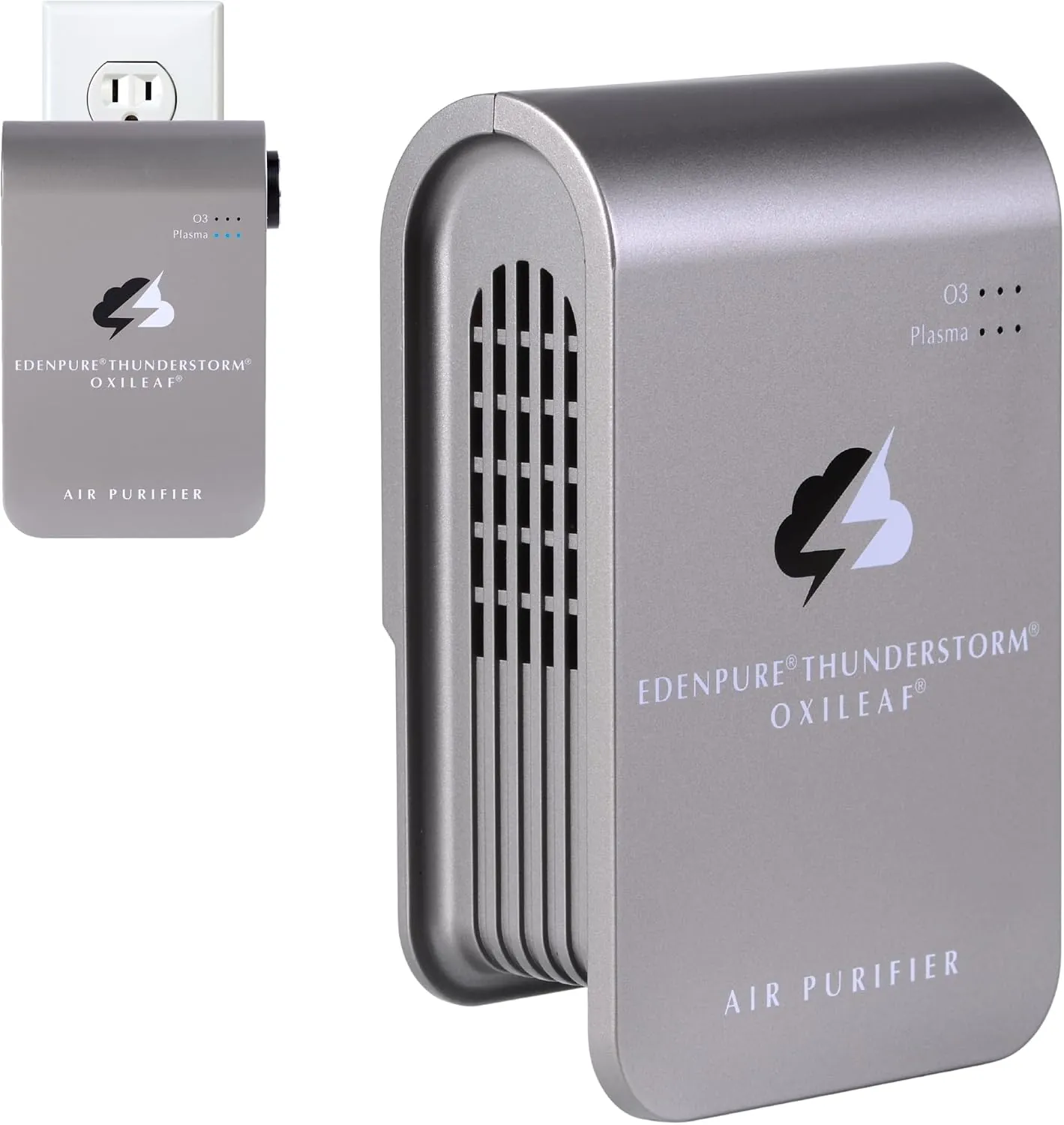
Sometimes the solution is as simple as a loose connection or a faulty wall outlet. First, ensure the power cord is firmly pushed into the back of the unit. It’s common for the cable to wiggle loose if the air purifier gets bumped. If the connection at the unit is secure, move to the wall outlet. Plug a different device, such as a lamp or a phone charger, into that same outlet to confirm it’s providing power.
If the wall outlet is working, check the power switch on the unit itself. Some models have a reset button or a specific sequence for turning the power on. If you have been using an extension cord or a power strip, remove it and plug the unit directly into the wall. Extension cords often can’t handle the power draw of air purifiers, which can cause the unit to shut down or fail to start.
This step is for those whose unit shows no lights or signs of life. If the unit still doesn’t power on after checking these connections, the internal fuse may have blown. You can’t replace the fuse yourself. If your unit is still under the manufacturer’s warranty, contact their support team for a replacement or repair. If the warranty has expired, it’s often safer to replace the unit rather than paying for professional repairs.
Inspect the ionizing wires
The ionizing wires are thin, fragile components that help pull dust from the air. If these wires are broken or sagging, the unit won’t clean the air effectively and may shut down. With the unit unplugged and the collection plates removed, look at the internal chamber. You should see thin wires running vertically. If you see a wire that’s snapped or disconnected, the unit is no longer safe to operate.
This repair is for cases where the unit is clean but still fails to function or makes a loud buzzing noise. If you see a broken wire, don’t try to solder or reconnect it. These wires are under tension and require specific tools for safe handling.
Attempting to fix them without proper training poses a risk of electric shock. If you find damage here, you should stop using the machine and contact the manufacturer to see if they offer a repair service.
In most cases, a broken wire means the unit has reached the end of its functional life. While it’s tempting to try a quick fix, these components are critical for the safe operation of the high-voltage field. If the wire is intact but just dusty, use a soft, dry cloth or a can of compressed air to gently remove the dust. Never use liquid cleaners on the internal wires, as this will damage the delicate connections.
Avoid these common mistakes
- Using wet plates: Putting damp plates back into the unit causes electrical shorts and can permanently fry the internal power board.
- Cleaning with metal tools: Using knives or screwdrivers to scrape the plates will scratch the surface, which ruins the unit’s ability to ionize air.
- Overloading the circuit: Plugging the unit into a power strip with other high-draw devices causes the unit to lose power or trip your breaker.
- Ignoring the clicking sound: A loud, constant clicking usually means the internal charge is arcing; continued use can lead to smoke or fire damage.
- Opening the main housing: Removing the outer screws exposes you to high-voltage components that remain charged even when the unit is unplugged.
Preventive maintenance for air purifiers
| If you’re doing this | Do this instead | Why |
|---|---|---|
| Using soap and water | Use mild dish soap only | Harsh chemicals eat away at the metal coating. |
| Forcing plates into place | Slide them in gently | You can damage the internal contact sensors. |
Most owners fail to account for ambient humidity levels. Trapped moisture inside the housing acts as a conductor, which often triggers a permanent short circuit upon restart.
You should also inspect the intake grate for hairline cracks during every cleaning cycle. If you notice a rattling sound, the internal contact sensor is likely misaligned. Stop the unit immediately to avoid burning out the motor.
Finally, never use abrasive scrubbers on the filter frame. These tools create microscopic scratches that harbor bacteria and mold spores. Stick to a soft microfiber cloth to preserve the integrity of the seal. A loose seal forces the fan to work harder, which prematurely exhausts the motor bearings and drives up your monthly energy costs.
Frequently asked questions
How long do the collection plates last?
The collection plates last the unit’s entire lifespan if cleaned regularly. They’re made of durable metal, but they lose effectiveness if deeply pitted or scratched by abrasive tools. If the metal turns dark or loses its smooth surface, the plates are likely worn out.
Why does my unit make a clicking sound?
A clicking sound indicates that dust is creating an electrical arc between the collection plates and ionizing wires. This happens when the plates are dirty or debris is trapped inside. If the clicking continues after a thorough cleaning, there may be a permanent electrical fault.
Is it safe to use the unit if a wire is broken?
No, it isn’t safe to use the unit if you see a broken or sagging ionizing wire. A broken wire disrupts the electrical field, which can cause the unit to short circuit or overheat. Because these wires carry high voltage, don’t attempt to fix them yourself.
How often should I check the internal wires?
You should inspect the internal wires for dust or damage every time you remove the collection plates for cleaning, typically every two to four weeks. Use a flashlight to ensure the wires are straight and free of large dust clumps. If you see thick dust, gently blow it away.
Can I use a vacuum to clean the inside?
You should avoid using a vacuum inside the main chamber of the air purifier. The nozzle can easily snag and break the fragile ionizing wires or damage sensitive internal sensors. It’s much safer to use a can of compressed air to gently blow out loose dust.
What happens if I lose a collection plate?
If you lose a collection plate, the air purifier won’t function because the electrical circuit will be incomplete. The unit is designed to detect the presence of the plates and will likely refuse to turn on if the circuit is open. Contact the manufacturer to purchase a replacement.
Conclusion
If you have tried cleaning the plates and verifying the power supply, and the unit still doesn’t function, it’s likely that an internal component has failed. At this point, the safest path is to contact the manufacturer’s support line or consider a replacement. Avoid any attempts to disassemble the main housing or repair internal electrical parts yourself.
Related guides