You can often resolve issues with an echo 58v battery charger troubleshooting process by checking the power source and cleaning the contact terminals. The most common cause for a charger failing to initiate a charge is a buildup of dust or debris on the metal contacts, which prevents the unit from detecting the battery. If your charger doesn’t show a light, ensure the outlet is functional. For safety, always inspect the cord for frays and never attempt to open the plastic housing.
Troubleshooting Echo 58v battery charger issues
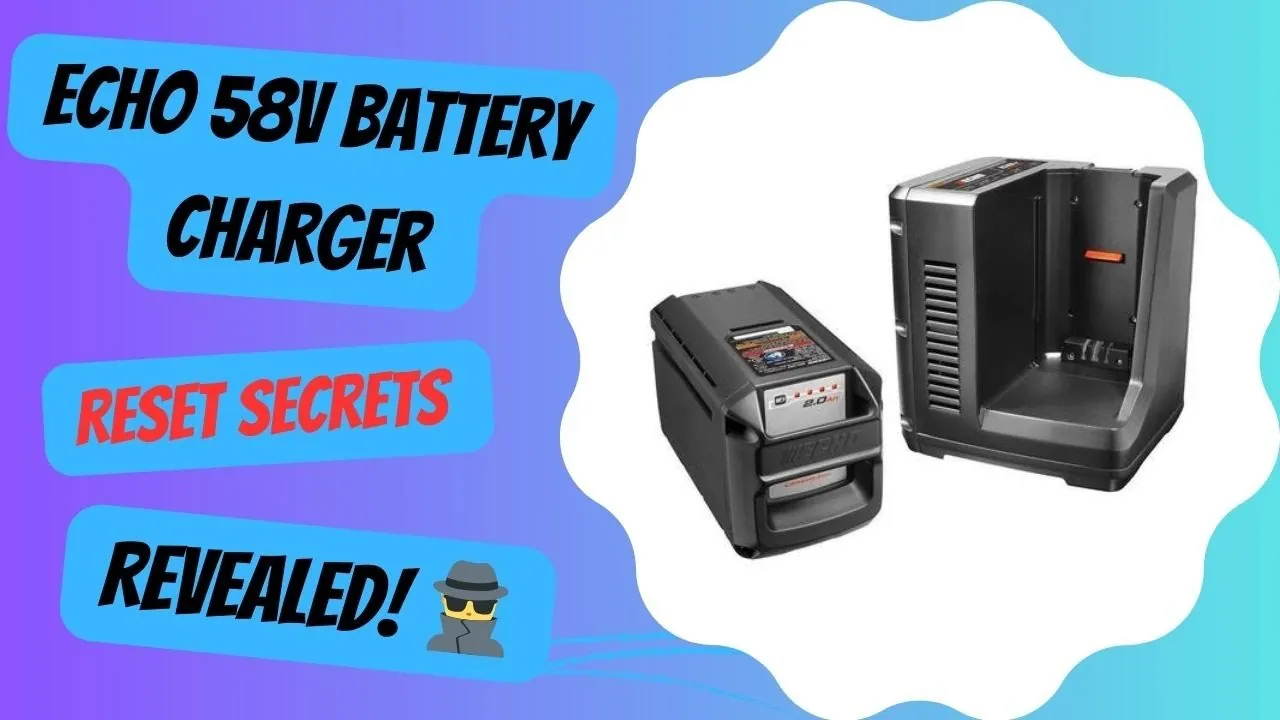
The primary reason for failure is poor electrical connectivity between the battery and the charging dock. Over time, small bits of grass, dirt, or oxidation collect on the metal prongs, blocking the flow of electricity. If the charger can’t sense the battery, it won’t activate the cooling fan or the status light. Always use a dry, clean cloth to wipe these surfaces before assuming the device is broken.
If the prongs look clean but the connection remains inconsistent, check for bent or recessed pins. A pin that stays pushed into the housing will fail to make contact with the battery terminal. Use a small flathead screwdriver to gently nudge any stuck pin back into its extended position. If the pin remains depressed, the internal spring has likely failed, necessitating a replacement of the entire charging unit.
Another cause involves the internal thermal protection system. If the battery was used heavily in high heat, it may be too warm to accept a charge immediately. Lithium-ion batteries have sensors that pause charging if the internal cells exceed 115 degrees Fahrenheit. This is a protective feature to prevent permanent damage to the battery chemistry. If the light blinks red or orange, it usually indicates the unit is cooling down or the temperature is outside the acceptable range.
Finally, a faulty wall outlet or a tripped circuit breaker can mimic a broken charger. If the power cord is loose or the GFCI outlet has tripped, the system receives no power. Verify this by plugging a different appliance into the same outlet. If that device also fails to turn on, the problem is with your home wiring rather than the equipment.
Clean the contact points
This fix is for users who see no lights on the charger or find the battery isn’t seating properly. Start by unplugging the charger from the wall to ensure total safety. Take a soft, dry microfiber cloth and gently wipe the metal contacts inside the charger dock and on the bottom of the battery. If there’s stubborn dirt, you may use a small, soft-bristled brush, like an old toothbrush, to carefully dislodge debris from the narrow crevices.
Never use water, solvents, or metal tools to scrape these contacts. Using metal objects can short the terminals or scratch the conductive coating, which leads to permanent failure. If you notice visible corrosion—a white or green powdery substance—clean the terminals carefully, as this is typically oxidation. In this specific case, stop immediately and recycle the unit, as internal chemical damage renders the battery unsafe to charge.
Once you have cleared the area, plug the charger back into a known working outlet. Slide the battery firmly into the cradle until you hear a click or feel it seat fully into place. If the status light changes to solid green or a steady charging pattern, the connection was the issue.
If you continue to see no lights after cleaning, the internal electronics may have failed. Because the Echo 58V power equipment requires specific components for safe operation, you shouldn’t attempt internal repairs. If the unit remains unresponsive after cleaning, contact a local authorized service dealer to have the charger tested professionally. A technician can confirm whether the part has failed, saving you from replacing a perfectly functional battery.
Reset the power connection
This method works when the charger appears “stuck” or is showing an error code that doesn’t disappear. Unplug the charger from the power source and leave it disconnected for at least 15 minutes. This allows the internal capacitors to fully discharge and resets the logic board inside the device. While you wait, inspect the charging cord for any visible signs of damage, such as cracks, exposed wires, or bent prongs on the plug.
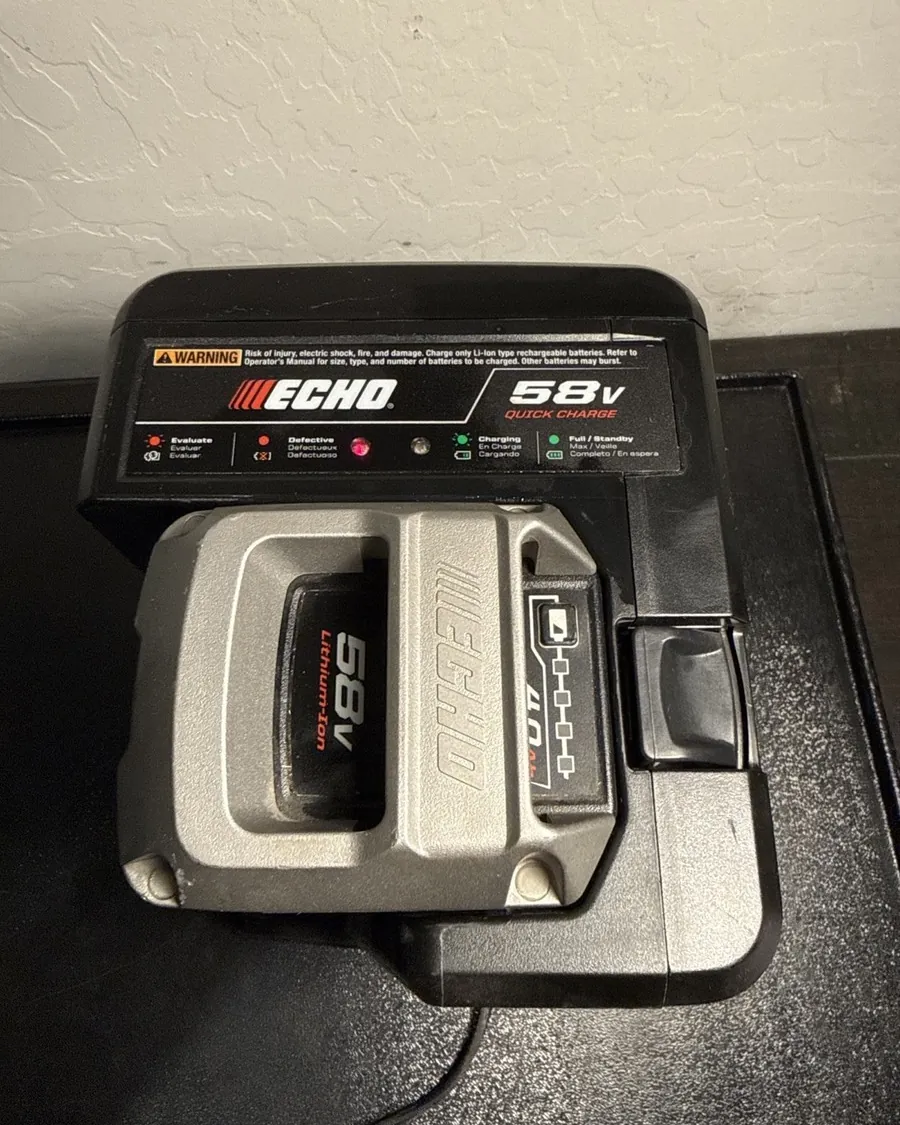
After the wait time, plug the charger directly into a wall outlet, avoiding power strips or extension cords. Extension cords often drop voltage, which can prevent the charger from completing its handshake with the battery. Once the charger is plugged in, insert the battery. Watch the indicator lights closely; a solid red light usually means charging is in progress, while a solid green light indicates a full charge.
If you see a flashing red light, it often means the battery is still too hot or the communication between the battery and charger is failing. If this happens, remove the battery and wait another 30 minutes for it to reach room temperature before trying again. If the error light persists after three attempts, the internal battery management system or the charger’s sensor is likely faulty. At this point, the hardware needs a professional inspection by an authorized representative.
Check the thermal status
This is for users whose batteries were recently used in heavy-duty tasks, such as clearing thick brush or wet grass. Heavy load tasks generate significant heat within the lithium-ion cells. The charger is programmed to ignore a battery that’s too hot to prevent a fire risk or cell degradation. When the battery is too hot, the charger will often show a specific error pattern—usually a blinking light that differs from the standard “charging” sequence.
Move the battery to a cool, shaded, and well-ventilated area away from direct sunlight. Let it sit undisturbed for at least one hour. Don’t attempt to force-cool the battery with ice or water, as this can cause condensation inside the casing and lead to a short circuit. Once the battery feels cool to the touch, place it back on the charger.
If the battery charges normally after cooling, you should adjust your work habits to allow for more rest periods during heavy use. If the battery remains hot to the touch for more than two hours after you stop using it, the internal cells may be damaged.
A battery that can’t dissipate heat properly is a safety hazard and should be replaced. If you’re unsure about the condition of your battery, don’t leave it on the charger unattended. If the indicator light remains in the error state even after the battery is completely cool, the internal thermistor has likely failed. In this case, the unit is no longer safe to charge and must be recycled immediately.
Avoid common mistakes
Charging a battery in a hot garage or direct sunlight causes the internal thermal sensor to trip, which halts the charging process to prevent fire. If your battery feels hot to the touch, move it to a shaded, room-temperature area for at least thirty minutes before plugging it in.
Using an undersized extension cord causes a voltage drop that confuses the charger’s logic, leading to intermittent power or total failure. Always use a cord rated for the appropriate load if the run exceeds 25 feet, or have a technician verify your power setup.
Leaving the battery on the charger for weeks at a time degrades the cells, so unplug the unit once the charge is full. If you plan to store the battery for more than a month, discharge it to 50 percent capacity first.
Forcing the battery into the charger when the plastic guide rails are misaligned can bend the metal terminals, permanently ruining the connection. If you feel resistance, stop immediately.
Stop it happening again
To keep your equipment running, you must store the batteries in a temperature-controlled environment. Lithium-ion batteries lose efficiency if left in freezing temperatures or extreme heat for long periods.
Aim for a consistent 50 to 70 degrees Fahrenheit.
| If you’re doing this | Do this instead | Why |
|---|---|---|
| Leaving battery in tool | Remove and store inside | Prevents slow power drain |
| Charging in the shed | Charge in the house | Better temperature control |
| Using thin power cords | Plug directly into wall | Ensures stable voltage |
| Wiping with damp cloth | Use only dry brush | Prevents water damage |
The most common mistake is storing batteries at full capacity for months. If you don’t plan to use the tool for more than thirty days, discharge the battery to roughly 40 percent. This prevents the chemical stress that leads to premature cell failure. If the battery feels hot to the touch after use, wait at least one hour before placing it on the charger.
Frequently asked questions
Can I use a different brand charger for my battery?
No, you must only use a charger specifically designed for your model. Each brand uses unique voltage protocols and communication signals to manage the charging cycle. Using a non-compatible charger can damage the battery cells, void your warranty, and create a significant fire risk during the charging process.
How long does a 58v battery take to charge?
Most batteries reach a full charge in 60 to 90 minutes when starting from a completely empty state. This assumes the battery is at room temperature and the charger is plugged directly into a standard wall outlet. If the battery is warm from recent use, the charge time will increase significantly as the system waits for the cells to cool down.
Is it safe to leave the battery on the charger?
No, it isn’t recommended to leave the battery on the charger for more than 24 hours after it reaches full capacity. While modern chargers have automatic shut-off features, leaving them connected indefinitely can lead to minor power fluctuations that stress the battery chemistry. It’s best to remove the battery once the indicator light turns solid green.
Why is the light blinking red?
A blinking red light usually indicates a communication error or a thermal protection trigger. This happens if the battery is too hot to charge or if there’s a temporary fault in the connection between the battery and the dock. Unplug the charger, let the battery cool for one hour, and then try the connection again to see if the error clears.
What happens if I drop the battery?
Dropping the battery can cause internal damage to the cell alignment or the battery management circuit, even if the plastic shell looks fine. If you notice the battery is cracked, smells like smoke, or gets excessively hot during use, stop using it immediately. A damaged battery is a fire hazard and should be recycled according to your local hazardous waste disposal guidelines.
Conclusion
If these simple checks don’t get your equipment running again, it’s time to contact the manufacturer’s support team. They’ll help you determine if your unit is still under warranty or if you’ll need a replacement. Don’t hesitate to reach out, as they’re happy to help you get back to your yard work.
Related guides