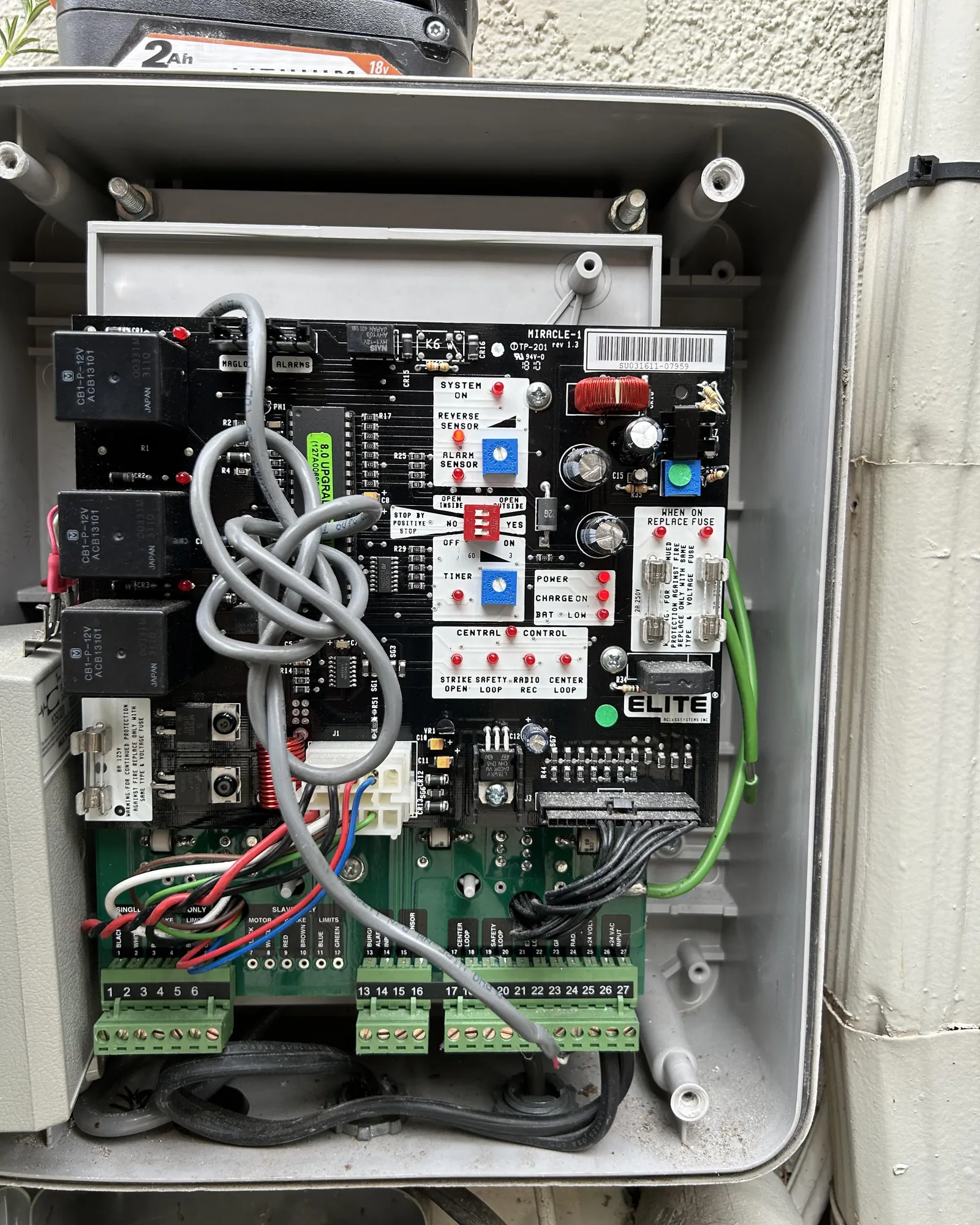
You can fix most power and movement issues by checking for simple obstructions or loose connections, as effective elite gate opener troubleshooting starts with inspecting the path of the gate and the power supply. Most gate failures happen because a safety sensor is blocked or the power source has been interrupted. If your gate doesn’t move, look at the light on the control board first to see if it shows a status error.
Why your gate opener fails to move
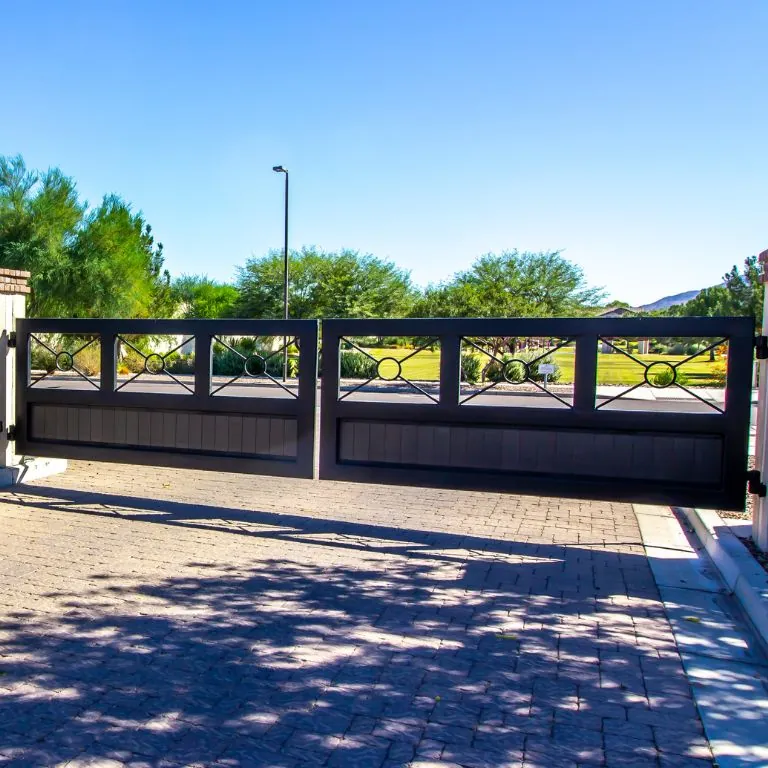
The most common cause of a stalled gate is a misaligned or dirty photo-eye sensor. These sensors shoot an invisible beam across the gate path; if that beam is broken by debris, leaves, or a misaligned sensor housing, the system will stop the gate to prevent accidents. You can usually tell if this is the issue because the gate might move a few inches before stopping, or the control board will display a specific fault code.
Another frequent problem is a blown fuse or a tripped circuit breaker. If the system has no lights at all, the power isn’t reaching the board. Check your home’s electrical panel to ensure the gate circuit hasn’t tripped due to a power surge or heavy rain. If you see lights on the board but the gate still doesn’t react to the remote, the issue might be a dead battery in your transmitter.
Finally, physical resistance often triggers the safety reverse feature. If the gate tracks are bent, the wheels are rusted, or a heavy object is leaning against the gate, the motor will detect too much resistance and stop. The Consumer Product Safety Commission emphasizes that automatic gate systems must reverse if they encounter an obstruction to prevent injury. If your gate stops mid-cycle, walk the full length of the track to ensure nothing is blocking the path.
Clean and align your safety sensors
The safety sensors are the “eyes” of your gate system, and they’re very sensitive to movement. If the green or red lights on the sensors are flickering or off, they need adjustment. You should start by wiping the lenses with a soft, dry cloth to remove spiderwebs, dust, or mud. Even a small amount of dirt can block the infrared beam and cause the gate to remain stuck in the open or closed position.
Once the lenses are clean, check the mounting brackets. If a bracket is loose, tighten the screws so the sensor points directly at its partner on the opposite side. If you aren’t sure if they’re aligned, look for a solid indicator light on both units.
If the lights are blinking, you’ll need to gently pivot the sensor until the light stays solid. If the sensors have been hit by a car or lawn equipment, they may be broken internally and require a professional replacement.
Reset the power and remote controls
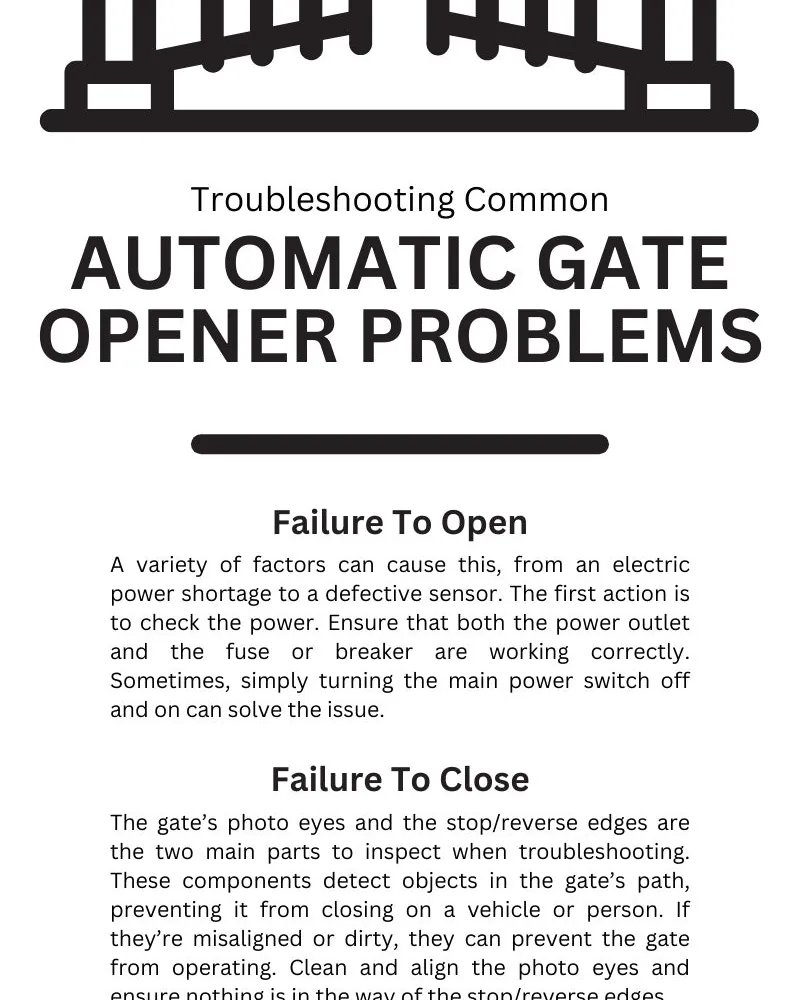
If the gate is completely unresponsive, a system reset can often clear temporary electronic errors. Locate the main power switch for the gate opener, turn it off for 30 seconds, and then turn it back on. This forces the control board to reboot and perform a self-check. If the gate begins working again, the issue was likely a minor software glitch in the logic board.
If the gate doesn’t respond to your remote, check the battery first. Most standard gate remotes use a coin-cell battery that eventually requires replacement. If the light on the remote doesn’t glow when you press the button, replace the battery immediately.
A common mistake is assuming the remote is broken when the receiver has simply lost the signal. This often happens after a power surge or a prolonged outage. If the remote has a fresh battery but still fails to trigger the gate, you must re-sync it.
Consult your manual for the “learn” button location. If you see a flashing LED near the receiver antenna, the system is in pairing mode. If the LED remains solid, the board isn’t accepting new signals. In that case, clear the memory first, then pair the remotes again.
Clear obstructions from the tracks
Physical resistance is the most common reason for a gate to stop or reverse suddenly during operation. Inspect the bottom track for rocks, branches, or thick mud that could prevent the wheels from rolling smoothly. If you have a sliding gate, look for debris buildup inside the track channel. Use a stiff brush or a leaf blower to clear the area, but never use grease on the track, as this attracts grit and sand.
Check the rollers or wheels for signs of wear. If a wheel is seized or wobbling, it creates massive friction that the motor can’t overcome. If the gate is heavy or you feel significant resistance when pushing it by hand while the power is off, the issue is mechanical.
While you can clean the tracks yourself, replacing damaged rollers or tracks is a task for a qualified gate technician. Never attempt to service the motor housing or the internal drive chain if you lack the proper training, as these parts carry high voltage and can cause severe injury.
Common mistakes to avoid
Applying oil or grease to gate tracks or drive chains creates a sticky, abrasive paste that traps grit. Use only dry silicone sprays if the manufacturer explicitly permits lubrication.
Forcing a gate open by hand while the motor is engaged strips the internal drive gears. If you lose power, always pull the manual release lever first. Neglecting this step often results in a repair bill that’s expensive relative to the cost of simple maintenance.
Ignore grinding or clicking sounds at your own peril. These noises signal a misaligned chain or a failing bearing. If the gate hesitates during operation, consult your manual to check the chain tension specifications.
Finally, never bypass safety sensors. Disconnecting them creates a lethal crush hazard. If your sensors blink red, clear the path of debris before calling a professional.
Maintaining your gate for performance
| If you’re doing this | Do this instead | Why |
|---|---|---|
| Spraying tracks with grease | Clean tracks with a brush | Grease attracts dirt and grit |
| Ignoring slow gate movement | Inspect wheels for rust | Friction wears out the motor |
| Leaving sensors exposed | Keep them clean and dry | Dirt blocks the safety beam |
| Forcing a stuck gate | Disengage the manual release | Prevents stripping the gears |
Most owners wait until the gate stops moving entirely before acting. This mistake often costs the price of a full motor replacement rather than a simple wheel swap. If your gate slows down by more than two seconds during its cycle, check the wheel bearings immediately.
If you hear a grinding noise, stop the gate mid-cycle. Grinding indicates metal-on-metal contact that can cause rapid damage to the drive gear. If the gate moves smoothly by hand after you pull the manual release, the issue is electrical. If it remains heavy or stuck, you have a mechanical obstruction or a seized roller.
Always test your safety sensors monthly by placing an object in their path. If the gate doesn’t reverse within one second of contact, clean the lenses with a dry microfiber cloth. Persistent failure suggests a misaligned sensor that requires professional recalibration.
Frequently asked questions
How long does a gate opener motor last?
Residential gate openers typically last for several years, depending on usage frequency and local weather. High-traffic gates used more than 20 times daily will experience faster motor wear than those used sparingly. Check your maintenance log or watch for slow, jerky movement to gauge the motor’s remaining service life.
Is it safe to open the gate motor housing?
No, it isn’t safe for homeowners to open the motor housing due to high-voltage components that pose a fatal shock risk. Internal repairs must be performed by a professional technician with proper training. If you suspect an electrical failure, cut the power at the breaker and call a licensed service.
Why does my gate open but not close?
Your gate may refuse to close if safety sensors are misaligned or obstructed. The system prioritizes safety by locking in the open position if the path isn’t clear. Ensure your photo-eye beams are aligned, as a faulty limit switch may otherwise require a professional adjustment to resolve the issue.
How often should I service my gate?
Perform a visual inspection of your gate tracks and sensors every 6 months to ensure they remain clear and aligned. Areas with high salt or heavy rain may require more frequent cleaning to prevent rust. A professional should perform an annual tune-up to test force sensitivity and safety features.
What happens if the power goes out?
Your gate will stop working during a power outage unless it has a battery backup, but you can always open it manually. Locate the emergency release lever or key-operated lock on the arm or housing to disengage the motor. Always re-engage the release mechanism once power returns to restore motor control.
Can I replace the gate remote myself?
Yes, you can program a new gate remote yourself by following the instructions in your owner’s manual. Most systems feature a “learn” button on the control board to sync a new transmitter quickly. If you lack the manual, search the manufacturer’s website using the model number found on your original remote.
Conclusion
If you continue to experience problems after checking the sensors, the power supply, and the tracks, you likely have a failing control board or a worn-out motor. At this stage, it’s best to contact a local gate automation specialist who can safely diagnose the internal electronics. A professional can also inspect your gate’s mechanical balance, ensuring that the system remains safe and reliable for years to come.
Related guides