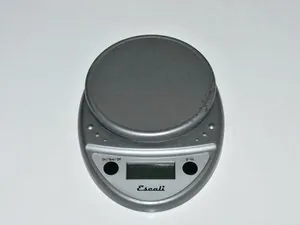
When your kitchen scale stops functioning accurately or fails to power on, performing escali scale troubleshooting is often the fastest way to restore precision to your cooking and baking routine. Most common issues are rooted in power delivery, sensor calibration, or environmental interference, all of which are manageable with a few simple steps. Before assuming the device is broken, verify the surface stability and battery health, as these two factors account for the vast majority of performance discrepancies in household weighing equipment.
Key Takeaways
- Always place your scale on a hard, flat, level surface to avoid internal sensor bias.
- Replace batteries with high-quality alkaline cells rather than rechargeable ones to ensure stable voltage.
- Perform a manual calibration if the scale shows inconsistent results or fails to return to zero.
- Check for debris or obstructions beneath the weighing platform that could interfere with the load cell.
- Avoid using the scale near electronic devices that emit strong electromagnetic fields, such as microwaves or smartphones.
Addressing Common Power Issues
When a scale fails to turn on or shuts off unexpectedly, the power supply circuit is the primary suspect. Digital scales require a consistent voltage to operate their internal microprocessors; if the battery voltage drops even slightly, the display may flicker or show inaccurate readings.
Battery Maintenance Steps
- Remove the batteries entirely and inspect the contacts for signs of corrosion or leakage.
- Clean the battery terminals using a dry cotton swab or a soft, lint-free cloth.
- Ensure that you’re using fresh batteries; mixing old and new batteries creates a voltage imbalance that disrupts the scale’s logic.
- Verify the polarity of the batteries matches the diagram inside the compartment exactly.
Warning: Never use sharp metal tools to scrape battery contacts, as this can permanently damage the sensitive plating and cause connection failure.
Why Is My Scale Inaccurate?
If the readings fluctuate while you’re adding ingredients, the issue is likely related to sensor interference or environmental instability. Digital scales use strain gauges that detect minute physical changes; even a slight tilt or a vibrating table can cause the numbers to drift.
| Potential Cause | Impact on Reading | Recommended Action |
|---|---|---|
| Uneven Surface | Persistent error | Move to a granite or marble countertop |
| Air Drafts | Fluctuating numbers | Close nearby windows or turn off fans |
| Platform Debris | Offsets weight | Clean beneath the weighing platform |
| Low Battery | Erratic display | Install brand new alkaline batteries |
How to Calibrate Your Scale
Calibration resets the internal baseline of the scale to ensure that zero truly represents no load. If your scale allows for user calibration, you’ll need a known weight, such as a certified calibration mass or a common household item with a verified weight.
The Calibration Process
- Turn the scale off and place it on a perfectly level surface.
- Press and hold the power button or the “Mode” button until the display shows “CAL” or a specific weight value.
- Place the required calibration weight on the center of the platform.
- Wait for the display to stabilize and confirm the calibration is complete.
- Remove the weight and verify the reading returns to zero.
Troubleshooting Escali Scale Errors
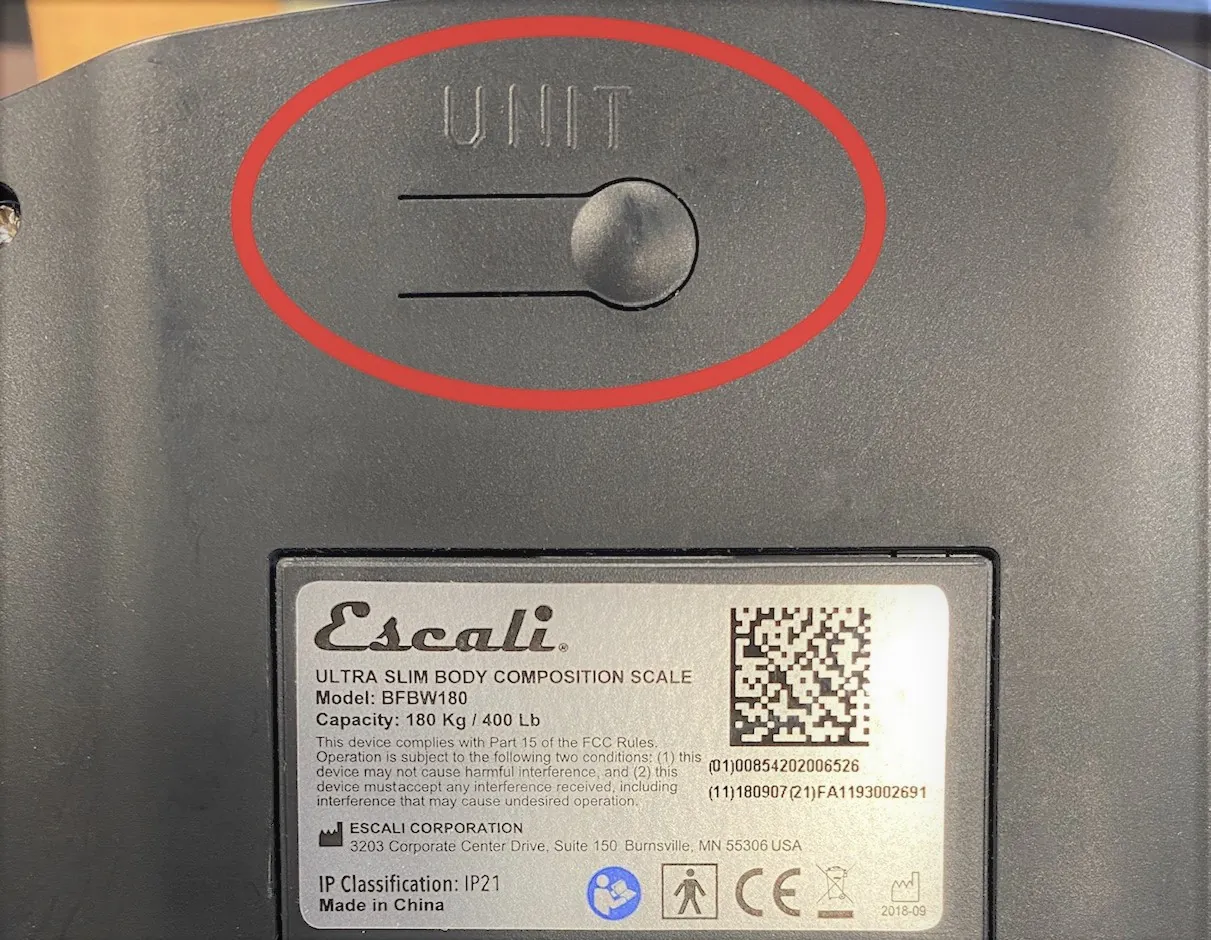
Most modern digital scales display specific codes when they encounter a hardware or software conflict. Understanding these codes is essential for effective troubleshooting.
- EEEE or O-Ld: This indicates the load on the platform exceeds the maximum capacity of the scale.
- UNST: The scale is detecting instability, likely due to vibration or an uneven surface.
- OUT2: This code usually appears during calibration, indicating that the weight applied is incorrect.
- Low Battery Indicator: Usually a battery icon or the letters “LO” flashing on the screen.
Cleaning and Maintenance Tips
Debris trapped between the weighing platform and the main housing is a frequent cause of sticky sensors. Even a crumb or a drop of liquid can prevent the platform from resting in its neutral position, leading to inaccurate weight readings.
- Use a damp, soft cloth with mild soap to wipe the exterior surfaces.
- Don’t submerge the scale in water or place it in a dishwasher.
- Ensure the scale is completely dry before attempting to power it on.
- Keep the platform clear when the scale isn’t in use to avoid damaging the load cell over time.
Environmental Factors Affecting Accuracy
Your scale is a precision instrument, and its performance is highly sensitive to the surrounding environment. Changes in temperature or humidity can cause the internal components to expand or contract slightly, which may lead to drifting measurements if the scale is kept in a harsh environment.
External Interference Sources
- Strong Magnets: Keep speakers, induction cooktops, and magnetic knife blocks away from your scale.
- Direct Sunlight: Heat can affect the internal electronics; keep the scale in a cool, shaded area.
- Air Currents: Air conditioning vents and ceiling fans can create enough pressure to shift the reading of a high-precision scale.
Understanding Scale Capacity Limits
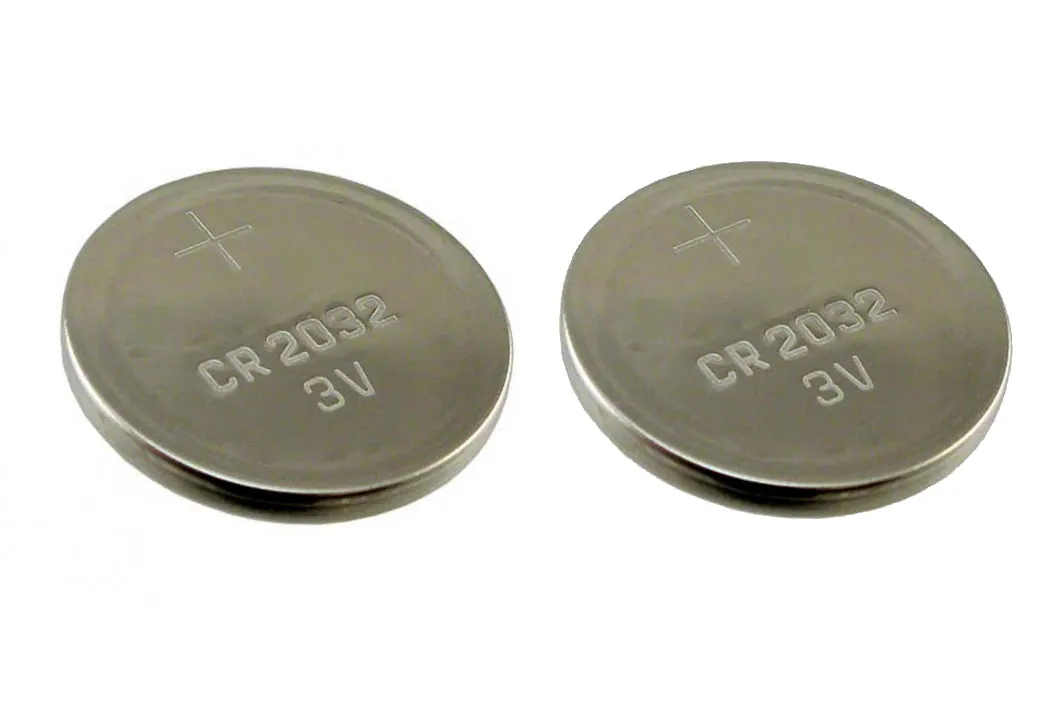
Every digital scale has a defined maximum capacity. Attempting to weigh items that exceed this limit can cause permanent damage to the internal strain gauge mechanism. If you frequently work with heavy ingredients, ensure your scale is rated for the weight you’re measuring.
| Scale Type | Typical Capacity Range | Common Usage |
|---|---|---|
| Precision/Jewelry | 100g – 500g | Spices, yeast, medication |
| Standard Kitchen | 2kg – 7kg | Flour, sugar, liquids |
| Heavy Duty/Diet | 10kg – 15kg | Large meat cuts, bulk items |
Related guides
- A12E Scale Troubleshooting: Quick Fixes & Solutions
- Health O Meter Scale Troubleshooting: Quick Fixes Guide
- Digi-Star Scale Troubleshooting: Expert Tips & Solutions
Frequently Asked Questions
Why does my scale keep turning off?
The auto-off feature is designed to preserve battery life. If your scale turns off while you’re working, it’s likely because the device hasn’t detected a weight change for a specific period, usually 60 to 180 seconds. To prevent this, occasionally tap the platform or add a small amount of weight to reset the internal timer during long measuring sessions.
Can I fix a scale that shows negative numbers?
Negative numbers usually appear when the scale has been “tared” with a weight on it, and that weight was subsequently removed. Simply press the “Tare” or “Zero” button while the platform is empty. If the negative number persists, turn the scale off, ensure the platform is clear, and turn it back on to force a re-initialization of the sensor.
Is it necessary to use a calibration weight?
While commercial and laboratory environments require certified weights for accuracy, most home kitchen tasks don’t necessitate high-precision calibration. If your scale is consistently off by a small, predictable amount, you can often correct it through the menu settings. However, if the scale is wildly inaccurate, a standard calibration weight is the only way to restore factory-level precision.
Why won’t my scale stay at zero?
A scale that drifts away from zero is often suffering from sensor fatigue or environmental instability. Ensure the scale isn’t sitting on a towel, a soft tablecloth, or an uneven countertop. If the surface is solid and level, check to see if there’s any residue trapped under the corners of the weighing platform that could be exerting constant, uneven pressure.
Does the type of battery matter?
Yes, the chemical composition of the battery affects the voltage curve. Alkaline batteries provide a steady voltage drop over time, which digital scales are calibrated to handle. Lithium batteries may provide a higher initial voltage that can confuse the internal circuitry of older models, while rechargeable NiMH batteries often have a lower nominal voltage, which may cause the scale to report a “Low Battery” error prematurely.
Conclusion
Once you have verified the power source and ensured the scale is sitting on a perfectly level, stable surface, most persistent issues will be resolved. If the device still fails to provide accurate readings after these checks, consider testing it in a different room to rule out localized vibration or electromagnetic interference. If the hardware remains unresponsive, consult the manufacturer’s warranty information for potential replacement options.