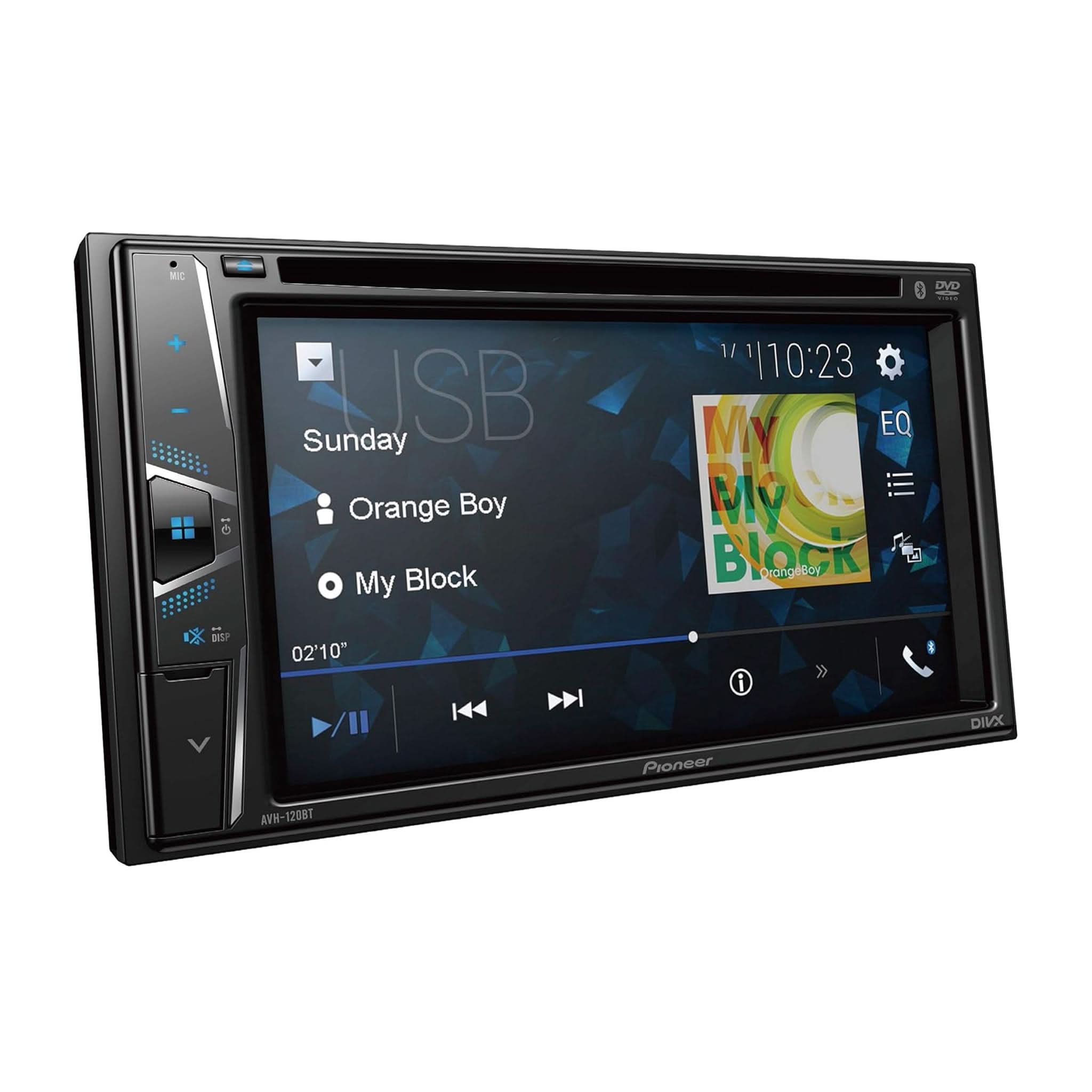
Are you having trouble with your Pioneer AVH 120BT? It’s frustrating when your car stereo doesn’t work the way it should.
Whether it’s a connection problem, sound issue, or the screen won’t respond, you’re not alone. In this guide, you’ll find simple and effective solutions to get your system back on track fast. Keep reading, and you’ll learn how to fix common problems without stress or confusion.
Your music and calls will be smooth again in no time.
Common Problems
The Pioneer AVH 120BT is a popular car stereo with many features. Despite its reliability, users face some common problems. Knowing these issues helps with quick troubleshooting and better use.
This section covers typical problems that users report. Each issue affects the stereo’s performance and user experience. Understanding these problems helps in finding the right fixes fast.
No Power Or Display
The unit does not turn on or shows a blank screen. Check the car’s fuse and wiring first. Loose connections often cause power loss. Sometimes, the internal fuse in the stereo blows out. Try resetting the device by disconnecting the car battery for a few minutes.
Bluetooth Connection Issues
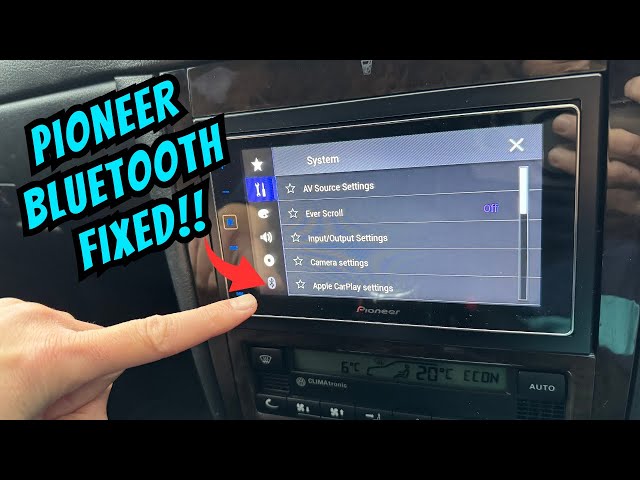
Bluetooth may fail to connect or keep dropping. Ensure Bluetooth is enabled on both devices. Clear old pairings from the stereo’s memory. Restart the phone and the stereo to refresh connections. Interference from other devices can block signals. Update the stereo’s firmware if possible.
Audio Problems
Sound may cut out, be distorted, or too low. Check the volume settings and mute status first. Inspect speaker wires for damage or loose connections. Audio settings like bass and treble might be incorrectly set. Resetting audio settings to default can help. External devices connected via AUX or USB might cause interference.
Touchscreen Unresponsive
The touchscreen may not respond to taps or swipes. Dirt or grease on the screen can block touch signals. Clean the screen with a soft, dry cloth. A software glitch might freeze the screen; restart the unit. If the problem continues, the touchscreen hardware could be faulty.
Disc Playback Errors
The player may not read discs or skip tracks. Dirty or scratched discs often cause playback problems. Clean discs gently with a soft cloth. Avoid using damaged or non-standard discs. The laser lens inside the player might need cleaning. Persistent errors may require professional repair or replacement.
Basic Troubleshooting Steps
Basic troubleshooting is the first step in fixing common issues with the Pioneer AVH 120BT. It helps to identify simple problems that might stop the unit from working well. Try these easy checks before seeking professional help. These steps often save time and avoid extra costs.
Resetting The Unit
Resetting the Pioneer AVH 120BT can solve many small glitches. Find the reset button on the unit’s face or behind the front panel. Use a small pin or paperclip to press and hold the button for a few seconds. The screen will go black and then restart. This clears temporary errors and returns the system to its default state.
Checking Wiring And Connections
Loose or damaged wires cause many problems with car stereos. Inspect all cables connecting the unit to power, speakers, and antennas. Make sure connectors are tight and free from dirt or rust. Check the wiring harness for cuts or frays. Secure any loose wires to prevent signal loss or power failure.
Updating Firmware
Firmware updates improve the unit’s performance and fix bugs. Visit Pioneer’s official website to download the latest software for the AVH 120BT. Follow the instructions carefully to update the firmware using a USB drive or SD card. Keeping firmware current helps avoid errors and adds new features.
Inspecting Fuse And Power Supply
A blown fuse or faulty power supply can stop the unit from turning on. Locate the fuse box in your vehicle and check the fuse for the head unit. Replace it with the same type and rating if it is blown. Also, test the car battery and wiring for proper voltage to ensure stable power flow.
Fixing Bluetooth Issues
Bluetooth issues can disrupt your music and calls on the Pioneer AVH 120BT. Fixing these problems quickly helps you enjoy clear sound and smooth connections. This section covers common Bluetooth troubles and easy ways to solve them.
Pairing Problems
Pairing issues often happen when the device does not connect properly. Restart both your phone and the Pioneer unit. Make sure Bluetooth is turned on for both devices. Remove old Bluetooth connections from the car system. Try pairing again from scratch. Check if your phone’s Bluetooth is discoverable. This simple reset usually fixes connection problems.
Audio Dropouts
Audio dropouts cause music to cut in and out. Move your phone closer to the car stereo to improve signal strength. Avoid placing devices near metal or other electronics. Restart the Bluetooth connection by turning it off and on. Check for software updates on both the Pioneer AVH 120BT and your phone. These steps reduce interruptions during playback.
Device Compatibility Tips
Not all phones work perfectly with every car stereo. Check the Pioneer AVH 120BT manual for compatible devices. Update your phone’s software to the latest version. Clear old Bluetooth pairings that may cause conflicts. Use simple Bluetooth settings and avoid using apps that interfere with audio. These tips improve your device’s connection and performance.
Resolving Audio Problems
Audio problems with the Pioneer AVH 120BT can be frustrating. Poor sound quality or no sound at all affects your listening experience. Many audio issues are simple to fix with basic checks and settings adjustments.
This section helps you resolve common sound problems quickly. Follow these steps to enjoy clear and strong audio again.
Adjusting Sound Settings
Start by checking the audio settings on your device. Adjust the bass, treble, and balance to suit your needs. Make sure the volume is not muted or too low. Resetting sound settings to default can also fix odd audio behavior. Use the equalizer to improve sound clarity.
Speaker And Wiring Checks
Inspect all speaker connections for loose or damaged wires. Check the speaker terminals on the unit and the speakers themselves. Damaged wires can cause sound loss or distortion. Test each speaker individually to find the faulty one. Replace or repair any broken cables to restore sound.
Eliminating Static And Noise
Static or buzzing noises often come from poor connections or interference. Secure all wires firmly and away from power cables. Avoid running speaker wires near engine parts or antennas. Clean the unit’s audio input ports to remove dust or dirt. Use shielded cables to reduce noise from external sources.
Touchscreen Troubleshooting
The Pioneer AVH 120BT touchscreen is the main way to control your device. Sometimes, the screen may not respond well. Small issues can make the touchscreen hard to use. Troubleshooting helps fix these problems quickly. Understanding simple steps can save time and avoid frustration.
Calibration Tips
Calibration fixes touch accuracy problems. Start by turning off the unit. Press and hold the home button to enter calibration mode. Follow the on-screen instructions carefully. Tap each point as shown on the screen. This process helps the device understand your touch better. Repeat calibration if the screen still feels off.
Cleaning And Maintenance
Dirt and fingerprints affect screen sensitivity. Use a soft, dry cloth to clean the screen gently. Avoid harsh chemicals or abrasive materials. Clean the screen regularly to keep it responsive. Also, keep liquids away from the device. Moisture can cause permanent damage to the touchscreen.
When To Replace The Screen
Sometimes cleaning and calibration don’t help. If the screen shows cracks or dead spots, replacement is needed. Unresponsive areas or flickering are signs of hardware failure. Consult a professional for screen replacement. Using a damaged screen can harm other parts of your device.

Disc And Media Fixes
Disc and media problems often cause playback issues in the Pioneer AVH 120BT. These issues can stop your music or videos from playing correctly. Fixing these problems usually involves cleaning or checking the disc and media formats. Understanding simple fixes helps keep your device working smoothly.
Cleaning The Disc And Lens
Dirty discs cause many playback errors. Wipe the disc gently with a soft cloth. Use straight strokes from the center outward. Avoid circular motions to prevent scratches.
The lens inside the player can also collect dust. Use a lens cleaning disc or a soft brush to clean it. Regular cleaning improves playback quality and reduces errors.
Handling Playback Errors
Playback errors often show as skipping or freezing. Remove the disc and check for scratches or dirt. Try playing another disc to see if the problem persists.
Restart your Pioneer AVH 120BT to reset the system. Update the device firmware if available. This can fix software bugs causing errors.
Supported Formats And Compatibility
Use only discs supported by the Pioneer AVH 120BT. The device plays CD, MP3, and WMA formats. Unsupported formats cause playback failure or errors.
Check the disc label for format information. Avoid using damaged or homemade discs. Proper media compatibility ensures smooth playback every time.
When To Seek Professional Help
Knowing when to seek professional help for your Pioneer AVH 120BT is important. Some problems need expert care to avoid damage. Trying to fix complex issues on your own can cause more trouble. Professionals have the right tools and experience to solve difficult problems safely.
Identifying Complex Issues
Complex issues often show signs beyond simple fixes. For example, the unit may not power on, or sound may cut out randomly. Software glitches that reset the system repeatedly also need expert help. Problems with wiring or internal parts require a technician’s attention. If basic troubleshooting steps fail, it is time to ask for help.
Warranty And Support Options
Check if your Pioneer AVH 120BT is still under warranty. A valid warranty covers repairs or replacements by authorized service providers. Contact Pioneer’s customer support for guidance on warranty terms. Using warranty services protects you from extra costs. Keep your purchase receipt and warranty documents safe for reference.
Finding Authorized Service Centers
Authorized service centers have trained technicians and original parts. They follow Pioneer’s repair standards to maintain product quality. Locate the nearest center through Pioneer’s official website or customer support. Visiting an authorized center ensures safe and reliable repairs. Avoid unauthorized shops to prevent voiding your warranty.
Frequently Asked Questions
Why Is Pioneer Avh 120bt Not Turning On?
Check the car battery and fuse first. Loose wiring or a blown fuse often cause power issues.
How To Fix No Sound On Pioneer Avh 120bt?
Make sure the volume is up and not muted. Check speaker wires and audio settings for errors.
What To Do If Bluetooth Won’t Connect?
Restart your phone and the head unit. Ensure Bluetooth is enabled and remove old device pairings.
Why Does The Screen Freeze On Pioneer Avh 120bt?
This often happens due to software glitches. Try resetting the unit or updating its firmware.
How To Solve Pioneer Avh 120bt Not Reading Usb?
Check if the USB is formatted correctly. Try a different USB drive or port to test compatibility.
Conclusion
Troubleshooting the Pioneer AVH 120BT can seem tough at first. Small steps often fix common problems fast. Check connections, reset settings, and update software regularly. These actions help keep the device working well. Remember to follow simple guides for each issue.
Staying patient and careful makes repair easier. This way, you enjoy your Pioneer system without stress. Keep your car audio clear and reliable every time.