Is your Dyson 10 acting up and leaving you frustrated? You rely on it to keep your space clean, but when it stops working right, it can feel like a major headache.
Don’t worry—you’re not alone, and the fix might be simpler than you think. In this guide, you’ll find clear, step-by-step solutions to common Dyson 10 problems. By the end, you’ll know exactly how to get your device back to perfect working order.
Keep reading, and take control of your Dyson’s performance today!
Power Issues

Power issues are common problems with Dyson 10 devices. They stop the device from working properly. These problems can cause frustration during cleaning. Understanding power issues helps you fix them quickly.
Some power problems are easy to solve. Others may need a professional check. This guide explains common power issues and how to fix them.
No Power Or Won’t Turn On
The device shows no signs of power. It does not start at all. Check if the power button is pressed correctly. Make sure the battery is inserted well.
Try charging the device for at least 3 hours. Use the original charger to avoid issues. If it still does not turn on, check the power outlet.
Reset the device by holding the power button for 10 seconds. This can clear minor errors. If no power returns, the battery or internal parts may need repair.
Battery Not Charging
The battery does not gain charge when plugged in. First, check the charging cable and adapter for damage. A broken cable stops charging.
Clean the charging port on the device gently. Dust or dirt blocks the connection. Try a different power outlet to rule out socket issues.
Leave the device connected to the charger for a few hours. Sometimes the battery needs time to respond. If charging still fails, battery replacement might be necessary.
Unexpected Shutdowns
The Dyson 10 turns off suddenly during use. This can happen if the battery is weak or faulty. Check the battery level before starting.
Overheating also causes the device to shut down. Make sure the air filters are clean. Blocked filters reduce airflow and cause heat build-up.
Remove any blockages in the vacuum path. Clear the dustbin regularly. If shutdowns persist, seek help from Dyson support or a technician.
Suction Problems
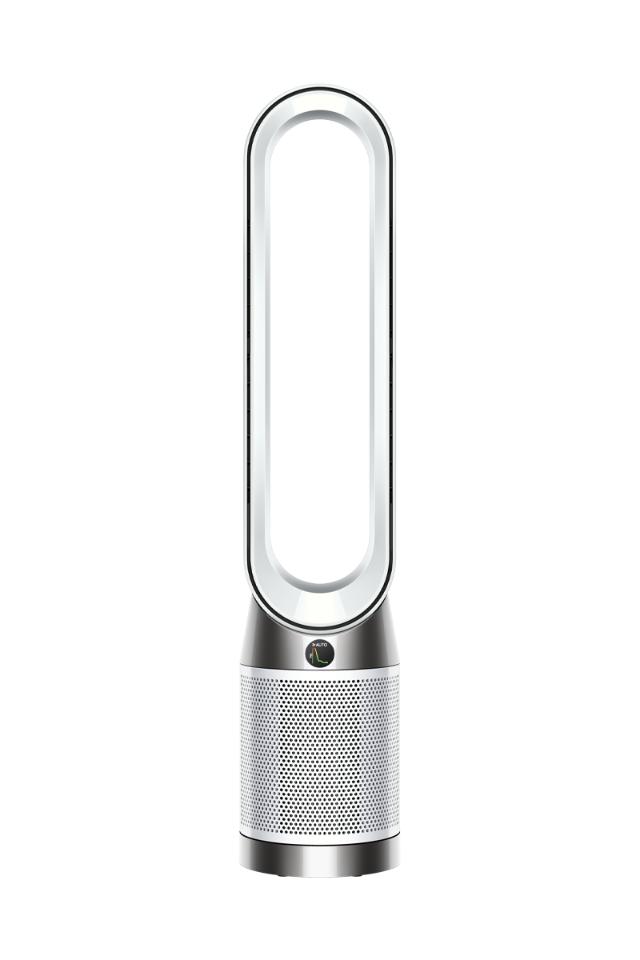
Suction problems can reduce the cleaning power of your Dyson 10. This issue is common but often easy to fix. Understanding the main causes helps you solve the problem quickly. Below are key areas to check.
Loss Of Suction
Loss of suction often means something is blocking airflow. Check if the vacuum feels weaker than usual. This can happen if dirt clogs parts inside the machine. Make sure the bin is empty and locked properly. A full bin lowers suction power. Also, check if the brush bar spins freely. If not, remove hair or debris wrapped around it.
Clogged Filters
Dirty filters stop air from flowing freely. Dyson vacuums have washable filters. Remove the filters and rinse them with cold water. Do not use soap or hot water. Let them dry completely before putting them back. Clogged filters cause overheating and suction loss. Clean filters regularly to keep your vacuum strong.
Blocked Airways
Blockages in the airway reduce suction and may cause damage. Check the hose, wand, and brush head for clogs. Use a long object to push out stuck dirt. Remove any large debris by hand. Blocked airways can cause the vacuum to shut off. Inspect all parts carefully to avoid this issue.
Brush Bar Troubles
The brush bar on your Dyson 10 plays a big role in cleaning. It helps pick up dirt and dust from floors and carpets. Sometimes, the brush bar may stop working properly. This can make cleaning less effective.
Brush bar troubles can include the brush not spinning, making noise, or getting jammed. These issues often happen because of hair, string, or debris wrapped around it. Fixing these problems can bring your vacuum back to life.
Brush Bar Not Spinning
A brush bar that does not spin can mean a motor or belt issue. Check if the vacuum is turned on and the brush bar switch is set correctly. Look for any blockages preventing the brush from moving.
If the brush bar still does not spin, the belt might be broken or loose. Replacing the belt often solves this problem. Always unplug the vacuum before doing any repairs.
Brush Bar Noisy Or Jammed
Noise from the brush bar usually means something is stuck. It can also mean the motor is struggling. Unusual sounds can damage the vacuum if ignored.
Turn off and unplug the vacuum. Inspect the brush bar and remove anything wrapped around it. Check the brush bar for damage or wear. Replace parts if needed to avoid more noise or jams.
Clearing Hair And Debris
Hair and debris often cause brush bar problems. Use scissors or a cleaning tool to cut and remove hair wrapped tightly. Pull out string or threads carefully to avoid damage.
Keep the brush bar clean to improve vacuum performance. Regular cleaning can prevent jams and reduce noise. This simple step saves time and keeps your Dyson working well.
Error Lights And Codes
Dyson 10 vacuum cleaners use error lights to show problems. These lights help you find issues fast. Understanding these signals saves time and frustration.
Each blinking light means a different problem. Some codes tell you about blockages. Others point to battery or motor troubles. Knowing what each code means helps fix issues easily.
Interpreting Indicator Lights
The Dyson 10 has several indicator lights. A steady red light means a blockage. A blinking red light signals battery issues. Blue lights often show normal operation.
Check the user manual for exact meanings. Look at the pattern of the lights. Count the blinks for specific error codes. This info guides your next steps.
Resetting The Cleaner
Resetting the Dyson 10 can clear some errors. Switch off the vacuum and unplug it. Wait for about 10 seconds before turning it back on.
Press and hold the power button for 5 seconds. This can reset the error codes. If the light still shows an error, try cleaning filters or checking for blockages.
Maintenance Tips
Maintaining your Dyson 10 ensures it works well for a long time. Small care steps prevent common problems and keep suction strong. Proper maintenance saves money and avoids frustration. Follow these simple tips to keep your vacuum in top shape.
Cleaning The Dust Bin
Empty the dust bin after every use. Avoid letting dirt build up inside. Remove the bin carefully and press the release button. Wash the bin with warm water if needed. Let it dry completely before reattaching. Clean bins help maintain strong suction power.
Replacing Filters
Dyson filters trap fine dust and allergens. Check the filter every month. Replace it every 3 to 6 months depending on use. Use only Dyson-approved filters for best results. Clean washable filters by rinsing under cold water. Let filters air dry for 24 hours before putting them back.
Regular Upkeep For Longevity
Check the brush bar for tangled hair and threads. Remove any blockages in the hose or wand. Wipe the vacuum’s surface with a damp cloth to remove dust. Store the vacuum in a dry, cool place. Regular checks prevent breakdowns and extend the vacuum’s life.
When To Seek Professional Help
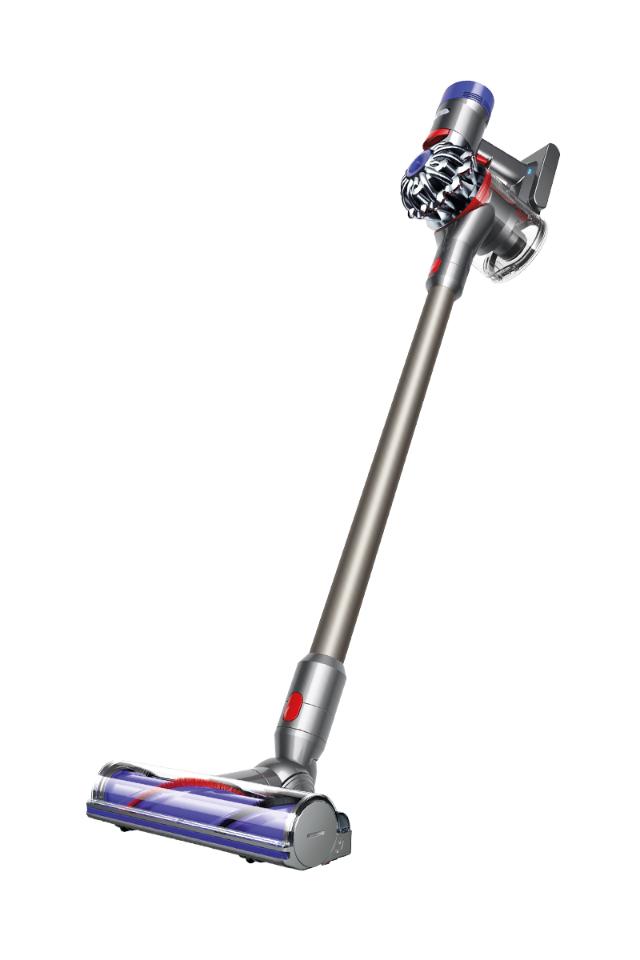
Knowing when to seek professional help for your Dyson 10 is important. Some problems need expert care. Trying to fix complex issues alone might cause more damage. Recognizing these situations saves time and money. It also keeps your device safe and working well.
Persistent Issues
Problems that keep coming back need professional attention. If your Dyson 10 stops working after several attempts to fix it, do not wait. Strange noises, overheating, or failure to start are signs to call an expert. Continuous issues may mean internal parts are damaged.
Do not ignore warning signs like smoke or burning smells. These are serious and require immediate help. Professionals have the right tools and knowledge to handle tough repairs safely.
Warranty And Service Options
Check if your Dyson 10 is still under warranty. The warranty covers many repairs and replacement parts. Contact Dyson service for authorized support. Using the official service protects your warranty rights.
Professional repair centers offer quality service with genuine parts. They also provide service guarantees. This ensures your vacuum works like new after repair. Avoid using unlicensed technicians as they may void your warranty.
Frequently Asked Questions
Why Is My Dyson 10 Not Turning On?
Check if the battery is charged and properly connected. Also, ensure the power button is pressed firmly. If it still won’t start, try resetting the device.
How Do I Fix Low Suction On Dyson 10?
Clean the filters and remove any blockages in the airways. Check the brush bar for debris that might slow suction. Regular maintenance helps keep suction strong.
What Causes Dyson 10 To Overheat?
Overheating happens when airflow is blocked or filters are dirty. Turn off the vacuum and let it cool down. Clean the filters and clear any clogs before use.
How Can I Reset My Dyson 10 Vacuum?
Turn off the vacuum and unplug it if possible. Press and hold the power button for about 10 seconds. This can help clear minor errors and reset the device.
Why Is My Dyson 10 Brush Bar Not Spinning?
The brush bar may be stuck by hair or debris. Remove the blockage and check if the brush bar spins freely. Also, confirm the brush bar setting is correct for your floor type.
Conclusion
Troubleshooting your Dyson 10 can save time and money. Small fixes often solve common problems quickly. Check filters, clear blockages, and reset the device regularly. Keep your vacuum clean for better performance. Remember, simple steps prevent many issues. Stay calm and follow the guide carefully.
Your Dyson will work well again soon. Regular care helps your vacuum last longer. Enjoy a cleaner home with less hassle.