You can fix a dyson vacuum troubleshooting brush not spinning by checking for clogs in the brush bar and confirming the power mode is set correctly for your floor type. Most of the time, this happens because hair or debris is wrapped tightly around the roller, which forces the safety mechanism to cut power to the brush motor to prevent damage. This is a common issue that you can usually resolve in just a few minutes without needing any special tools or professional repair services.
Reasons your Dyson vacuum brush stops spinning
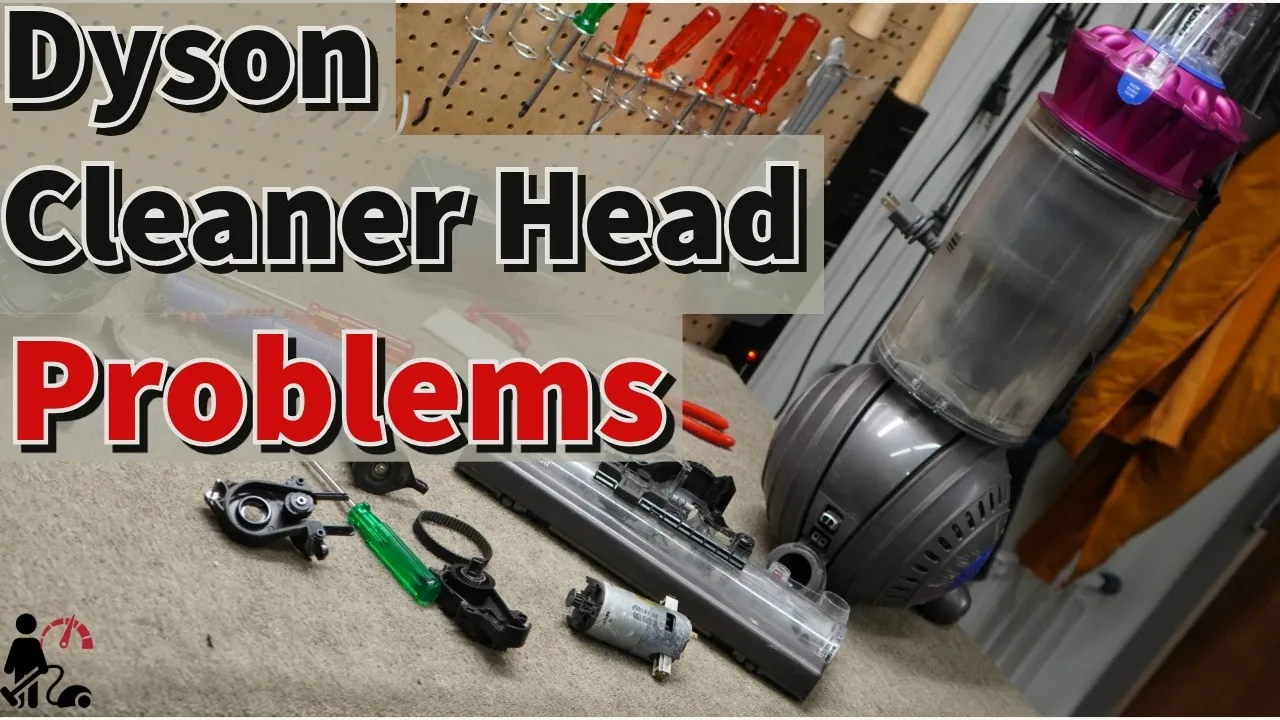
The brush bar on your vacuum stops spinning primarily because of a built-in safety sensor. When the motor detects too much resistance—often caused by thick carpet fibers or tangled hair—it shuts off the power to the brush to protect the internal components from overheating. If you try to force the vacuum to continue working while the bar is jammed, you risk damaging the motor or the internal electronics, which leads to expensive repairs.
Another common cause involves the floor setting on your machine. Many models have an automatic detection mode or a manual switch for hard floors versus carpets. If the vacuum is set to a hard floor mode, the brush bar often remains stationary to prevent scattering debris or scratching delicate surfaces. If you have moved from a hard surface to a rug, the vacuum may not have adjusted its settings properly.
Finally, check if the brush bar housing is locked into position. If the end cap or the locking mechanism has shifted even slightly, the electrical connection to the brush motor may be broken. This is common if the vacuum has hit a piece of furniture or been stored in a tight space. You can verify the correct position by checking the Dyson support page for brush bar maintenance to see the expected alignment for your specific model.
Clear debris from the brush bar
This fix is intended for users who can see visible hair or thread wrapped around the roller. First, turn off the vacuum and unplug it from the wall outlet. If your model is cordless, remove the battery to ensure the motor can’t accidentally turn on while you’re working. Use a coin to unlock the end cap on the side of the cleaner head, then slide the brush bar out of the housing.
Once the bar is removed, use a pair of scissors to carefully cut through the hair wrapped around the roller. Be careful not to damage the bristles or the plastic body of the brush bar. If you see melted plastic or deep grooves in the roller surface, the bar is likely warped and requires a full replacement rather than a simple cleaning.
Once clear, wipe the roller with a dry cloth to remove any fine dust. Slide the bar back into the housing and lock the end cap securely. If the brush spins smoothly by hand when you turn it, it’s ready to be reattached to the main unit. Failing to clear debris immediately can cause the motor to overheat, which often leads to a permanent thermal fuse failure that renders the entire head useless.
Adjust the floor head settings
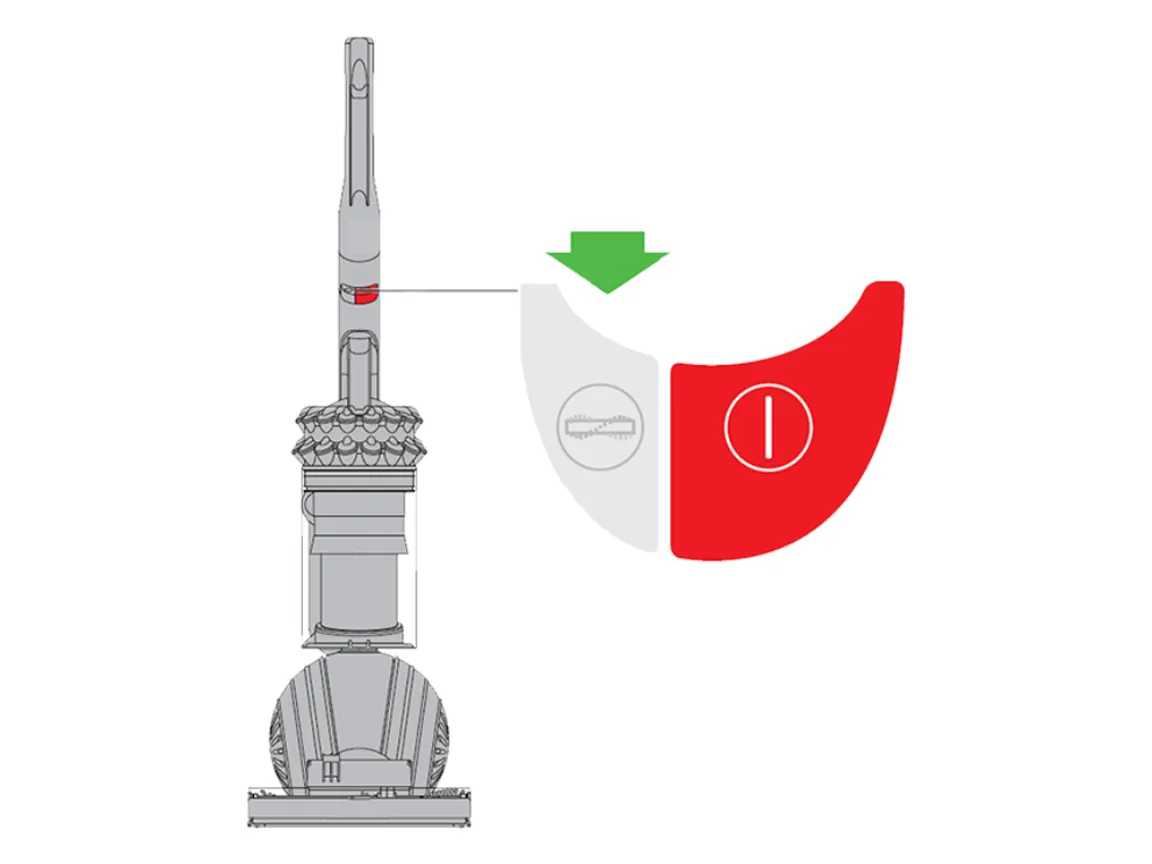
This fix is for users who have a clean brush bar but still can’t get the brush to rotate on carpets. Locate the floor type switch on the top of the cleaner head or the suction control slider on the handle. If you’re on a high-pile carpet, the resistance might be too high for the current power level. Move the switch to the “Max” or “Carpet” setting to increase the power delivered to the brush motor.
If your model uses an electronic display, check for any warning lights or error codes. A flashing light often indicates that the vacuum is in the wrong mode for the surface it’s currently sensing. If the brush doesn’t start after toggling these settings, try turning the machine off for 60 seconds to reset the internal computer. This is a simple step, but it often resolves minor communication errors between the floor head and the main motor.
Many users mistakenly keep the slider on “Hard Floor” while vacuuming thick rugs. This creates a vacuum seal that prevents the brush from spinning, which can overheat the motor. If the brush head feels stuck to the floor, you’re likely in the wrong mode.
Use this rule: if the head drags, open the suction vent or switch to “Low Pile.” If the brush spins but fails to pick up debris, switch to “Max.” If the brush still refuses to turn after these adjustments, manually rotate it with your finger to ensure no hidden hair is binding the internal gears.
Inspect the electrical connections
This is the fix for when the brush bar is clean and the settings are correct, but the motor remains silent. Check the neck of the cleaner head where it attaches to the main wand for any loose or bent pins. These small metal pins carry the electricity from the vacuum body to the floor head. If they’re pushed in or covered in grime, the motor won’t receive the signal to spin.
Most users make the mistake of assuming the connection is fine because the head looks attached. In reality, a gap of just one millimeter prevents the circuit from closing. If your vacuum has an LED indicator light on the head, a flashing red light confirms a power interruption here. If the light is completely dead, the issue is likely a total break in the internal wiring.
Use a soft, dry cloth to gently wipe these pins clean. If you notice a pin is stuck in the retracted position, use a toothpick to very gently nudge it back into place. Never use metal tools or liquids to clean these connections, as this can cause a short circuit.
If the pins are physically broken or the plastic housing is cracked, stop immediately and contact the manufacturer’s support team. This requires a replacement part that you shouldn’t install yourself. Using a damaged head can permanently fry the vacuum’s main control board, turning a simple part replacement into a total unit failure.
What not to do
Never use a knife or sharp blade to scrape the brush bar. You’ll likely cut the bristles or crack the plastic housing. Use a pair of blunt scissors to snip tangled hair instead.
Don’t force the brush to spin with your fingers while the machine is plugged in. The motor could engage unexpectedly, causing a pinch injury. Always disconnect the power cord first.
Avoid using water or cleaning sprays on the electrical pins inside the wand or cleaner head. Moisture corrodes these delicate contacts, leading to permanent power failure. If you accidentally get them wet, dry the area with a blast of compressed air for sixty seconds before reconnecting.
Don’t ignore a burning smell. This indicates the motor is straining against a jammed roller. Stop the machine immediately to prevent the friction from melting the plastic components or starting a fire.
If the machine stops spinning but smells fine, the issue is likely a tripped thermal fuse rather than a belt jam. Check the intake for blockages. If the obstruction is clear but the motor remains silent, the internal fuse has likely blown and requires professional service.
How to stop it happening again
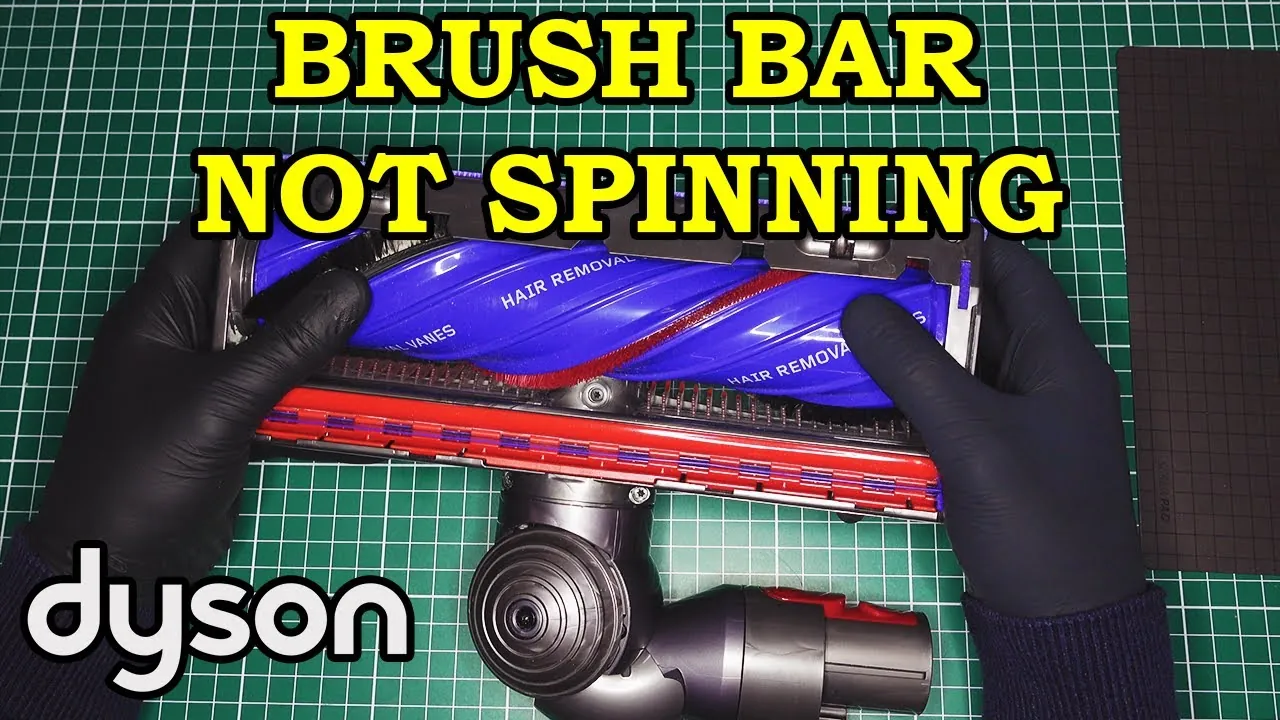
To keep your vacuum running well, you must clear the brush bar regularly based on the amount of hair or pet fur in your home. If you have pets, check the roller once a week; if you have a household with short hair, once a month is usually enough.
| If you’re doing this | Do this instead | Why |
|---|---|---|
| Leaving hair to build up | Clear the roller weekly | Prevents motor strain |
| Vacuuming long fringe rugs | Use the hose attachment | Fringe tangles and jams |
| Storing in a tight closet | Use the wall mount | Protects the neck pins |
| Using max power on rugs | Use the auto/eco setting | Reduces motor resistance |
Most users make the mistake of ignoring the “brush roll stall” indicator light until the unit shuts down completely. This delay often burns out the belt or overheats the internal thermal fuse, which costs roughly half the price of a new machine to repair.
If you notice a high-pitched whining sound during operation, stop immediately. Check if the obstruction is wrapped around the drive spindle rather than the bristles. If the spindle is clear but the noise persists, the bearings are likely failing due to accumulated debris.
In this case, stop using the vacuum to prevent permanent damage to the motor housing. Use the decision rule: if the roller spins freely by hand, the blockage is external. If it resists, the internal drive path is obstructed.
Frequently asked questions
Can I replace the brush bar motor myself?
No, the brush bar motor is a sealed component that requires professional servicing. Opening the cleaner head housing yourself risks breaking the plastic clips and can void your warranty. If the motor has failed, contact the manufacturer to see if your unit is covered under a repair or replacement plan.
How long should the brush bar last?
A brush bar can last for many years if you keep it free of hair and debris. The lifespan varies based on the frequency of use and the type of flooring you clean. If the bristles are worn down to the plastic, the vacuum will lose its ability to agitate carpet fibers, and you should replace the bar.
Is it safe to use the vacuum without the brush bar?
Yes, you can safely use the vacuum without the brush bar for suction-only cleaning on hard floors. However, the machine will be ineffective at picking up dirt from carpets without the rotating action. Ensure the end cap is securely locked in place even if the bar is missing to prevent debris from entering the motor housing.
Why does my vacuum turn off when I hit a rug?
Your vacuum turns off because the safety sensor detects too much resistance from the carpet fibers. This is a protective feature designed to stop the belt from snapping if the roller gets stuck. Check that your vacuum is set to the correct carpet height or power mode to allow the brush to spin freely.
How do I know if the belt is broken?
You can tell the belt is broken if the motor is running but the brush bar doesn’t move at all, even when you lift the vacuum off the floor.
Conclusion
If your vacuum still won’t cooperate after these checks, don’t worry. It’s a good idea to reach out to the manufacturer’s support team or check your warranty status online. They’ll help you figure out if a part needs replacing, so you can get back to cleaning your floors in no time.
Related guides