If your machine has stopped working, you can fix an embassy paper shredder troubleshooting issue by first checking if the bin is fully seated or if the motor has overheated. Most of these devices stop running when the safety sensor doesn’t detect the wastebasket in the correct position. If the bin is empty and pushed in firmly, the next most common cause is a thermal overload, which happens when the machine runs for too long without a break.
Troubleshooting your Embassy paper shredder
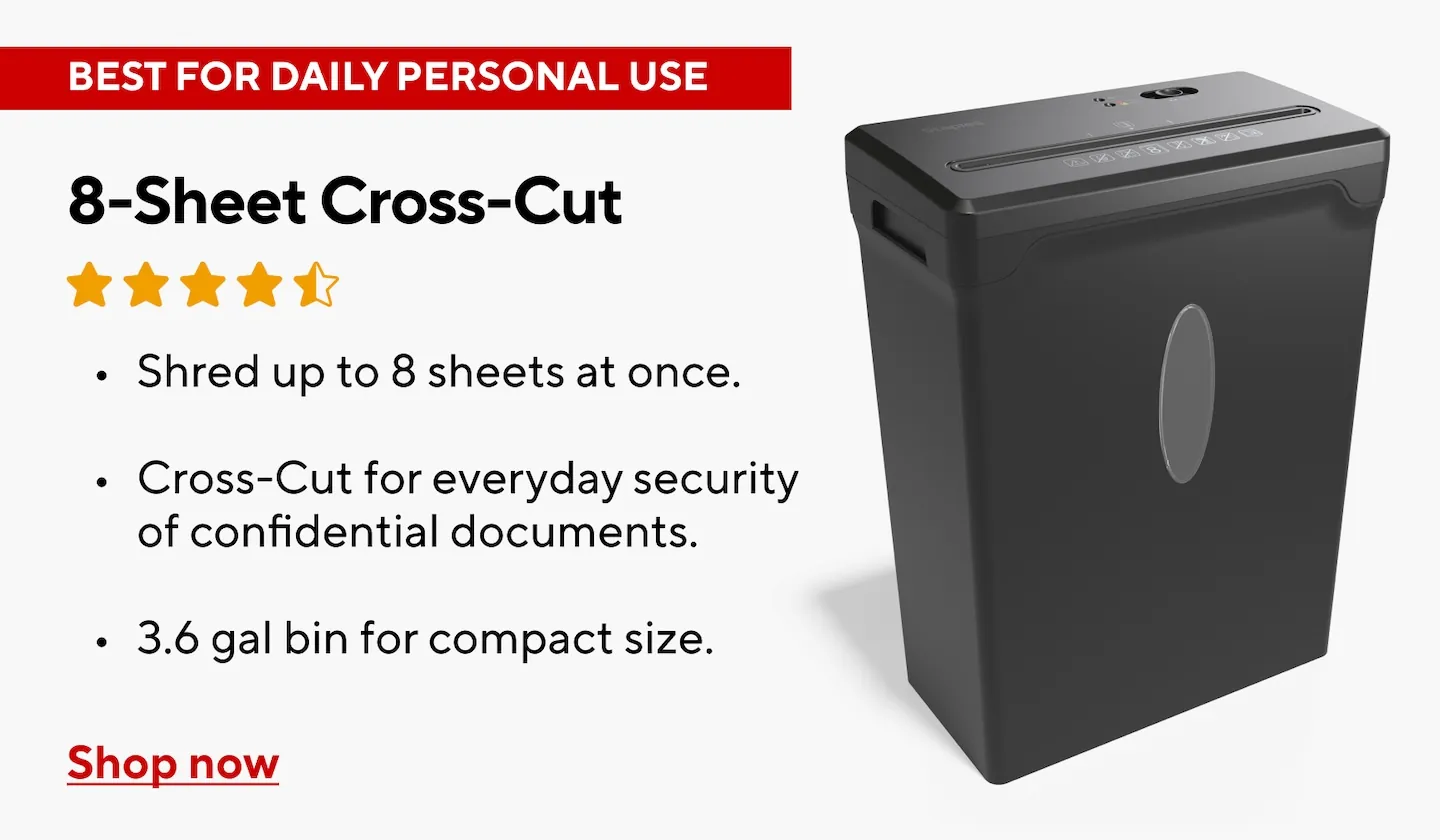
The most frequent reason for a shredder to stop is a safety interlock sensor that has lost contact with the bin. These machines contain a small switch that cuts power to the motor whenever the basket is removed, ensuring you can’t touch the blades while they’re active.
If the basket is slightly crooked or full of debris, the switch stays open, and the motor won’t start. You should always ensure the bin is pushed back until it clicks or sits flush against the housing.
Another common cause is thermal protection triggered by heavy use. Shredders have internal motors that generate significant heat when cutting through multiple layers of paper or plastic cards.
If you feed too many sheets at once, the motor works harder and pulls more current, which trips a heat-sensitive switch inside the Consumer Product Safety Commission guidelines for small appliance safety. Once this switch flips, the shredder will be completely unresponsive for several minutes until it cools down to a safe temperature.
Finally, paper jams are a frequent mechanical failure. If you try to force more pages than the slot can handle, the blades will lock up and stop turning. This puts immense pressure on the gears and the motor. If you hear a humming sound but see no movement, the motor is powered but the blades are physically blocked by a thick wad of paper or a plastic item that shouldn’t have been shredded.
Clear the paper jam safely
If your machine is stuck, you should first unplug it from the wall outlet to ensure there’s no risk of the blades starting unexpectedly. A jam is almost always caused by feeding too many sheets at once or by trying to shred items like adhesive labels or thick cardstock. If you try to pull the paper out while the machine is plugged in, you risk an accidental restart that could pull your fingers toward the cutters.
Once the power is disconnected, look into the feed slot with a flashlight. Use a pair of long, sturdy tweezers to pull out any loose pieces of paper at the top. If the paper is tightly packed, don’t use metal knives or scissors to pry it, as these can chip or break the hardened steel teeth of the cutters. Instead, use a plastic letter opener or a credit card to gently nudge the paper loose from the blades.
If the paper doesn’t move, toggle the switch to the reverse position once you plug the machine back in. Many models feature a reverse mode that helps back out the material causing the blockage. If the blades still don’t move after ten seconds of reverse, you must accept that the machine is jammed beyond a simple fix. In this case, don’t attempt to disassemble the plastic casing, as this often voids the warranty and can expose dangerous electrical components.
Reset the thermal safety switch
If the machine was running fine but suddenly quit, it’s likely waiting for its internal temperature to drop. You should turn the power switch to the “off” position and leave the machine unplugged for at least 30 to 60 minutes.
This allows the internal cooling fan or passive heat sink to dissipate the energy built up during the last session. Don’t try to speed this up with ice or water, as any moisture inside the casing will cause a short circuit.
After the waiting period, plug the shredder back in and slide the bin into place. If the status light changes from red to green, the thermal protector has reset itself. If the light remains red, check the bin one more time to ensure it’s perfectly aligned with the sensor. If you have waited the full hour and the machine remains completely dead, the internal thermal fuse may have failed permanently.
This fix is for users who have simply pushed the machine too hard during a large cleaning project. If you find that the machine overheats after only one or two sheets, the motor is likely aging or the lubricant on the gears has dried out.
In that specific situation, you should stop using the device to prevent a potential fire hazard. You’ll need to contact the manufacturer’s support line to see if a repair is covered or if it’s time to recycle the unit.
Check the sensor and power supply
Sometimes the issue isn’t the motor or the paper, but the connection between the bin and the base. You should inspect the small tab or magnet on the top edge of the wastebasket.
If this tab is broken, the shredder will “think” the bin is missing even when it’s inside the unit. You can often test this by manually pressing the sensor switch with your finger while the machine is plugged in; if the blades spin, the problem is the bin tab, not the machine.
If you have tried the sensor test and the machine doesn’t respond, verify your wall outlet. Plug a lamp or a phone charger into the same outlet to ensure it’s actually providing power. If the outlet works but the shredder does not, check the power cord for any signs of fraying or damage. A damaged cord is a serious safety risk and should never be repaired with electrical tape.
This level of troubleshooting is for someone who wants to rule out simple external factors before giving up. If the machine is receiving power, the bin is seated, and there are no jams, you have reached the limit of what you can do at home. If the shredder is still under warranty, don’t try to fix the internal wiring. Contact the support team for the brand to start a warranty claim instead.
Common mistakes to avoid
Forcing thick stacks: Never exceed the manufacturer’s rated sheet capacity. Pushing beyond this limit causes the motor to stall and creates jams that are nearly impossible to clear without damaging the blades. If the unit slows down, stop immediately and reduce the paper volume by half.
Ignoring the duty cycle: Don’t run the machine until it stops on its own. Continuous operation wears out the motor and trips the thermal switch, which can take up to 45 minutes to reset. Aim to shred in short bursts rather than long, uninterrupted sessions.
Shredding forbidden items: Avoid inserting plastic sheets, adhesive labels, or heavy-duty metal clips. These items can permanently chip the cutter teeth or create buildup that dulls the mechanism.
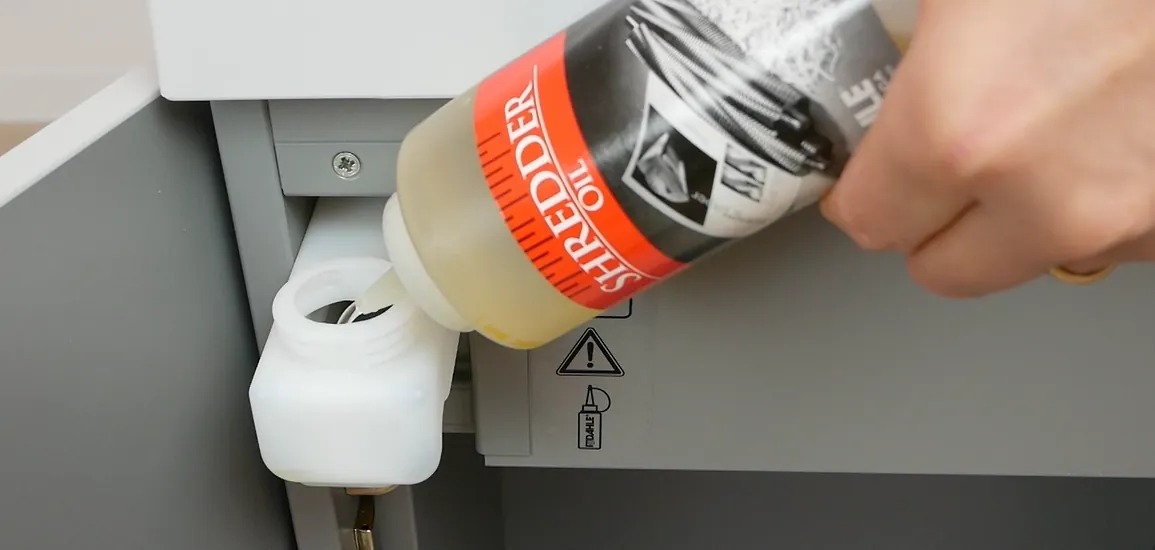
Using oil incorrectly: Never use aerosol lubricants or cooking oil. These attract dust and create a fire hazard inside the motor housing. Only use specialized shredder oil designed for high-friction steel.
How to stop it happening again
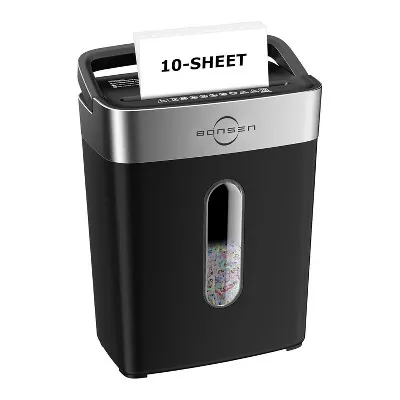
Proper maintenance prevents the need for constant repairs. If you’re currently overworking your shredder, you should adjust your habits to match the machine’s cooling requirements and sheet capacity.
| If you’re doing this | Do this instead | Why |
|---|---|---|
| Shredding 10+ sheets | Shred 3-5 sheets at a time | Prevents motor strain and jams |
| Running it for 20 minutes | Run for 5 minutes, then rest | Allows the thermal switch to stay cool |
| Ignoring the full bin | Empty when it reaches 75% | Prevents paper backing up into blades |
| Forgetting to oil blades | Oil the blades once a month | Keeps the cutters sharp and moving |
| Shredding credit cards | Use a dedicated card slot | Prevents cracking the main steel blades |
Frequently asked questions
Can I use WD-40 to oil my paper shredder?
No, you should never use standard WD-40 or household lubricants on your shredder. These products leave a sticky residue that attracts paper dust and causes blades to clog. Use only specific shredder lubricant sheets or vegetable-based oil recommended by the manufacturer.
How long does a paper shredder need to cool down?
Most consumer shredders require 30 to 60 minutes to cool down after the thermal protection switch triggers. The exact time depends on the ambient room temperature and motor usage duration. If the machine doesn’t start after one hour, it may have a faulty thermal fuse.
Why does my shredder run in reverse but not forward?
Your shredder likely runs in reverse because paper dust or debris is blocking the forward-facing sensors. You can try cleaning the sensor area with compressed air while the machine is unplugged. If the sensors remain clear and the issue persists, the internal control board may be malfunctioning.
Is it safe to use a paper shredder with a frayed cord?
No, it’s never safe to use a shredder with a damaged or frayed power cord. A frayed cord poses a significant risk of electrical shorts or fire due to the motor’s high current draw. You should stop using the machine immediately and replace the cord through an authorized service center.
What happens if I shred a plastic card in a paper-only shredder?
Shredding plastic in a paper-only machine will cause the plastic to wrap around the blades or snap off teeth, leading to permanent damage. Paper shredder blades are calibrated for cellulose fibers, not the rigid nature of PVC. Always use a model specifically rated for credit card disposal.
Conclusion
If the machine still won’t start after you’ve let it cool down, don’t worry. It’s likely time to check the manual for a reset button or contact customer support for further help. They’ll be happy to guide you through any remaining technical glitches so you can get back to shredding safely.
Related guides