Are your LED light strips not working the way they should? It’s frustrating when your carefully installed lights flicker, don’t turn on, or lose brightness.
But before you give up or call a technician, there are simple fixes you can try yourself. In this guide, you’ll discover easy troubleshooting tips that can save you time and money. Keep reading to learn how to bring your LED light strips back to life and enjoy the perfect lighting you deserve.
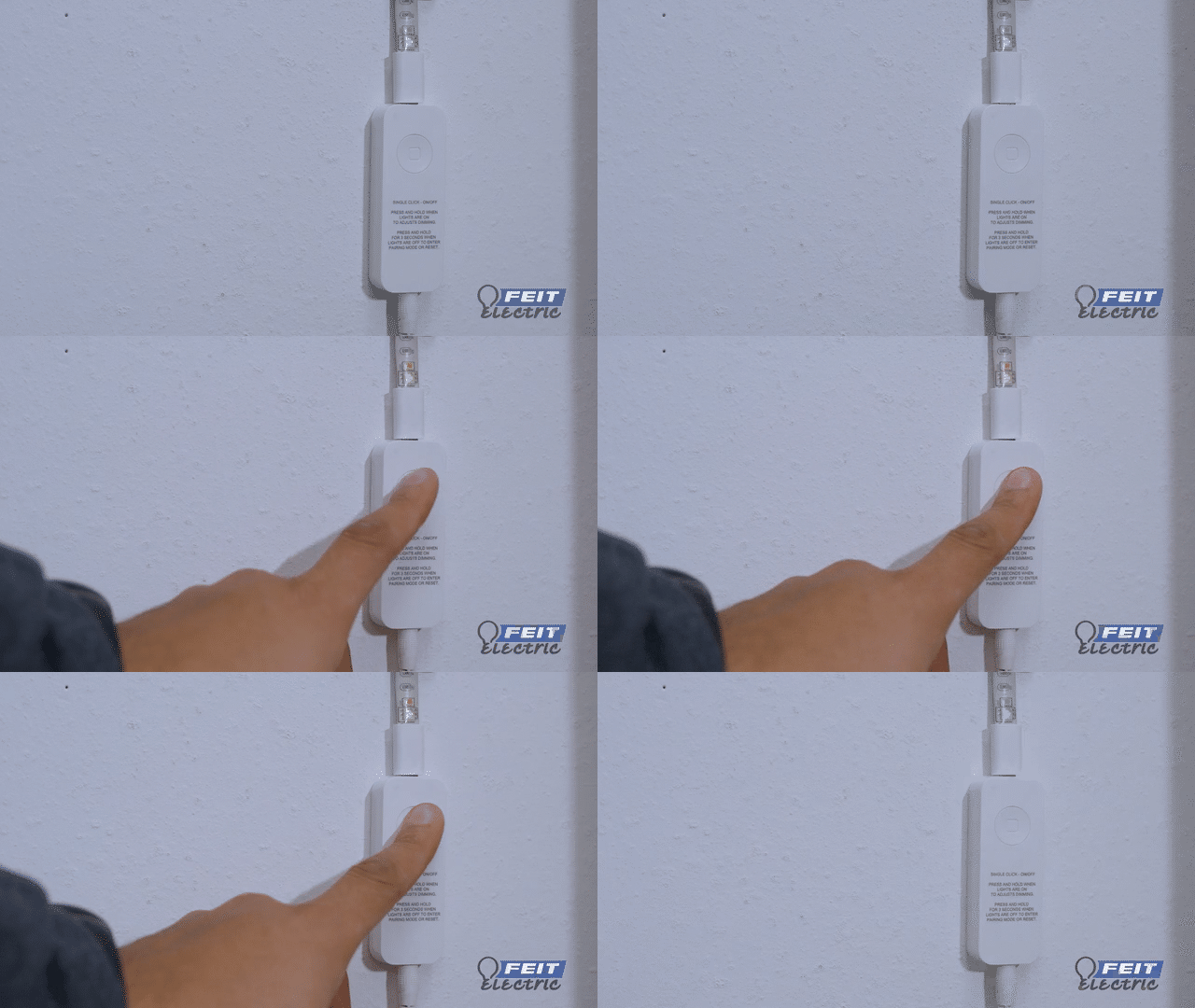
Common Led Strip Issues
LED light strips are popular for decoration and lighting. They offer bright colors and flexible designs. Yet, some common problems can affect their performance. Understanding these issues helps fix them quickly. This saves time and keeps your lights working well.
Flickering Lights
Flickering lights can be annoying and reduce the strip’s lifespan. It often happens due to loose connections or poor wiring. Sometimes, the power supply cannot provide enough current. Check all plugs and connectors for tight fits. Replace any damaged wires to stop flickering.
Sections Not Lighting Up
Parts of the strip may stop lighting up. This usually means a broken LED or damaged circuit. Inspect the strip for visible breaks or burns. Test the strip with another power source to rule out supply issues. Replace faulty sections or the whole strip if needed.
Color Inconsistencies
Colors may appear uneven or change unexpectedly. This happens when LEDs receive different voltages. Poor quality strips often have this problem. Check the power supply and wiring for faults. Using a higher-quality strip can improve color consistency.
Power Supply Problems
A weak or faulty power supply causes many LED strip issues. Lights may be dim or fail to turn on. Ensure the power supply matches the strip’s voltage and current needs. Avoid using old or cheap adapters. A stable power source keeps lights bright and steady.

Diagnosing Power Problems
Power problems are common with LED light strips. They cause flickering, dim lights, or no light at all. Diagnosing these issues starts with checking the power supply and connections. This section guides you through simple steps to find power problems fast.
Checking Voltage And Current
Use a multimeter to check voltage and current. The voltage must match the LED strip’s requirements. Too low or too high voltage harms the strip. Measure current to see if it meets the strip’s needs. Low current means the strip may not light up fully.
Inspecting Power Adapter
Check the power adapter for damage or wear. Look for cracks, frayed wires, or loose plugs. A faulty adapter can cause power issues. Test the adapter with a multimeter to confirm it outputs the right voltage. Replace the adapter if it does not meet specifications.
Verifying Connections
Inspect all connections between the power source and the LED strip. Loose or dirty connectors can block power flow. Make sure plugs fit tightly and wires are secure. Clean any dirt or dust on connectors. Good connections ensure steady power and bright lighting.
Fixing Wiring And Connection Faults
Fixing wiring and connection faults is key to making LED light strips work well. Faulty wiring often causes lights to flicker, dim, or not turn on. Simple checks and repairs can save time and money. This section explains easy ways to find and fix wiring problems.
Identifying Loose Connections
Loose connections stop electricity from flowing properly. Check the points where the strip connects to the power supply. Gently wiggle the wires and connectors. If the light blinks or changes, the connection is loose. Make sure all plugs fit tightly. Clean any dirt or dust on connectors to improve contact.
Repairing Broken Wires
Broken wires break the circuit and stop the lights. Look for visible cuts or bends along the wire. Use a wire stripper to remove damaged parts carefully. Join the wires with solder or wire connectors. Cover the joint with electrical tape or heat shrink tubing. This prevents shorts and keeps the connection strong.
Ensuring Proper Polarity
LED strips need the right polarity to work correctly. Check the positive (+) and negative (-) signs on the strip and power supply. Swap the wires if the strip does not light up. Connecting wires incorrectly can damage the LEDs. Always double-check polarity before turning on the power.

Addressing Controller And Remote Issues
Controller and remote issues are common problems with LED light strips. These problems stop the lights from working properly. Fixing these issues is simple with the right steps. Below are easy ways to solve common controller and remote troubles.
Resetting The Controller
Resetting the controller can fix many problems. Unplug the controller from the power source. Wait for 10 seconds. Plug it back in and press the power button. This can clear any errors and restore normal function.
Replacing Batteries
Remote controls often stop working due to dead batteries. Open the battery cover carefully. Remove old batteries and replace them with new ones. Make sure to use the correct battery type. Check if the remote works after replacement.
Reprogramming Remote
Sometimes the remote loses connection with the controller. To fix this, reprogram the remote. Hold the power button on the remote and the controller at the same time. Wait for the lights to blink. This signals a successful pairing. Now, test the remote for proper control.
Maintaining Led Strips For Longevity
Maintaining LED strips for longevity helps keep them bright and efficient. Proper care prevents common problems and extends the life of your lights. Simple steps can make a big difference in performance and durability.
Avoiding Overheating
Overheating damages LED strips quickly. Keep strips away from heat sources like direct sunlight or heaters. Use aluminum channels or heat sinks to improve heat dissipation. Do not cover strips with materials that trap heat. Proper ventilation also helps keep temperatures low.
Proper Installation Tips
Install LED strips on clean, dry surfaces for strong adhesion. Avoid bending strips sharply to prevent wire damage. Use the correct power supply with matching voltage and current ratings. Secure connections tightly to stop flickering or outages. Follow manufacturer instructions carefully during setup.
Regular Cleaning
Dust and dirt reduce LED brightness over time. Clean strips gently with a soft, dry cloth. Avoid using water or harsh chemicals on electrical parts. Regular cleaning keeps lights clear and shining bright. Check strips often for any damage or loose connections.
When To Replace Led Strips
LED light strips are durable but not eternal. Over time, they can fail or lose brightness. Knowing when to replace them keeps your space well-lit and safe. This section helps you spot signs of damage and pick the right replacement.
Signs Of Irreparable Damage
Look for flickering lights or sections that stay dark. Burnt smells or visible burns on the strip mean serious damage. Warped or cracked strips no longer work properly. If power issues persist after troubleshooting, replacement is needed. These signs show the strip cannot be fixed.
Choosing The Right Replacement
Match the voltage and length to your old strip. Check the color temperature for consistent lighting. Pick strips with good waterproof ratings for wet areas. Choose strips that have the right brightness level for your room. Quality matters to avoid frequent replacements.
Disposal Tips
Do not throw LED strips in regular trash. They contain small electronics and metals. Take them to an e-waste recycling center. Follow local rules for electronic disposal. Proper disposal protects the environment and recycles valuable parts.
Frequently Asked Questions
Why Is My Led Light Strip Not Turning On?
Check the power source and connections first. Loose wires or a faulty adapter often cause no power issues.
How Do I Fix Flickering Led Light Strips?
Flickering usually means a poor connection or a weak power supply. Secure connections and use the correct power adapter.
What Causes Led Light Strips To Lose Brightness?
Overheating, aging, or low voltage can reduce brightness. Ensure proper ventilation and stable power supply for consistent light.
Can A Damaged Led Strip Be Repaired?
Minor damage like loose wires can be fixed with soldering. Severely damaged strips often need complete replacement for safety.
How To Reset A Led Light Strip Controller?
Unplug the power, wait 10 seconds, then plug it back in. This simple reset often resolves controller glitches.
Conclusion
Troubleshooting LED light strips can be simple with the right steps. Check connections and power sources first. Clean any dirty contacts and look for damaged parts. Test strips with a different power supply if needed. Remember, small fixes often solve common problems.
Keep your LED strips working bright and long-lasting. Don’t hesitate to seek help if issues persist. Enjoy the perfect lighting in your space every day.