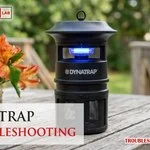
To fix a unit that isn’t catching insects, you should start dynatrap troubleshooting by checking the power supply and the UV light bulb. Most issues happen because the bulb has burnt out or the power cord has a loose connection at the wall outlet. If the fan is spinning but no insects are caught, the light is likely dim or dead. Always ensure the device is plugged into a functional outlet that isn’t controlled by a light switch.
Troubleshooting your Dynatrap performance issues
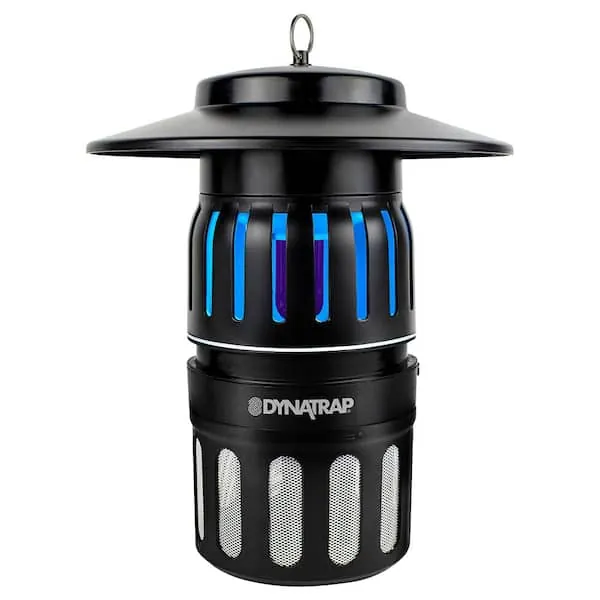
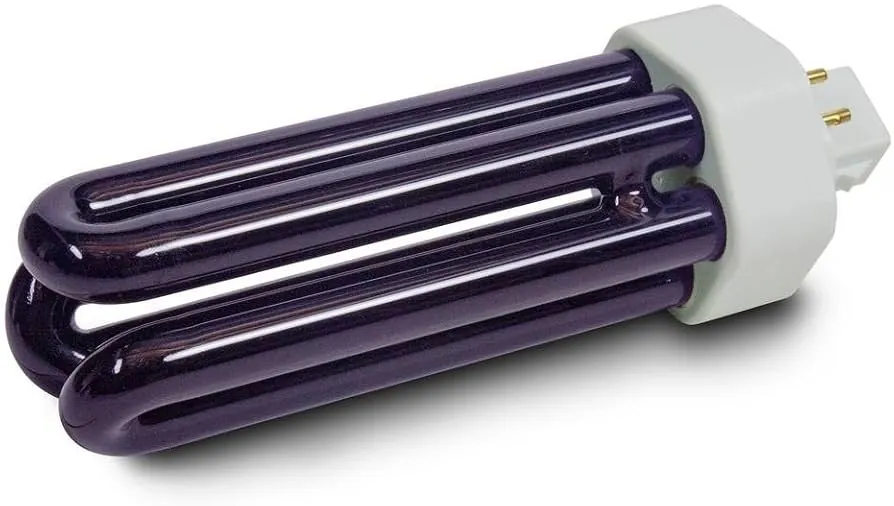
The most common reason for a device to fail is a burnt-out UV bulb. These bulbs have a limited lifespan, usually around 3,000 hours of use, and they will stop emitting the light needed to attract insects even if the fan continues to run.
If you notice the bulb flickering or it has turned dark at the ends, it’s time for a replacement. You can verify the expected life of your specific model by checking the Dynatrap official support page for bulb replacement guidelines.
Another frequent cause is debris buildup inside the fan housing or the catch basket. When dust, dead insects, or spider webs block the airflow, the fan can’t pull insects into the trap effectively. This creates a mechanical drag that can eventually cause the motor to struggle or sound louder than usual. If the fan blades are obstructed, the suction power drops significantly, making the trap useless even if the bulb is glowing brightly.
Finally, environmental factors often play a role in how many insects you catch. If you place the unit too close to a bright porch light or in a high-wind area, the insects will ignore the trap. The device relies on a contrast between the UV light and the dark surroundings. If your location is too bright, the lure of the device is lost, and the insects will simply fly past it.
Replace the UV bulb
This fix is for owners who notice the device is powered on but the light isn’t glowing or is very dim. To change the bulb, first unplug the unit from the power source and let it cool for at least 15 minutes. Once cool, remove the top cover according to your manual’s instructions. Carefully unscrew the old bulb and insert a new one of the exact same wattage and type.
If you have never changed a bulb, be careful not to touch the glass with bare skin. Oils from your hands create hot spots that cause the quartz glass to shatter or significantly shorten the bulb’s lifespan. Always use a clean, soft cloth or a pair of cotton gloves to grip the glass during installation.
After you install the new bulb, reattach the cover and plug the device back in to see if the light turns on. If the bulb still doesn’t glow, inspect the socket for signs of corrosion or charring. If the contact points look clean but the light remains off, the internal ballast or wiring is likely faulty.
In that case, don’t attempt to open the motor housing or repair the electrical circuits yourself. These components often hold a residual electrical charge even when unplugged. If you aren’t comfortable handling electrical components, contact a professional or the manufacturer’s customer service team for help. Attempting a DIY repair on the ballast often voids your remaining warranty and risks a short circuit.
Clean the fan and basket
This procedure is for units that have power and light but aren’t collecting insects as expected. Start by turning off the power and unplugging the device. Remove the catch basket at the bottom and use a soft brush or a dry cloth to clear away any caked-on dust or debris. If the screen is clogged, the airflow will be restricted.
Check the mesh screen for mineral deposits or dried insect residue that resists a dry cloth. If you find these, use a stiff, dry nylon brush to break the seal without scratching the coating. A common mistake is using compressed air, which often pushes debris deeper into the motor housing. This can cause the motor to overheat and fail within weeks.
Next, look up into the fan area. If you see large clumps of debris or spider webs caught in the blades, gently remove them with a long, soft-bristled brush. Never use water, soap, or spray cleaners on the motor or the fan blades, as moisture can damage the electrical components.
Once the path is clear, replace the basket and turn the unit back on. You should hear a consistent, quiet humming sound. If the fan makes a grinding or rattling noise even after cleaning, the motor bearing is likely worn out. In this case, the unit will require replacement.
Test the power source
Use this step if your device shows no signs of life, such as no fan noise and no light. First, plug a different small appliance, like a desk lamp, into the same wall outlet to ensure the outlet itself is working. If the lamp doesn’t turn on, the problem is with your home’s breaker or the outlet, not the trap. If the outlet works, inspect the power cord for any signs of fraying, chewing from animals, or tight kinks.
If the cable looks fine but the device remains off, check the fuse if your model includes an inline fuse on the power cord. Some models have a small cap on the plug or cord that holds a glass fuse. If the wire inside the glass is broken, the fuse has blown and needs to be replaced with one of the identical rating.
If you lack experience with electrical repairs or if the device is hardwired, stop immediately. Don’t try to bypass fuses or splice wires, as this creates a serious fire hazard. Consult a licensed electrician or the manufacturer if the unit still fails to power on after these basic checks.
Common mistakes during maintenance
Using water to clean the fan blades or internal housing often causes short circuits and permanent motor failure. Always use a dry microfiber cloth or a soft-bristled brush to clear debris.
Placing the trap near a competing light source, such as a street lamp or porch light, renders the UV bulb invisible to insects. If your trap catches nothing despite high activity, move it at least 20 feet away from artificial lighting.
Many users ignore the bulb’s age because it still glows, but UV intensity degrades significantly over time. Even if the light remains visible, it may no longer effectively attract pests. Replace the bulb based on your usage levels and consult your owner’s manual for the recommended service interval.
Forcing the catch basket into place without aligning the tabs cracks the plastic housing. These hairline fractures create air leaks that disrupt suction. If the basket feels tight, stop and check the alignment rails for debris.
Attempting to repair internal wiring voids your warranty and creates a severe shock risk. If the motor stalls, check for obstructions before seeking professional service.
Prevent future performance issues
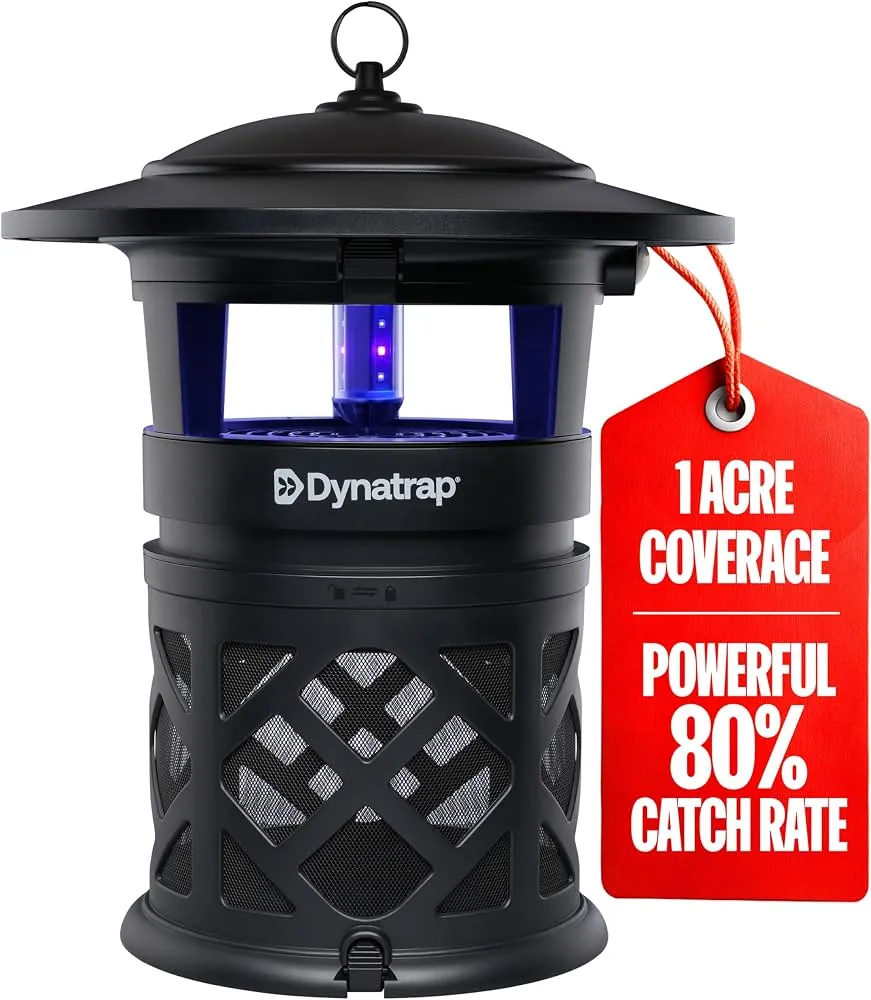
When you use the device, your placement and cleaning routine determine how well it works. Avoid setting the unit on the ground; it’s most effective when hung 3 to 6 feet above the surface.
| If you’re doing this | Do this instead | Why |
|---|---|---|
| Leaving the unit on 24/7 | Use a timer for dusk to dawn | Saves the bulb and reduces energy |
| Cleaning once a season | Clean every 2 weeks | Prevents airflow blockage |
| Placing in direct sunlight | Place in a shaded, dark area | Improves UV light visibility |
| Using an extension cord | Plug directly into the outlet | Prevents voltage drops and hazards |
Many users mistakenly place units near high-traffic walkways. This choice forces the device to compete with ambient light, which renders the UV attraction ineffective. If you notice insects bypassing the trap, move it at least 20 feet away from your primary seating area.
If your unit features a collection tray, check the debris level weekly. A tray filled beyond capacity blocks the internal fan and reduces the trap’s effectiveness. If you hear a grinding noise, disconnect power immediately to prevent permanent circuit failure.
Frequently asked questions
Can I leave my device running in the rain?
Most models are designed for outdoor use, but you should check your manual to confirm if your unit is rated for wet locations. While weather-resistant, keeping the device in a dry, covered area will extend its life and prevent corrosion. If your model isn’t waterproof, move it under cover during heavy storms.
How often should I replace the bulb?
You should replace the bulb when its UV intensity fades to ensure it remains effective at attracting insects. Most bulbs last for several thousand hours of operation before their output declines. You can tell it’s time for a replacement if the light flickers or shows dark rings near the ends of the tube.
Why is my fan making a loud noise?
A loud, grinding noise usually means that debris is stuck in the fan blades or the motor bearing is failing. Turn off the unit and check for any physical obstructions like leaves or spider webs first. If the fan is clean and still makes a loud noise, the internal motor is likely worn out. At this point, the motor can’t be serviced by the user, and you should consider replacing the unit.
Is it safe to open the motor housing?
No, it isn’t safe to open the motor housing because it contains electrical components that can cause shock or fire if handled incorrectly. You risk voiding your warranty and damaging the device beyond repair by attempting to access the internal circuits. Always stick to cleaning the external parts and changing the bulb as instructed in your user manual. If the device requires internal work, contact the manufacturer or a professional technician.
How long does a typical unit last?
A well-maintained unit typically lasts for several years depending on usage and environmental conditions. Regular cleaning and timely bulb replacements will maximize the motor’s lifespan. If the motor stops spinning or the housing becomes brittle from sun exposure, it’s usually more cost-effective to replace the unit than to attempt repairs.
What happens if the trap gets too hot?
If the unit becomes too hot to touch, turn it off immediately as this may indicate a motor failure or a short circuit. Overheating can melt internal plastic parts and create a significant fire hazard. If you notice a burning smell or excessive heat coming from the housing, stop using the device permanently. Don’t try to cool it down and restart it; contact the manufacturer for support regarding a possible defect.
Conclusion
If these simple checks don’t resolve the problem, don’t worry. You can reach out to the manufacturer’s customer support team for further guidance or to see if your unit is still under warranty. They’ll help you figure out if a replacement part is needed so you can get back to enjoying your yard.