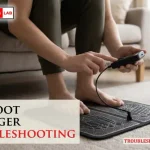
When your device fails to deliver the relief you expect, performing ems foot massager troubleshooting is usually a straightforward process that avoids the need for professional repairs. Most of these devices rely on electrical muscle stimulation to trigger involuntary contractions in the arch and calf muscles, which can provide temporary relief for tired feet. If your unit isn’t turning on, failing to produce a tingle, or shutting off randomly, the issue is often related to skin moisture, battery levels, or electrode contact rather than a permanent hardware failure.
Key Takeaways
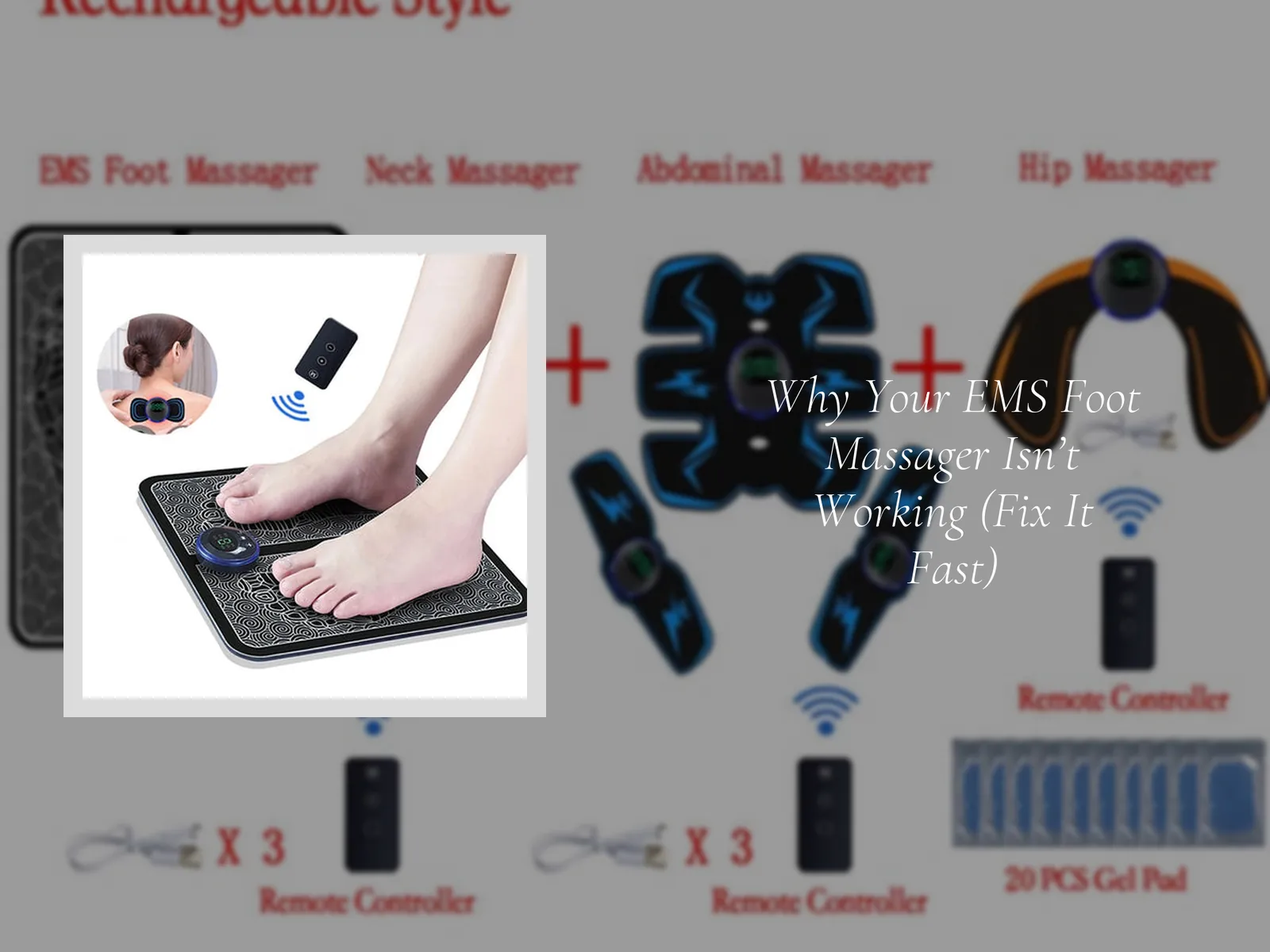
- Ensure your skin is slightly damp before use to improve electrical conductivity.
- Check that both feet are positioned firmly on the conductive pads simultaneously.
- Replace batteries or recharge the internal unit fully before assuming a malfunction.
- Clean the surface of the massager to remove dead skin or lotion buildup.
- Verify that your intensity level is set above the minimum threshold for stimulation.
Why Is My Device Not Working?
If you find that your device is unresponsive, the most common culprit is a depleted power source. Many EMS devices use lithium-ion batteries that may enter a protective mode if they have been idle for long periods. Before panicking, connect the device to its charger for at least four hours. If you’re using replaceable AA or AAA batteries, always use fresh alkaline cells, as low voltage output often prevents the pulse generator from activating.
Another frequent cause of perceived failure is a lack of electrical circuit completion. EMS technology requires a closed loop to function. If you’re only placing one foot on the mat, the current can’t flow through your body, and the device will remain in standby mode. Always ensure both feet are placed firmly on the designated conductive zones to activate the sensation.
Troubleshooting EMS Foot Massager Skin Contact
The primary reason users feel nothing is a lack of moisture on the skin. EMS pulses are transmitted through the skin via ions; dry skin acts as an electrical insulator, effectively blocking the current. If you have recently showered or applied heavy lotions, the conductivity may be disrupted.
| Surface Condition | Conductivity Level | Recommended Action |
|---|---|---|
| Bone Dry Skin | Poor | Lightly mist feet with water |
| Heavy Lotion/Oil | Variable | Wash feet and dry partially |
| Clean, Moist Skin | Excellent | Proceed with normal session |
| Calloused Skin | Low | Use a pumice stone regularly |
Pro Tip: If you still can’t feel the pulses, lightly dampen a towel and place it under your feet while using the device to bridge the gap between your skin and the conductive material.
How to Clean the Surface
Over time, sweat, dead skin cells, and residue from foot creams can build up on the conductive pads. This layer acts as a barrier that prevents the pulses from penetrating your skin, making the device feel weak or broken. Use a soft, lint-free cloth dampened with a small amount of mild, soapy water. Avoid using harsh chemicals like bleach or abrasive scrubbers, which can damage the conductive coating and void your warranty.
Troubleshooting Intensity Settings
Many users assume the device is broken because they don’t feel a strong sensation, but they may simply be operating on a setting that’s too low. Most units have 15 to 99 intensity levels. If you’re accustomed to the sensation, your muscles may have adapted, requiring a higher setting to produce the same contraction.
- Low Intensity (1-20): Suitable for beginners or sensitive skin.
- Medium Intensity (21-60): Recommended for general fatigue and blood flow.
- High Intensity (61-99): Reserved for deep muscle stimulation and recovery.
If you’re at the highest setting and still feel nothing, check the electrode connection cables if your model uses external pads. Ensure the snap-on connectors are fully seated and the wires aren’t kinked or frayed.
Is My Device Damaged Internally?
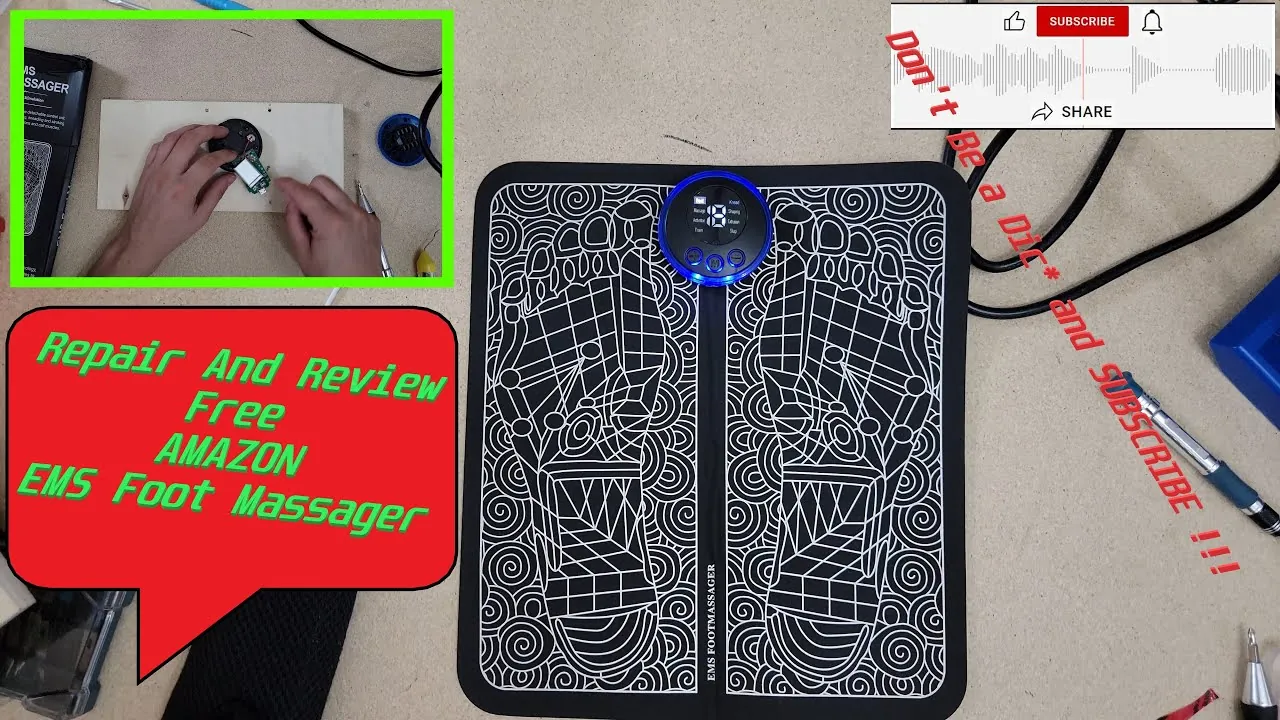
Internal damage is rare but can occur if the device has been dropped or exposed to liquid. If the LED display flickers or shows an error code, consult your user manual for the specific code definition. Common error codes often relate to an open circuit or a short circuit.
Warning: Never attempt to open the casing of an electronic EMS device. Doing so can expose you to high-voltage capacitors that remain charged even after the battery is removed, posing a significant risk of electric shock.
Troubleshooting Battery Performance
If your device shuts down after only a few minutes, the battery may have reached the end of its life cycle. Batteries typically hold a charge for 300 to 500 cycles before performance degrades. If you notice the device getting hot during charging, stop using it immediately and disconnect it from the power source.
Battery Maintenance Steps
- Drain the battery completely once a month.
- Charge the unit in a cool, dry environment.
- Avoid leaving the device plugged in for days at a time.
- Replace internal batteries only with manufacturer-approved parts.
Understanding Pulse Sensations
Sometimes, the device is working perfectly, but the user is expecting a physical “massage” feeling, like a rolling pin or a kneading ball. EMS doesn’t provide mechanical massage; it provides an electrical pulse that forces the muscle to twitch. If you feel a sharp, stinging sensation, this is usually an indication that the intensity is too high or that there’s a small cut or dry patch on the sole of your foot.
| Sensation Type | Likely Cause | Fix |
|---|---|---|
| Sharp Stinging | Dry skin or cut | Apply moisturizer or cover cut |
| Weak/No Pulse | Poor connection | Ensure both feet are flat |
| Intermittent Pulse | Loose cable | Check all snap connectors |
| Burning Smell | Hardware fault | Unplug and discontinue use |
Addressing Connection Failures
If your EMS foot massager includes secondary electrode pads for use on other parts of the body (like the calves or thighs), these pads are the most common point of failure. The adhesive gel on these pads dries out after 20 to 30 uses. Once the gel is no longer tacky, it can’t maintain the necessary contact with your skin to conduct electricity.
- Signs of worn pads: The device pulses, but you feel nothing; the pads slide off; the device shows an error code.
- Maintenance: Keep pads on the provided plastic film when not in use.
- Replacement: Purchase only OEM (Original Equipment Manufacturer) pads to ensure the resistance levels match the device’s circuitry.
Troubleshooting Common Display Errors
Digital displays often communicate issues through blinking icons or numeric codes. If your screen is blank, check for a locked screen mode. Many devices have a child lock or travel mode that prevents accidental activation. Press and hold the “Lock” or “Mode” button for three to five seconds to see if the display unlocks. If the screen shows “E1” or “E2,” this almost always indicates that the device has detected an open circuit, meaning the pads aren’t detecting skin contact.
Safety and Usage Precautions
When troubleshooting, always prioritize your safety. Never use an EMS device if you have a pacemaker, an implanted defibrillator, or any other electronic medical implant. The electrical interference can cause these life-saving devices to malfunction. Additionally, avoid using the device near your heart, on your head, or over any area where you have a skin condition or open wound.
Pro Tip: If you’re experiencing persistent swelling in the feet or ankles, consult a physician before using an EMS device, as the stimulation could potentially exacerbate underlying circulatory or vascular conditions.
Related guides
Frequently Asked Questions
Why does my EMS massager sting?
Stinging occurs when the electrical current is concentrated in a very small area of the skin rather than spreading across the entire pad. This often happens if the skin is dry or if the pad is peeling at the edges. Ensure your feet are fully hydrated and that the conductive pads are laying flat against your skin to distribute the current evenly across the soles.
Can I use the device with socks on?
No, you can’t use an EMS foot massager while wearing socks. The fabric of the sock acts as a dielectric material, which creates a significant barrier to the electrical pulses. The conductive pads must make direct contact with the skin of your feet to complete the circuit. Using socks will result in the device failing to register your presence, and you’ll feel no stimulation.
How often should I replace the pads?
Adhesive electrode pads typically last between 20 and 40 sessions, depending on skin oil levels and storage habits. You should replace them immediately if the gel becomes dry, loses its stickiness, or if you notice that you need to turn the intensity significantly higher than usual to feel the same level of stimulation. Using worn-out pads can cause uneven current distribution and skin irritation.
Why does the device turn off by itself?
Most EMS devices feature an automatic shut-off timer, usually set to 15 or 30 minutes, to prevent over-stimulation and save battery life. If your device turns off after a specific period, it’s likely functioning exactly as designed. If it turns off randomly within a few minutes, check the battery level or ensure the connection cables aren’t loose or damaged.
Does water damage the unit?
While some devices are splash-resistant, they aren’t waterproof. If water enters the battery compartment or the internal circuitry, it can cause short circuits and permanent damage. If you accidentally spill water on the device, power it off immediately, remove the batteries if possible, and allow it to air-dry for at least 48 hours in a well-ventilated area before attempting to use it again.
Conclusion
If you have tried all the troubleshooting steps above and the device remains unresponsive, it’s likely that an internal component has failed. Check your purchase receipt to determine if you’re still within the manufacturer’s warranty period.
Most reputable brands offer a one-year limited warranty and will replace a defective unit if you provide proof of purchase and a description of the technical issue. Before discarding the unit, contact the company’s customer support department via their official website to see if they can offer a replacement or a repair service.