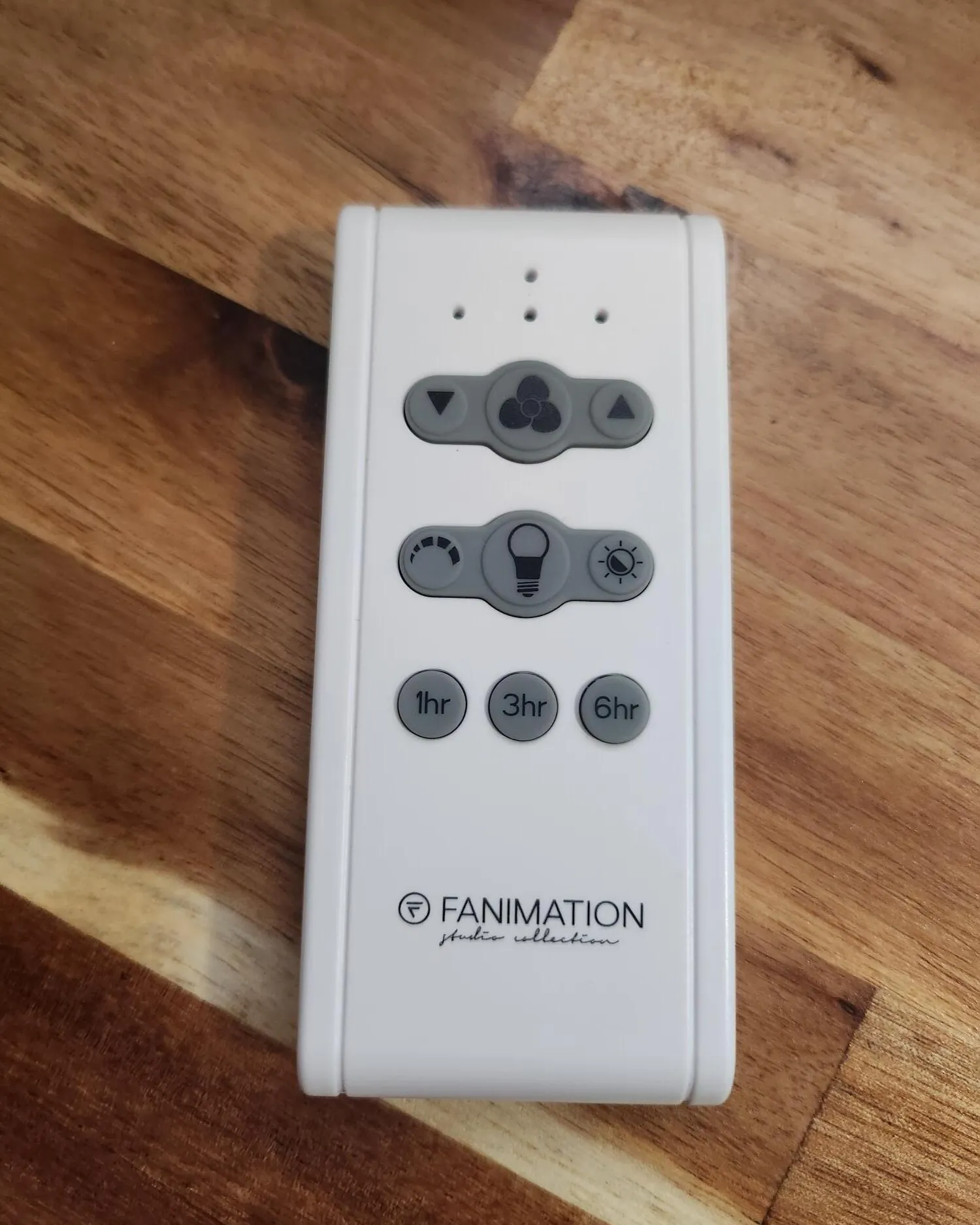
You can fix a fan that doesn’t respond to your remote by checking the power supply and resetting the pairing between the transmitter and the receiver, which is the standard process for fanimation remote troubleshooting. If the fan has power but the remote does nothing, the most common cause is a loss of signal synchronization or a weak battery. Always verify the wall switch is in the “on” position before you start any other steps, as this is the most frequent reason for a fan to appear unresponsive.
Troubleshoot Fanimation Remote Power and Signals
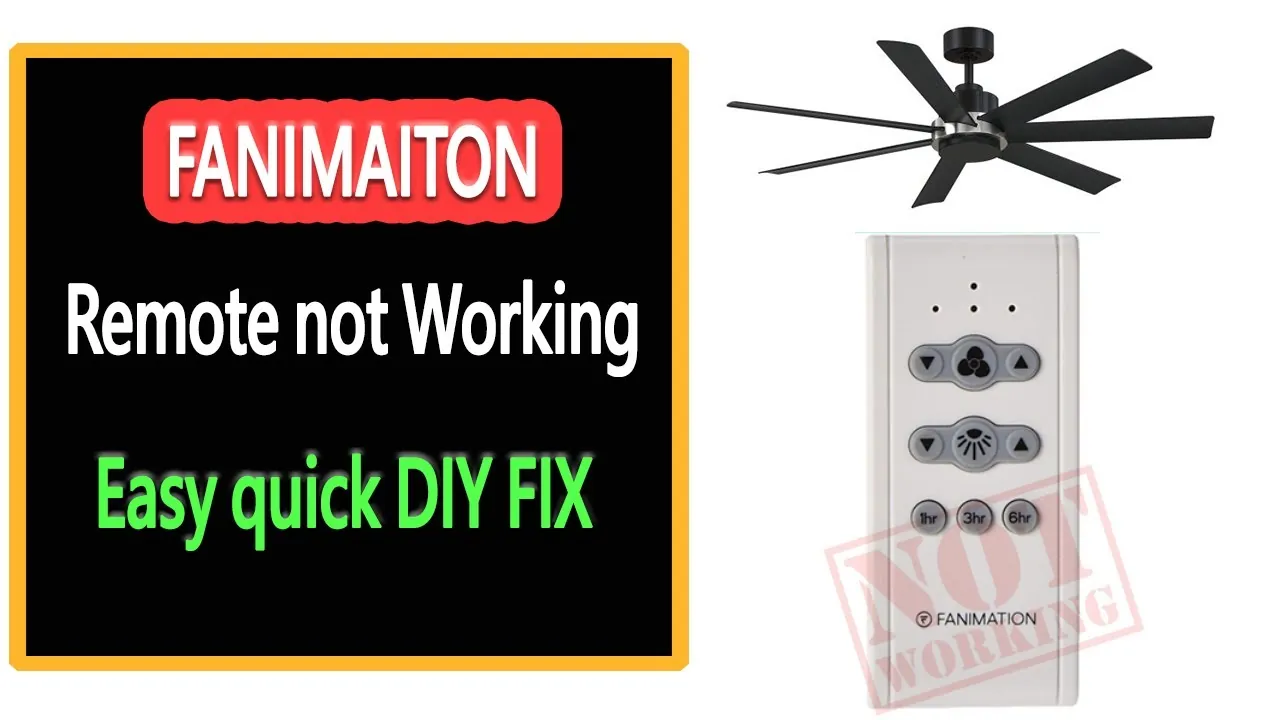
Most problems with remote-controlled fans are due to simple communication failures between the handheld unit and the receiver hidden in the ceiling canopy. When you press a button, the remote sends a radio frequency signal to the receiver.
If this signal is blocked or if the remote has lost its digital “handshake” with the receiver, the fan won’t move. You should first ensure the remote is sending a signal by checking for a light on the remote when you press the buttons.
Another cause is interference from other electronic devices in your home. Radio frequency signals can be disrupted by high-powered appliances or even other wireless home automation systems that operate on similar frequencies. If your fan recently stopped working after you added new smart home equipment, this is a likely culprit.
You can often clear this by cycling the power to the fan completely. Turn off the wall switch or the circuit breaker for 60 seconds, then turn it back on to force the receiver to reboot.
Finally, check the Fanimation product support page to see if your specific model requires a manual frequency dip switch adjustment. Older models often used physical switches inside the battery compartment and the ceiling canopy to set a unique code. If these switches are moved, the remote will no longer talk to the fan. If your remote uses digital pairing instead of switches, you must follow the manufacturer’s specific button sequence to re-establish the connection.
Replace the Batteries Properly
This fix is for users who have confirmed the remote has no indicator light or has become dim during use. The most common mistake is assuming that a new battery is good simply because it came out of a package. A technician can confirm whether the part has failed.
When you install new batteries, make sure the contacts inside the remote are clean. If you see any white or green corrosion, gently wipe it away with a dry cloth. Never use water or liquid cleaners, as these can damage the delicate circuit board inside the remote. Ensure the batteries are seated firmly in the correct orientation. A battery that’s inserted backward won’t power the transmitter, even if it’s brand new.
After replacing the batteries, test the remote from a position directly under the fan. If the fan responds when you’re close but not from across the room, the issue may be a dying transmitter or a weak antenna wire in the ceiling canopy.
If the fan doesn’t respond at all, you have successfully ruled out the battery as the source of the problem. If you can’t get the fan to respond after a battery swap, the issue is likely within the ceiling receiver.
Reset the Remote Pairing
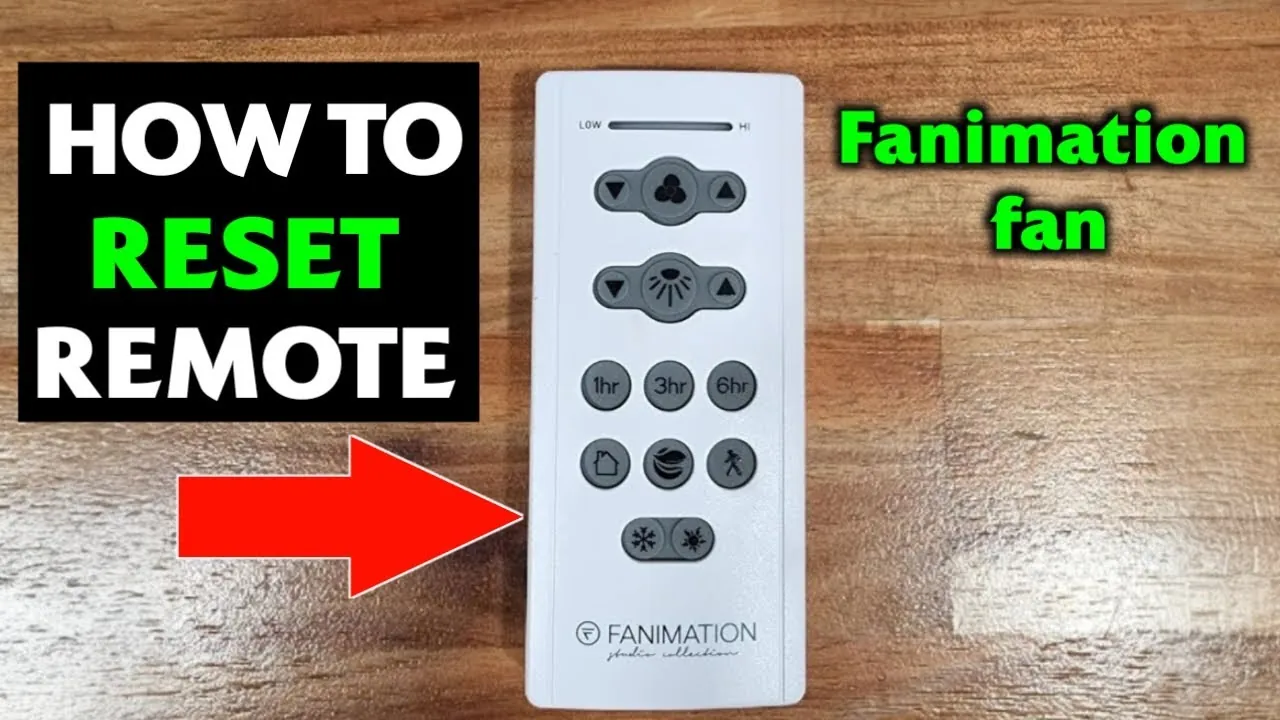
This fix works for modern fans that use digital pairing rather than physical dip switches. This is for you if your remote has a “learn” button or if the manual indicates a specific power-cycle sequence to sync the devices. The goal is to clear the memory of the receiver and force it to recognize the signal from your remote again. You should perform this reset when the fan is otherwise receiving power but ignoring commands.
To reset the pairing, turn the power to the fan off at the wall switch or circuit breaker. Keep the power off for at least 30 seconds to allow the capacitor in the receiver to discharge completely.
Turn the power back on and, within the first 30 seconds, press and hold the “off” or “learn” button on the remote for about 5 to 10 seconds. The fan should blink or move slightly to indicate that it has accepted the new pairing signal.
If you have a wall-mounted remote, the reset process is often identical to the handheld version. Always ensure you’re standing within 10 feet of the fan during the pairing process to ensure the signal is strong enough. If the fan fails to respond after three attempts at pairing, the internal receiver may have failed. At this point, contact a licensed electrician to inspect the wiring or the receiver unit, as opening the canopy involves working with live household electrical connections.
Reset the Frequency Switches
If your remote has a series of small switches in the battery compartment, you must ensure they match the position of the switches inside the fan’s receiver. This fix is for older Fanimation models that don’t use digital pairing. If these switches are set to different positions, the receiver will ignore every command sent by the remote. This is common after a power surge or if the remote was dropped and the battery cover was jarred.
Open the battery compartment and look for a row of 4 to 8 tiny switches. Note their positions (on or off) on a piece of paper. You’ll need to match these exactly to the switches on the receiver located inside the ceiling canopy. Because accessing the receiver requires removing the decorative cover near the ceiling, ensure you have a stable ladder and a helper to hold the canopy while you adjust the switches.
If you aren’t comfortable working on a ladder or near electrical ceiling boxes, hire a professional. Falling from a ladder is a major risk, and improper handling of the ceiling wiring can lead to a fire hazard or electrical shock. If you match the switches and the fan still doesn’t work, the internal receiver is likely faulty. You should read your manual to see if the receiver unit can be replaced as a standalone part.
Avoid Common Troubleshooting Mistakes
Don’t leave the power to the fan turned off during pairing. The receiver must have active electricity to enter its “learn” mode. If you hear no beep within five seconds of power-up, the receiver has likely timed out. You must cycle the breaker to reset the window.
If the remote light flickers but the fan doesn’t respond, swap to fresh alkalines before assuming a hardware defect.
Don’t press multiple buttons at the same time during pairing. This confuses the receiver’s logic, often causing it to ignore the handshake signal entirely.
Never attempt to solder or repair the circuit board inside the remote. This voids your warranty and creates a fire risk.
Don’t ignore the wall switch. Many users assume the remote controls everything and forget the physical switch must be “on.” If the fan is silent, check the switch first. A simple flip saves an unnecessary hour of ladder work.
Stop Future Remote Failures
The best way to keep your system working is to avoid power surges and keep the remote in a consistent, dry location. If you notice the fan responding slowly, change the batteries immediately before they leak.
If you see white, crusty residue inside the compartment, the device is likely already compromised. Use a cotton swab lightly dampened with a mild acid like white vinegar or lemon juice to neutralize the alkaline residue, then wipe it clean with isopropyl alcohol.
| If you’re doing this | Do this instead | Why |
|---|---|---|
| Leaving batteries in for years | Change them every 6-12 months | Prevents acid leaks and corrosion |
| Using the fan during thunderstorms | Turn the wall switch off | Protects the receiver from surges |
| Storing the remote in the kitchen | Keep it in a dry bedroom/living room | Humidity damages the circuit board |
| Forcing buttons when it fails | Reset the pairing sequence | Prevents physical damage to the remote |
If your fan remains unresponsive after a battery swap, perform a hard reset. Cut power at the wall switch for thirty seconds, then turn it back on and hold the “Learn” button within the first minute of power restoration.
Frequently asked questions
How long do fanimation remote batteries last?
Fan remote batteries typically last between 6 and 12 months with normal daily use. Frequent use of light and speed controls may shorten this lifespan toward the 6-month mark. Always replace all batteries in the set at the same time to ensure consistent performance.
Why does my fan light turn on by itself?
Your fan light may turn on by itself due to signal interference from another remote-controlled device. Changing the dip switch codes or performing a digital re-pairing process usually resolves this phantom behavior. Note that interference from a neighbor’s remote can also cause this issue.
Can I buy a universal fan remote?
You can buy a universal fan remote, though it may not support all features of your specific model. While these remotes handle basic speed and power, they often lack advanced dimming or color temperature controls. Verify compatibility with your receiver before purchasing.
Is it safe to replace the receiver myself?
It isn’t safe for untrained individuals to replace the receiver because it involves handling live household wiring. This task requires a licensed electrician to prevent the risk of electrical shock or fire. Only professionals should perform installations involving ceiling box wiring.
How do I know if the remote is broken?
A remote is likely broken if the indicator light fails to flash when buttons are pressed, even with fresh batteries. If the light works but the fan remains unresponsive after re-pairing, the issue is likely the receiver. Note that these symptoms can sometimes be caused by power supply issues.
Conclusion
If your fan still won’t spin after trying these fixes, don’t worry. You shouldn’t hesitate to reach out to the manufacturer’s support team for further guidance. They’ll help you determine if a part is faulty, so you can get your home feeling cool and comfortable again in no time.
Related guides