If your unit stops working, you should perform some basic fdi101s ice maker troubleshooting to identify and clear common blockages. The most frequent cause for a failure to produce ice is a simple obstruction in the water line or a sensor blocked by scale buildup. Most modern countertop models rely on clear infrared sensors to detect when the ice basket is full. If these sensors are dirty or misaligned, the machine will stop prematurely, even when the basket is empty.
Troubleshooting ice maker production stops
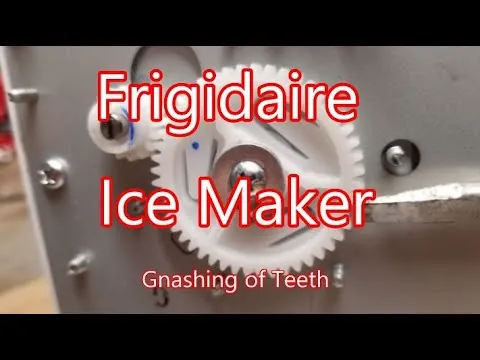
Ice makers often stop functioning because of a lack of airflow or mineral deposits that build up over time. If the intake vents are blocked by nearby walls or kitchen clutter, the compressor can’t dissipate heat effectively. This forces the unit to shut down to prevent motor damage or overheating. Proper ventilation is essential for the cooling cycle to finish.
Another common reason is the quality of the water used in the tank. If you use hard water, calcium and magnesium deposits will coat the internal water pump and the ice tray sensors. This scale acts as an insulator or a physical barrier, preventing the sensors from reading the water level correctly. If the machine senses no water even when the reservoir is full, the pump won’t engage.
You should also consider the ambient temperature of the room. These machines work best in environments between 50°F and 90°F. If the room is too hot, the ice will melt as fast as it’s formed, or the machine will enter a constant cooling loop without dropping ice.
You can check the manufacturer’s official user manual to see the specific temperature range for your unit, as running it outside these bounds will cause the ice to come out slushy or not at all.
Check the water supply and pump
If your machine is running but not making ice, the first step is to confirm the water level. Ensure the reservoir is filled to the “MAX” fill line with fresh, room-temperature water. If the water level is too low, the pump will pull air instead of water, which prevents the tray from filling. You can tell if the pump is working by listening for a soft humming sound when the cycle begins.
If you hear a loud grinding noise, stop the unit immediately. This often indicates that the pump is obstructed by debris or scale. You should turn off the machine, unplug it, and gently wipe the interior reservoir with a soft cloth.
If the problem persists after clearing the reservoir, you may have an internal pump failure. At this point, don’t attempt to open the motor housing, as this voids your warranty and poses a risk of electrical shock. Contact the manufacturer’s support line or a qualified appliance technician to handle internal repairs.
Clean the infrared sensors
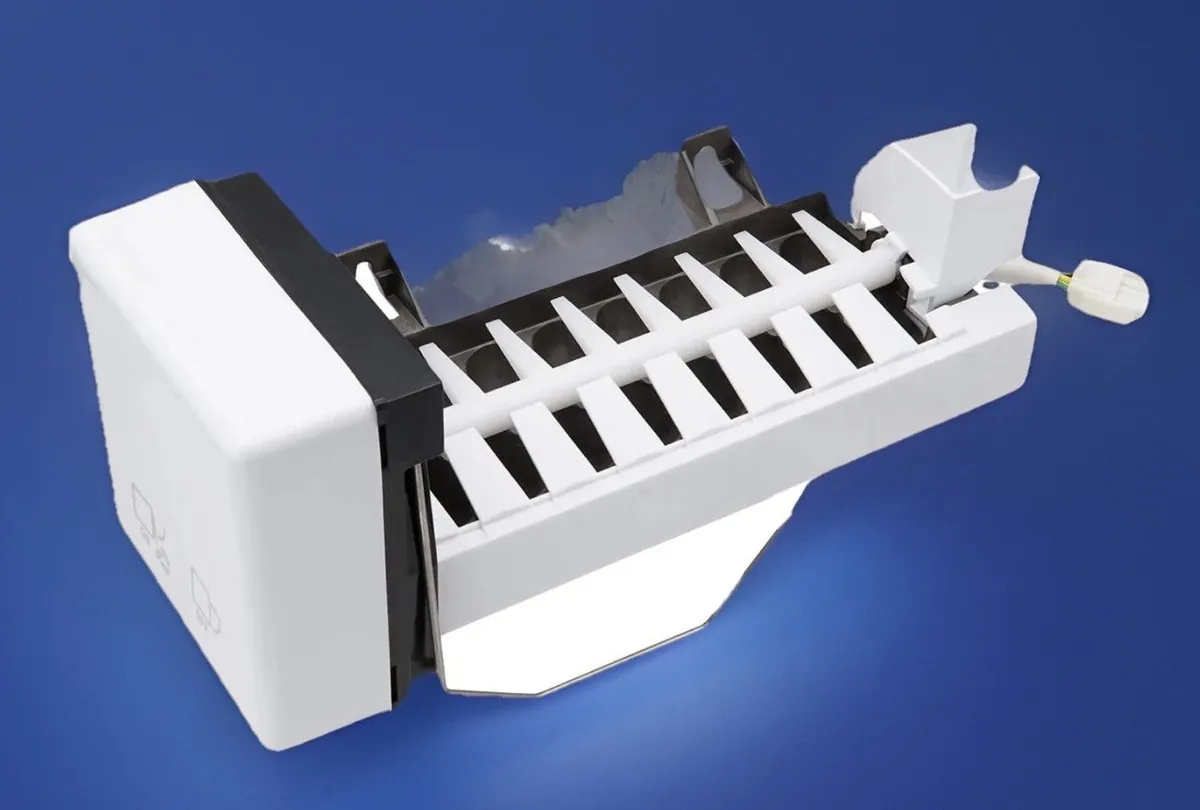
The sensors are located on the sides of the ice collection area and tell the machine when the basket is full. If these sensors are covered in ice dust or water spots, the machine thinks the basket is full and refuses to start. Use a soft, lint-free cloth to gently wipe the clear plastic lenses on both sides of the bin.
If you see a white, chalky film on the sensors, it’s likely mineral buildup from your water supply. Use a mixture of one part white vinegar to ten parts water to dampen your cloth, then wipe the lenses clean. Never use abrasive scrubbers or harsh chemical cleaners, as these will scratch the plastic and make the sensor permanently unable to detect the ice level.
If you’re unsure if the sensor is the culprit, check the “Full” indicator light while the bin is empty. If the light stays solid despite the bin being clear, the sensors are blocked. If the light blinks, the issue is likely a mechanical obstruction in the ice tray rather than a sensor fault.
After cleaning, dry the area thoroughly with a clean cloth before restarting the machine. If the “Full” light remains on even after cleaning, the internal sensor board may be faulty and requires a professional replacement.
Reset the cooling cycle
Sometimes the machine’s internal computer simply needs a hard reset to clear an error state. Turn the power off and unplug the unit from the wall outlet. Let the machine sit for at least 30 minutes to allow the compressor to equalize and the internal electronics to fully discharge. This process often fixes temporary glitches where the machine gets stuck in a cycle.
After the 30-minute wait, plug the unit back in and ensure it sits on a level surface. If the machine is tilted, the water won’t flow evenly into the ice tray, causing the machine to produce thin or incomplete ice cubes. If the unit still refuses to cycle after a reset, check the status lights on the front panel.
A flashing “Add Water” or “Ice Full” light after a reset usually points to a sensor failure. Don’t try to bypass these safety lights, as they protect the compressor from running dry. If these lights persist, you must consult the manufacturer or a repair shop.
Common mistakes to avoid
Running the machine with ice-cold water; this confuses the sensors and can lead to uneven ice formation.
Using distilled water; the sensors in many models require the minerals in tap water to detect the water level accurately. Without these conductive ions, the machine may falsely report that the reservoir is empty, preventing it from starting.
Placing the unit inside a cabinet; the machine needs at least 6 inches of space on all sides for proper airflow.
Forcing the ice basket into place; if it doesn’t slide in easily, check for obstructions in the rails.
Ignoring the “Add Water” light; running the pump without water will burn out the internal motor quickly.
Preventing future production issues
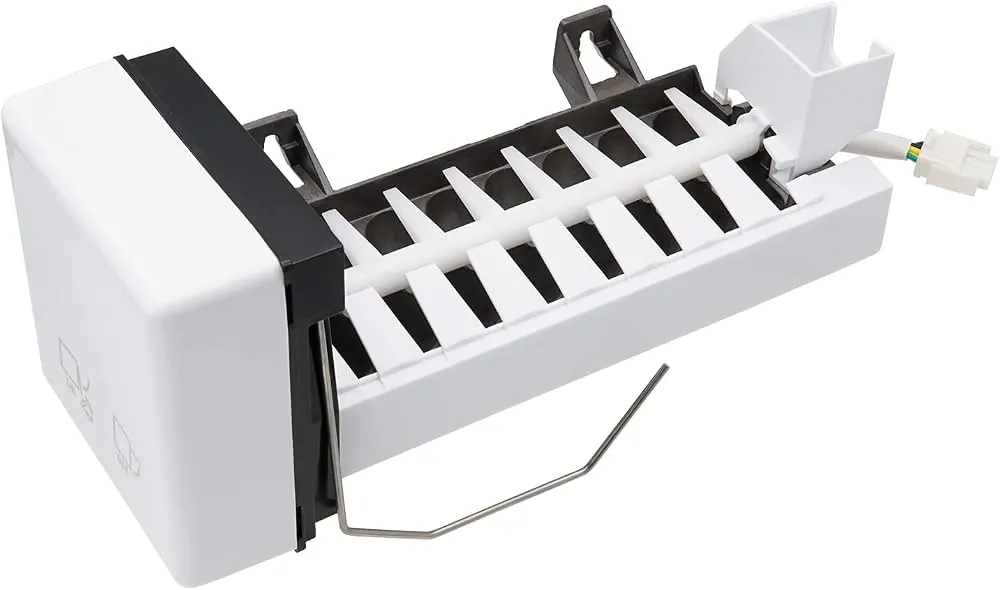
The best way to keep your unit running is to maintain a strict schedule for cleaning and proper placement. If you notice ice quality declining or the production cycle slowing, it’s time to descale the internal components to remove mineral buildup.
Most owners wait until the machine stops working entirely, but that mistake often forces a permanent repair bill exceeding half the unit’s value. Instead, perform a deep clean every 30 days if your local water hardness exceeds 100 parts per million. You can test this easily with a simple strip from any hardware store.
If you’re unsure about your water quality, check the heating element. A white, chalky residue indicates you must switch to filtered water immediately to prevent internal corrosion.
| If you’re doing this | Do this instead | Why |
|---|---|---|
| Leaving water in the tank | Drain the tank after each use | Prevents algae and scale growth |
| Using very hard water | Use filtered tap water | Reduces mineral deposit buildup |
| Placing near a stove | Keep away from heat sources | Prevents the compressor from failing |
| Cleaning with soap | Use a vinegar solution | Soap leaves a film that ruins ice |
Frequently asked questions
Can I use ice-cold water to make ice faster?
Stick to standard tap water at room temperature to ensure the internal cycle completes as designed.
How long does the first batch of ice take?
The first batch usually takes between 15 and 20 minutes, depending on the ambient room temperature. The machine must first cool down the internal evaporator coils before it can begin freezing the water. If the room is warmer than 80°F, you should expect the first cycle to take longer as the compressor works harder to reach the freezing point. Don’t be alarmed if the first few cubes are smaller or thinner than the rest, as the system needs time to stabilize.
Why is the ice coming out in one big block?
The ice is coming out in a block because the cooling cycle is running too long or the water flow is too slow. This often happens if the water pump is partially clogged with scale or if the unit is tilted, causing water to pool in the tray. Ensure your machine is on a perfectly level surface and perform a vinegar-water flush to clear any mineral deposits from the pump. If the problem continues, the timer sensor might be faulty and require professional service.
Is it safe to leave the ice maker on all day?
Yes, it’s safe to leave the machine on, provided it’s in a well-ventilated area away from direct sunlight or heat sources. The machine is designed to enter a standby mode once the internal basket is full of ice. However, if you plan to be away for more than 24 hours, it’s best to empty the basket and power the unit down. This prevents the ice from melting and refreezing into a solid mass that can jam the mechanical arm.
What happens if I use distilled water?
Distilled water often causes the machine to display a false “Add Water” error because the sensors rely on the conductivity of minerals found in tap water. If you must use distilled water, check your user manual to see if your specific model supports it. Most countertop units are calibrated for standard filtered tap water, which contains enough minerals to allow the sensors to work properly.
How often should I clean the reservoir?
You should clean the reservoir at least once every two weeks to prevent mineral buildup and bacterial growth. If you notice a strange taste or smell in your ice, you should clean it immediately. Use a solution of one part white vinegar to ten parts water, run a cycle, and then follow it with two cycles of plain water to rinse the system. This regular maintenance schedule prevents the scale that causes most mechanical failures in these small units.
Proper maintenance of your unit ensures you get consistent results without needing professional help. If you follow these simple steps, you’ll keep your machine running reliably for years.
Conclusion
If the machine still won’t start after you’ve cleaned the sensors and checked the lines, it’s time to contact the manufacturer’s support team. They’ll help you determine if a internal part needs replacing. Don’t worry, as many issues are covered under your warranty, so you’ll likely be back to enjoying cold drinks soon.
Related guides