You can solve most issues with your ceiling unit by performing simple fanimation troubleshooting steps like checking your wall control batteries and ensuring the blade screws are tight. Most of these problems happen because of a loose connection or a dead remote battery, which prevents the receiver from picking up your signal. If your fan makes a humming sound, it often means the wall control is incompatible or the receiver unit is struggling to regulate the motor speed.
Troubleshooting your Fanimation fan issues
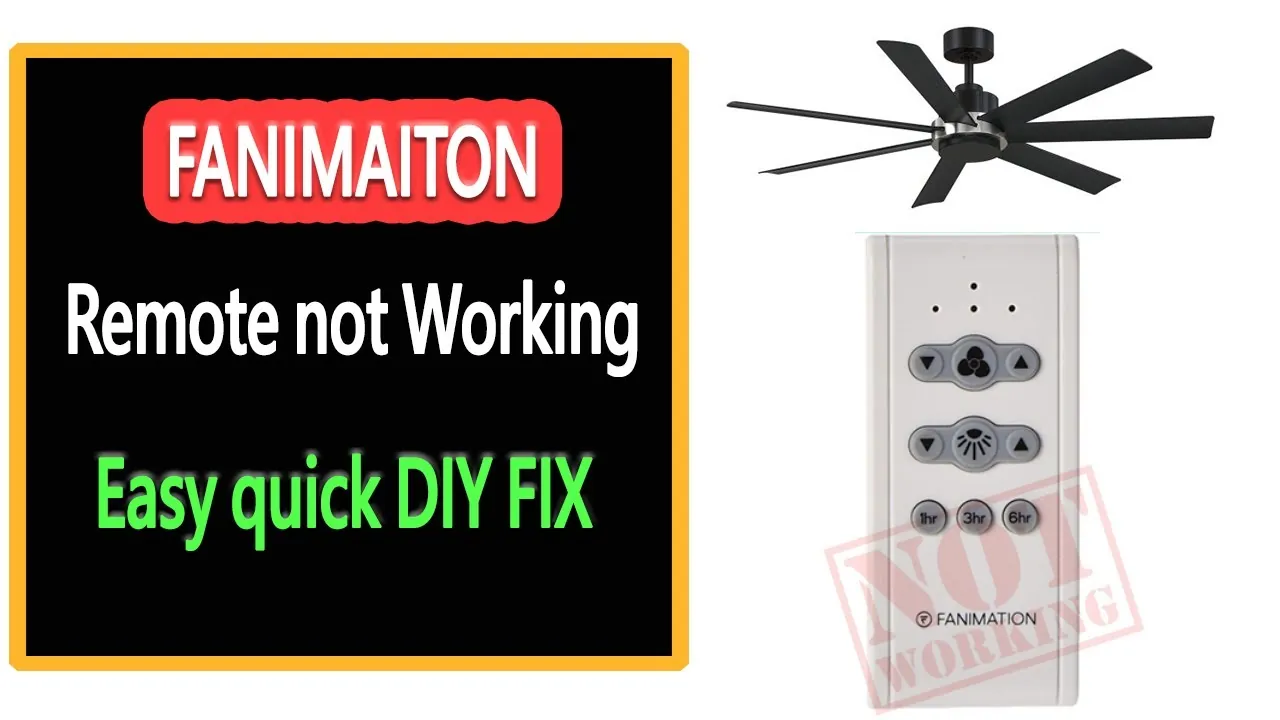
The most common cause for a fan that won’t start is a loss of power at the wall switch or a depleted battery in the handheld remote. When the remote stops sending a signal, the receiver in the fan canopy remains idle, leaving you without light or air. You should first verify that the wall switch is in the “on” position, as many users accidentally turn off the physical switch, which cuts all power to the remote receiver.
Another frequent issue involves the internal dip switches found inside the remote and the fan canopy receiver. These small switches act as a security code; if they don’t match perfectly, the fan will ignore your commands. You can verify this by opening the battery compartment of your remote and comparing the pattern of the switches to the ones located on the main receiver unit. If the settings differ, simply slide them to match.
Finally, internal wiring issues can occur if the fan was installed without proper wire nuts or if the connections have vibrated loose over time. A loose wire often causes intermittent operation, where the fan works for a short time before stopping again. If you suspect a wiring fault, it’s best to consult the Fanimation official support documentation to see if your specific model has known wiring requirements or specific reset procedures.
Reset the remote control connection
If your fan is powered but fails to respond to your remote, performing a hard power reset is the most effective first step. This process forces the receiver to clear its memory and look for a new signal from the transmitter. Start by turning off the power to the fan at your home’s circuit breaker for at least 60 seconds to ensure the receiver fully resets.
After one minute has passed, turn the circuit breaker back on. Within the first 30 seconds of restoring power, press and hold the “off” or “stop” button on your remote control for five seconds. If your model uses a pairing button, press that instead of the off button. You’ll know the process worked if the light kit flashes or the fan motor gives a small “chirp” or movement.
This fix is intended for digital remote systems and won’t work on fans that use mechanical pull chains. If you have an older fan that doesn’t have a remote receiver, this reset won’t change anything. If the fan still doesn’t respond after you have tried these steps, the internal receiver unit may have failed due to a power surge or simple age, which usually requires a replacement part.
Tighten loose hardware and blades
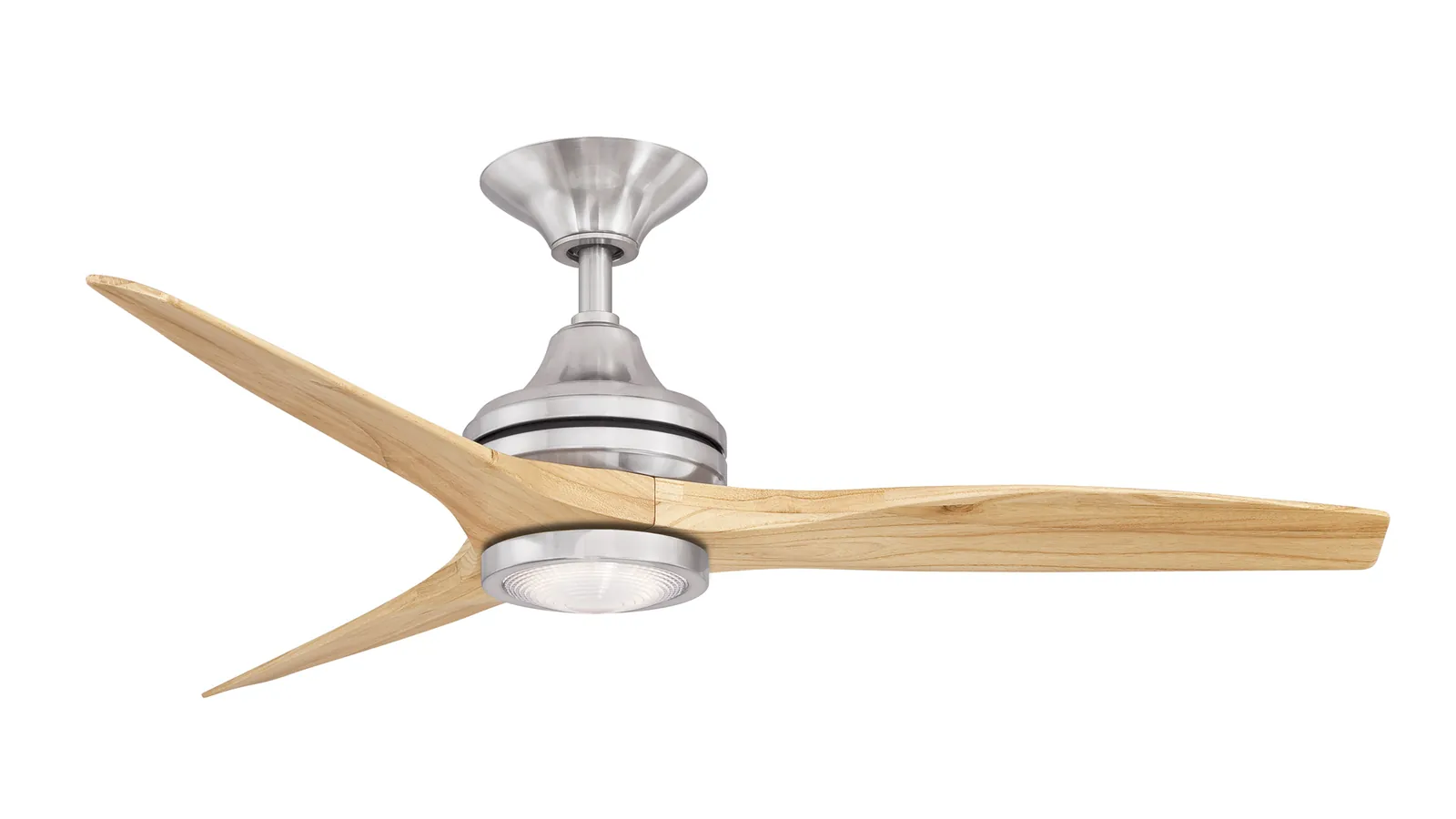
When a fan wobbles or makes a clicking noise, it’s almost always caused by loose hardware rather than a motor failure. Over time, the constant vibration of the motor causes the screws holding the blades to the blade irons to loosen. You should use a standard screwdriver to check every screw on the blade assembly. If a screw turns easily, tighten it until it’s snug, but be careful not to strip the threads by over-tightening.
Check the canopy where the fan meets the ceiling as well. If the mounting bracket is loose, the entire unit will shake, which creates a loud knocking sound that many people mistake for a broken motor. Ensure the set screws on the side of the canopy are tight, as these hold the ball joint in place. If the fan still wobbles after you have tightened all external screws, the blades themselves might be slightly bent or unbalanced.
This fix is perfect for owners who notice a rhythmic “ticking” or “clunking” sound that changes with speed. It isn’t for fans that make a grinding or burning smell; if you smell anything like burning plastic, turn off the power immediately and leave it off. That indicates a motor or wiring fault that a home user can’t safely repair. In that case, you should call a licensed electrician to inspect the unit.
Check the wall control settings
Sometimes the issue isn’t the fan, but the wall control itself. Many modern fan systems require a specific wall control that can “talk” to the receiver; if you have installed a standard dimmer switch, it will interfere with the fan’s electronics. A standard dimmer switch sends chopped power to the motor, which causes a loud, annoying hum and can eventually burn out the receiver.
Ensure your wall control is the one that came with your fan or a model specifically listed as compatible by the manufacturer. If you’re using a dual-switch setup, make sure both switches are in the “on” position. If you have a speed dial, ensure it’s set to the highest position to provide the receiver with full voltage during the startup phase. If the fan runs only on low, the issue is likely a faulty speed capacitor.
This check is vital if you recently remodeled or changed your wall switches. If you find that you’re using a standard dimmer, you must replace it with a non-dimming toggle switch or the manufacturer-provided control to prevent permanent damage to the motor. If you aren’t comfortable handling wall wiring, don’t attempt to change the switch yourself. A licensed electrician can safely swap the control and ensure the wiring meets local building codes.
Common mistakes to avoid
Using a standard light dimmer switch causes the motor to hum and can destroy the receiver. Dimmers chop the AC sine wave, which forces the motor to fight an inconsistent power supply. This creates heat that will fry the internal capacitors within weeks.
Installing the receiver in the canopy without enough space leads to overheating and premature failure. You must ensure at least one inch of clearance for airflow. If the housing feels hot to the touch after an hour of operation, you have failed this test.
Forcing the fan blades to spin by hand while the motor is running can damage the motor windings or internal components. Always wait for a complete stop before reversing direction.
Ignoring a wobbling fan leads to structural damage that can cause the unit to fall. If you see a gap wider than a nickel at the ceiling bracket, tighten the mounting screws immediately.
Proper maintenance for long life
| If you’re doing this | Do this instead | Why |
|---|---|---|
| Leaving the fan on high 24/7 | Use a lower speed setting | Reduces wear on the motor bearings |
| Cleaning blades with water | Use a dry microfiber cloth | Prevents wood warping and rust |
| Ignoring a slight wobble | Balance the blade set | Prevents long-term damage to the mount |
| Using light bulbs over max wattage | Use LED bulbs under 60W | Prevents heat damage to the light kit |
| Leaving the remote in the sun | Store in a cool, dry place | Protects the internal battery life |
Most users ignore a slight wobble, assuming it’s merely a cosmetic nuisance. This is a mistake. A fan that shakes for more than three rotations signifies an imbalance that will eventually strip the mounting screws or crack the ceiling canopy. If you see this, stop the fan immediately and check that all blade screws are tight.
If the wobble persists, use a blade balancing kit. These are inexpensive and use a small clip to identify the heavy blade.
For light kits, the decision rule is simple: if the socket is rated for 60W, don’t exceed that heat output. While LEDs draw less power, older fixtures often have brittle plastic sockets. If the plastic feels chalky or discolored, replace the socket entirely before installing a new bulb to prevent a fire hazard.
Frequently asked questions
Can I use a universal remote with my fan?
No, most fans require a specific remote that matches the frequency of the receiver in the canopy. You should check the model number on your fan’s sticker to find the exact remote that matches your unit. If the original remote is no longer made, you must replace the receiver and remote as a matched set.
Why does my fan hum when it’s on low?
This humming happens because the motor is receiving low voltage, causing electrical components to vibrate. It’s common in fans using older controllers or incorrect dimmer switches. If the sound persists on all speeds, the motor bearings may be dry, signaling the unit is near the end of its life.
How long should a ceiling fan last?
A high-quality ceiling fan typically lasts 10 to 15 years with regular use and basic maintenance. The exact lifespan varies based on usage frequency and the quality of internal motor components. Salt air in coastal areas can corrode metal parts faster, significantly reducing the unit’s lifespan.
Is it safe to leave a wobbling fan on?
No, you should turn the fan off and tighten the hardware as soon as you notice any shaking. A wobbling fan puts extra stress on the ceiling mounting bracket, which can eventually cause the screws to pull out. If the wobble persists after tightening, you may need a blade balancing kit.
What happens if I lose the remote?
If you lose the remote, your fan will likely stay stuck in its last state or turn off if power was cycled. You can try to find a replacement remote by searching for your fan’s specific model number. If you can’t find one, you must install a new receiver kit.
Why does the light stay on but the fan won’t spin?
This usually means the motor capacitor has failed or the motor itself is seized. The capacitor provides the necessary push to start the motor, and its failure is common in fans over 10 years old. You should contact a professional to determine if the part can be replaced.
Conclusion
If these basic adjustments don’t stop the wobbling or silence the noise, it’s best to contact a certified electrician for help. You shouldn’t risk your safety by messing with complex internal wiring. Once a professional checks the motor, you’ll be able to enjoy a cool, quiet room all summer long.